Every retoucher I know has a moment where a client’s feedback stops them cold. Mine came early in my career, when someone told me my edits looked “plastic.” I’d spent hours on the skin, and I’d completely ignored the fact that the background was pulling the viewer’s eye away from the face. The retouching wasn’t the problem. The composition and the tonal balance were. I’d polished something that was structurally broken.
That’s why blind photo critiques are one of the most useful exercises you can do, whether you’re a photographer or a retoucher. Watch the full tutorial on YouTube - it’s episode 710 of KelbyOne’s The Grid, hosted by Erik Kuna and joined by guest Dan Steinhardt. They critique a wide range of submitted images across every genre, and what keeps surfacing is a single unifying principle: the strongest image is the one where you control exactly where the viewer’s eye goes. Everything else - retouching, color grading, sharpening - is in service of that goal.
What struck me watching this was how directly applicable their feedback is to the retouching process specifically. We spend so much time at the pixel level that we can lose sight of the bigger compositional problems we’re being handed. These are the lessons I took back to my own workflow.
Step 1: Before You Open the File, Ask Where the Eye Goes First
 Erik and Dano seated, first critique image on screen
Before touching a single slider, squint at the image. Literally squint, or zoom out until the image is thumbnail-sized. Wherever your eye lands first - that’s where the brightest, highest-contrast, or most saturated element lives. In a portrait, that should be the subject’s face or eyes. If it’s landing somewhere else, that’s the first problem your edit needs to solve, not the last.
Erik and Dano seated, first critique image on screen
Before touching a single slider, squint at the image. Literally squint, or zoom out until the image is thumbnail-sized. Wherever your eye lands first - that’s where the brightest, highest-contrast, or most saturated element lives. In a portrait, that should be the subject’s face or eyes. If it’s landing somewhere else, that’s the first problem your edit needs to solve, not the last.
Erik and Dano return to this point across almost every image they review. A technically sharp photograph with beautiful light can still feel unsatisfying if a blown-out patch of sky or a bright piece of clothing at the edge of the frame is stealing attention. In retouching, we can address this through dodging and burning, selective saturation, or strategic blurring - but only if we’ve diagnosed the problem first.
Step 2: Identify the Distractions at the Edges
 Critique image showing edge distractions being discussed
Edge elements are the most common culprits in images that feel “almost there.” A bright corner, a partially cropped object, or a conflicting texture at the border of the frame all create visual noise that pulls the eye away from your subject. The hosts flag this repeatedly across different genres, from street photography to portraits.
Critique image showing edge distractions being discussed
Edge elements are the most common culprits in images that feel “almost there.” A bright corner, a partially cropped object, or a conflicting texture at the border of the frame all create visual noise that pulls the eye away from your subject. The hosts flag this repeatedly across different genres, from street photography to portraits.
In my retouching work, I’ve started treating edge review as its own dedicated pass. After my primary skin work is done, I’ll zoom out and walk the perimeter of the image deliberately. Anything that’s brighter than the subject, or that forms a strong leading line pointing out of the frame, gets darkened with a burn layer or masked off with a gradient. It takes five minutes and it changes everything about how the final image reads.
Step 3: Find the Stronger Photo Within the Photo
 Hosts gesturing toward a cropped version of a submitted image
One of the most repeated pieces of advice in the critique session is to look for a tighter, stronger image hiding inside the one you were given. This isn’t just about cropping for aspect ratio. It’s about asking whether removing context makes the subject more powerful. Dano and Erik demonstrate this live, showing how a simple crop can transform a busy, unfocused composition into something with real impact.
Hosts gesturing toward a cropped version of a submitted image
One of the most repeated pieces of advice in the critique session is to look for a tighter, stronger image hiding inside the one you were given. This isn’t just about cropping for aspect ratio. It’s about asking whether removing context makes the subject more powerful. Dano and Erik demonstrate this live, showing how a simple crop can transform a busy, unfocused composition into something with real impact.
As a retoucher, I don’t always have cropping authority - that’s the photographer’s call. But I can flag it. I’ll sometimes send a client two exports: the full frame and a suggested crop with a note explaining my thinking. Most clients appreciate it, and it opens a conversation about intention rather than just execution.
Step 4: Use Vignettes to Sculpt Attention, Not Just Decorate
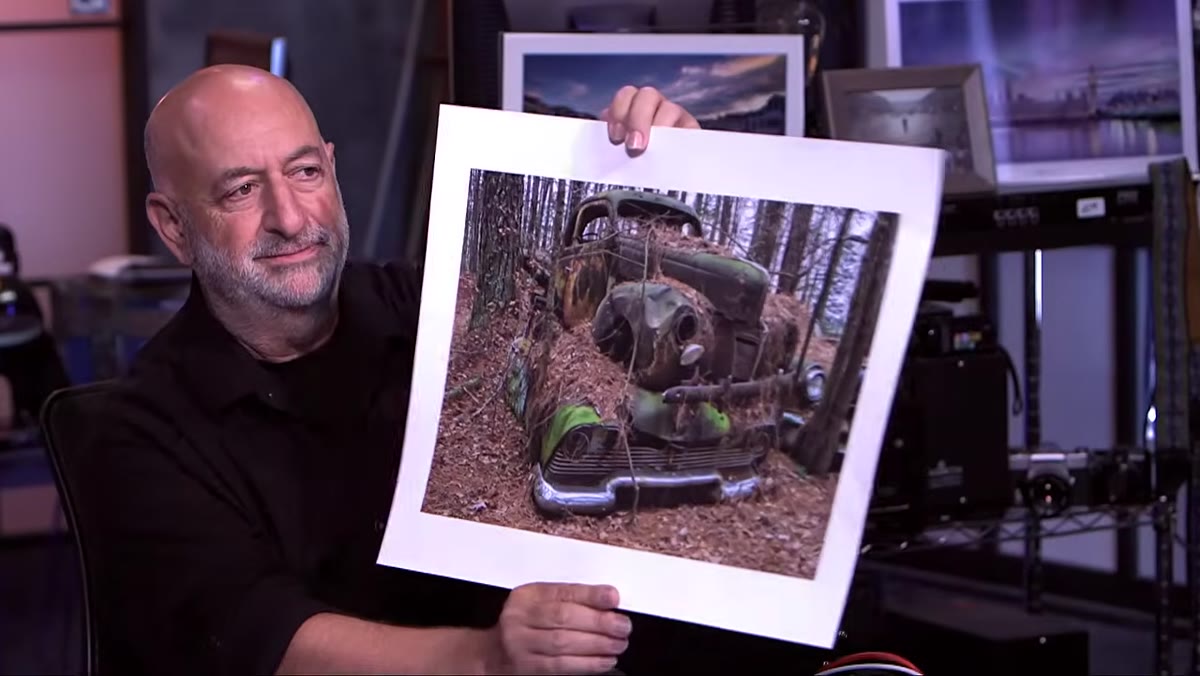 Live edit demonstrating vignette applied to a portrait image
A vignette is not a style choice. It’s a focusing tool. The hosts do a live edit during the session where they drop a vignette onto an image, and the transformation is immediate - the eye stops wandering and settles on the subject. The key detail they emphasize is that the vignette should be subtle enough that a viewer doesn’t consciously notice it, but strong enough that they feel its effect.
Live edit demonstrating vignette applied to a portrait image
A vignette is not a style choice. It’s a focusing tool. The hosts do a live edit during the session where they drop a vignette onto an image, and the transformation is immediate - the eye stops wandering and settles on the subject. The key detail they emphasize is that the vignette should be subtle enough that a viewer doesn’t consciously notice it, but strong enough that they feel its effect.
In Photoshop, I handle this with a curves adjustment layer masked with a large, soft radial gradient. I pull the midtones down slightly rather than crushing the blacks, which keeps the darkened edges feeling natural rather than artificial. The mask feather should be wide - I typically use at least 200-300 pixels of feather on a full-resolution file. The goal is a gradual drift toward shadow, not a hard ring.
Step 5: Dodge and Burn for Viewer Direction, Not Just Dimension
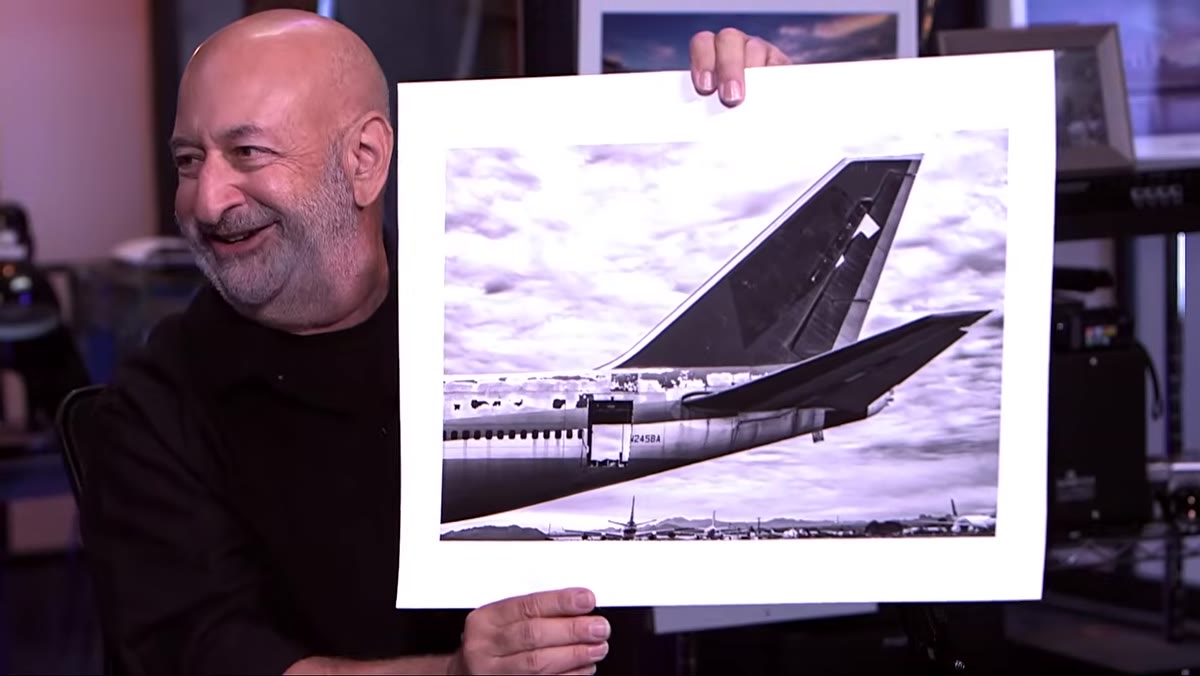 Discussion of dodging and burning across a landscape and portrait image
Dodging and burning often gets taught as a skin-smoothing technique, and it absolutely is that. But the critique session reframes it usefully as a compositional tool. Brightening the subject slightly while darkening competing areas creates a hierarchy that the viewer’s eye follows without thinking. The hosts note how effective this is even in non-portrait work - a slightly brightened face in a street scene draws the eye naturally, without any obvious manipulation.
Discussion of dodging and burning across a landscape and portrait image
Dodging and burning often gets taught as a skin-smoothing technique, and it absolutely is that. But the critique session reframes it usefully as a compositional tool. Brightening the subject slightly while darkening competing areas creates a hierarchy that the viewer’s eye follows without thinking. The hosts note how effective this is even in non-portrait work - a slightly brightened face in a street scene draws the eye naturally, without any obvious manipulation.
I work with two neutral gray layers set to Overlay mode: one for dodging, one for burning. Painting with white on the dodge layer and black on the burn layer with a large, low-opacity brush (I keep mine between 3-8% opacity) lets me build tonal direction gradually. I call these layers “Sunrise” and “Midnight” because that’s just how my brain works. The point is to take multiple light passes rather than one heavy-handed stroke.
Step 6: Apply Selective Sharpening to Reinforce the Focal Point
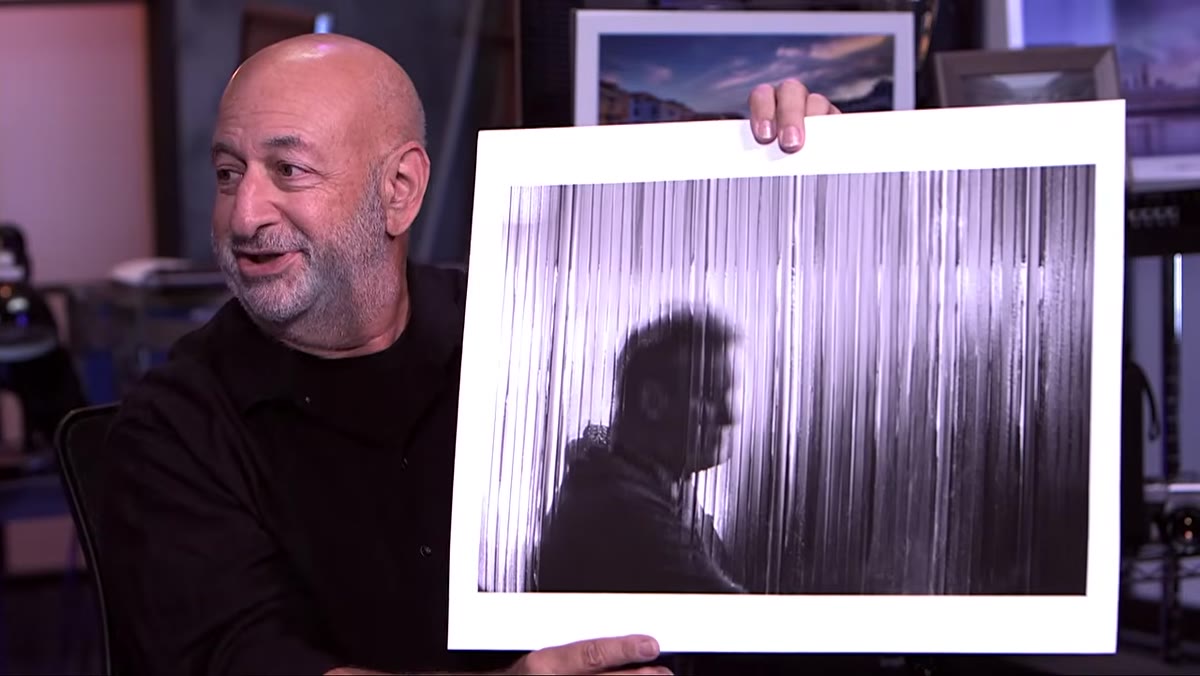 Hosts discussing sharpening as it relates to subject isolation
Sharpening the entire image equally is a missed opportunity. The hosts discuss how selective sharpening - applied most heavily to the focal point and feathering off toward the edges - reinforces the compositional hierarchy you’ve already established with your vignette and dodge-and-burn work. Sharp eyes against softer skin, a sharp face against a slightly softer background.
Hosts discussing sharpening as it relates to subject isolation
Sharpening the entire image equally is a missed opportunity. The hosts discuss how selective sharpening - applied most heavily to the focal point and feathering off toward the edges - reinforces the compositional hierarchy you’ve already established with your vignette and dodge-and-burn work. Sharp eyes against softer skin, a sharp face against a slightly softer background.
I use a high-pass layer for this, clipped to a luminosity mask of the brightest areas of the subject’s face. The filter radius stays low - between 1.5 and 3 pixels for beauty work - and I reduce the layer opacity until the sharpening is visible but not crunchy. The rest of the image gets a gentler pass or none at all.
What I’d Add from My Own Practice
The critique session focuses mostly on in-camera and compositional fixes, which is completely valid. But in retouching, we’re often working backward - taking someone else’s image and trying to strengthen it after the fact. One thing I’ve found essential is creating a reference thumbnail at the very start of a project, before I’ve done any work. I’ll screenshot the raw file, paste it into a notes doc, and write two sentences about where my eye goes and what’s fighting for attention.
By the time I’m deep in a retouch, I’ve looked at the image too long to see it clearly. That early note becomes my north star. It reminds me what problem I was actually trying to solve.
The single most transferable idea from this episode is that every tool in our kit - cropping, vignettes, dodging and burning, selective sharpening - exists to answer one question: where do you want the viewer to look? Answer that question first, then choose your tools.
Watch the full tutorial on YouTube to see the live edits and the full range of critique feedback across every genre. The portrait and composition segments alone are worth the runtime.
Comments
Leave a Comment