
Latest Articles

Learn Retouching

The Art of Natural Makeup Retouching: Enhancing Beauty Without Looking Edited

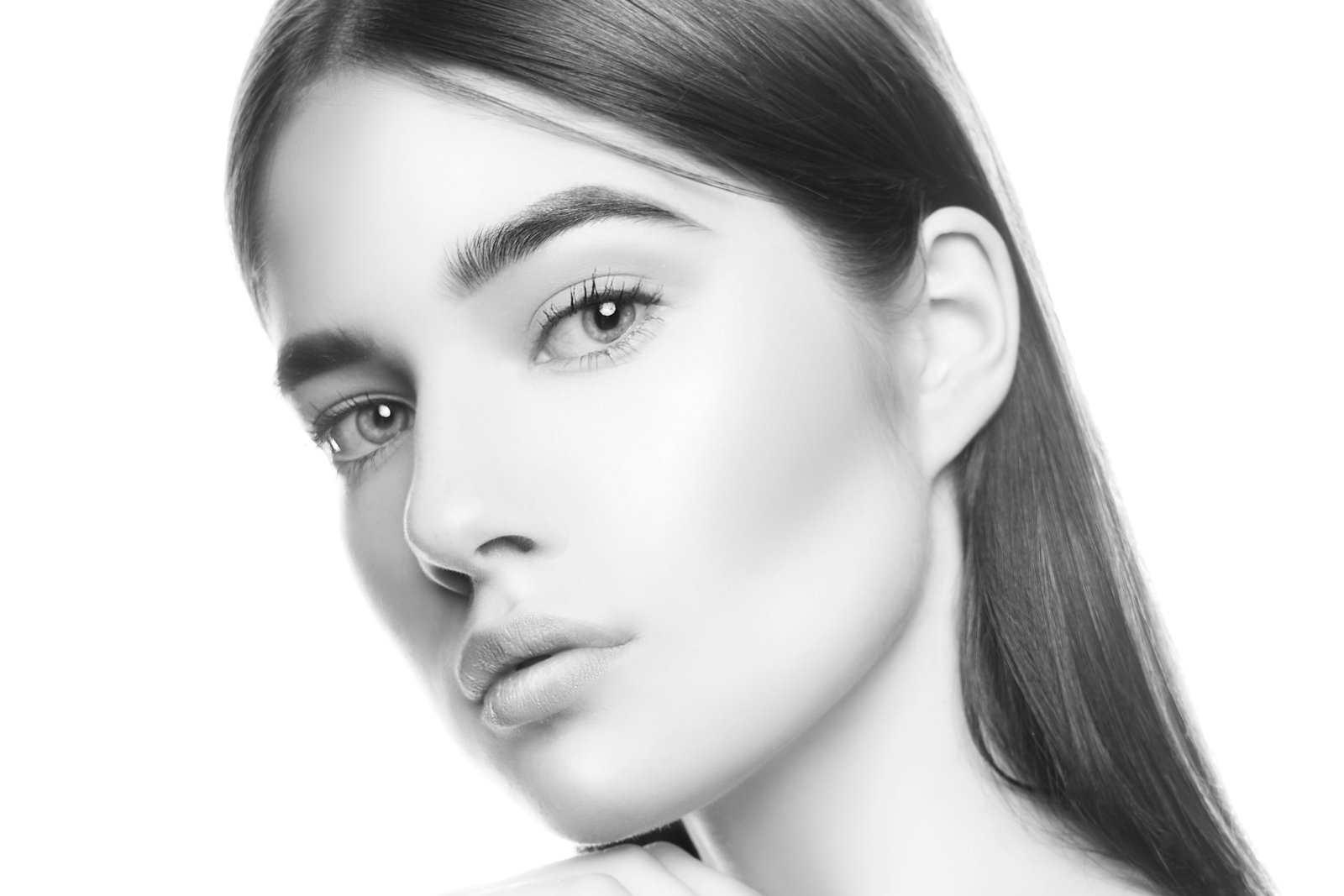
The Art of Natural Makeup Retouching: Enhancing Beauty Without Looking Edited When I first started retouching portraits, I made a common mistake—I over-edited the makeup. My clients looked airbrushed and plastic, which wasn’t what they wanted at all. I’ve since learned that the best makeup retouching is invisible. It enhances what’s already there while keeping skin looking human and real. Let me walk you through my approach. Understanding the Goal Before we touch a single brush, I ask myself: are we enhancing existing makeup, or creating a polished version of the client’s natural face?

Learn Retouching

How to Use Lightroom Mobile's New AI Blemishes Tool for Professional Portrait Retouching

I’ve been following the rapid evolution of AI-powered editing tools, and I have to say—Lightroom Mobile’s new Blemishes tool is genuinely impressive. In this excellent tutorial, Aaron Nace (PHLEARN) shows us how to leverage this intelligent feature to achieve professional-quality skin retouching right from our phones. Let me break down exactly how this works and share some insights I’ve picked up from testing it myself. What Makes This Tool Different?

Learn Retouching

Frequency Separation: The Game-Changing Technique for Flawless Skin

Frequency Separation: The Game-Changing Technique for Flawless Skin When I first learned about frequency separation, I felt like I’d unlocked a secret level in my retouching practice. This technique completely transformed how I approach skin editing—and I’m excited to share it with you because it genuinely changes everything. What Is Frequency Separation, Really? At its core, frequency separation is about dividing your image into two layers: one containing texture and detail, and another containing color and tone.

Learn Retouching

The Art of Subtle Makeup Retouching: Enhancing Beauty Without Overdoing It

The Art of Subtle Makeup Retouching: Enhancing Beauty Without Overdoing It When I first started retouching portraits, I made a common mistake: I assumed more editing meant better results. I’d smooth every pore, intensify every color, and push every slider to the limit. The portraits looked plasticky and lifeless. Over time, I learned that the most beautiful retouching work is the kind nobody consciously notices—it just makes people look like the best version of themselves.

Learn Retouching

Your First Unreal Engine 5 Project: A Beginner's Complete Guide to 3D Scene Creation

When I first approached Unreal Engine 5, I felt overwhelmed by the interface and endless possibilities. But in this excellent tutorial, Serge Ramelli shows us that creating professional 3D scenes isn’t as intimidating as it seems. His beginner-friendly breakdown walks you through everything from installation to final render in under an hour. Let me break down this comprehensive guide so you can follow along confidently. Getting Started: Installation and Setup The foundation of any UE5 project begins with proper installation.

Learn Retouching

Mastering Urban Portrait Retouching: A Complete Guide to the Bir Hakeim Bridge Technique

Mastering Urban Portrait Retouching: A Complete Guide to the Bir Hakeim Bridge Technique I’ve always found that some of the most transformative retouching lessons come from real-world shooting scenarios—especially when we’re working with the challenging lighting and composition that urban environments throw at us. In this excellent tutorial, Serge Ramelli shows us how to take a portrait shot at the iconic Bir Hakeim Bridge in Paris and transform it into a polished, professional image using systematic retouching and beauty editing techniques.

Learn Retouching

Mastering Night Light Beauty Photography: A Retouching Guide for Artificial Lighting

Mastering Night Light Beauty Photography: A Retouching Guide for Artificial Lighting I’ve been thinking a lot lately about how artificial lighting transforms portrait photography—and the unique retouching challenges it presents. When we shoot under neon signs, decorative lanterns, and street lights, we’re working with color casts and dynamic shadows that require a thoughtful editing approach. This is especially true when we want our subjects to look their absolute best. The Challenge of Colored Light Sources Shooting in environments like illuminated gardens or neon-lit streets creates an entirely different canvas than traditional studio lighting.

Learn Retouching

The Art of Natural Skin Retouching: My Step-by-Step Approach

The Art of Natural Skin Retouching: My Step-by-Step Approach When I first started portrait retouching, I made the same mistake many beginners do—I over-smoothed everything until my clients looked like porcelain dolls. After years of refining my craft, I’ve learned that the best retouching is the kind people can’t quite see. We’re aiming for enhancement, not transformation. In this article, I’ll walk you through my exact workflow for achieving skin that looks naturally flawless.

Learn Retouching

The Art of Portrait Cleanup: A Step-by-Step Guide to Natural-Looking Retouching

The Art of Portrait Cleanup: A Step-by-Step Guide to Natural-Looking Retouching When I first started retouching portraits, I made the same mistake many of us do: I cleaned up everything. Every texture, every subtle shadow, every whisper of character. The result? Portraits that looked plastic and lifeless. Over the years, I’ve learned that great portrait cleanup isn’t about erasing reality—it’s about enhancing it thoughtfully. Today, I’m sharing the approach we use in our studio to create portraits that look professionally polished while still feeling authentically human.

Learn Retouching

Understanding Curves for Portrait Retouching

The Curves adjustment is the single most powerful tool in Photoshop. Every retoucher needs to understand it deeply — not just “S-curve for contrast” but the full range of what it can do. Curves Basics: What’s Actually Happening The Curves dialog shows a graph where the X-axis is input values (how bright pixels are now) and the Y-axis is output values (how bright you want them to be). A straight diagonal line means no change — every input maps to the same output.

Learn Retouching

Retouching for Different Skin Types and Tones

Most retouching tutorials assume a narrow range of skin types — usually fair to medium-toned, smooth skin. But real clients come with every possible combination of skin tone, texture, and type. Your retouching approach needs to adapt. Here’s what I’ve learned from retouching portraits across a wide range of skin types. Darker Skin Tones Darker skin has unique characteristics that affect how you retouch. Specular highlights are more visible. Darker skin reflects light differently, creating stronger, more distinct highlights especially on the forehead, nose, and cheekbones.

Learn Retouching

The Secret to Professional Headshot Retouching

Corporate headshots are the bread and butter of portrait retouching. They’re not as glamorous as beauty or fashion work, but they pay the bills — and there’s a real art to doing them well. The goal with a corporate headshot is simple: make the person look like the best version of themselves on their best day. Not younger, not thinner, not different — just polished. What to Fix Temporary blemishes (always remove) Stray hairs (clean up the silhouette) Uneven skin tone (especially redness on nose, cheeks) Wrinkled clothing (quick fix with Liquify) Distracting background elements Under-eye circles (reduce, don’t eliminate) Shine on forehead and nose (reduce, keep some for dimension) What to Leave Alone Wrinkles (reduce by 20-30%, never remove) Moles and beauty marks (these are features, not flaws) Facial structure (no Liquify reshaping on headshots) Smile lines (they make people look friendly and genuine) The reason is practical: this person’s colleagues will see this photo.

Never Miss a Tutorial

Join our newsletter for weekly retouching tips, tutorials, and exclusive content.

Subscribe Now