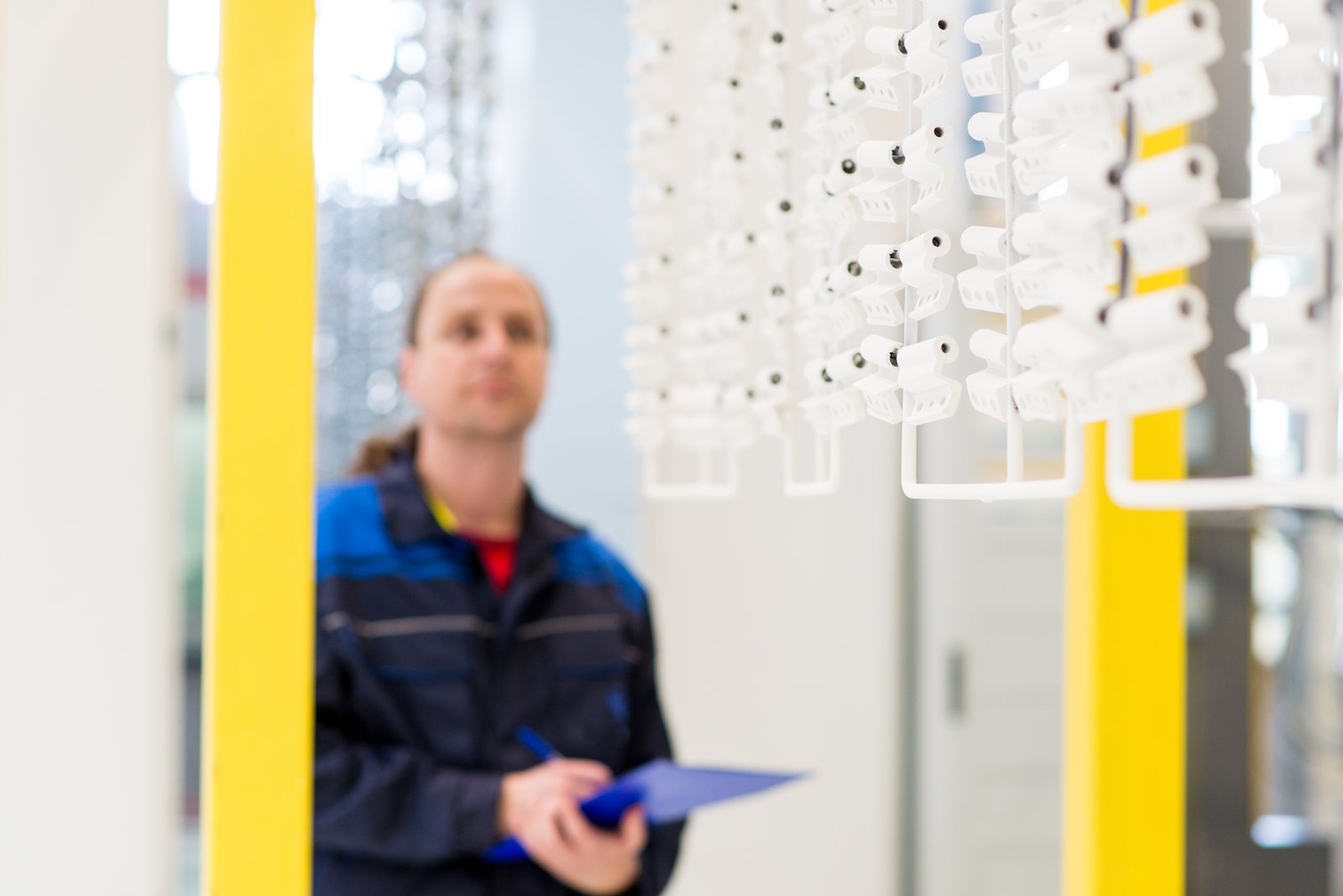
Mastering High-Volume Product Photography: How to Retouch 25 Items in Record Time

Mastering High-Volume Product Photography: How to Retouch 25 Items in Record Time

Planning Is Everything Recently, I watched a studio team tackle an ambitious challenge: photographing and retouching 25 products across two major retail clients in just 11 production days. What struck me most wasn’t the sheer volume—it was how meticulous planning made the impossible feel manageable. Before a single light was positioned, the team created a comprehensive shot list that grouped similar products together. This strategic sequencing meant consistent lighting setups could be reused, reducing the time spent rebuilding between shots.
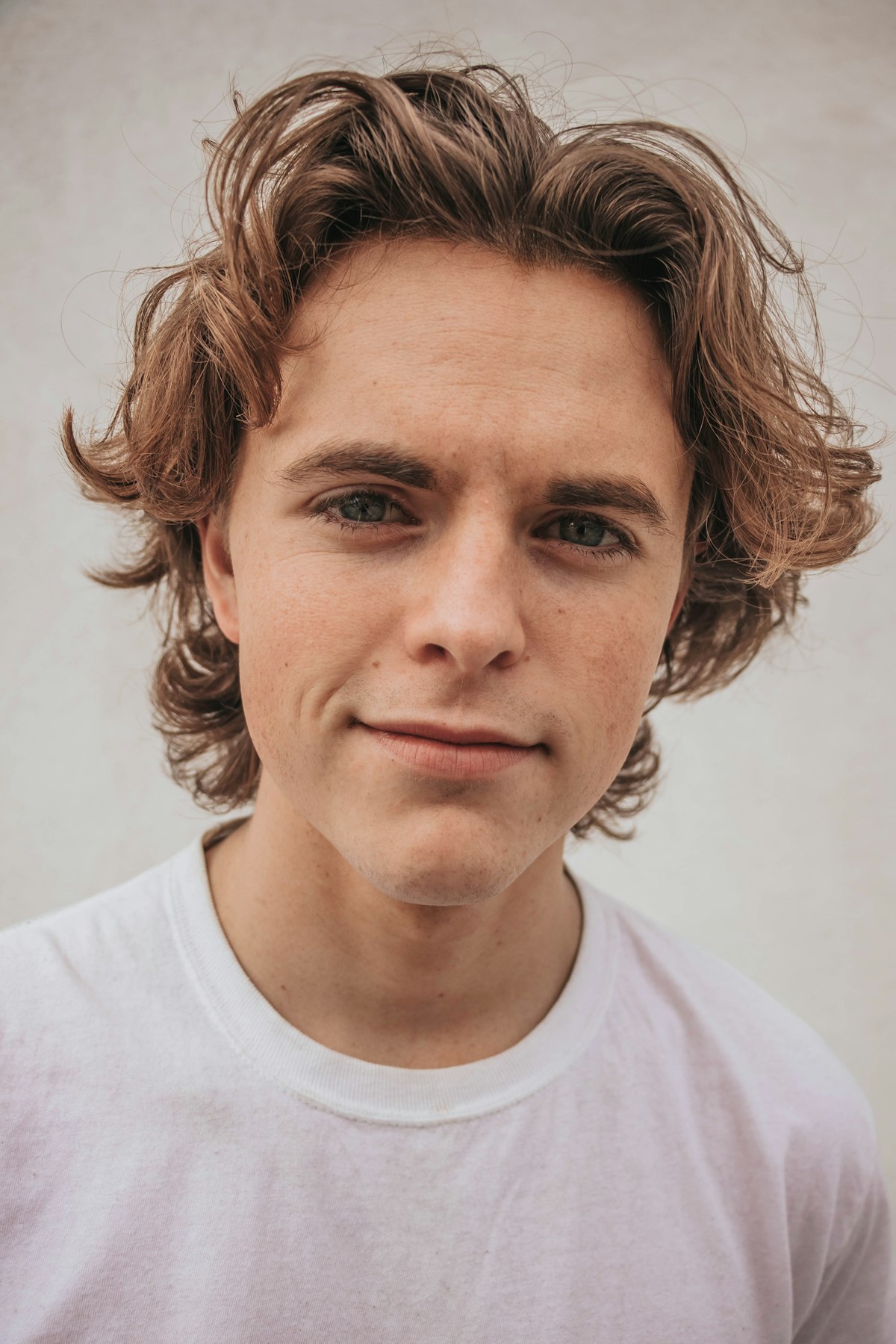
Speed Retouching: Professional Results in Under 5 Minutes

Speed Retouching: Professional Results in Under 5 Minutes

Not every portrait gets 90 minutes of retouching. Event photographers might deliver 200 images from a single shoot. Corporate headshot sessions might produce 30 portraits in an afternoon. You need a fast workflow that still looks professional. Here’s my 5-minute retouching process, broken into steps that I time myself on. Minute 1: Healing Pass Open the image and immediately create a new blank layer. Select the Healing Brush, set to “Sample All Layers,” and quickly remove: