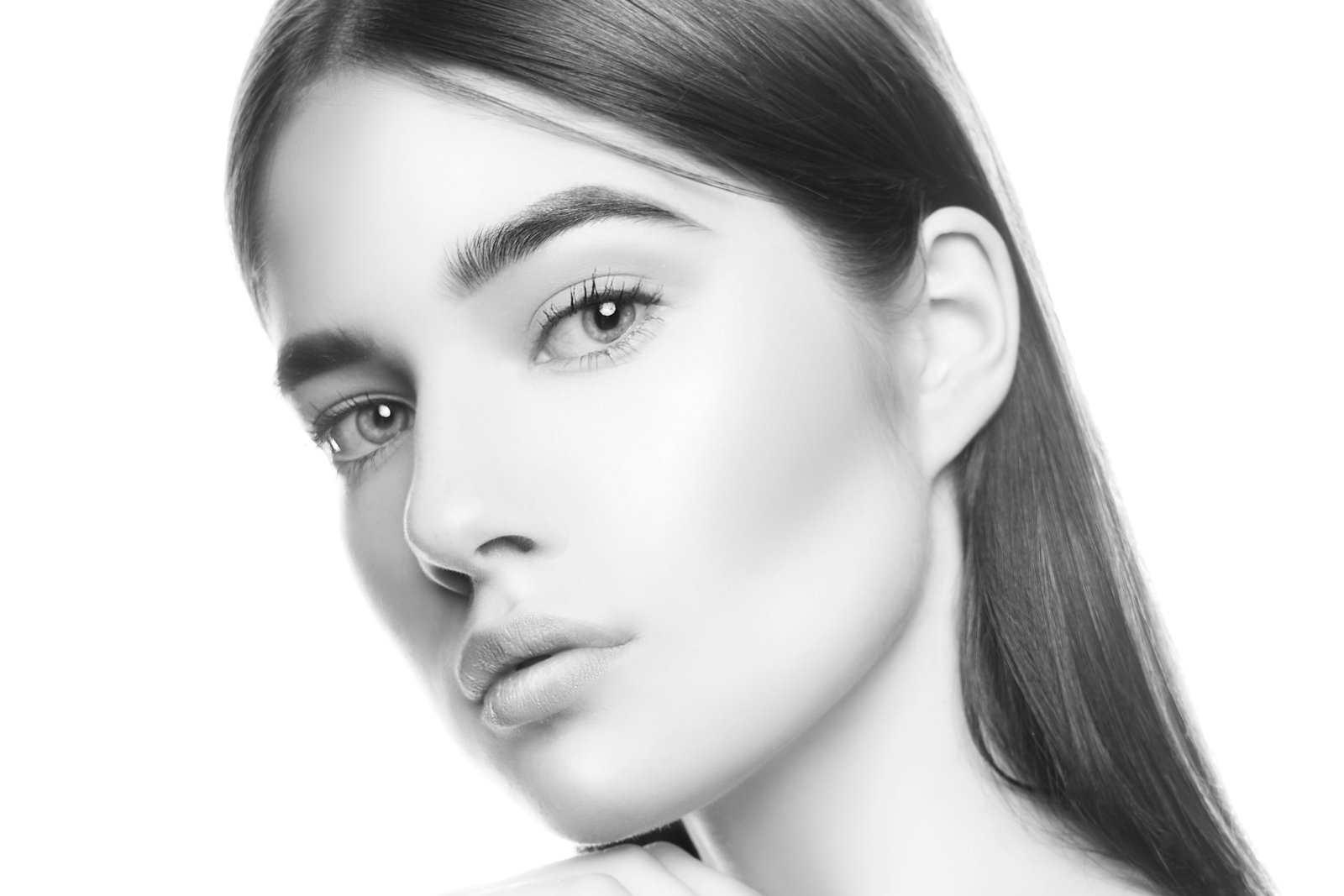
Mastering Selective Color Changes in Beauty Retouching: From Simple to Complex
When we’re working on beauty and portrait retouching, color adjustments are fundamental to our craft. Whether we’re enhancing a makeup look, changing clothing tones, or adjusting background colors, knowing how to isolate and modify specific hues can make the difference between an amateur edit and a polished, professional result.
Why Color Isolation Matters in Portrait Work
Here’s what I’ve discovered through years of retouching portraits: the real challenge isn’t changing a color when it exists in isolation. It’s when that color shares similar tones with your subject’s skin, hair, or the background. This is where many editors struggle, and honestly, it’s where the real skill development happens.
A Progressive Approach to Color Work
I’ve found that breaking color-changing techniques into levels of difficulty helps us build confidence and expertise. We start with straightforward selections, then progress to more nuanced scenarios where adjacent colors demand careful attention.
The beauty of this layered approach is that it mirrors real-world retouching challenges. A simple lipstick color change uses different tools than adjusting a dress that’s similar in tone to someone’s skin. By mastering the fundamentals first, we develop the eye and muscle memory needed for complex work.
Preserving Texture While Shifting Hue
One principle I always emphasize to other retouchers: changing color doesn’t mean losing texture. Our clients want their edits to look natural and dimensional. Whether we’re modifying a blouse, adjusting eye makeup tones, or shifting background colors, maintaining the original texture—the highlights, shadows, and surface quality—is what separates convincing edits from artificial-looking ones.
This is particularly crucial in beauty retouching, where our subjects are scrutinizing every detail. If we flatten a texture while changing its color, even slightly, the client will notice.
Building Your Selective Editing Toolkit
I encourage all retouchers to develop a varied toolkit for color work. Different scenarios call for different approaches, and having multiple techniques at your disposal means you’re never limited by your tools.
The goal is flexibility. We want to be able to shift almost any color in virtually any direction while maintaining the integrity of our image. That confidence comes from practice and understanding why certain techniques work better than others in specific situations.
As we continue refining our retouching skills, remember that color manipulation isn’t just about achieving the desired result—it’s about doing it in a way that looks completely natural and intentional.
Comments
Leave a Comment