The 15-Minute Eye Enhancement Workflow That Stopped My Clients from Looking Like Wax Figures

The 15-Minute Eye Enhancement Workflow That Stopped My Clients from Looking Like Wax Figures

The first time a client told me my edits looked “plastic,” I wanted to close my laptop and never open Photoshop again. I’d spent three hours on her portrait. The eyes especially, where I’d gone in with the Dodge tool like I was excavating treasure, burning whites to pure white and irises to this glassy, oversaturated turquoise. She looked like a doll. Not a good one. That was eight years ago, and I still keep that file in a folder called “Humbling Moments.
Mastering Selective Color Changes in Beauty Retouching: From Simple to Complex

Mastering Selective Color Changes in Beauty Retouching: From Simple to Complex

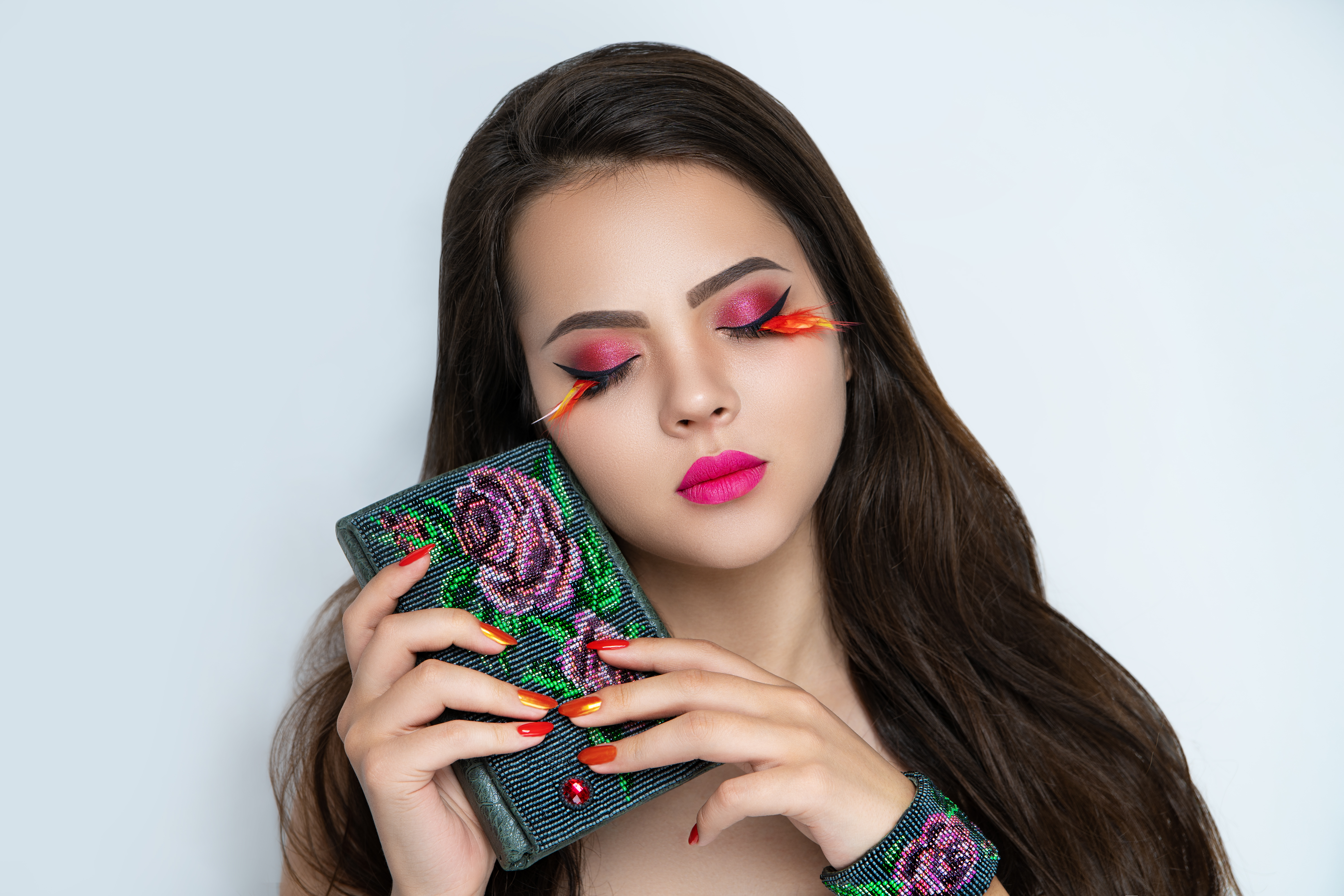
Mastering Selective Color Changes in Beauty Retouching: From Simple to Complex When we’re working on beauty and portrait retouching, color adjustments are fundamental to our craft. Whether we’re enhancing a makeup look, changing clothing tones, or adjusting background colors, knowing how to isolate and modify specific hues can make the difference between an amateur edit and a polished, professional result. Why Color Isolation Matters in Portrait Work Here’s what I’ve discovered through years of retouching portraits: the real challenge isn’t changing a color when it exists in isolation.

Why Your Skin Retouching Looks Fake (And the Frequency Separation Fix That Changed Everything)

Why Your Skin Retouching Looks Fake (And the Frequency Separation Fix That Changed Everything)

I still keep my first real retouching attempt on an external drive. It’s a portrait of a bride, smooth as a vinyl doll, every pore obliterated, skin tones blended into something that reads less “glowing” and more “uncanny valley.” I thought I’d done a good job. Her mother thought otherwise, and she made sure I knew it at the reception. That was the edit that pushed me to actually understand what I was doing, not just drag a healing brush around until things looked vaguely cleaner.

Why Your Skin Retouching Looks Plastic (And the Frequency Separation Fix That Changed How I Work)

Why Your Skin Retouching Looks Plastic (And the Frequency Separation Fix That Changed How I Work)

The first time a client told me my retouching looked plastic, I didn’t know what to say. I had spent two hours on that image. The skin was smooth, the tones were even, the blemishes were gone. It looked, to my eye at the time, professional. She was polite about it, but the word landed hard: plastic. I went home, pulled up the file, and really looked at it. She was right.

Why Eyes Fall Flat in Portraits (And the Exact Workflow I Use to Fix Them)

Why Eyes Fall Flat in Portraits (And the Exact Workflow I Use to Fix Them)

A few years into my retouching work, a client sent me an email I still think about. She said the eyes in her campaign images looked “glassy, like a doll.” She wasn’t wrong. I’d brightened the irises, added a catch light, sharpened the lashes, and somehow made a real person look less alive than when I started. That email taught me something I now open every workshop with: eyes don’t need to be brighter.

The 4-Layer Method I Use to Make Eyes Look Alive Without Looking Retouched

The 4-Layer Method I Use to Make Eyes Look Alive Without Looking Retouched

A few years back, a client sent me a revision note that stopped me cold. She’d hired me to retouch headshots for her acting portfolio, and her feedback on the eye work was: “They look like doll eyes. Can you make me look like a person again?” She was right. I’d gone in hard with a Hue/Saturation layer, cranked the blue channel on her irises, and added a specular highlight so bright it looked like a flashlight was aimed directly at her face.

Why Local Processing Matters: ACDSee's Latest Update Prioritizes Your Privacy in Portrait Work

Why Local Processing Matters: ACDSee's Latest Update Prioritizes Your Privacy in Portrait Work

Why Local Processing Matters: ACDSee’s Latest Update Prioritizes Your Privacy in Portrait Work As portrait retouchers and beauty editors, we work with some of the most sensitive images our clients will ever share. That’s why I’m genuinely excited about ACDSee Photo Studio Ultimate 2027 and its approach to AI—it’s fundamentally different from what we’ve seen before, and frankly, it’s a game-changer for those of us who care deeply about protecting client privacy.

How to Use Frequency Separation for Natural-Looking Skin Retouching (Jessica Kobeissi Breakdown)

How to Use Frequency Separation for Natural-Looking Skin Retouching (Jessica Kobeissi Breakdown)

There’s a specific kind of dread that comes with opening a portrait file and seeing uneven, blotchy skin tone staring back at you. Not blemishes, not texture problems, just that muddy patchwork of reds and pinks and shadows that makes an otherwise beautiful shot look like it was lit by a convenience store. Early in my retouching career, I tried to fix this kind of thing with the Spot Healing Brush and a prayer.

What Tyra Got Wrong About Skin Texture (And What It Means for How We Retouch)

What Tyra Got Wrong About Skin Texture (And What It Means for How We Retouch)

There’s a clip from the first cycle of America’s Next Top Model that has lived rent-free in my head since I stumbled across Jessica Kobeissi’s reaction video a few weeks ago. Tyra Banks tells a model, on camera, that her skin texture made the retoucher’s job the hardest of the entire shoot. The implication is clear: natural skin is a problem to be solved. I’ve been retouching beauty work long enough to know that this framing does real damage, not just to models on reality television, but to the everyday clients who come to photographers already convinced their skin needs to be erased before they can look good in a photo.

The Smarter Way to Dodge and Burn: Using Apply Image for Luminosity-Based Masks in Photoshop

The Smarter Way to Dodge and Burn: Using Apply Image for Luminosity-Based Masks in Photoshop

There’s a particular kind of frustration that comes from spending forty minutes hand-painting a dodge and burn layer, only to zoom out and realize the skin looks muddy, patchy, or just slightly wrong. I lived in that frustration for longer than I’d like to admit when I first transitioned from shooting weddings to doing beauty retouching full time. The problem wasn’t the concept. Dodging and burning is fundamental. The problem was that painting by hand means you’re guessing where the light and shadow fall, and skin doesn’t respond well to guesswork.

How to Soften Skin in Lightroom Without Touching Photoshop (A Step-by-Step Guide)

How to Soften Skin in Lightroom Without Touching Photoshop (A Step-by-Step Guide)

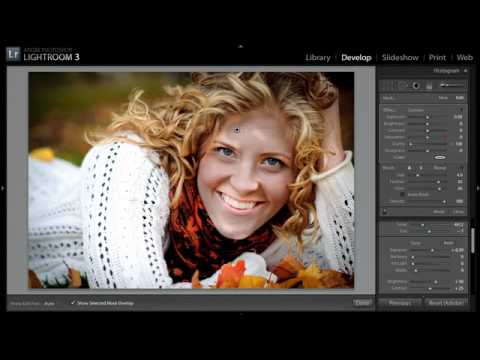
For a long time, I treated Lightroom as a halfway house. I’d do my exposure corrections, pull my highlights, maybe warm up the tone, and then shuffle the file over to Photoshop for anything that actually touched skin. That was just the workflow. Lightroom was for global adjustments. Photoshop was for faces. Then I came across this KelbyOne tutorial on skin smoothing entirely inside Lightroom, and I had to rethink that assumption.

How to Add Depth and Dimension to a Cracked Skin Effect in Photoshop

How to Add Depth and Dimension to a Cracked Skin Effect in Photoshop

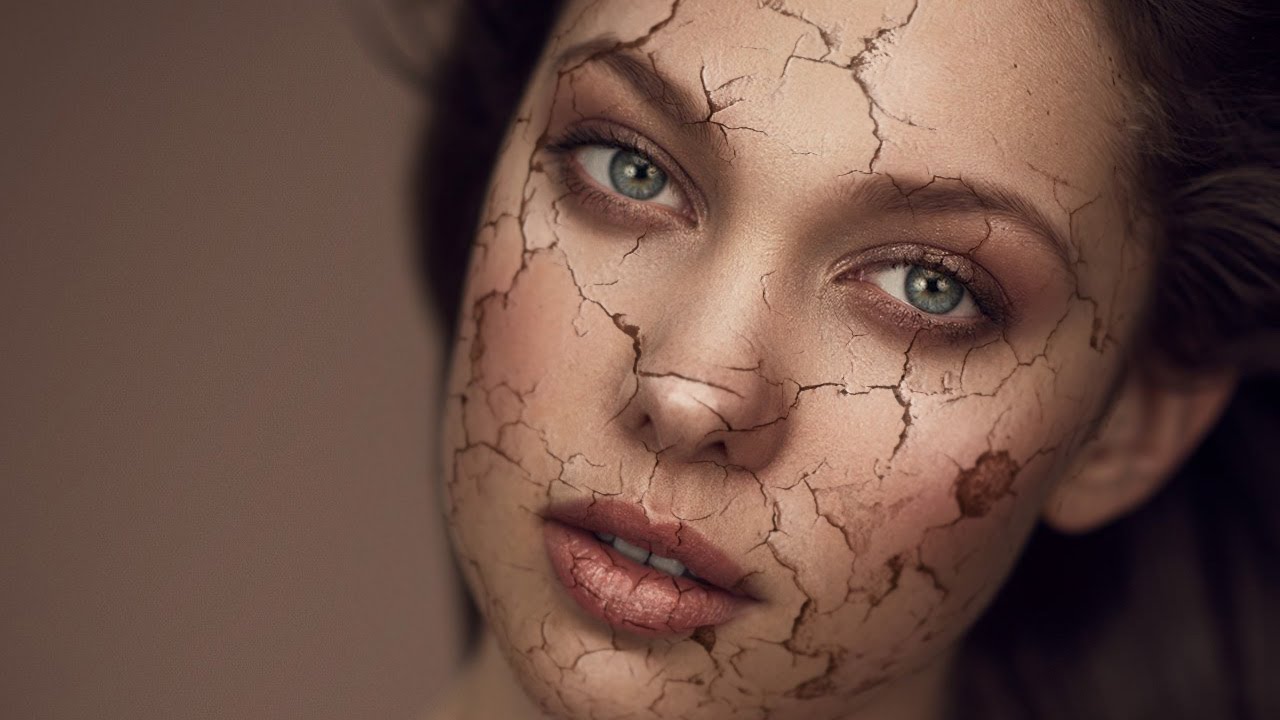
Special effects work isn’t something I thought I’d ever be doing when I first picked up a camera to shoot wedding receptions in the rain. But beauty retouching has a way of pulling you into corners of Photoshop you never expected to visit, and the cracked skin composite is one of those techniques that shows up more often than you’d think, whether it’s an editorial beauty shoot, a Halloween campaign, or a concept piece for a brand that wants something dramatic.