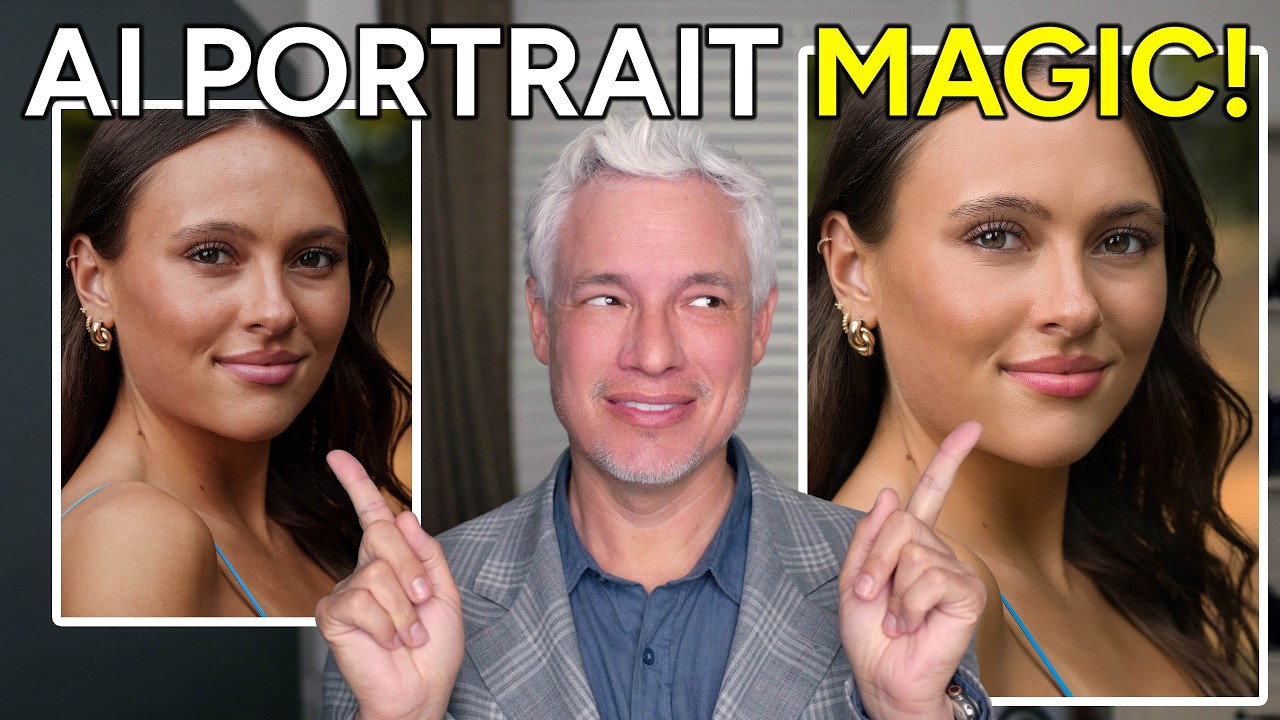
Natural-Looking Portrait Retouching with Luminar Neo's New AI Tools (No Subscription Required)

Natural-Looking Portrait Retouching with Luminar Neo's New AI Tools (No Subscription Required)

There is a specific kind of dread that comes from delivering a gallery and then getting a reply that says “these look a little… airbrushed.” I know that feeling intimately. Early in my retouching career, I overcorrected for every pore and stray hair until my subjects looked like they were made of latex. The lesson I eventually learned, the hard way, is that great retouching is invisible. People should look like themselves, just on their best day.

Can Budget Laptops Handle Professional Beauty Retouching? We Put One to the Test

Can Budget Laptops Handle Professional Beauty Retouching? We Put One to the Test

Can Budget Laptops Handle Professional Beauty Retouching? We Put One to the Test When we heard that serious portrait retouchers dismiss budget laptops outright, we had to investigate. After all, not every beauty editor has access to top-tier equipment. So we decided to conduct our own experiment: could we complete a large-scale retouching project on an affordable MacBook? Setting Up Our Test We took on an ambitious project—processing approximately 2,600 RAW portrait files that needed culling, cropping, skin retouching, and final adjustments.