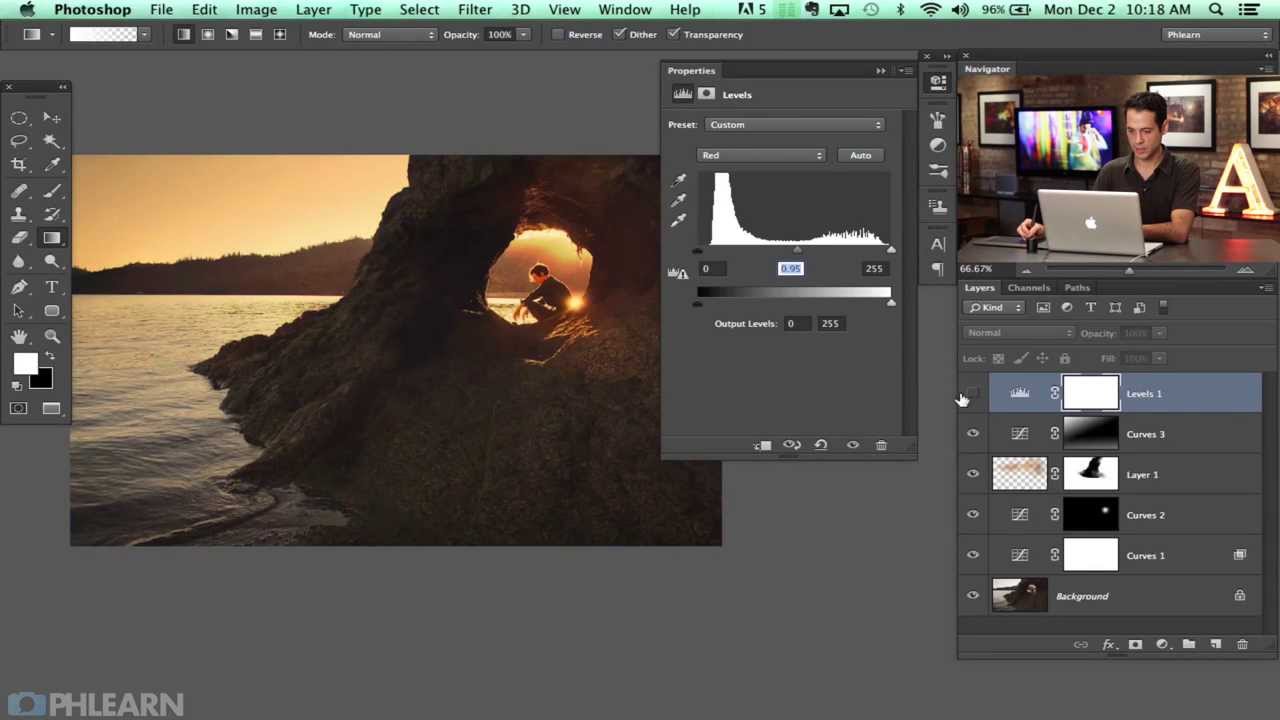
Color Dodge in Photoshop: A Cinematic Color Grading Technique Worth Adding to Your Workflow

Color Dodge in Photoshop: A Cinematic Color Grading Technique Worth Adding to Your Workflow

There’s a particular kind of portrait image that stops you mid-scroll. The light feels alive. The highlights glow with color rather than just blowing out to white. The shadows have personality. More often than not, that look comes from deliberate color work in post, not lucky golden hour lighting. For a long time, I chased that quality using the same handful of tools I’d been using since my wedding photography days, and the results were fine.
Understanding Curves for Portrait Retouching

Understanding Curves for Portrait Retouching

The Curves adjustment is the single most powerful tool in Photoshop. Every retoucher needs to understand it deeply — not just “S-curve for contrast” but the full range of what it can do. Curves Basics: What’s Actually Happening The Curves dialog shows a graph where the X-axis is input values (how bright pixels are now) and the Y-axis is output values (how bright you want them to be). A straight diagonal line means no change — every input maps to the same output.