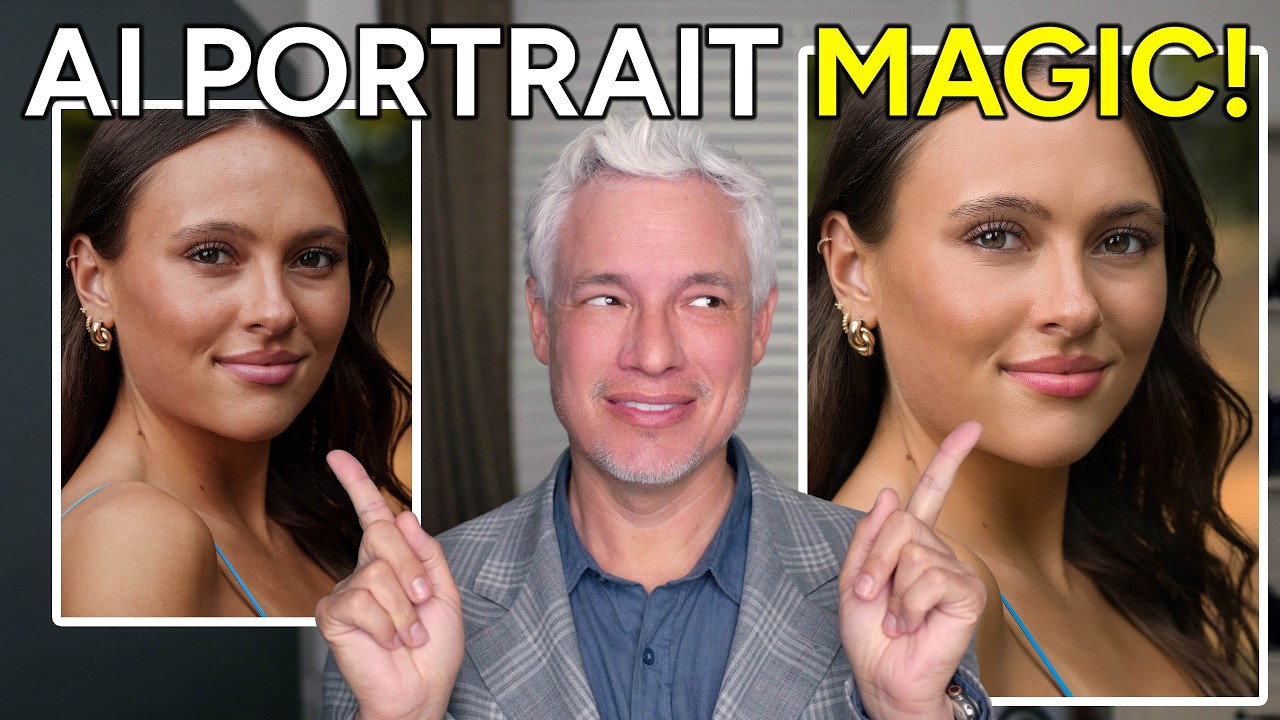
Natural-Looking Portrait Retouching with Luminar Neo's New AI Tools (No Subscription Required)

Natural-Looking Portrait Retouching with Luminar Neo's New AI Tools (No Subscription Required)

There is a specific kind of dread that comes from delivering a gallery and then getting a reply that says “these look a little… airbrushed.” I know that feeling intimately. Early in my retouching career, I overcorrected for every pore and stray hair until my subjects looked like they were made of latex. The lesson I eventually learned, the hard way, is that great retouching is invisible. People should look like themselves, just on their best day.

Luminar Neo's Spring Update: Game-Changing Portrait Tools That Transform Your Retouching Workflow

Luminar Neo's Spring Update: Game-Changing Portrait Tools That Transform Your Retouching Workflow

A New Era of Portrait Retouching is Here I’ve been watching the portrait retouching software landscape evolve, and I have to say—I’m genuinely excited about what Skylum has just released with Luminar Neo’s spring update. Version 1.27 represents a meaningful shift toward making professional-quality portrait editing accessible to photographers at every skill level, and I want to break down why this matters for your retouching practice. The Portrait Toolkit That Changes Everything What impressed me most about this update is how Skylum has clearly listened to what portrait photographers and beauty editors actually need.