How to Remove Blemishes in Photoshop: A Complete Guide to Flawless Skin Retouching

How to Remove Blemishes in Photoshop: A Complete Guide to Flawless Skin Retouching

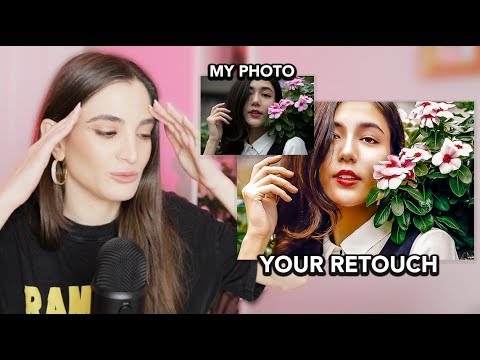
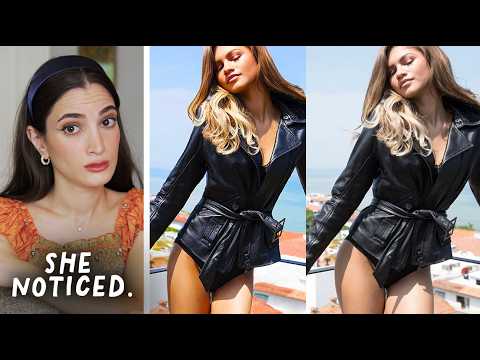
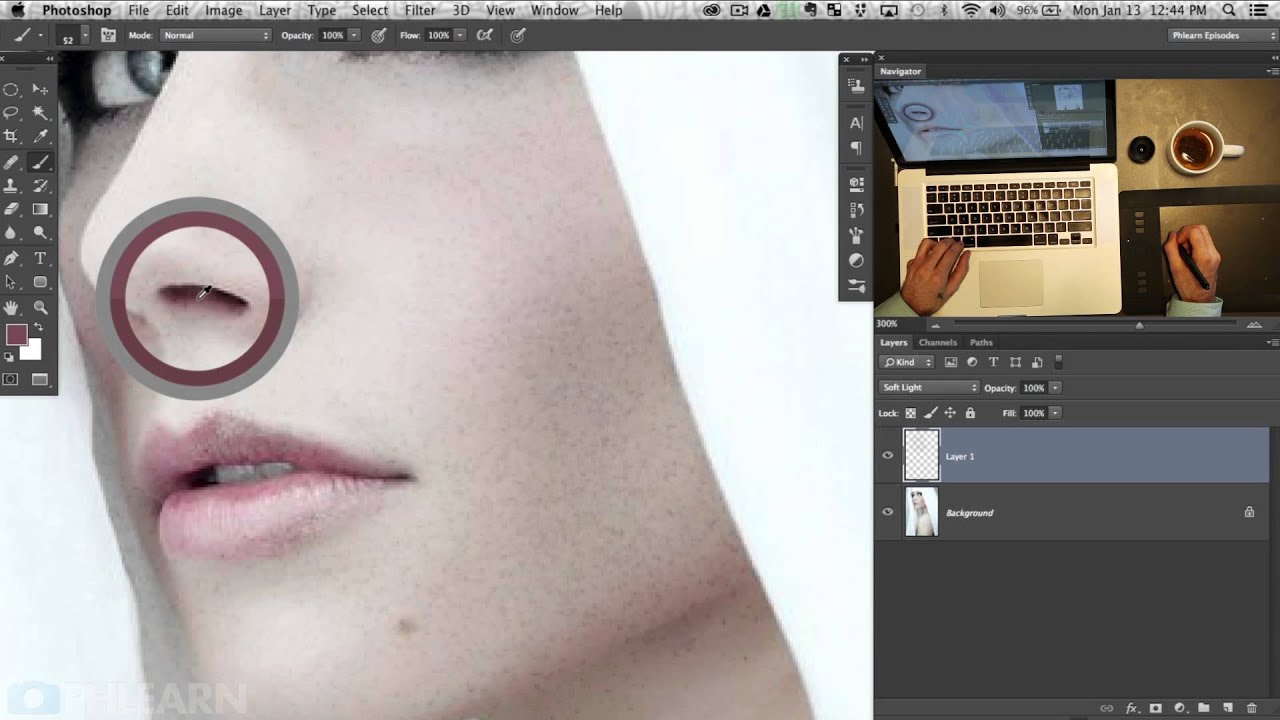
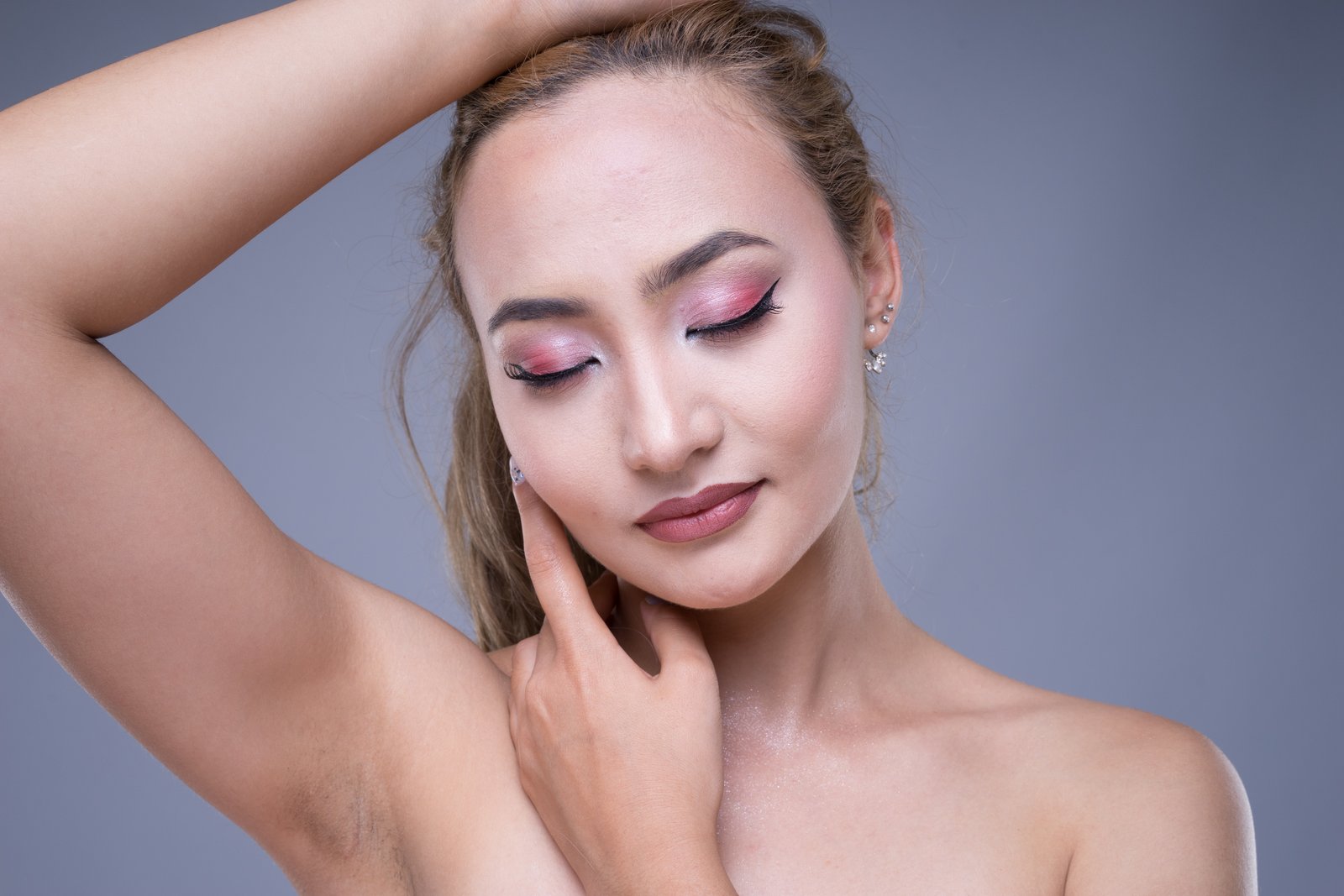
How to Remove Blemishes in Photoshop: A Complete Guide to Flawless Skin Retouching When I started my journey in portrait retouching, I quickly realized that learning how to remove blemishes in Photoshop is one of the most valuable skills you can master. Whether you’re editing headshots, beauty photography, or personal portraits, blemish removal is fundamental to creating polished, professional-looking images. Here’s the thing: removing blemishes isn’t about making skin look artificial or plastic.

How AI Chat History Transfer Could Transform Your Retouching Workflow

How AI Chat History Transfer Could Transform Your Retouching Workflow

How AI Chat History Transfer Could Transform Your Retouching Workflow I’ve been watching the AI landscape evolve, and I’m genuinely excited about what Google is doing with Gemini’s newest update. They’re rolling out the ability to bring your conversation history and personal data from other AI platforms directly into Gemini—and honestly, this has some really interesting implications for those of us in the portrait retouching and beauty editing space. Why This Matters for Beauty Editors Here’s the thing: as retouchers and beauty editors, we’re constantly building relationships with our AI tools.

Frequency Separation: The Game-Changing Technique for Flawless Skin

Frequency Separation: The Game-Changing Technique for Flawless Skin

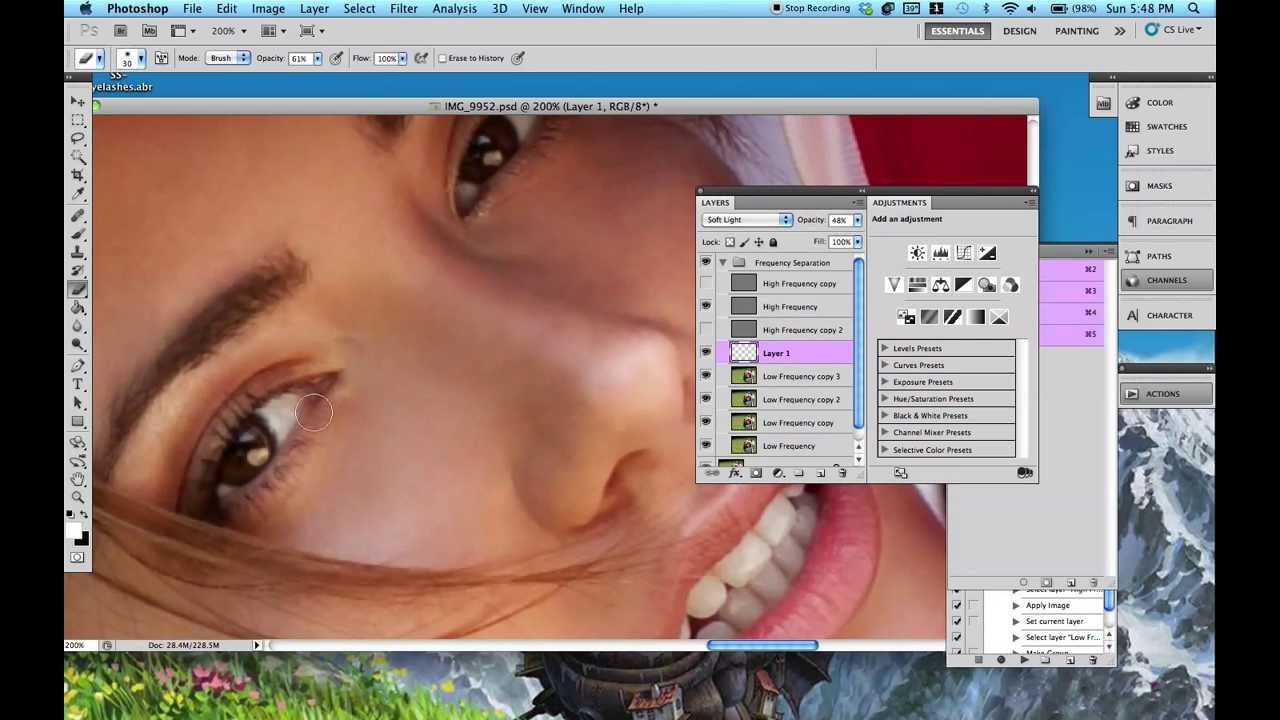
Frequency Separation: The Game-Changing Technique for Flawless Skin When I first learned frequency separation, I felt like I’d unlocked a secret level in portrait retouching. This technique completely transformed how I approach skin editing—and I want to share exactly why it works and how you can master it too. Frequency separation lets us do something that feels almost magical: edit skin texture and skin tone separately. Before I understood this method, I’d spend hours trying to smooth blemishes without losing natural detail, or brightening skin tone without creating that plasticky, over-processed look.

Frequency Separation Mastery: The Game-Changing Technique for Flawless Skin

Frequency Separation Mastery: The Game-Changing Technique for Flawless Skin

Frequency Separation Mastery: The Game-Changing Technique for Flawless Skin When I first discovered frequency separation, it completely transformed how I approach portrait retouching. This technique lets us separate texture from color and tone, giving us unprecedented control over skin refinement. Instead of fighting between smooth skin and natural detail, we get both. Let me walk you through exactly how to master this game-changing method. What Is Frequency Separation (And Why It Matters) Frequency separation splits an image into two layers: high-frequency (texture and fine details) and low-frequency (color, tone, and larger shapes).

Finding Beauty in Motion: What Bird Photography Teaches Us About Portrait Retouching

Finding Beauty in Motion: What Bird Photography Teaches Us About Portrait Retouching

The Unexpected Connection Between Wildlife and Portrait Work I’ve been thinking a lot lately about the parallels between two seemingly different photography disciplines: capturing birds in flight and perfecting human portraits through skillful retouching. While they exist in different realms, both demand an understanding of light, movement, and the subtle details that make a subject truly shine. Recent conversations within the photography community have highlighted something I find fascinating—the technical rigor required for bird photography teaches lessons that directly transfer to our work in portrait beauty editing.

Dodge and Burn: The Subtle Art of Sculpting Light in Portrait Retouching

Dodge and Burn: The Subtle Art of Sculpting Light in Portrait Retouching

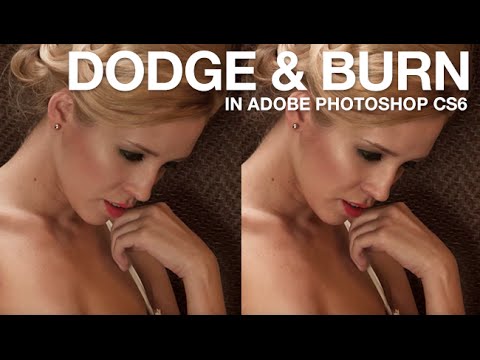
Dodge and Burn: The Subtle Art of Sculpting Light in Portrait Retouching When I first started portrait retouching, I noticed something that separated good edits from great ones: the subtle interplay of light and shadow across the face. That’s where dodge and burn comes in—and honestly, it’s become one of my most-used techniques. Dodge and burn isn’t new. Traditional darkroom photographers have used these methods for decades to selectively lighten and darken areas of a print.

Dodge and Burn: The Secret Weapon for Sculpting Perfect Portraits

Dodge and Burn: The Secret Weapon for Sculpting Perfect Portraits

Dodge and Burn: The Secret Weapon for Sculpting Perfect Portraits When I first started retouching portraits, I thought perfect skin was everything. Then a mentor showed me dodge and burn, and everything changed. Suddenly, I could sculpt cheekbones, define jawlines, and add dimension that made portraits come alive. Today, I want to share this transformative technique with you. Dodge and burn isn’t just a tool—it’s a philosophy of subtle enhancement. We’re mimicking how light naturally falls on the face, strategically brightening and darkening areas to guide the viewer’s eye and enhance the subject’s best features.

Dodge and Burn: The Sculpting Technique Every Portrait Retoucher Needs

Dodge and Burn: The Sculpting Technique Every Portrait Retoucher Needs

Dodge and Burn: The Sculpting Technique Every Portrait Retoucher Needs When I first learned dodge and burn, everything changed about how I approached portrait retouching. This isn’t just another Photoshop tool—it’s the difference between a flat, processed-looking edit and a photo that looks naturally refined. I’m excited to walk you through this technique because once you master it, you’ll use it on nearly every portrait you touch. What Dodge and Burn Actually Does Let me be direct: dodge and burn is digital sculpting.

Dodge and Burn: The Portrait Retoucher's Secret to Sculpting Light

Dodge and Burn: The Portrait Retoucher's Secret to Sculpting Light

Dodge and Burn: The Portrait Retoucher’s Secret to Sculpting Light When I first learned dodge and burn, I realized I’d been missing one of the most powerful tools in portrait retouching. These techniques—borrowed from the darkroom days of film photography—let us selectively lighten and darken areas of a portrait to sculpt dimension, enhance features, and create that coveted professional polish. I want to walk you through how we can use them effectively without overdoing it.

Dodge and Burn: The Art of Sculpting Light in Portrait Retouching

Dodge and Burn: The Art of Sculpting Light in Portrait Retouching

Dodge and Burn: The Art of Sculpting Light in Portrait Retouching I still remember the first time I truly understood dodge and burn. I was working on a beauty portrait, and no amount of basic adjustments seemed to give the face the dimension it needed. Then it clicked—I wasn’t just editing; I was sculpting light itself. That realization transformed how I approach every portrait that comes across my desk. Dodge and burn is one of the most powerful yet misunderstood tools in our retouching arsenal.

Best Monitors for Photo Retouching in 2026

Best Monitors for Photo Retouching in 2026

Best Monitors for Photo Retouching in 2026 When I’m working on a client’s portrait—smoothing skin tones, adjusting lip color, perfecting the glow in their eyes—I need to trust what I’m seeing on my screen. A bad monitor can make you second-guess every decision. You’ll spend hours chasing color shifts that don’t actually exist, or worse, deliver edits that look completely different on your client’s device. After years of bouncing between budget displays and professional-grade panels, I’ve learned that the right monitor is non-negotiable for portrait retouching.