The Art of Color Correction in Portrait Retouching: A Step-by-Step Guide

The Art of Color Correction in Portrait Retouching: A Step-by-Step Guide

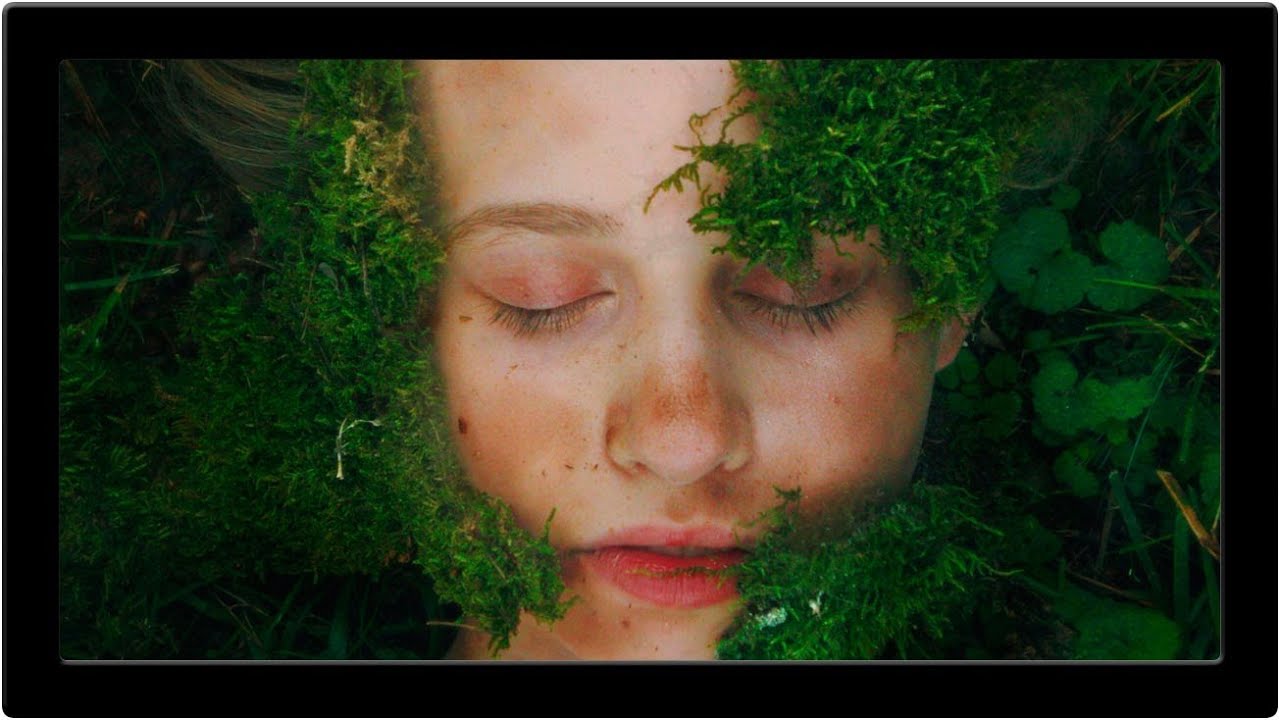
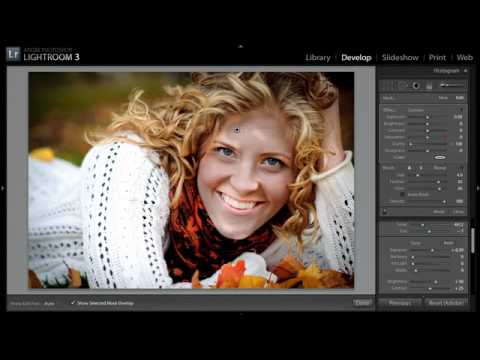
The Art of Color Correction in Portrait Retouching: A Step-by-Step Guide I’ve spent years perfecting the subtle art of color correction, and I can tell you that it’s one of the most transformative skills we can develop as portrait retouchers. It’s the difference between a photo that looks okay and one that looks absolutely radiant. Whether you’re editing headshots, bridal portraits, or beauty photography, understanding how to correct and enhance color will elevate your work immediately.

The Art of Skin Retouching: Achieving Natural Results Without the Filter Look

The Art of Skin Retouching: Achieving Natural Results Without the Filter Look

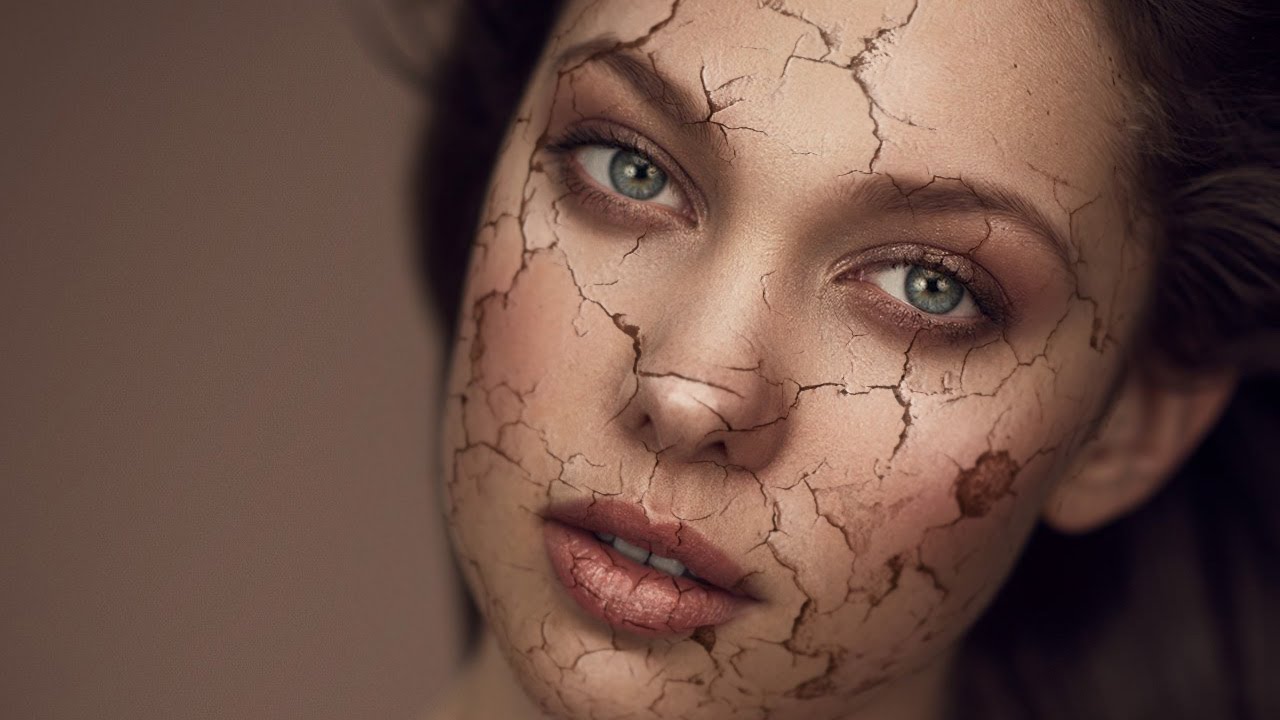
The Art of Skin Retouching: Achieving Natural Results Without the Filter Look When I started my retouching journey, I made the same mistake many of us do: I smoothed skin until it looked like porcelain. It wasn’t until a client gently asked, “Is that really me?” that I realized the difference between enhancement and erasure. Skin retouching is about revealing the best version of someone’s natural skin—not creating an impossible standard.

Master Color Correction in Portrait Retouching: A Step-by-Step Guide

Master Color Correction in Portrait Retouching: A Step-by-Step Guide

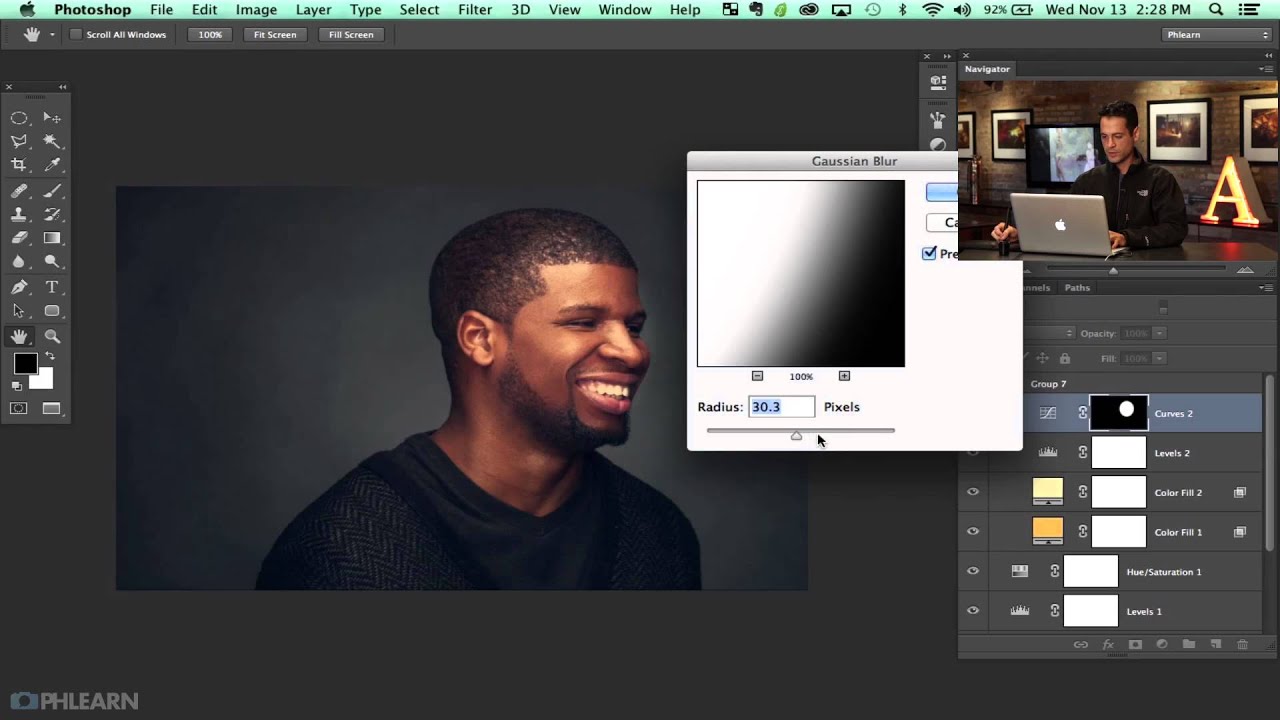
Master Color Correction in Portrait Retouching: A Step-by-Step Guide Color correction is where technical skill meets artistic vision in portrait retouching. I’ve watched countless editors struggle with this step because they either overcorrect or miss subtle color casts that undermine their entire edit. The good news? With a systematic approach, we can transform flat or color-shifted images into beautifully balanced portraits that make skin look its absolute best. Understanding Color Casts and Why They Matter Before we dive into correction, let’s talk about what we’re actually fixing.

The Art of Subtle Skin Retouching: Keeping Your Portraits Natural

The Art of Subtle Skin Retouching: Keeping Your Portraits Natural

The Art of Subtle Skin Retouching: Keeping Your Portraits Natural When I first started retouching portraits, I made the same mistake most of us do: I went too far. Every portrait looked flawless in an uncanny way—poreless, featureless, and frankly, not quite human. It took years for me to understand that the best skin retouching isn’t about creating perfection. It’s about creating confidence. The goal we’re aiming for is simple: enhance what’s already beautiful while preserving the character, texture, and authenticity that makes a portrait compelling.

The Art of Subtle Skin Retouching: A Step-by-Step Guide to Natural Results

The Art of Subtle Skin Retouching: A Step-by-Step Guide to Natural Results

The Art of Subtle Skin Retouching: A Step-by-Step Guide to Natural Results When I first started retouching portraits, I thought more editing meant better results. I was wrong. The best skin retouching is invisible—it enhances what’s already there without making someone look like a porcelain doll. Over the years, I’ve learned that restraint is actually our greatest skill as retouchers. Today, I want to share the approach that’s transformed my work and hopefully will transform yours too.

The Art of Skin Retouching: Achieving Natural-Looking Results

The Art of Skin Retouching: Achieving Natural-Looking Results

The Art of Skin Retouching: Achieving Natural-Looking Results When I first started retouching portraits, I made the same mistake many beginners do: I smoothed skin until it looked plastic. My clients didn’t recognize themselves. That’s when I learned that great skin retouching isn’t about perfection—it’s about enhancement that feels authentic. Today, I want to share what I’ve learned about creating skin that looks healthy, clear, and genuinely human. Whether you’re editing for yourself or clients, these techniques will help you find that sweet spot between polish and natural beauty.

The Art of Skin Retouching: A Beginner-Friendly Guide to Natural Results

The Art of Skin Retouching: A Beginner-Friendly Guide to Natural Results

The Art of Skin Retouching: A Beginner-Friendly Guide to Natural Results When I first started retouching portraits, I made the same mistake many of us do: I over-smoothed everything. The result? Beautiful skin that looked like porcelain—and completely artificial. Over the years, I’ve learned that the best skin retouching is the kind people don’t notice. It’s about enhancement, not transformation. Today, I want to share what I’ve discovered about creating skin that looks naturally flawless.

The Art of Portrait Cleanup: A Step-by-Step Guide to Polished Skin

The Art of Portrait Cleanup: A Step-by-Step Guide to Polished Skin

The Art of Portrait Cleanup: A Step-by-Step Guide to Polished Skin When someone shares a portrait with me for editing, I often see the same concern: “Can you clean this up without making it look fake?” This question tells me everything I need to know about modern retouching—we want enhancement, not transformation. Portrait cleanup isn’t about erasing someone’s character; it’s about removing temporary imperfections while preserving their authentic beauty. I’ve spent years perfecting this balance, and I’m excited to share my approach with you.

The Art of Natural Skin Retouching: A Step-by-Step Guide

The Art of Natural Skin Retouching: A Step-by-Step Guide

The Art of Natural Skin Retouching: A Step-by-Step Guide When I first started retouching portraits, I made the same mistake many beginners do: I smoothed skin until it looked plastic. The turning point came when a mentor told me, “Your job isn’t to erase the person—it’s to reveal their best self.” That philosophy changed everything about how I approach skin retouching. Today, I want to share the techniques that transformed my work and can transform yours too.

The Art of Hair Retouching: Creating Natural, Polished Results

The Art of Hair Retouching: Creating Natural, Polished Results

The Art of Hair Retouching: Creating Natural, Polished Results When I first started retouching portraits, I thought hair was the easiest element to fix. A few brush strokes, some cloning, and done—right? Wrong. I quickly learned that hair retouching is actually one of the most nuanced skills in portrait editing. It requires patience, precision, and an understanding of how light interacts with individual strands. Today, I want to share what I’ve learned so we can approach hair retouching with confidence and create results that look genuinely polished, not overworked.

The Art of Hair Retouching: Creating Natural, Polished Portraits

The Art of Hair Retouching: Creating Natural, Polished Portraits

The Art of Hair Retouching: Creating Natural, Polished Portraits When we talk about portrait retouching, skin gets most of the attention—but I’ve learned that hair retouching is equally crucial to creating a truly polished final image. A beautifully edited portrait can still fall flat if the hair looks unnatural or neglected. Today, I want to share the specific techniques I use to enhance hair while keeping it looking authentic and dimensional.

Mastering Night Light Beauty Photography: A Retouching Guide for Artificial Lighting

Mastering Night Light Beauty Photography: A Retouching Guide for Artificial Lighting

Mastering Night Light Beauty Photography: A Retouching Guide for Artificial Lighting I’ve been thinking a lot lately about how artificial lighting transforms portrait photography—and the unique retouching challenges it presents. When we shoot under neon signs, decorative lanterns, and street lights, we’re working with color casts and dynamic shadows that require a thoughtful editing approach. This is especially true when we want our subjects to look their absolute best. The Challenge of Colored Light Sources Shooting in environments like illuminated gardens or neon-lit streets creates an entirely different canvas than traditional studio lighting.