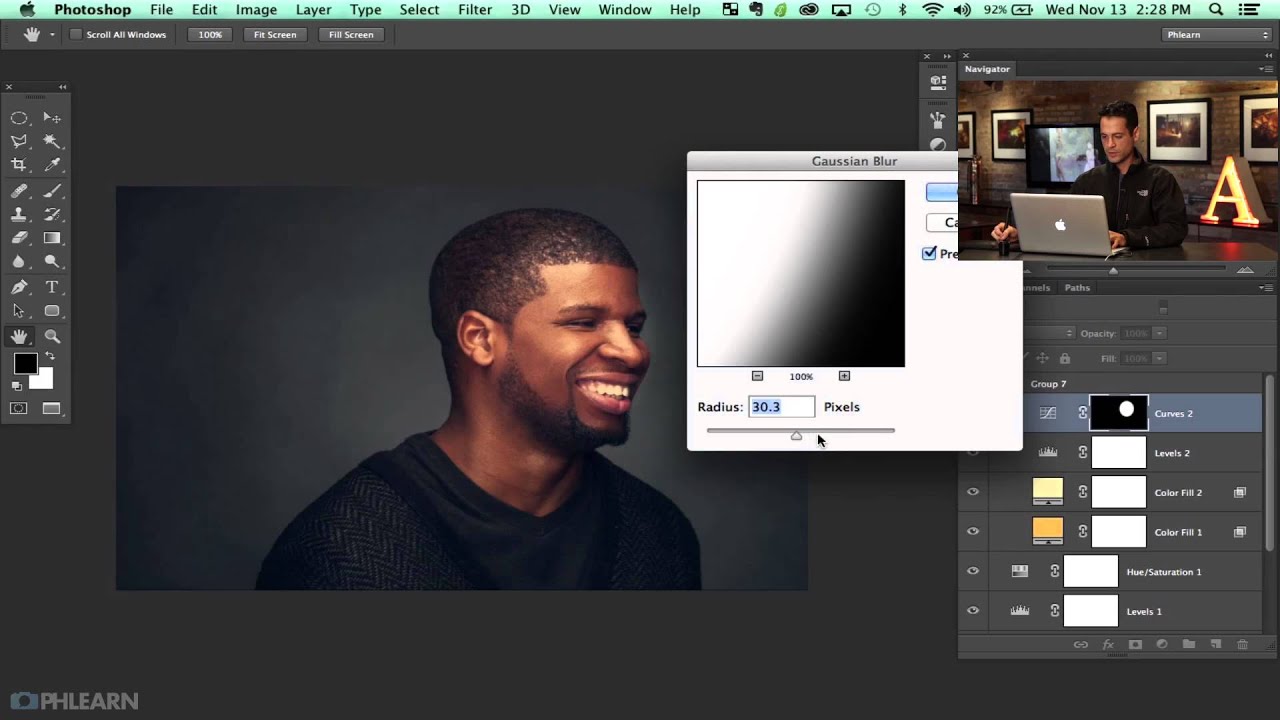
Beyond the Basic Vignette: How to Finish an Editorial Headshot with Color and Texture in Photoshop

Beyond the Basic Vignette: How to Finish an Editorial Headshot with Color and Texture in Photoshop

There’s a specific kind of disappointment that comes from finishing a retouch, stepping back, and thinking: this looks like Photoshop. Not “polished.” Not “professional.” Just obviously, undeniably, digitally manipulated. I’ve been there more times than I care to admit, especially in my early days when I thought a perfectly symmetrical gradient vignette was the finishing touch every portrait needed. It wasn’t. It looked like a preset slapped on at the last second, because that’s essentially what it was.
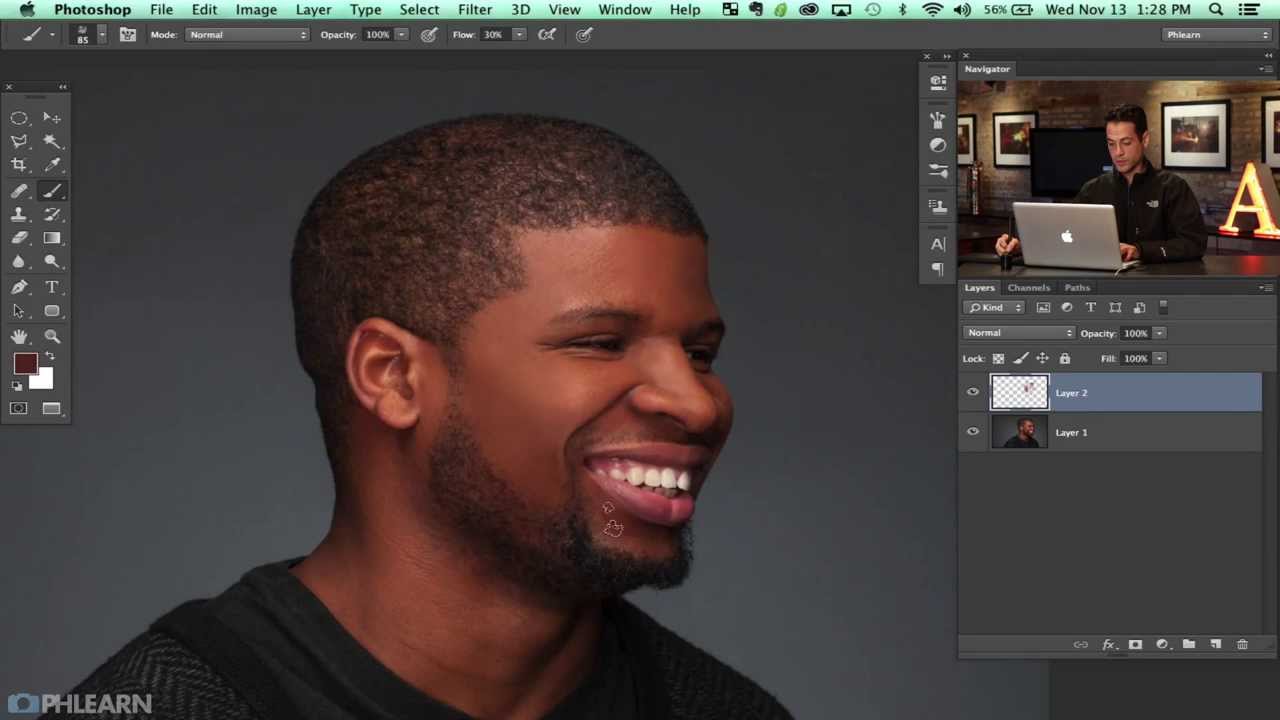
The Custom Texture Brush That Changed How I Retouch Men's Skin

The Custom Texture Brush That Changed How I Retouch Men's Skin

There’s a specific kind of dread that comes from delivering a retouch and having a client say the skin looks “fake.” I know that dread personally. Early in my retouching career, I was smoothing skin the only way I knew how, and the results looked like a wax museum exhibit. What I was missing wasn’t effort. It was texture. Retouched skin that holds up under scrutiny has to retain the random, slightly chaotic quality that real skin has, and that’s harder to preserve than it sounds.