
Why Your Headshots Look Retouched (And How to Fix That Before You Deliver)

Why Your Headshots Look Retouched (And How to Fix That Before You Deliver)

The first time a client told me my retouching looked “plastic,” I had no idea what she meant. I’d smoothed her skin, brightened her eyes, removed a few stray hairs. It looked clean to me. Professional, even. She sent back a side-by-side comparison of her face before and after, and I saw it immediately: I had obliterated every pore, every shadow, every tiny variation that made her face look like a face.
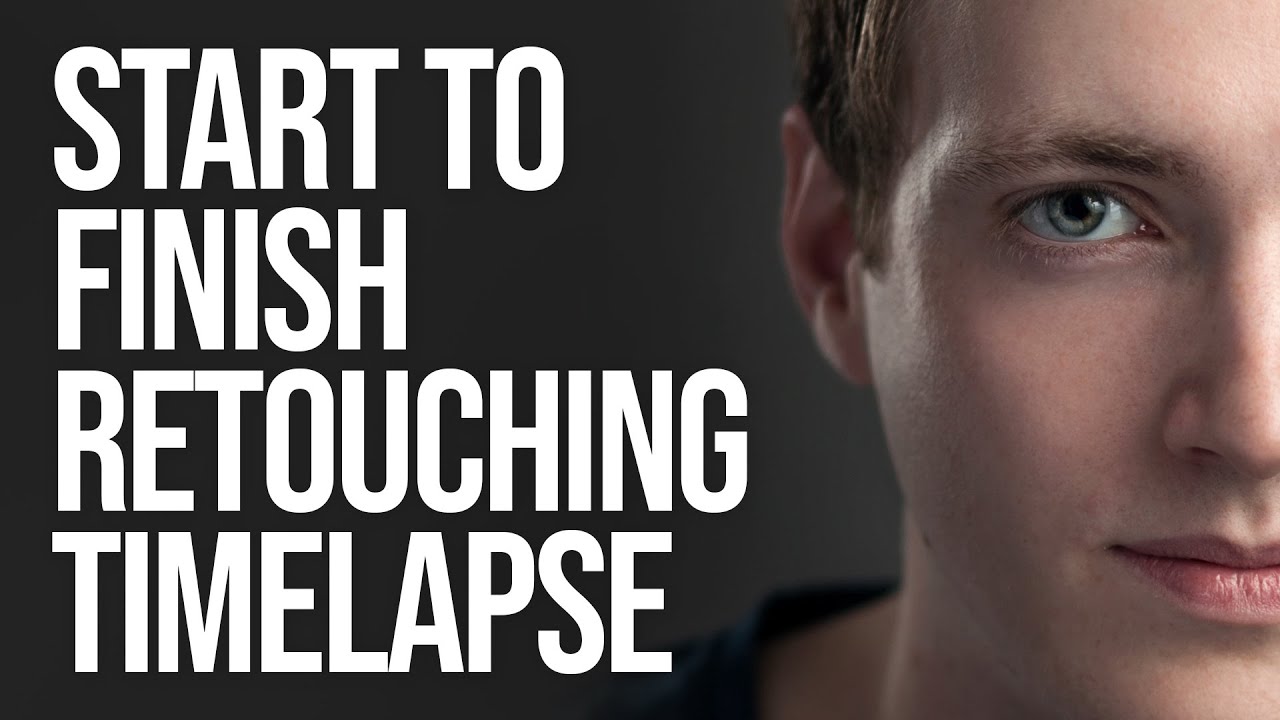
How I Watch a Headshot Retouching Timelapse and Actually Learn From It

How I Watch a Headshot Retouching Timelapse and Actually Learn From It

There is a particular kind of client who emails you the morning after delivery to say the portraits look “a little overdone.” I got that email early in my retouching career, and it stung more than I want to admit. The problem was not that I was working too hard on the skin. The problem was that I had no real workflow. I was just pushing sliders around until something looked smooth, and smooth is not the same as natural.