Video Tutorials
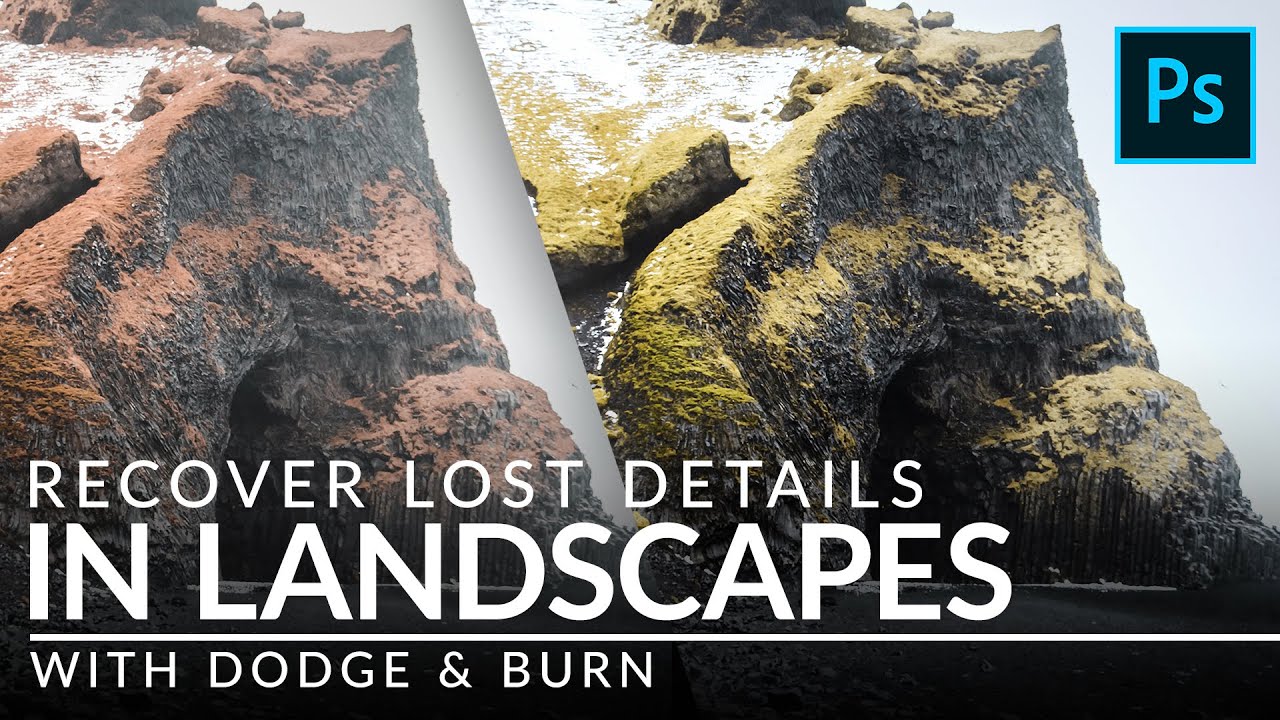
How to Dodge & Burn Landscapes Without Destroying the Highlights (A PHLEARN Breakdown)
There is a moment in almost every landscape edit where the image looks technically correct but emotionally flat. The exposure is fine. The colors are fine. And yet something is missing, that sense that the rocks have weight, that the light is actually landing somewhere, that the scene exists in three dimensions. For years I tried to fix this with curves adjustments and vignettes and, honestly, a lot of hoping. It was not until I started paying closer attention to dodge and burn as a sculpting tool, not just a correction tool, that my landscape edits started feeling alive.