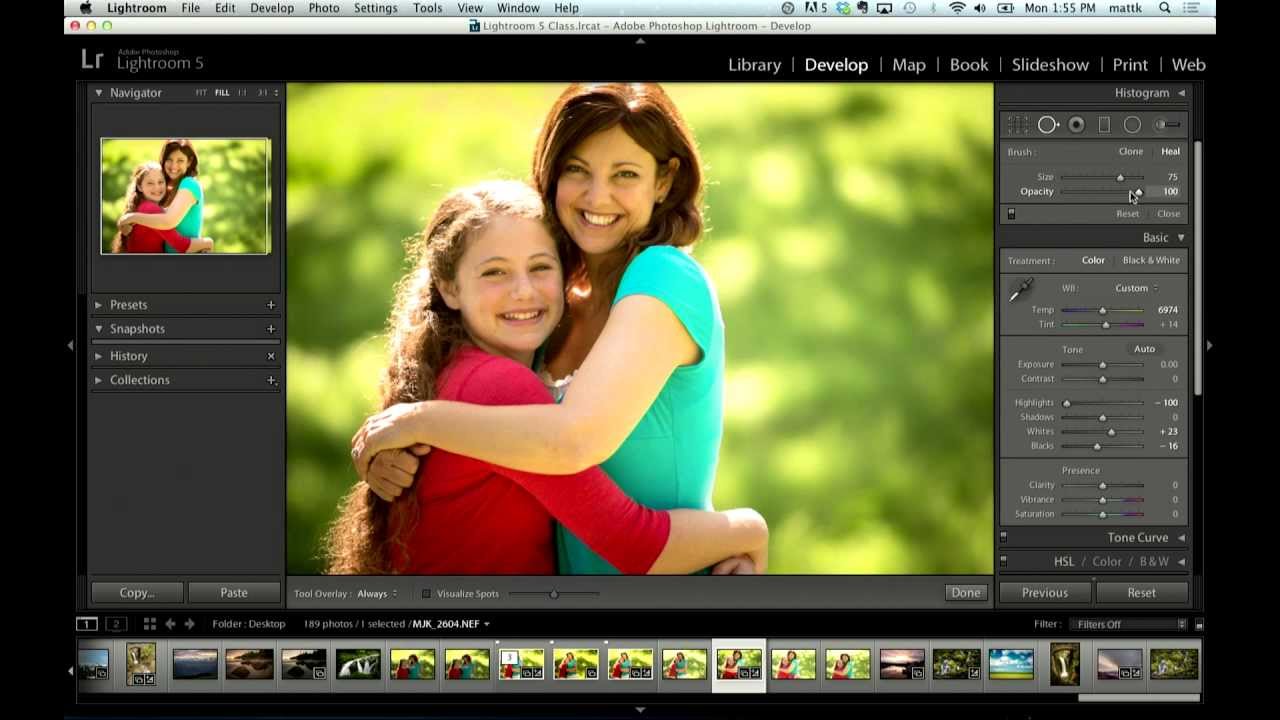
How to Soften Under-Eye Shadows in Lightroom 5 Without Destroying Skin Texture

How to Soften Under-Eye Shadows in Lightroom 5 Without Destroying Skin Texture

There’s a specific kind of client feedback that sticks with you. Mine was a bridesmaid who looked at her portrait and said the skin looked “like plastic.” She wasn’t wrong. I had been heavy-handing my healing tools, removing every shadow and texture under the eyes until the result looked more like a wax figure than a person. That was the moment I started paying close attention to how professional retouchers handle the under-eye area, which is one of the most unforgiving zones on a face to edit.
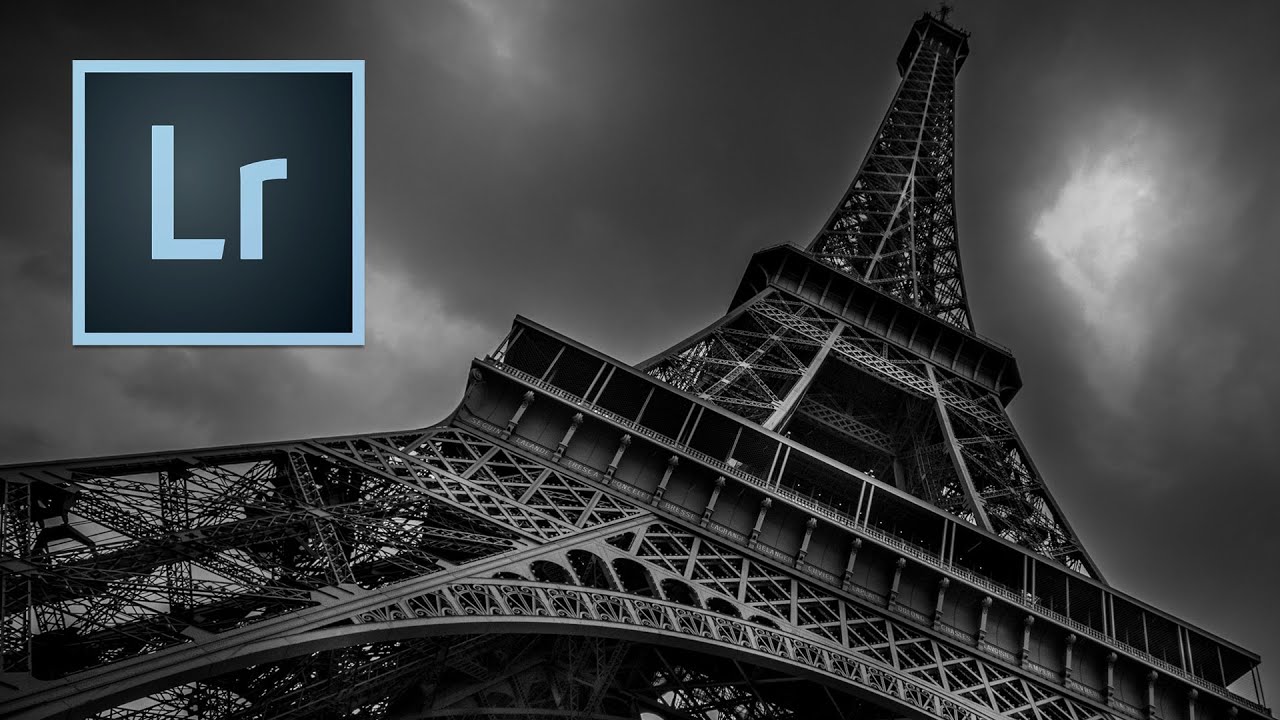
Dark Canvas First: What Urban Dodge and Burn Taught Me About My Portrait Work

Dark Canvas First: What Urban Dodge and Burn Taught Me About My Portrait Work

I came up through wedding photography, which means I learned to retouch under pressure and mostly by instinct. Skin, hair, the soft glow of a ceremony room — that was my world for years. So when I started freelancing for beauty brands and teaching retouching workshops, I had to deliberately go looking for techniques outside my comfort zone. That’s what led me to Watch the full tutorial on YouTube — a Kelvin Designs episode on dodge and burn for urban landscapes.