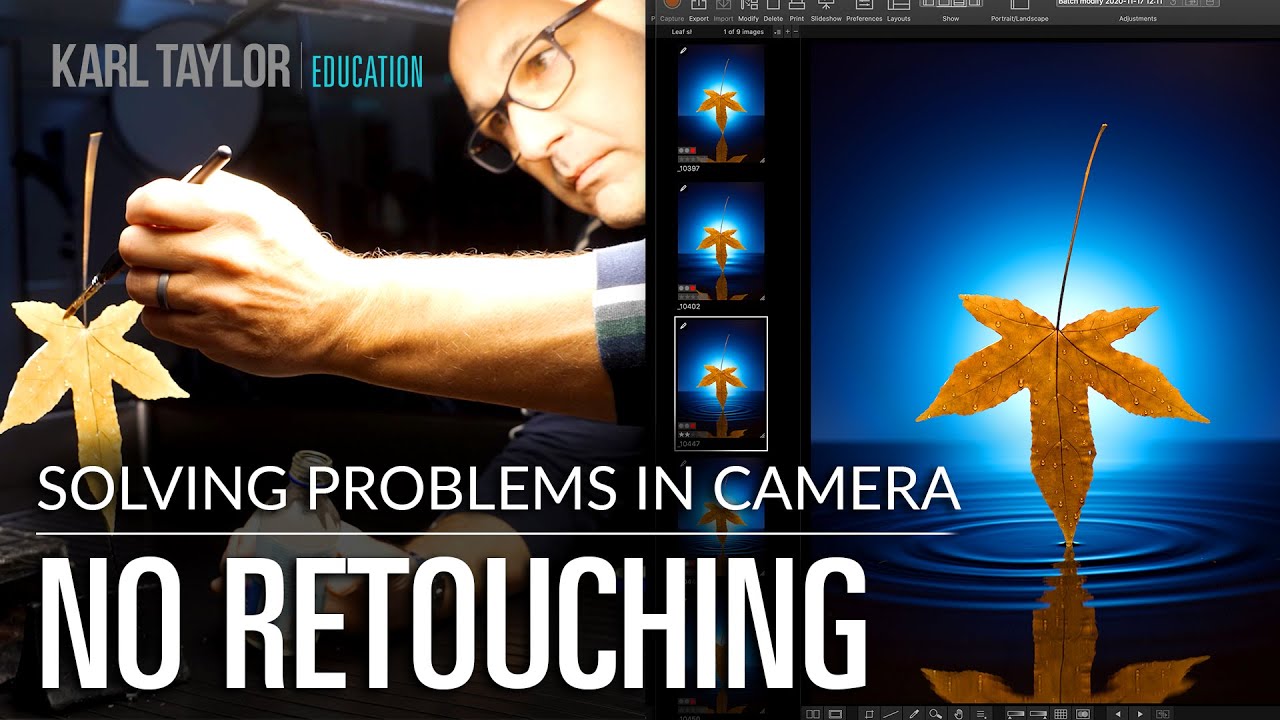
How to Create Stunning In-Camera Effects That Look Like Photoshop (Without Opening Photoshop)

How to Create Stunning In-Camera Effects That Look Like Photoshop (Without Opening Photoshop)

There’s a particular kind of client email I’ve learned to dread. It comes in after the first round of edits, and it says something like: “These look great, but can you make the water look more… real?” That note used to send me straight to Photoshop, layering displacement maps and water texture overlays until two hours had vanished and the result still looked slightly off. What I’ve come to understand, after years of retouching beauty and product work, is that some things genuinely cannot be fixed in post as convincingly as they can be built on set.
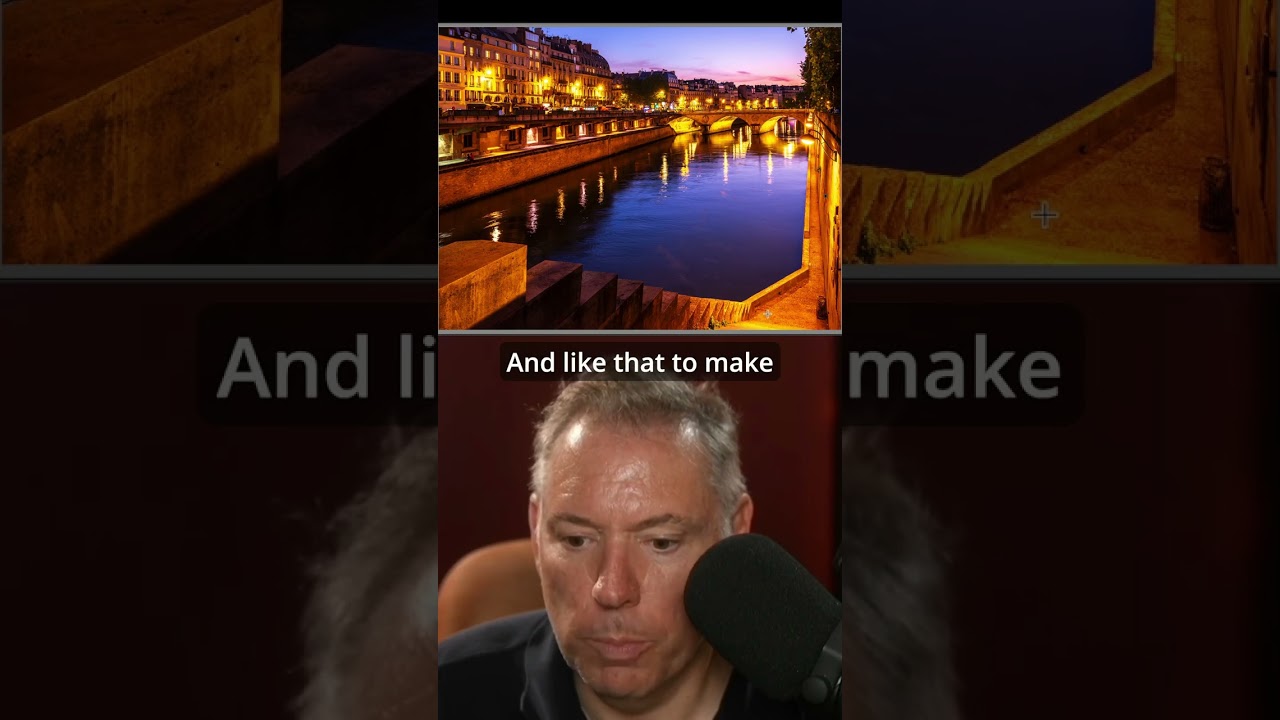
How Serge Ramelli's Frame Within a Frame Technique Quietly Transforms a Flat Travel Portrait

How Serge Ramelli's Frame Within a Frame Technique Quietly Transforms a Flat Travel Portrait

There’s a specific kind of photo that stops me mid-scroll. Not the technically perfect ones, not the overlit, every-detail-present shots. The ones that stop me are the ones that feel like a secret. Something contained. A world inside a world. That quality has a name: frame within a frame. And for years I understood it as a compositional idea, something you think about before you press the shutter. What I hadn’t fully appreciated was how much of that feeling gets built, or destroyed, in post-processing.