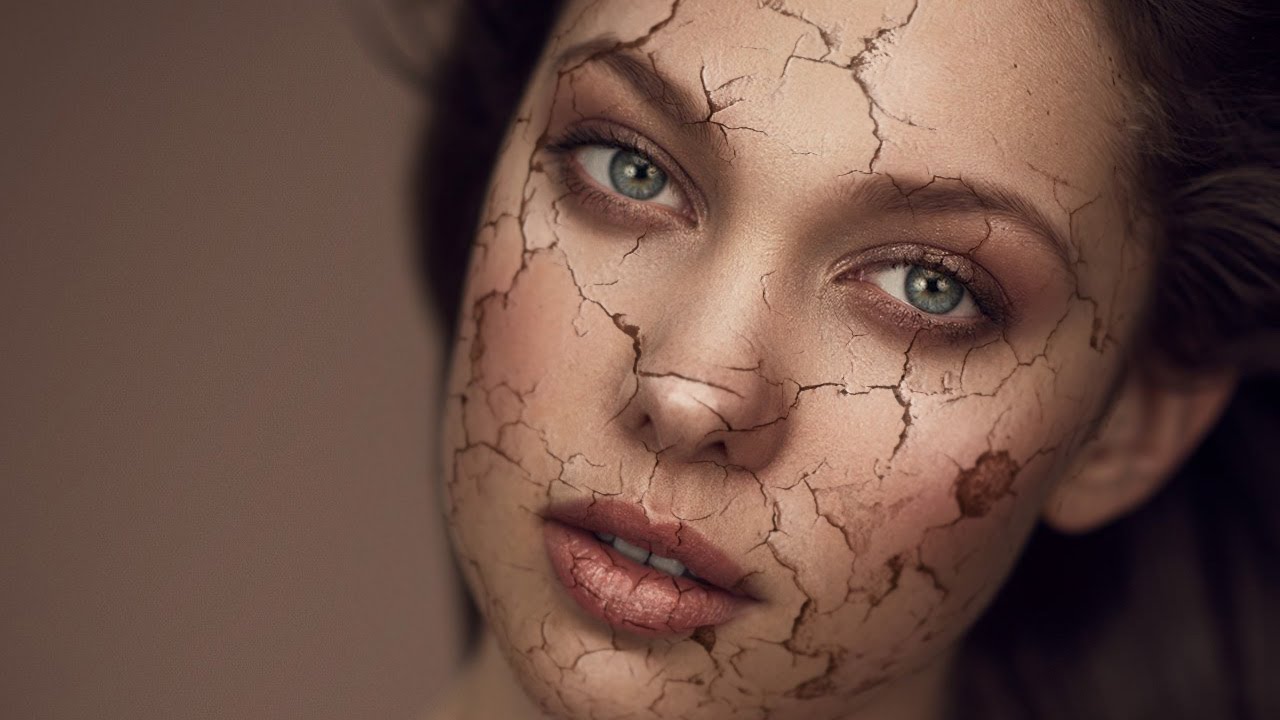
How to Add Depth and Dimension to a Cracked Skin Effect in Photoshop

How to Add Depth and Dimension to a Cracked Skin Effect in Photoshop

Special effects work isn’t something I thought I’d ever be doing when I first picked up a camera to shoot wedding receptions in the rain. But beauty retouching has a way of pulling you into corners of Photoshop you never expected to visit, and the cracked skin composite is one of those techniques that shows up more often than you’d think, whether it’s an editorial beauty shoot, a Halloween campaign, or a concept piece for a brand that wants something dramatic.
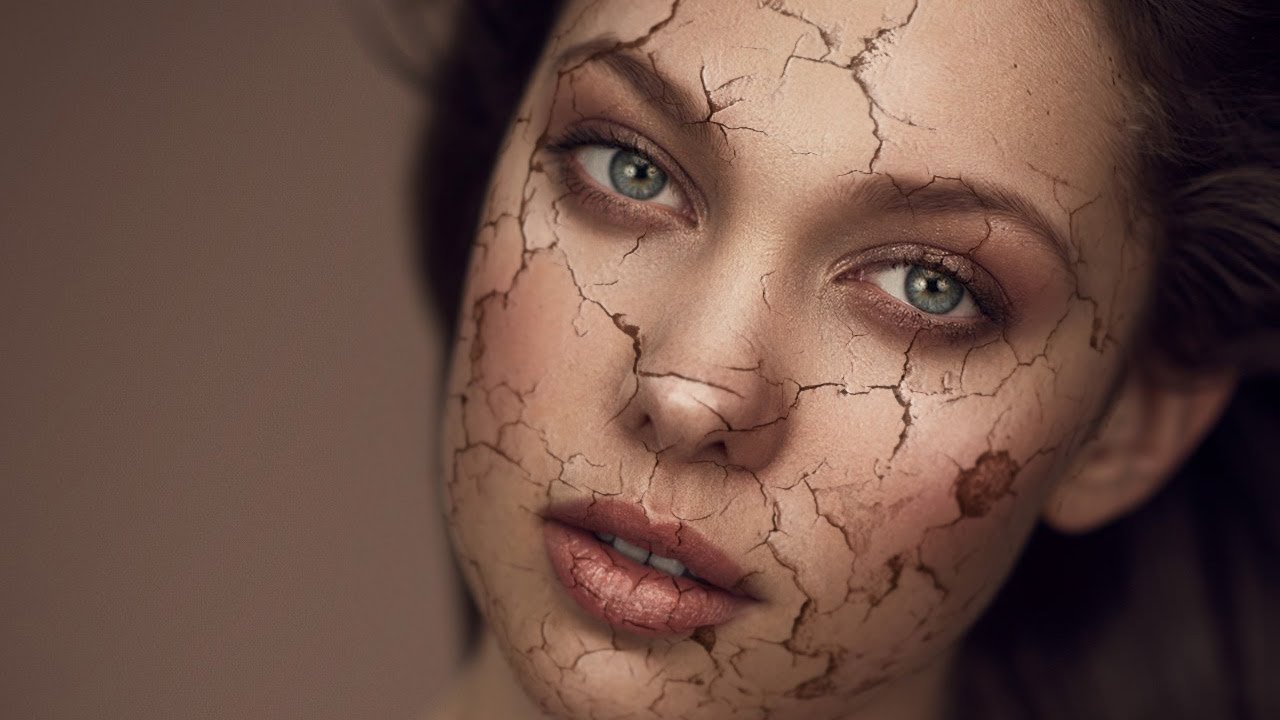
How to Make Skin Look Like Cracked Paint in Photoshop (A Step-by-Step Breakdown)

How to Make Skin Look Like Cracked Paint in Photoshop (A Step-by-Step Breakdown)

Most of my retouching work is about subtraction. Smooth this, soften that, remove the thing the client asked me to remove three times already. So when I first stumbled onto this technique, it genuinely stopped me mid-sip. A cracked paint texture mapped onto a portrait so convincingly that the skin looks like it’s splitting open and peeling away. It’s the opposite of everything I normally do, and I am completely here for it.