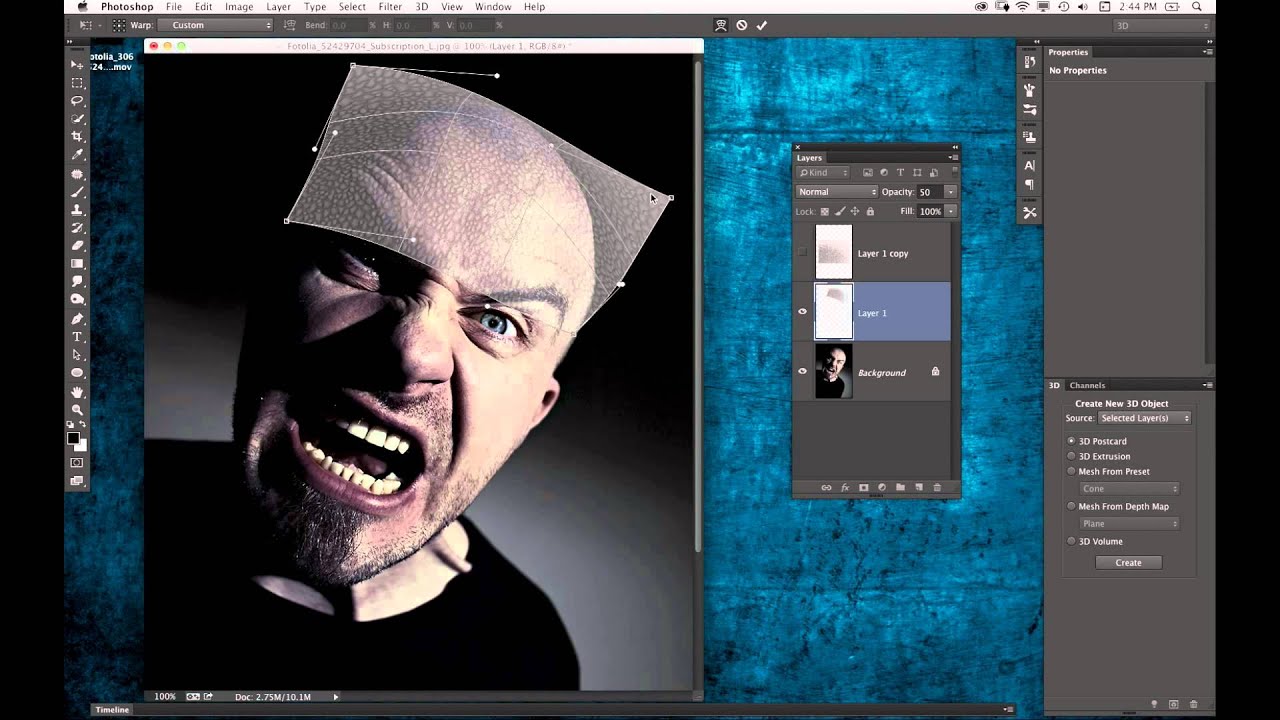
Halloween Skin Textures in Photoshop: How to Turn a Phone Photo Into a Creature Effect

Halloween Skin Textures in Photoshop: How to Turn a Phone Photo Into a Creature Effect

There’s a particular kind of creative paralysis that hits when a client asks for something outside your usual workflow. I’ve been retouching beauty portraits long enough that smooth skin, even tone, and light sculpting feel automatic. But “make him look like a creature” is a different assignment entirely. That’s why I keep a folder of tutorials that push me outside the clean, polished world of beauty work, and this Halloween-themed episode from KelbyOne landed in that folder immediately.
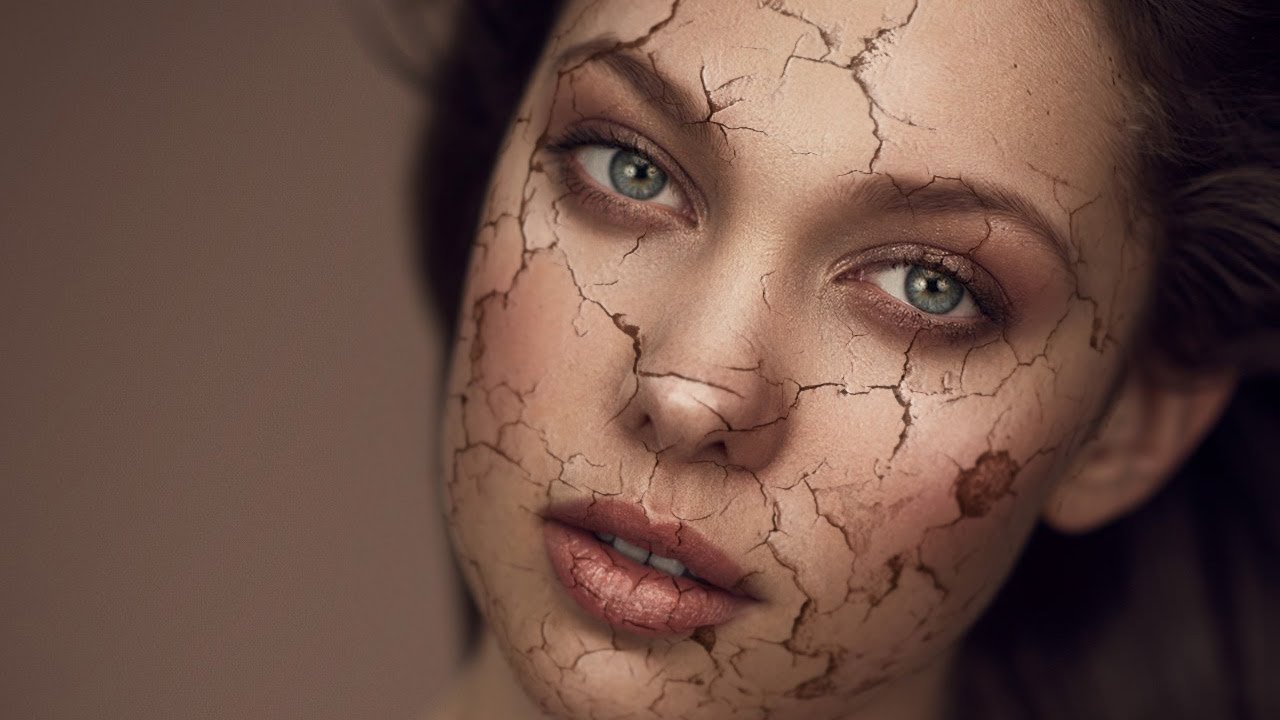
How to Make Skin Look Like Cracked Paint in Photoshop (A Step-by-Step Breakdown)

How to Make Skin Look Like Cracked Paint in Photoshop (A Step-by-Step Breakdown)

Most of my retouching work is about subtraction. Smooth this, soften that, remove the thing the client asked me to remove three times already. So when I first stumbled onto this technique, it genuinely stopped me mid-sip. A cracked paint texture mapped onto a portrait so convincingly that the skin looks like it’s splitting open and peeling away. It’s the opposite of everything I normally do, and I am completely here for it.