Video Tutorials
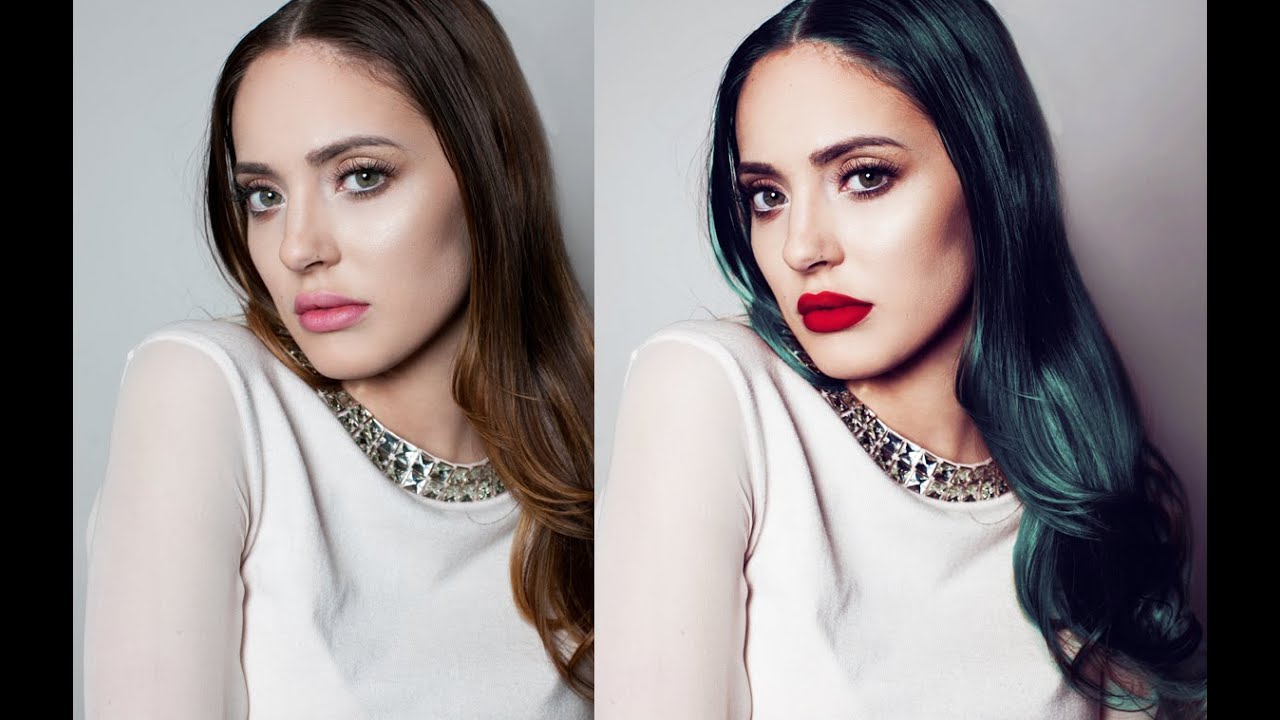
How to Color Hair Realistically in Photoshop Using Quick Mask and Curves
One of the trickiest requests I get from beauty clients is changing or enhancing hair color without it looking like someone ran a filter over a stock photo. For a long time, my go-to was Hue/Saturation on a clipped layer, and it worked fine, until a client pointed out that the color looked “painted on.” That one comment sent me deep into researching better workflows, and I’ve never fully recovered. What I’ve landed on is a combination of Quick Mask selection, Curves for contrast and base color, and a clipped Hue/Saturation layer on top.