Best Monitors for Photo Retouching in 2026

Best Monitors for Photo Retouching in 2026

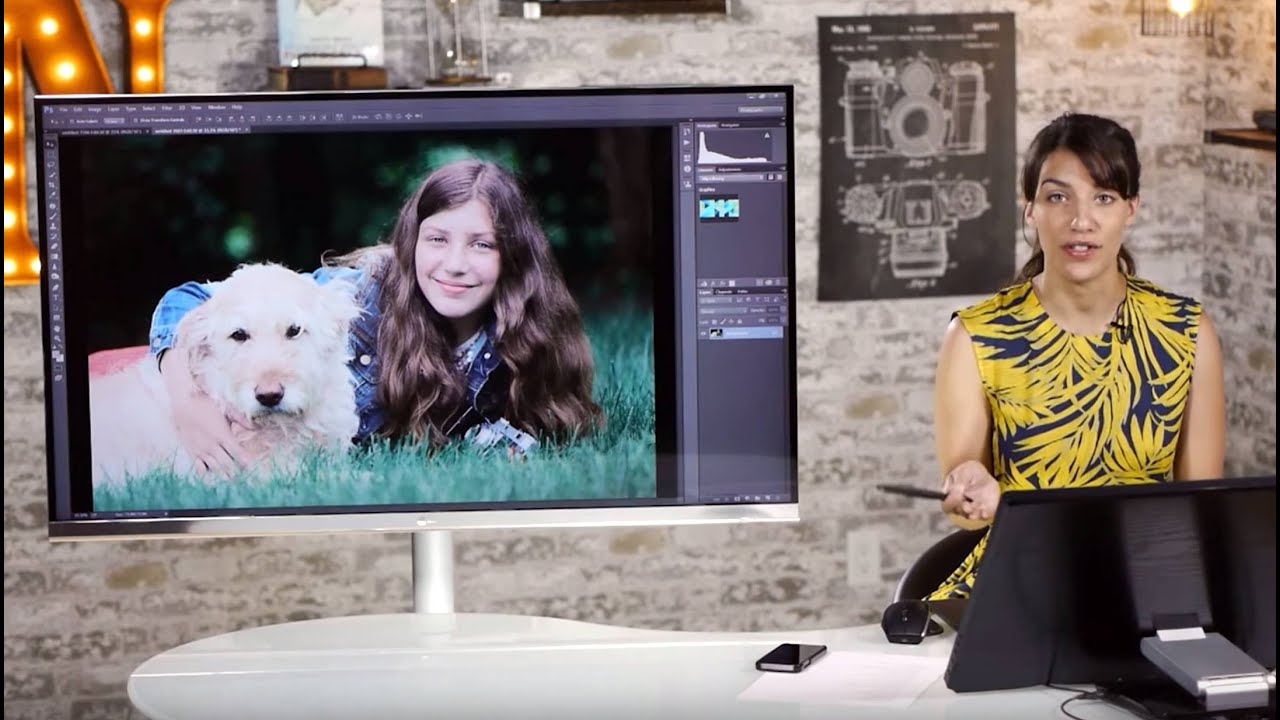
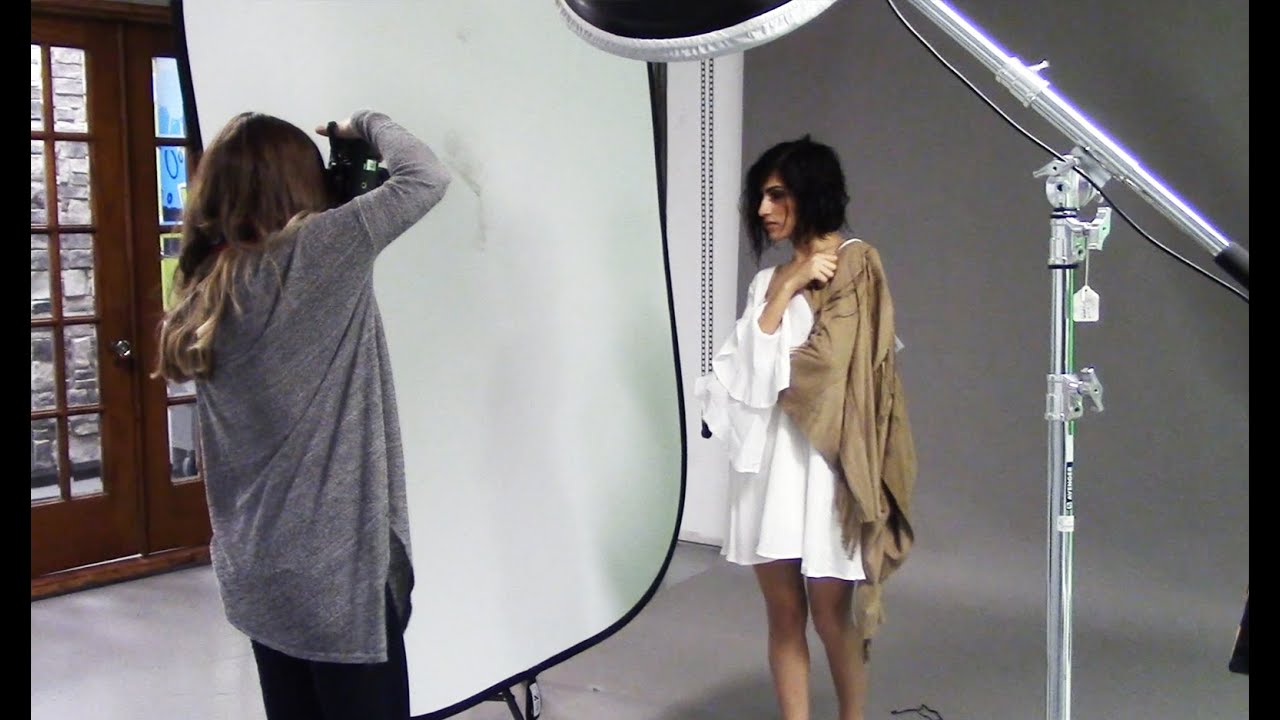
Best Monitors for Photo Retouching in 2026 When I’m working on a client’s portrait—smoothing skin tones, adjusting lip color, perfecting the glow in their eyes—I need to trust what I’m seeing on my screen. A bad monitor can make you second-guess every decision. You’ll spend hours chasing color shifts that don’t actually exist, or worse, deliver edits that look completely different on your client’s device. After years of bouncing between budget displays and professional-grade panels, I’ve learned that the right monitor is non-negotiable for portrait retouching.

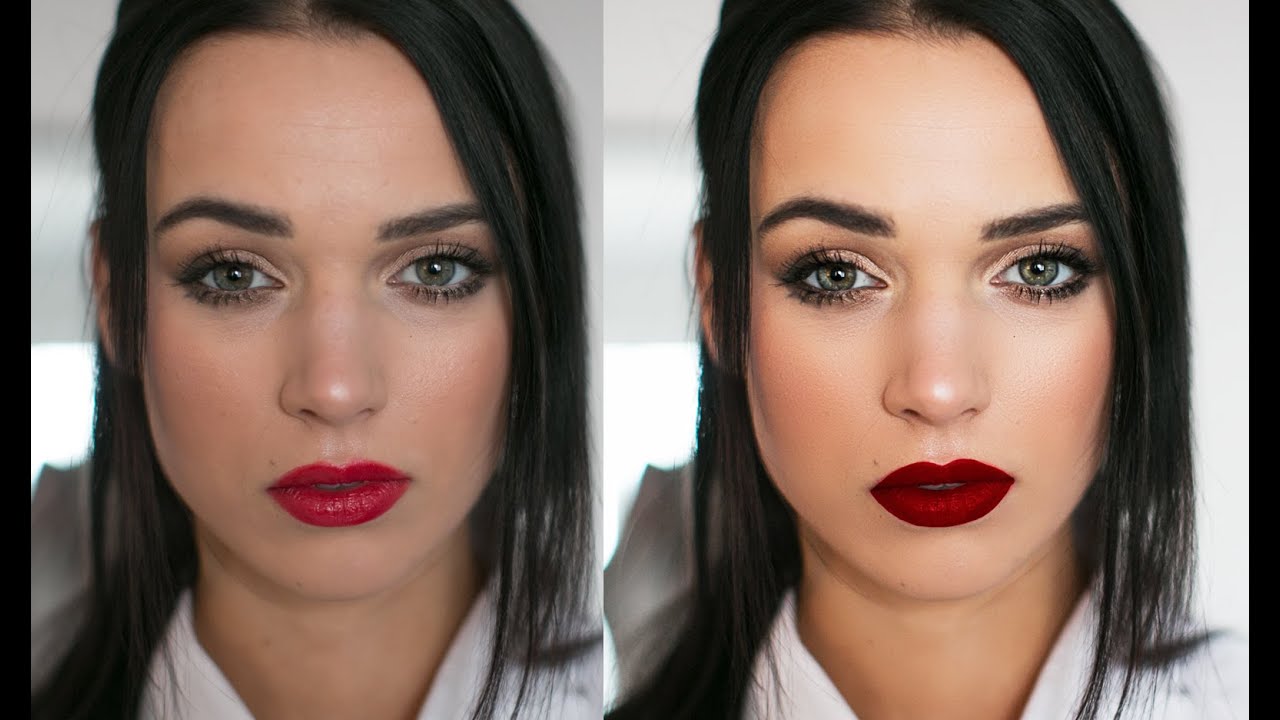
Before and After: Real Retouching Examples Explained

Before and After: Real Retouching Examples Explained

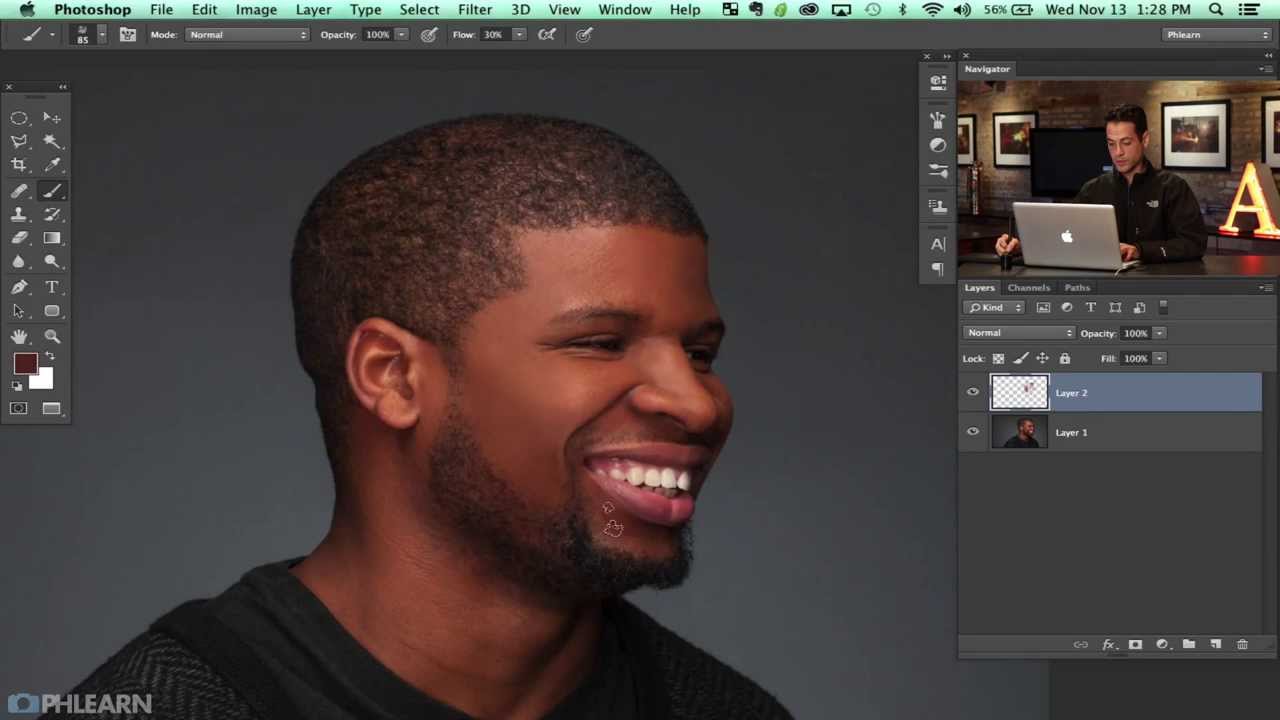
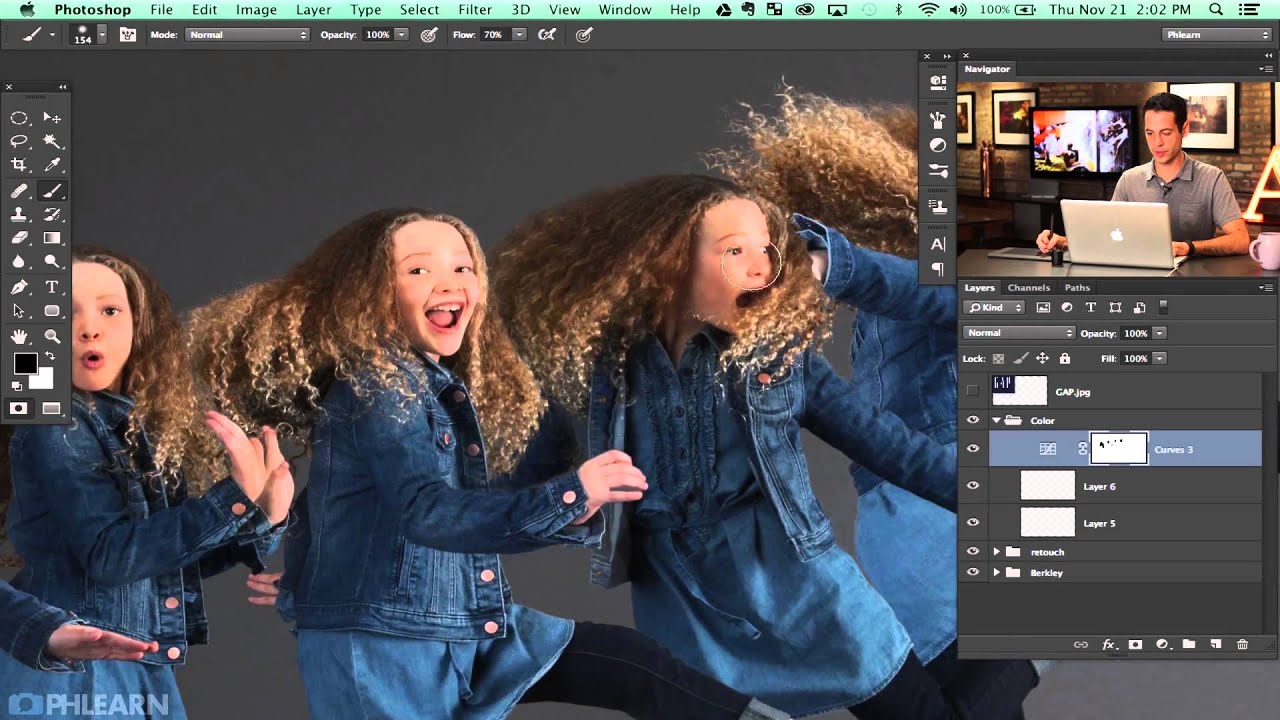
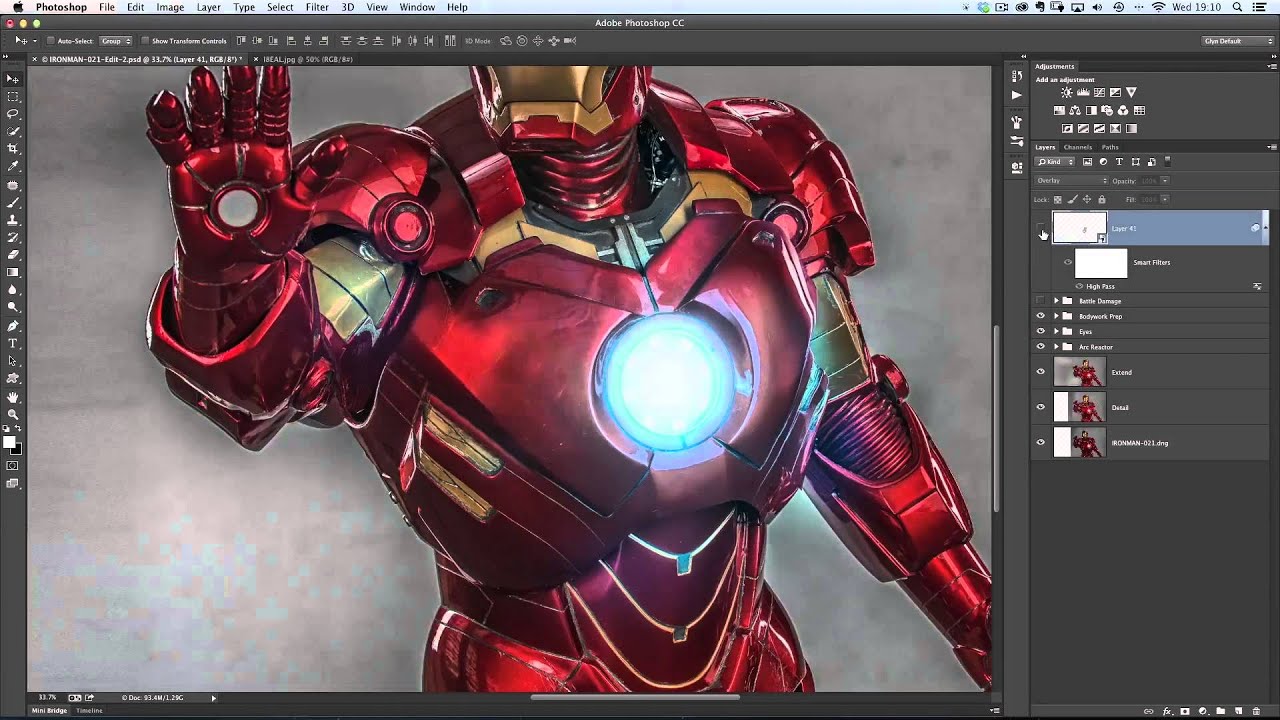
One of the best ways to learn retouching is studying real before-and-after comparisons — not just seeing the result, but understanding every decision that went into it. Let me walk you through five common retouching scenarios and explain exactly what I did and why. Example 1: Corporate Headshot The brief: Professional but approachable. The client wanted to look polished without looking “retouched.” What I did: Reduced (not removed) under-eye shadows using Curves with a painted mask Cleaned up two small blemishes with the Healing Brush — these were temporary, not permanent features Evened out a red patch on the neck using a Color blend mode layer Added a subtle dodge to the catchlights in both eyes Minor color grade to warm the overall tone What I didn’t do: I left laugh lines, forehead lines, and skin texture completely untouched.

5 Common Retouching Mistakes That Make Portraits Look Fake

5 Common Retouching Mistakes That Make Portraits Look Fake

I’ve reviewed thousands of retouched portraits over the years, and the same mistakes keep showing up. Here’s what to watch for — and how to fix each one. 1. Over-Smoothing Skin This is the #1 mistake I see. Beginners blast the entire face with blur, removing every pore and wrinkle. The result looks like a wax figure, not a person. The fix: Work at 100% zoom and use frequency separation or dodge and burn.