The Future of Beauty Retouching: Are AI Tools Changing Everything?

The Future of Beauty Retouching: Are AI Tools Changing Everything?

The Future of Beauty Retouching: Are AI Tools Changing Everything? I’ve been thinking a lot lately about how our industry is evolving. Every week, it seems, a new AI-powered retouching solution lands on the market promising to revolutionize our work. The question I keep asking myself—and I think many of you are too—is whether these tools are genuinely transforming how we approach beauty editing, or if they’re simply adding another layer to our already complex workflows.

How Serge Ramelli's Frame Within a Frame Technique Quietly Transforms a Flat Travel Portrait

How Serge Ramelli's Frame Within a Frame Technique Quietly Transforms a Flat Travel Portrait

There’s a specific kind of photo that stops me mid-scroll. Not the technically perfect ones, not the overlit, every-detail-present shots. The ones that stop me are the ones that feel like a secret. Something contained. A world inside a world. That quality has a name: frame within a frame. And for years I understood it as a compositional idea, something you think about before you press the shutter. What I hadn’t fully appreciated was how much of that feeling gets built, or destroyed, in post-processing.

Why Your Skin Retouching Looks Fake (And the Frequency Separation Fix That Actually Works)

Why Your Skin Retouching Looks Fake (And the Frequency Separation Fix That Actually Works)

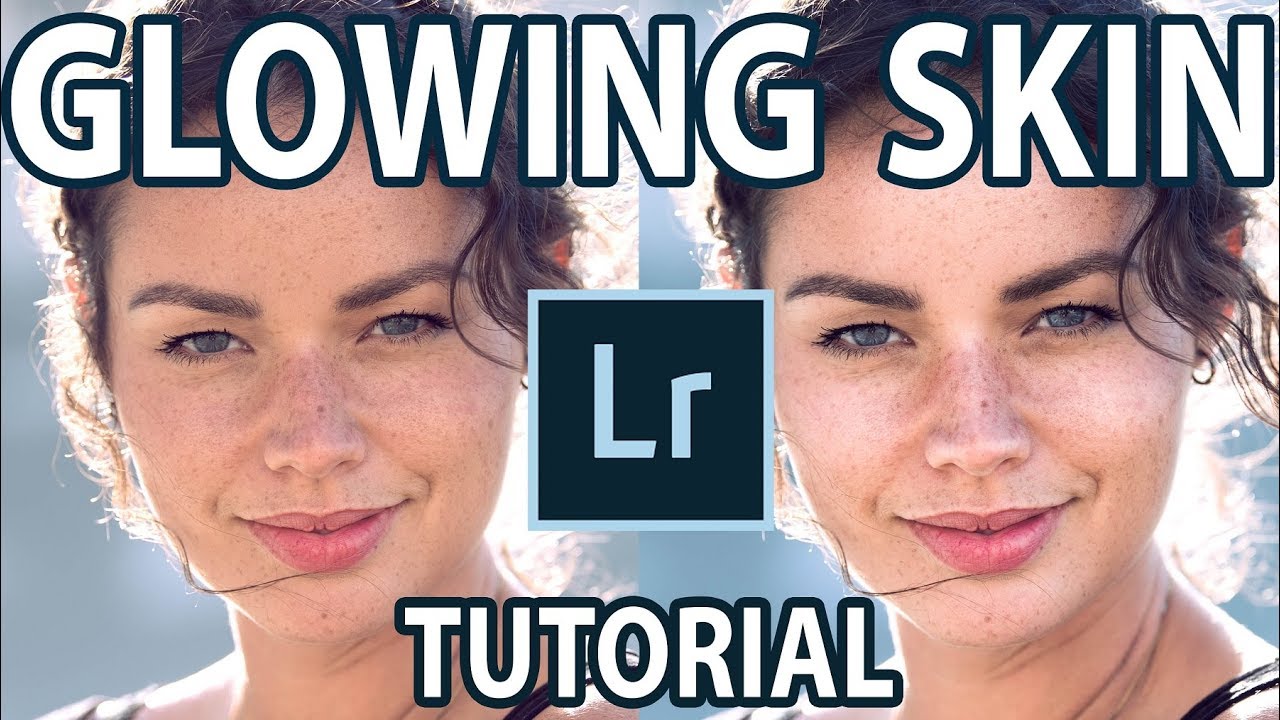
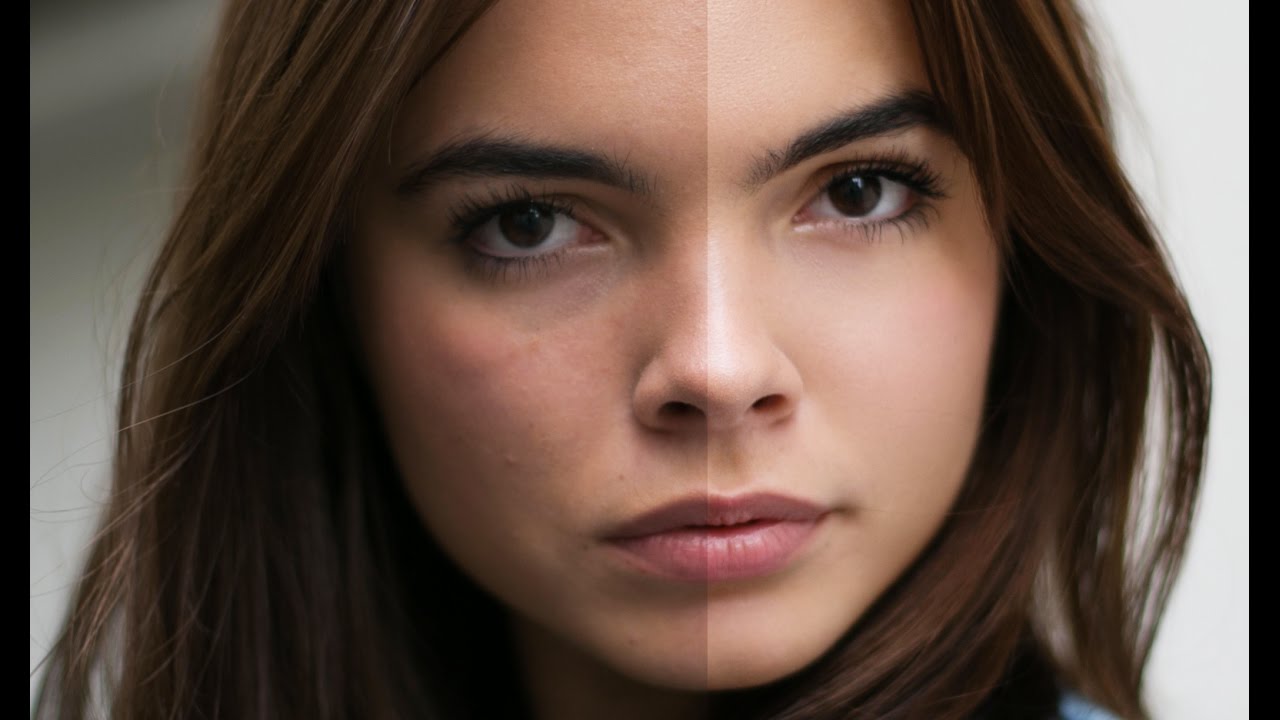
Early in my retouching career, a client sent back a set of beauty portraits with a note that still lives rent-free in my head: “The model looks like she’s made of wax.” I had smoothed the skin beautifully, or so I thought. The color was even, the blemishes were gone, and the whole image had this clean, polished look I was genuinely proud of. But she was right. I had removed every pore, every subtle shadow, every piece of visual information that tells your brain you’re looking at a human face.

Why Your Makeup Retouching Looks Fake (And the Layer Order That Fixes It)

Why Your Makeup Retouching Looks Fake (And the Layer Order That Fixes It)

A client emailed me once, midway through a campaign project, to say my lip color looked “like a crayon drawing on a face.” She wasn’t wrong. I had painted the color directly onto a merged layer, ignored the skin texture entirely, and wondered why it looked like a sticker someone had slapped onto a photograph. That was about seven years ago, right when I was transitioning out of wedding photography and into beauty work full-time.

Why Your Headshot Edits Look Overdone (And the Exact Workflow That Fixed Mine)

Why Your Headshot Edits Look Overdone (And the Exact Workflow That Fixed Mine)

A client once told me my retouching looked “like a wax museum.” She wasn’t wrong. I still have that file saved in a folder called “Humbling Moments,” and I open it maybe once a year to remind myself what over-processing actually looks like when you’re too close to the screen to see it. Headshots are the trickiest category in portrait retouching, not because the techniques are complicated, but because the margin for error is almost zero.

Why I Stopped Duplicating Layers for Every Retouch (And What I Do Instead)

Why I Stopped Duplicating Layers for Every Retouch (And What I Do Instead)

When I was first learning Photoshop, I duplicated every layer before touching anything. It was practically a reflex. Open file, hit Command-J, breathe. Nobody ever explained why we did it. It was just the rule, passed down from tutorial to tutorial like a photographic commandment. It took me years of freelance work, and honestly a few bloated, chaotic PSD files sent to clients, before I started questioning whether the habit still made sense.

How to Add Depth and Dimension to Flat-Looking Portrait Photos in Photoshop

How to Add Depth and Dimension to Flat-Looking Portrait Photos in Photoshop

There’s a particular kind of frustration that comes from delivering a beauty retouch that looks completely flat on screen. The skin is clean, the tones are balanced, the color is consistent, and yet something is missing. Dimension. The sense that there’s actual space between the subject and the world behind them. For a long time, the only reliable fix I had was to manually paint luminosity masks or fake a depth-of-field effect with blur layers and a lot of patient masking.

Why Dodge and Burn Is the Last Retouching Skill You'll Want to Learn (and the First You Should)

Why Dodge and Burn Is the Last Retouching Skill You'll Want to Learn (and the First You Should)

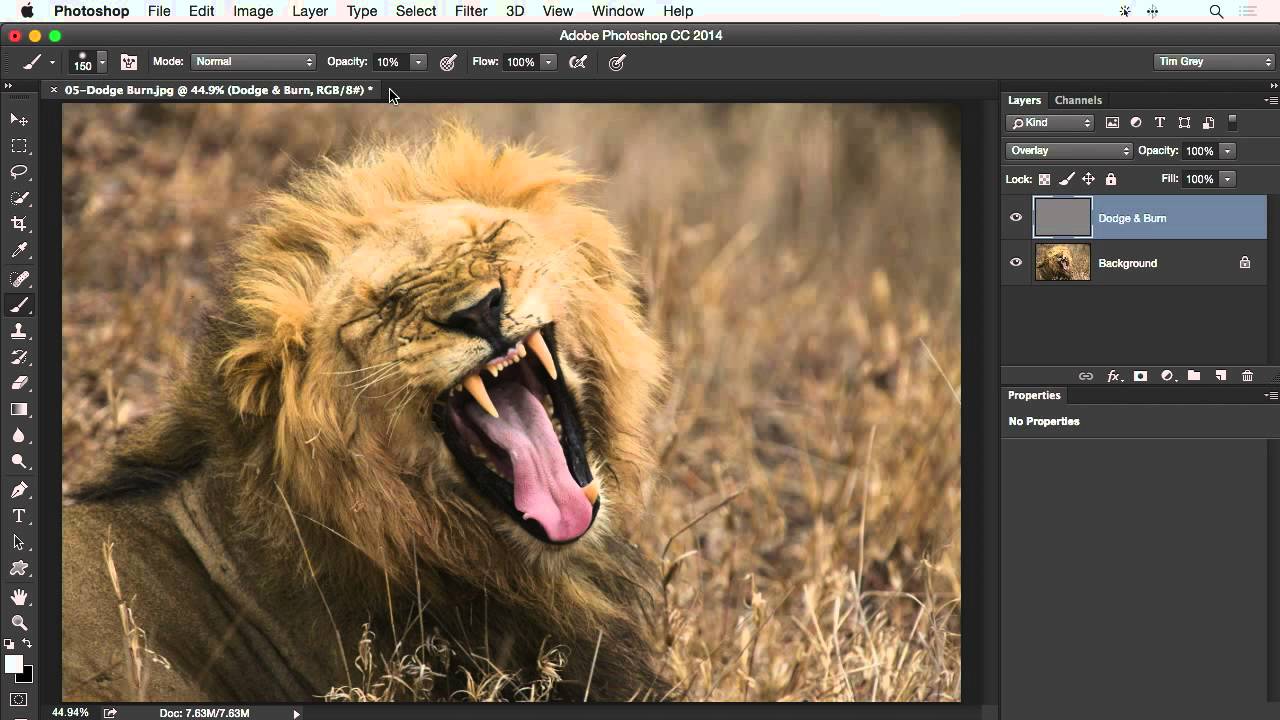
I still have the file. It lives in a folder I’ve never deleted, labeled “DO NOT SHOW ANYONE,” and every time I open Photoshop it’s sitting there, waiting. My first serious retouching attempt on a beauty portrait. The skin looks like it was painted with a foam roller. No dimension, no depth, no life. Just a flat, airbrushed approximation of a human face. What I was missing wasn’t a better plugin or a fancier frequency separation technique.

The 20-Minute Eye Enhancement Workflow That Makes Portraits Feel Alive

The 20-Minute Eye Enhancement Workflow That Makes Portraits Feel Alive

A few years back, a client emailed me after receiving her finished gallery. She loved everything, she said, except one thing: her eyes looked “like a doll’s.” Not a compliment. I went back to the file and stared at what I’d done. The whites were blown out to pure paper, the irises had been saturated to an almost cartoon blue, and the catch lights had been cloned into perfect symmetrical circles.

Frequency Separation Actually Explained: Why Your Skin Retouching Looks Fake (And How to Fix It)

Frequency Separation Actually Explained: Why Your Skin Retouching Looks Fake (And How to Fix It)

The first time a client told me my retouching looked “plastic,” I had no idea what she meant. I thought I’d done a beautiful job. The skin was smooth, the blemishes were gone, the whole image had this polished magazine quality I’d been chasing. She pulled up a reference image on her phone, slid it across the table, and said, “I want to look like that. Yours looks like a wax figure.

Portrait Cleanup Before You Touch the Skin: Why the Background Is Costing You More Time Than You Think

Portrait Cleanup Before You Touch the Skin: Why the Background Is Costing You More Time Than You Think

Last week I opened a portrait from a beauty brand shoot and spent forty minutes working on the model’s skin before I noticed it. A single strand of hair, ghosted across her left shoulder, catching the backlight in a way that made it look like a scar. I had to repaint half the shoulder. If I’d caught it in the first five minutes, it would have taken thirty seconds with the Clone Stamp.

Why Your Portraits Look Flat (And How Dodge and Burn Fixes It From the Inside Out)

Why Your Portraits Look Flat (And How Dodge and Burn Fixes It From the Inside Out)

A few years into my retouching career, I got a message from a client that I still think about. She’d sent her finished portraits to a makeup artist friend, who looked at them and said they looked “a little plastic.” Not bad, exactly. Just… off. Like the face had been buffed smooth and then lit from nowhere in particular. I knew exactly what had gone wrong. I’d been so focused on removing what I didn’t want that I’d forgotten to keep what made the face look real.