The Art of Eye Enhancement: Making Eyes Pop in Portrait Retouching

The Art of Eye Enhancement: Making Eyes Pop in Portrait Retouching

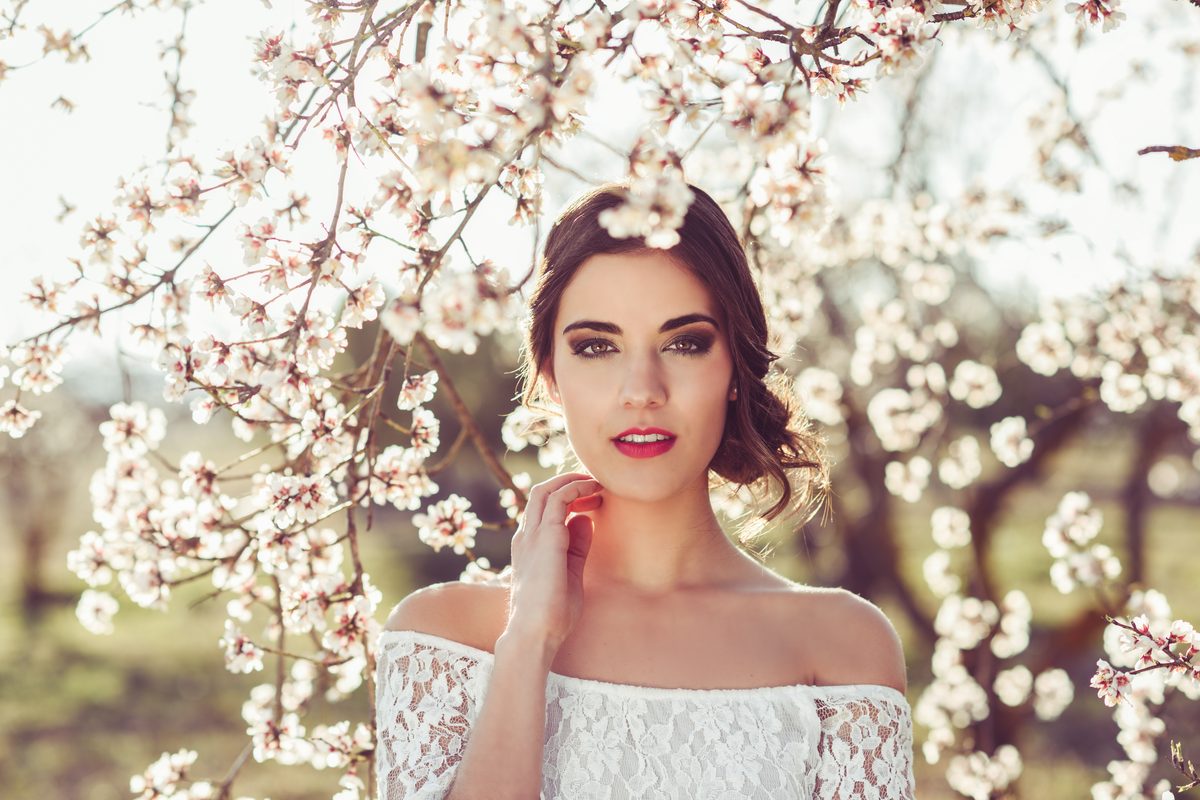
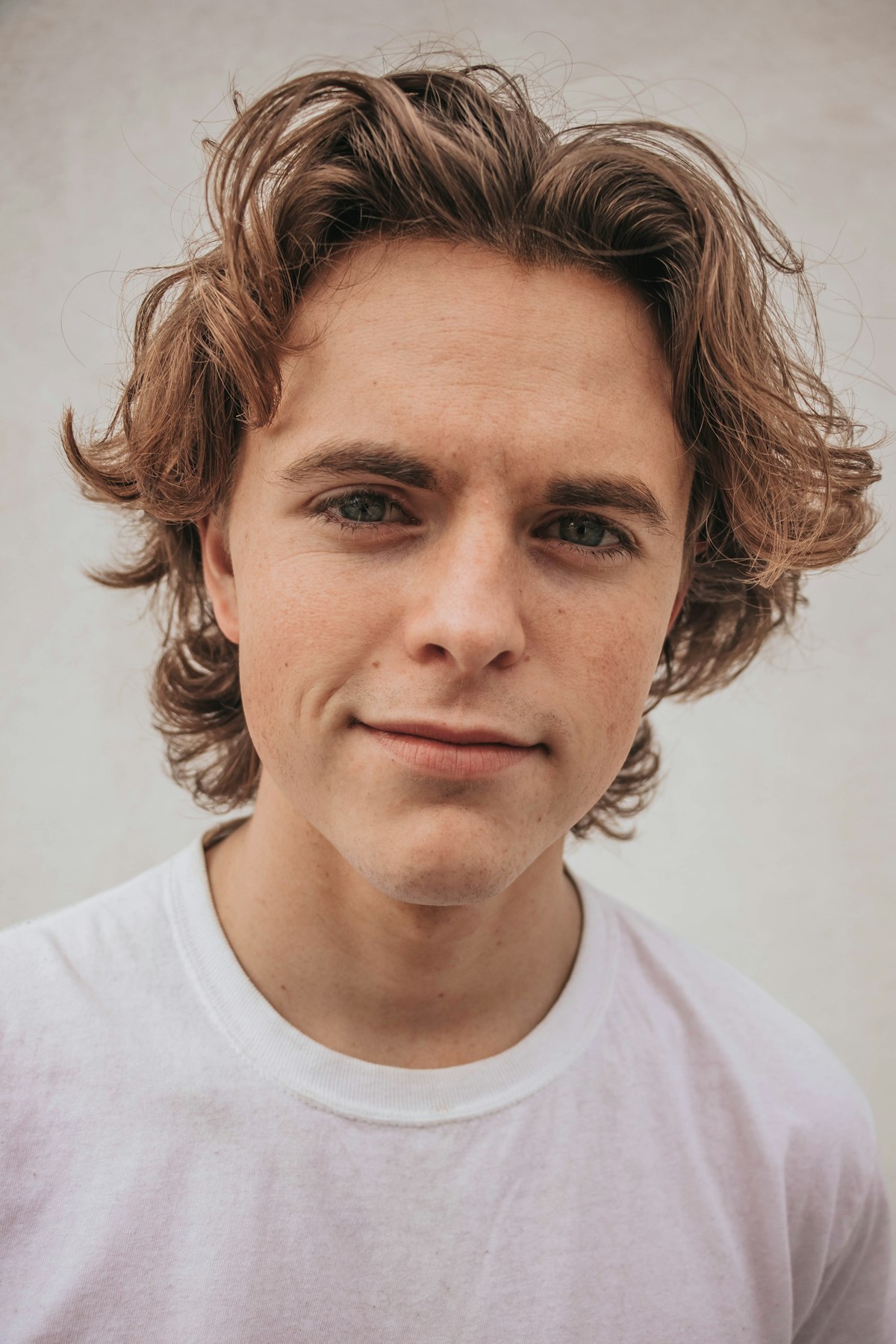
The Art of Eye Enhancement: Making Eyes Pop in Portrait Retouching When I’m editing a portrait, I always say that the eyes are where the magic happens. They’re the first thing viewers connect with, and enhancing them properly can transform an ordinary portrait into something truly captivating. Over the years, I’ve learned that great eye enhancement isn’t about making eyes look unnatural—it’s about bringing out what’s already there and adding just the right amount of polish.

The Art of Capturing Seasonal Beauty: What Cherry Blossoms Teach Us About Editing Light and Texture

The Art of Capturing Seasonal Beauty: What Cherry Blossoms Teach Us About Editing Light and Texture

A Decades-Long Study in Fleeting Beauty I recently learned about a photographer named Drew Geraci who has spent nearly two decades returning to Washington, D.C. each spring to photograph cherry blossoms. What struck me most wasn’t just his dedication—it was how his long-term project mirrors the delicate work we do in portrait retouching and beauty editing. When you commit to photographing the same subject across 17 years, you’re not just collecting images.

Speed Retouching: Professional Results in Under 5 Minutes

Speed Retouching: Professional Results in Under 5 Minutes

Not every portrait gets 90 minutes of retouching. Event photographers might deliver 200 images from a single shoot. Corporate headshot sessions might produce 30 portraits in an afternoon. You need a fast workflow that still looks professional. Here’s my 5-minute retouching process, broken into steps that I time myself on. Minute 1: Healing Pass Open the image and immediately create a new blank layer. Select the Healing Brush, set to “Sample All Layers,” and quickly remove:

Retouching Workflow: From RAW to Final Image

Retouching Workflow: From RAW to Final Image

A consistent workflow isn’t just about efficiency — it’s about never forgetting a step and delivering consistent quality across every image. Here’s the exact workflow I use for every portrait retouching job, from opening the RAW file to exporting the final image. Phase 1: RAW Processing (Camera Raw / Lightroom) Before Photoshop even opens, I handle: White balance — get this right first, everything else depends on it Exposure and contrast — basic tonal corrections Highlight and shadow recovery — pull back blown highlights, open up shadows Lens corrections — profile corrections, chromatic aberration removal Noise reduction — if needed, especially for high-ISO images Basic crop — rough composition, I’ll fine-tune later I do NOT do color grading in RAW.

Retouching for Different Skin Types and Tones

Retouching for Different Skin Types and Tones

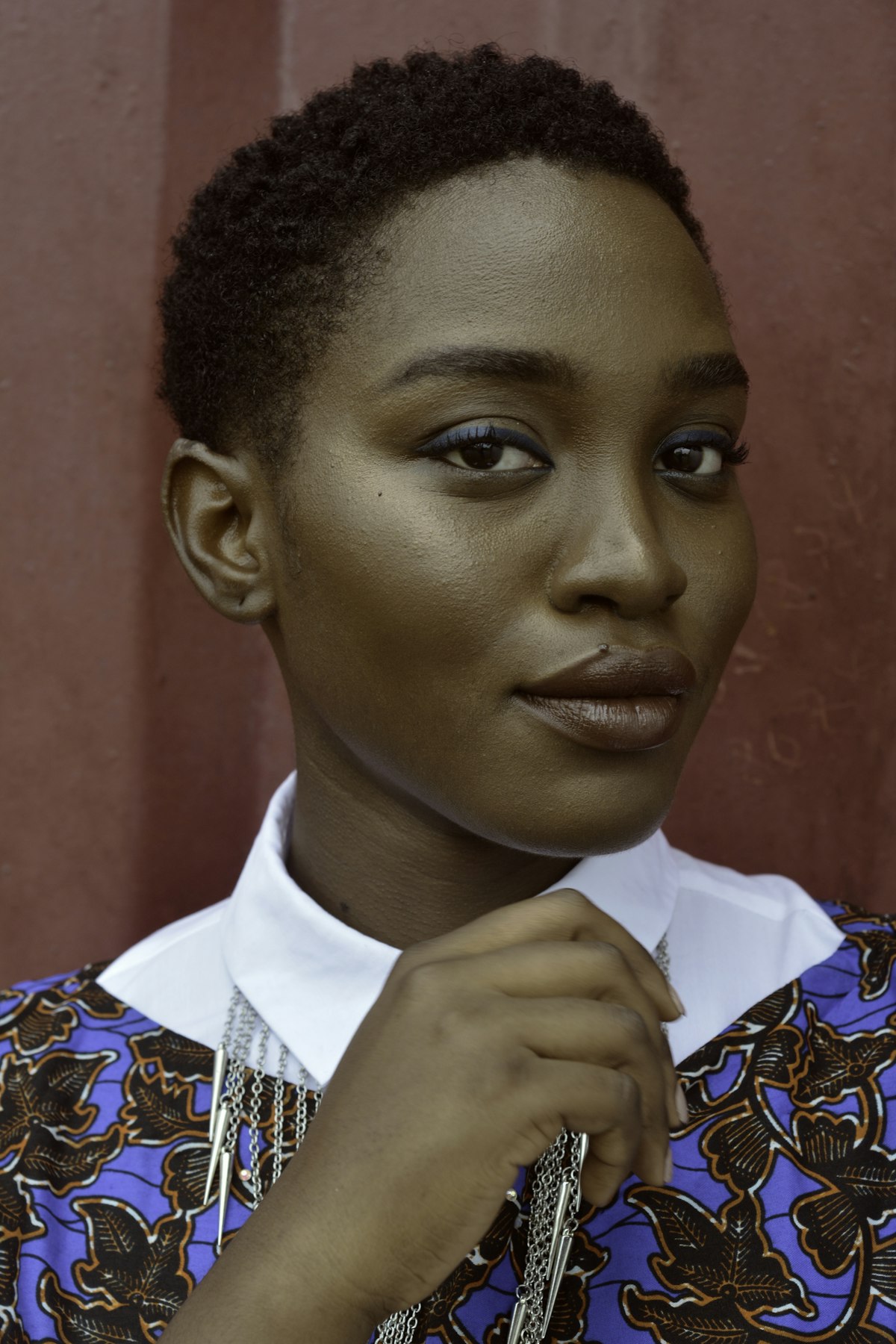
Most retouching tutorials assume a narrow range of skin types — usually fair to medium-toned, smooth skin. But real clients come with every possible combination of skin tone, texture, and type. Your retouching approach needs to adapt. Here’s what I’ve learned from retouching portraits across a wide range of skin types. Darker Skin Tones Darker skin has unique characteristics that affect how you retouch. Specular highlights are more visible. Darker skin reflects light differently, creating stronger, more distinct highlights especially on the forehead, nose, and cheekbones.

Portrait Cleanup Essentials: Transform Your Photos with Precision

Portrait Cleanup Essentials: Transform Your Photos with Precision

Portrait Cleanup Essentials: Transform Your Photos with Precision When I first started retouching portraits, I realized that cleanup is where the magic happens. It’s not about creating something artificial—it’s about removing the everyday distractions that keep a beautiful moment from truly shining. Whether you’re working with a professional headshot or a candid family photo, portrait cleanup is a skill that transforms good images into ones you’re genuinely proud to share.

Portrait Cleanup Essentials: My Step-by-Step Guide to Flawless Skin

Portrait Cleanup Essentials: My Step-by-Step Guide to Flawless Skin

Portrait Cleanup Essentials: My Step-by-Step Guide to Flawless Skin When I first started retouching portraits, I thought cleanup meant removing every imperfection until the image looked airbrushed and plastic. I learned quickly that the magic lies in subtle enhancement—keeping skin looking real while making it radiant. Today, I’m sharing the approach that’s transformed how I approach portrait cleanup. What Portrait Cleanup Really Means Let me be clear about something: portrait cleanup isn’t about erasing someone’s humanity.

Natural vs Glam: Two Approaches to Beauty Retouching

Natural vs Glam: Two Approaches to Beauty Retouching

The beauty retouching world has two dominant schools: natural and glam. Understanding when and how to use each saves you from the most common mistake in beauty work — applying the wrong style to the wrong brief. Natural Beauty Retouching Natural retouching aims to make the subject look like themselves on their absolute best day. It’s the “no-makeup makeup” of post-production. Technical approach: Skin smoothing at 20-30% intensity maximum Color correction focused on evening tones, not perfecting them Dodge and burn to enhance existing light patterns, not create new ones Blemish removal limited to temporary features only No reshaping unless correcting lens distortion Minimal color grading — stay close to realistic color Where it’s used: Skincare campaigns, lifestyle brands, editorial features about “real beauty,” dating profiles, professional headshots, personal branding.

Mastering Urban Portrait Retouching: A Complete Guide to the Bir Hakeim Bridge Technique

Mastering Urban Portrait Retouching: A Complete Guide to the Bir Hakeim Bridge Technique

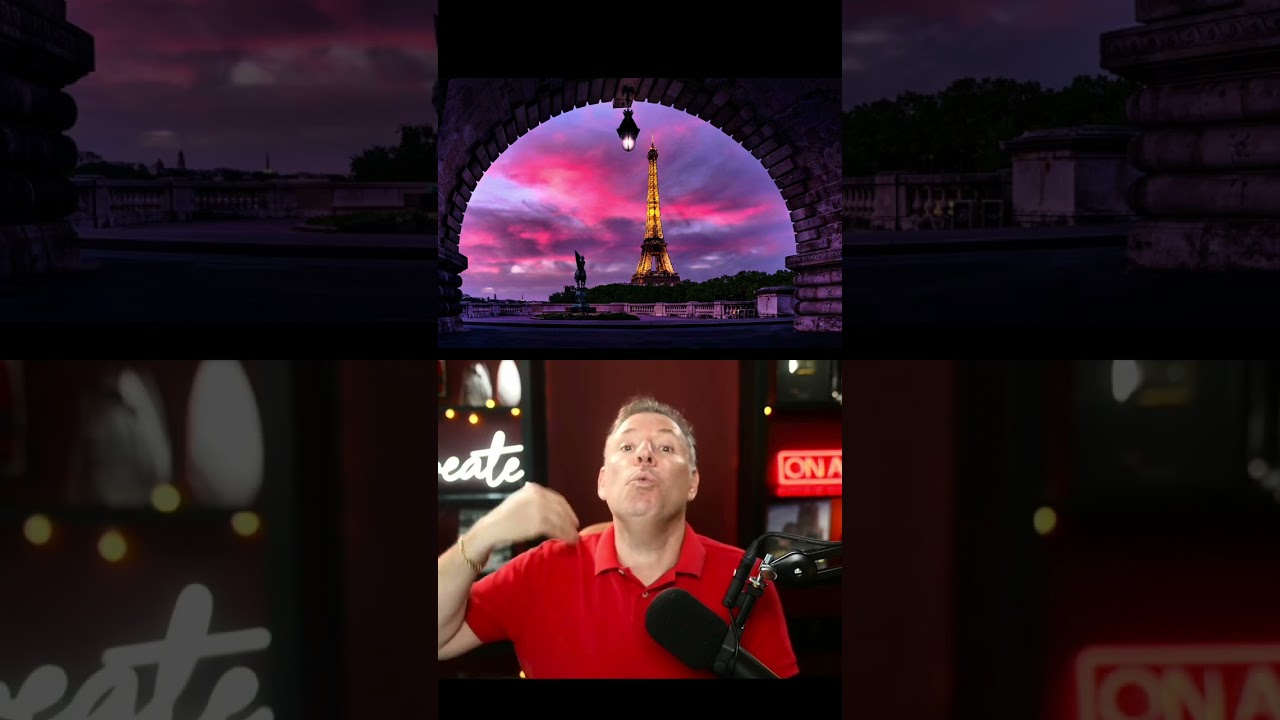
Mastering Urban Portrait Retouching: A Complete Guide to the Bir Hakeim Bridge Technique I’ve always found that some of the most transformative retouching lessons come from real-world shooting scenarios—especially when we’re working with the challenging lighting and composition that urban environments throw at us. In this excellent tutorial, Serge Ramelli shows us how to take a portrait shot at the iconic Bir Hakeim Bridge in Paris and transform it into a polished, professional image using systematic retouching and beauty editing techniques.

Mastering Night Light Beauty Photography: A Retouching Guide for Artificial Lighting

Mastering Night Light Beauty Photography: A Retouching Guide for Artificial Lighting

Mastering Night Light Beauty Photography: A Retouching Guide for Artificial Lighting I’ve been thinking a lot lately about how artificial lighting transforms portrait photography—and the unique retouching challenges it presents. When we shoot under neon signs, decorative lanterns, and street lights, we’re working with color casts and dynamic shadows that require a thoughtful editing approach. This is especially true when we want our subjects to look their absolute best. The Challenge of Colored Light Sources Shooting in environments like illuminated gardens or neon-lit streets creates an entirely different canvas than traditional studio lighting.

Mastering Dodge and Burn: Sculpting Light and Shadow in Portrait Retouching

Mastering Dodge and Burn: Sculpting Light and Shadow in Portrait Retouching

Mastering Dodge and Burn: Sculpting Light and Shadow in Portrait Retouching When I first started portrait retouching, I thought dodge and burn were just old darkroom tricks. But I’ve come to realize they’re one of the most powerful tools we have for sculpting faces and creating that coveted three-dimensional quality that separates amateur edits from polished professional work. Let me walk you through how I approach this technique, and I promise it’s more intuitive than it might sound.

Master Eye Enhancement: A Step-by-Step Guide to Captivating Portrait Eyes

Master Eye Enhancement: A Step-by-Step Guide to Captivating Portrait Eyes

Master Eye Enhancement: A Step-by-Step Guide to Captivating Portrait Eyes Eyes are the window to the soul—and they’re often the first thing we notice in a portrait. When we enhance eyes thoughtfully, we’re not creating something fake; we’re simply bringing out what’s already there. I’ve spent years perfecting eye enhancement techniques, and I’m excited to walk you through the process that’s transformed how I approach portrait retouching. Why Eye Enhancement Matters Before we dive into the how, let’s talk about the why.