How to Retouch Car Photos in Photoshop: A Workflow That Actually Works

How to Retouch Car Photos in Photoshop: A Workflow That Actually Works

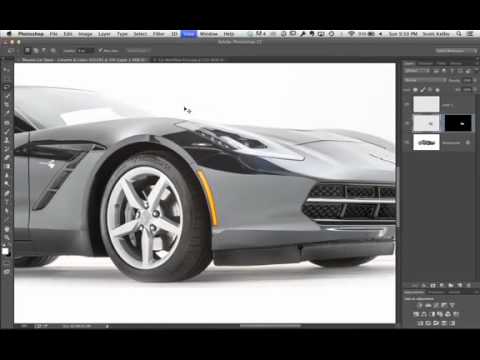
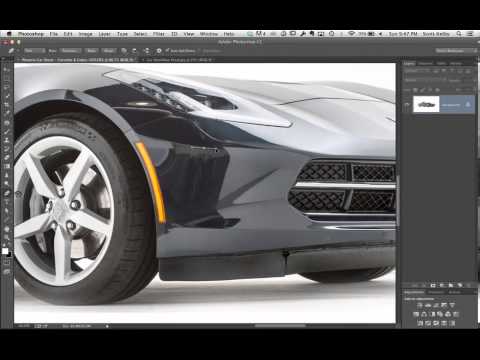
Most of my retouching work lives in skin texture and color grading, but the skills that make a portrait sing translate directly to product and automotive work. Clean surfaces. Controlled reflections. No distracting garbage pulling the eye away from the subject. When a photographer friend asked me to help clean up some studio car shots last year, I realized how much of what I do every day for beauty clients applies to shiny metal just as well as it applies to skin.

How to Retouch a Car in Photoshop: Scott Kelby's Workflow Broken Down Step by Step

How to Retouch a Car in Photoshop: Scott Kelby's Workflow Broken Down Step by Step

Most of my work lives in faces. Skin texture, under-eye circles, the way light catches a cheekbone. But the principles that make beauty retouching work, cleaning up distracting reflections, creating seamless backgrounds, making an image look inevitable rather than labored, apply everywhere. Including, it turns out, cars. I stumbled onto this tutorial while looking for a cleaner way to handle background reflections in product work, and it genuinely reframed how I think about any kind of studio shot.