Clean Skin, Real People: How Sean Tucker's 3-Step Method Changed How I Retouch Portraits

Clean Skin, Real People: How Sean Tucker's 3-Step Method Changed How I Retouch Portraits

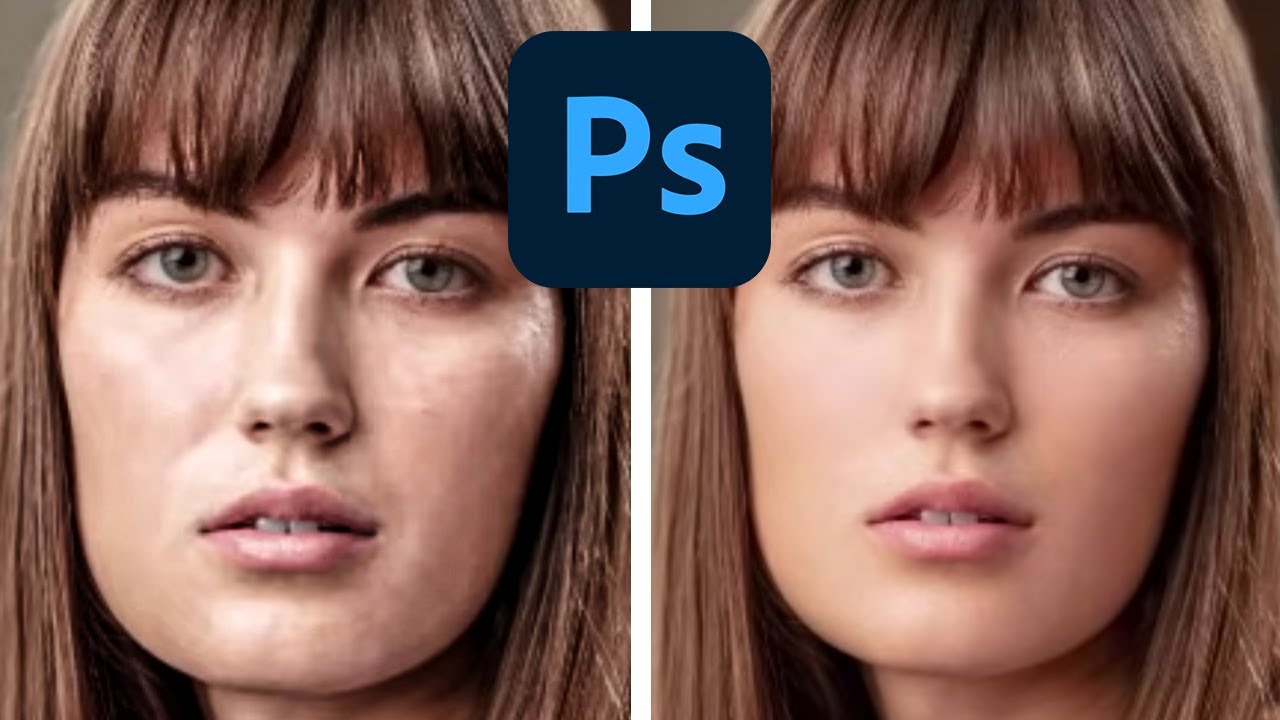
There’s a specific kind of dread that comes with opening a portrait file and knowing the skin needs work. Early in my retouching career, I leaned hard on every technique I could find, and the results looked exactly like what they were: over-processed, waxy, and unconvincing. A client once described my edits as “plastic-looking,” and honestly, she wasn’t wrong. That moment sent me down a long road of figuring out how to clean up skin without erasing the person underneath.

The 4-Layer Method I Use to Retouch Eyes That Actually Look Alive

The 4-Layer Method I Use to Retouch Eyes That Actually Look Alive

A few years into freelancing, I had a client send back a batch of beauty headshots with a note that stopped me cold. “The eyes look like marbles,” she wrote. She wasn’t wrong. I had sharpened the irises, brightened the whites, and painted in a catch light I thought looked natural. What I’d actually done was strip out every subtle tonal variation that makes eyes read as human. They were technically clean and completely lifeless.

Frequency Separation Without the Headache: A Step-by-Step Breakdown of Joel Grimes' Approach

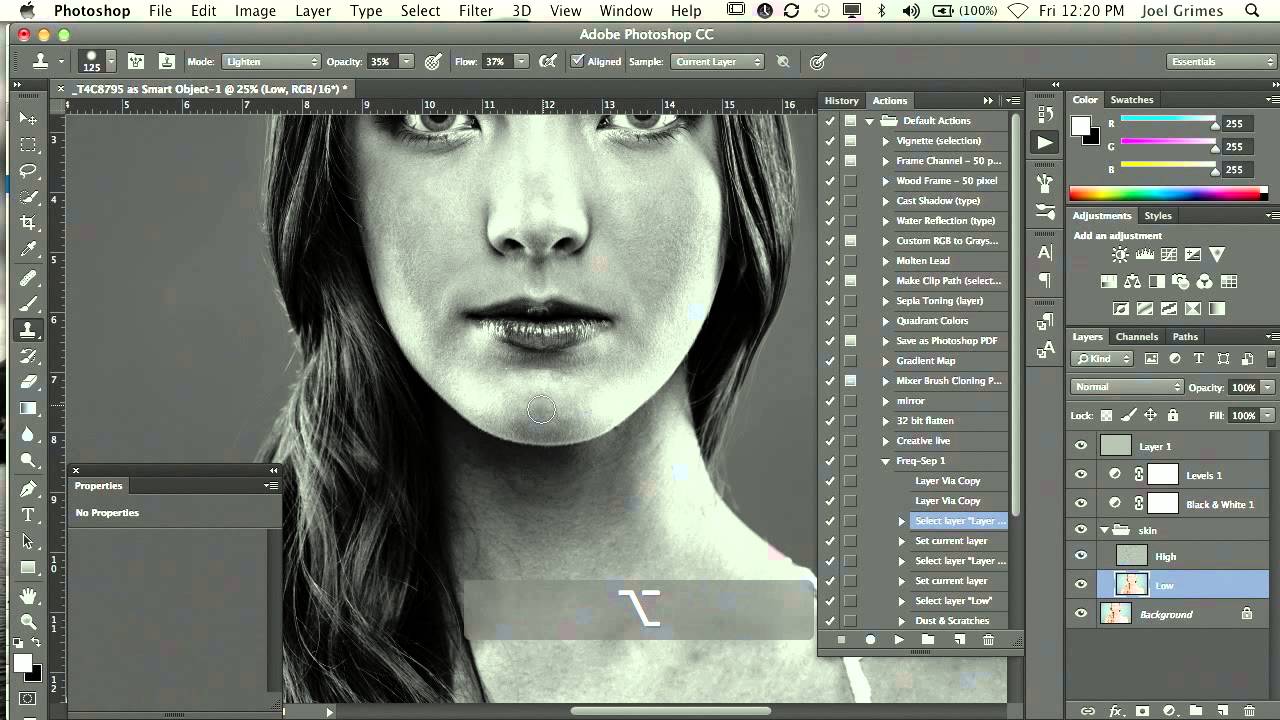
Frequency Separation Without the Headache: A Step-by-Step Breakdown of Joel Grimes' Approach

There is a specific kind of dread that comes from over-retouching skin. I know it well. Early in my retouching career, I handed a beauty client a set of images so smoothed-out that she emailed back asking if I had accidentally used a blur filter on her face. I had not. I had just been using the wrong tools with too much confidence. Frequency separation was the technique that eventually pulled me out of that hole, but for a long time I avoided it because every tutorial I found turned it into a 45-minute production involving terminology that felt designed to intimidate.

The 15-Minute Eye Enhancement Workflow That Stopped My Clients From Asking for 'More Pop'

The 15-Minute Eye Enhancement Workflow That Stopped My Clients From Asking for 'More Pop'

A few years into freelancing, I had a client send back a batch of beauty shots with one word in the subject line: “More.” She wanted more brightness, more color, more life in the eyes. I’d already dodged the irises, boosted the whites, and painted in a catch light. The eyes looked like something out of an animated film. I sat back from my (perpetually lowered) standing desk, made a fresh cup of green tea, and realized the problem wasn’t that I hadn’t done enough.

The 15-Minute Eye Enhancement Workflow That Stopped My Clients Saying Make Them Pop

The 15-Minute Eye Enhancement Workflow That Stopped My Clients Saying Make Them Pop

A few years back, a client sent me a revision note that read: “Can you make the eyes more… alive?” I had spent forty minutes on that image. The skin was clean, the color grade was warm and editorial, and the composition was genuinely lovely. But she was right. The eyes looked like they belonged to someone who had just heard mildly disappointing news. Everything else in the frame was doing its job, and the eyes were not.

Why Hair Retouching Falls Apart at the Edges (And How to Fix It Layer by Layer)

Why Hair Retouching Falls Apart at the Edges (And How to Fix It Layer by Layer)

Why Hair Retouching Falls Apart at the Edges (And How to Fix It Layer by Layer) By Maya Chen The file came in on a Tuesday morning: a beauty campaign shot, studio-lit, clean background, gorgeous subject. The hair was this wild, expressive curtain of coils that the photographer had clearly worked hard to capture well. My job was to clean it up without flattening it. Three hours later I had something that looked like a wig glued to a mannequin.

Lightroom's April 2026 Masking Updates Are Quietly a Big Deal for Beauty Retouchers

Lightroom's April 2026 Masking Updates Are Quietly a Big Deal for Beauty Retouchers

If you do any volume of beauty or portrait work, you already know that waiting on Lightroom is part of the job. Waiting for exports, waiting for AI masking, waiting for denoise to grind through a raw file while your cursor just sits there, taunting you. I’ve lost whole stretches of productive time staring at a progress bar when I could have been culling the next batch or answering emails. So when Adobe drops an update that actually addresses a real workflow bottleneck, I pay attention.

The Hidden Frequency Separation Secret That Saves Flat-Looking Skin

The Hidden Frequency Separation Secret That Saves Flat-Looking Skin

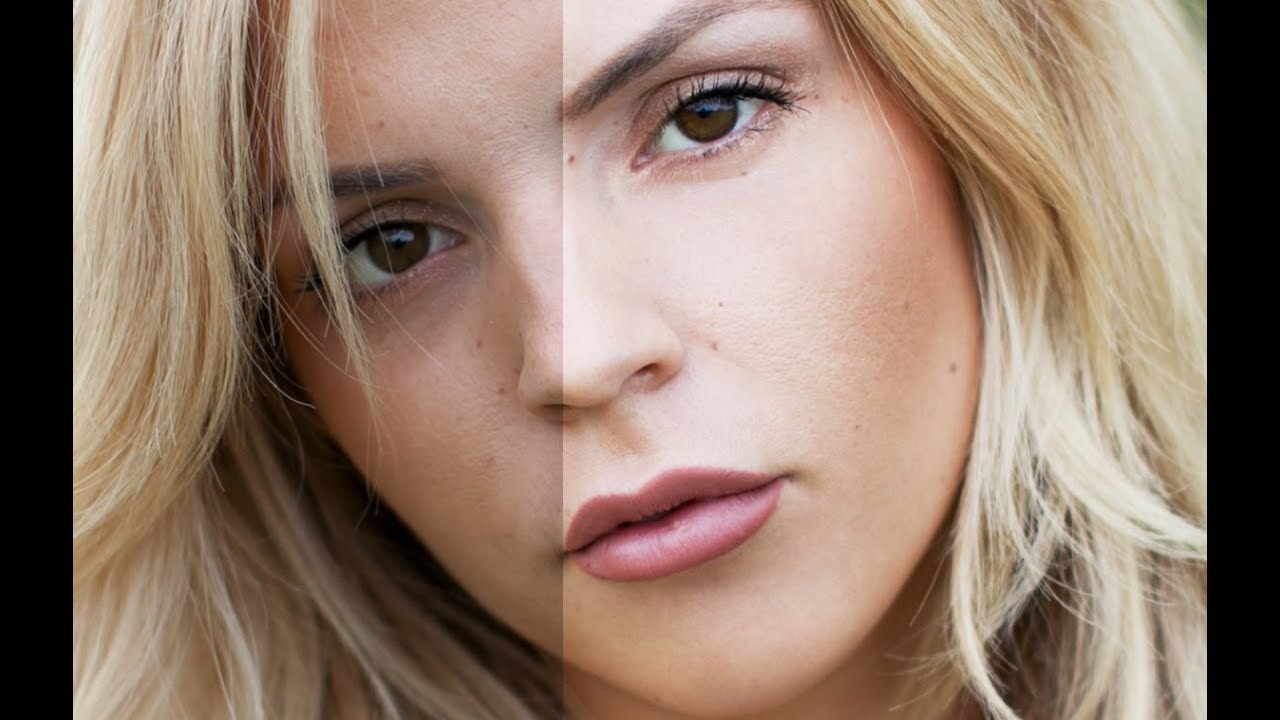
The Hidden Frequency Separation Secret That Saves Flat-Looking Skin I’ve noticed something fascinating happening in portrait retouching conversations lately. Editors everywhere are discovering that their beautifully smoothed skin often loses something critical the moment a client zooms out. The detailed, dimensional quality vanishes, leaving behind a plastic-looking result that feels disconnected from reality. Here’s what I’ve found: there’s a specific step within the frequency separation workflow that most of us gloss over—and it’s actually the key to maintaining that natural, three-dimensional quality we’re all chasing.

Why Your Skin Retouching Looks Fake (And the Frequency Separation Fix That Actually Works)

Why Your Skin Retouching Looks Fake (And the Frequency Separation Fix That Actually Works)

Early in my retouching career, a client sent back a set of beauty portraits with a note that still lives rent-free in my head: “The model looks like she’s made of wax.” I had smoothed the skin beautifully, or so I thought. The color was even, the blemishes were gone, and the whole image had this clean, polished look I was genuinely proud of. But she was right. I had removed every pore, every subtle shadow, every piece of visual information that tells your brain you’re looking at a human face.

The 20-Minute Eye Enhancement Workflow That Makes Portraits Feel Alive

The 20-Minute Eye Enhancement Workflow That Makes Portraits Feel Alive

A few years back, a client emailed me after receiving her finished gallery. She loved everything, she said, except one thing: her eyes looked “like a doll’s.” Not a compliment. I went back to the file and stared at what I’d done. The whites were blown out to pure paper, the irises had been saturated to an almost cartoon blue, and the catch lights had been cloned into perfect symmetrical circles.

The 20-Minute Eye Enhancement Workflow That Stopped Making My Portraits Look Fake

The 20-Minute Eye Enhancement Workflow That Stopped Making My Portraits Look Fake

A few years into freelancing, I had a client sit across from me at a coffee shop, laptop open, and say the words every retoucher dreads: “She looks like a doll. Not in a good way.” The portrait was technically clean. Skin was smooth, the background was polished, the color grade was consistent. But the eyes, which I had spent probably forty minutes on, looked like they’d been swapped in from a video game character.

The Art of Eye Enhancement: Making Eyes Pop in Portrait Retouching

The Art of Eye Enhancement: Making Eyes Pop in Portrait Retouching

The Art of Eye Enhancement: Making Eyes Pop in Portrait Retouching Eyes are the soul of a portrait. They’re often the first thing viewers connect with, and when we enhance them thoughtfully, we breathe life into our images. I’ve spent years perfecting eye enhancement techniques, and I’m excited to share the approach that’s transformed how I approach every portrait that comes across my desk. Why Eye Enhancement Matters Before we dive into the how, let’s talk about the why.