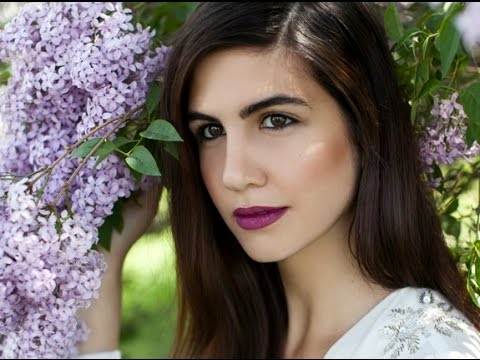
Frequency Separation: The Game-Changing Technique That Transformed My Portrait Editing

Frequency Separation: The Game-Changing Technique That Transformed My Portrait Editing

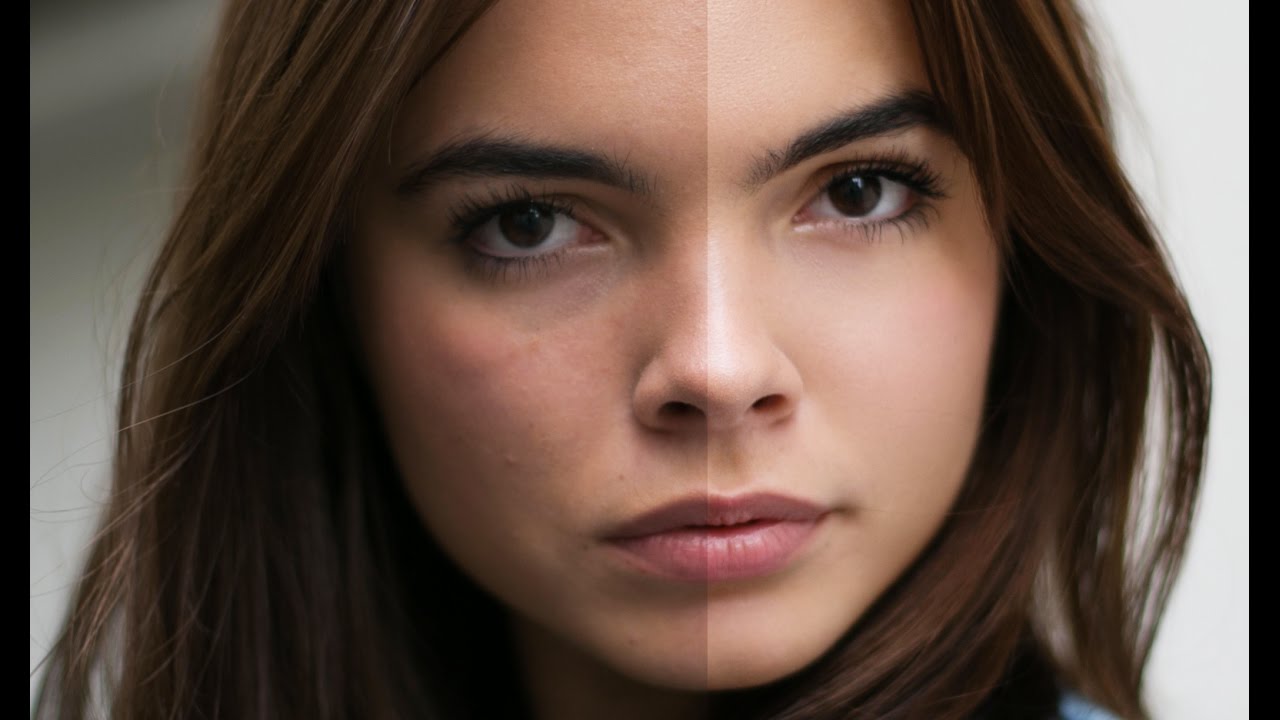
Frequency Separation: The Game-Changing Technique That Transformed My Portrait Editing When I first learned about frequency separation, I’ll be honest—it felt intimidating. The name alone made me hesitant. But once I understood what was actually happening, it became the foundation of how I approach every single portrait that comes across my desk. Today, I want to walk you through this technique because I genuinely believe it will change the way you retouch.

The Art of Color Correction in Portrait Retouching: A Step-by-Step Guide

The Art of Color Correction in Portrait Retouching: A Step-by-Step Guide

The Art of Color Correction in Portrait Retouching: A Step-by-Step Guide I’ve spent years perfecting the subtle art of color correction, and I can tell you that it’s one of the most transformative skills we can develop as portrait retouchers. It’s the difference between a photo that looks okay and one that looks absolutely radiant. Whether you’re editing headshots, bridal portraits, or beauty photography, understanding how to correct and enhance color will elevate your work immediately.

The Art of Subtle Skin Retouching: Keeping Portraits Natural and Beautiful

The Art of Subtle Skin Retouching: Keeping Portraits Natural and Beautiful

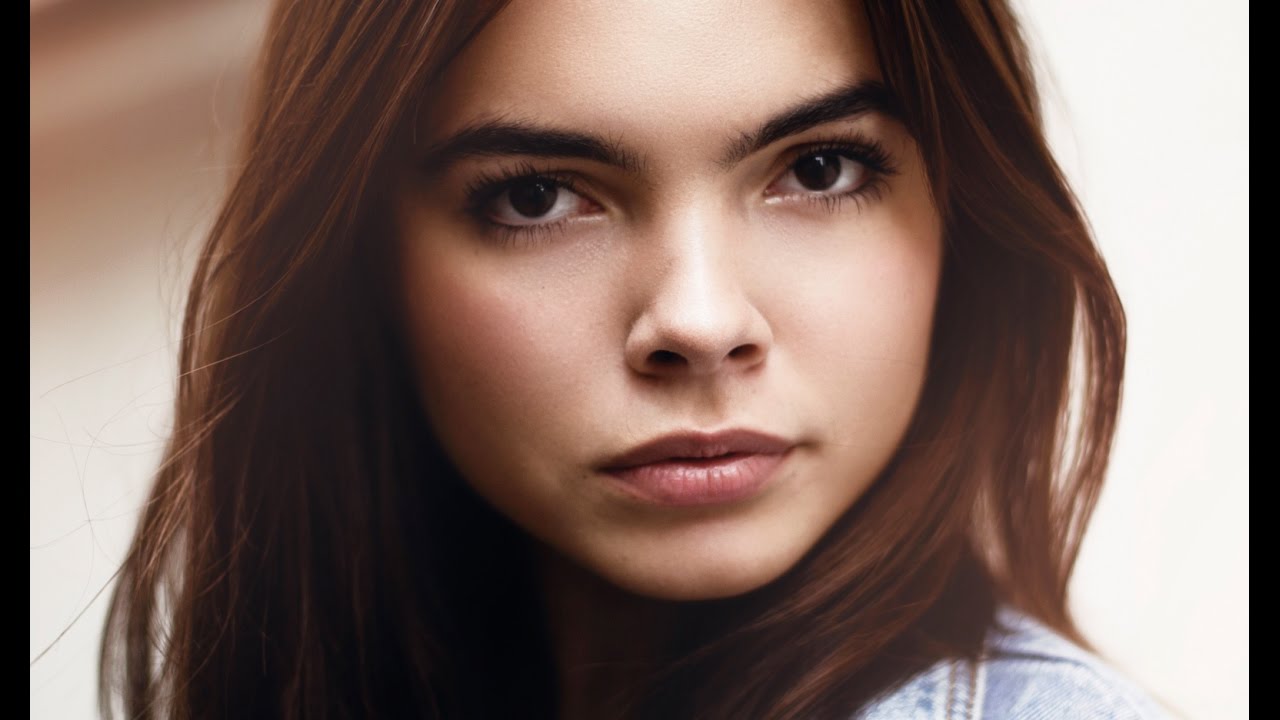
The Art of Subtle Skin Retouching: Keeping Portraits Natural and Beautiful I’ve spent years perfecting skin retouching, and I’ve learned that the best portraits don’t look retouched at all. That might sound like a contradiction, but it’s actually the heart of beautiful portrait editing. Today, I want to share what I’ve discovered about enhancing skin while preserving the authentic character that makes a portrait compelling. Why Restraint is Your Secret Weapon When clients first come to me, many expect heavy smoothing and flawless skin that looks almost plastic.

The Art of Subtle Makeup Retouching: Enhancing Beauty Without Overdoing It

The Art of Subtle Makeup Retouching: Enhancing Beauty Without Overdoing It

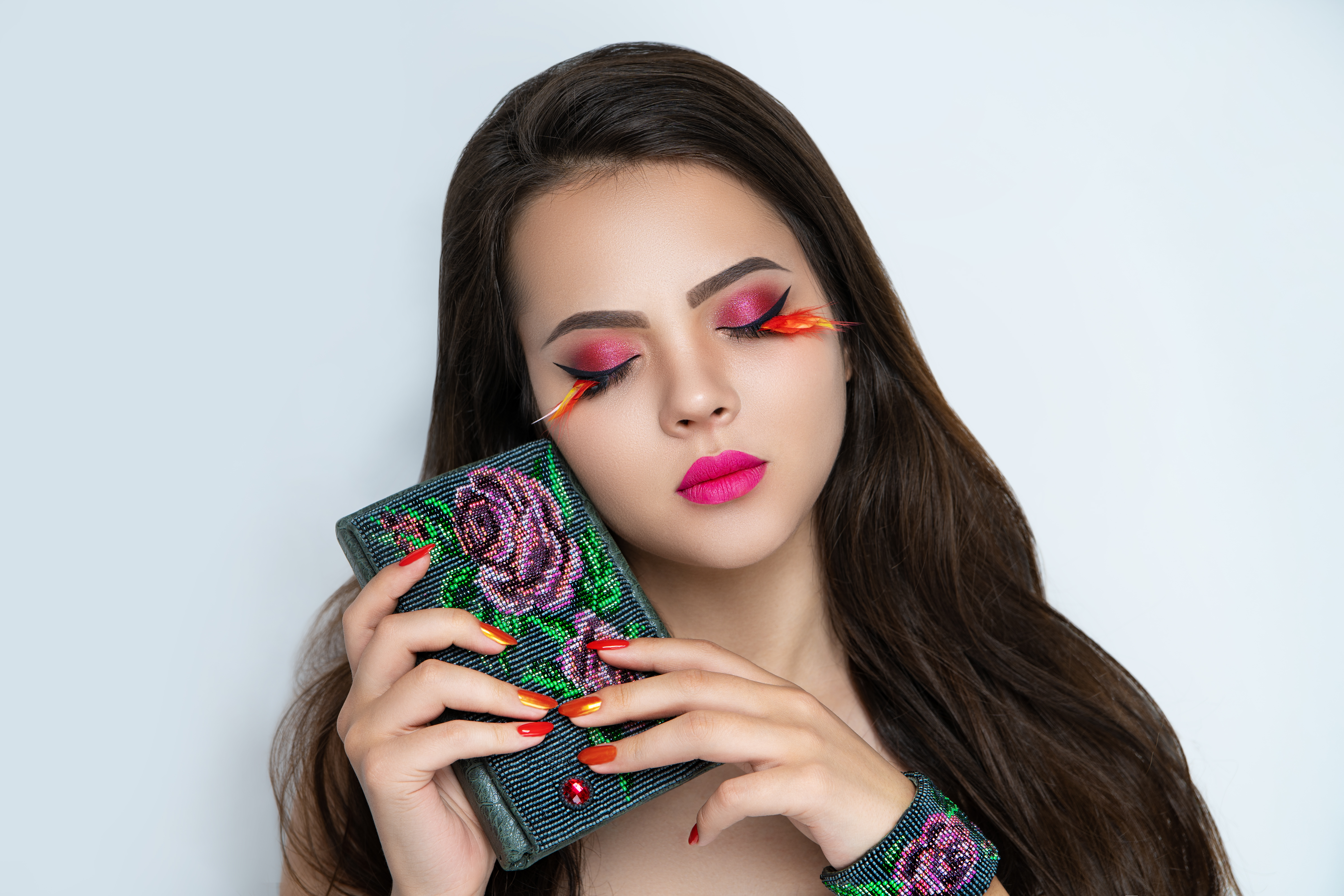
The Art of Subtle Makeup Retouching: Enhancing Beauty Without Overdoing It When I first started retouching portraits professionally, I made the same mistake many editors do: I over-processed the makeup. What I learned—sometimes the hard way—is that the best makeup retouching is the kind people don’t notice. We’re not creating a different person; we’re bringing out what’s already beautiful and authentic. Let me walk you through my approach to makeup retouching, which I’ve refined over hundreds of portraits.

The Art of Subtle Makeup Retouching: Enhancing Beauty Without Looking Overdone

The Art of Subtle Makeup Retouching: Enhancing Beauty Without Looking Overdone

The Art of Subtle Makeup Retouching: Enhancing Beauty Without Looking Overdone When I first started retouching portraits, I made the same mistake many of us do: I over-edited. Every blemish disappeared. Every shadow vanished. The results looked plastic and lifeless. Over the years, I’ve learned that the best makeup retouching isn’t about perfection—it’s about enhancement. It’s about making someone look like the best version of themselves, not a filtered version of themselves.

The Art of Portrait Cleanup: A Step-by-Step Guide to Flawless Skin

The Art of Portrait Cleanup: A Step-by-Step Guide to Flawless Skin

The Art of Portrait Cleanup: A Step-by-Step Guide to Flawless Skin When I first started portrait retouching, I thought cleanup meant erasing every blemish until a face looked plastic and lifeless. I’ve learned that’s the opposite of what we should aim for. Great portrait cleanup enhances natural beauty while preserving the authentic character that makes someone recognizable. Let me walk you through the approach that’s transformed my work. Understanding What “Cleanup” Really Means Portrait cleanup isn’t about creating a fake, airbrushed look.

Frequency Separation: The Game-Changing Technique Every Portrait Retoucher Needs to Master

Frequency Separation: The Game-Changing Technique Every Portrait Retoucher Needs to Master

Frequency Separation: The Game-Changing Technique Every Portrait Retoucher Needs to Master When I first discovered frequency separation, I felt like I’d unlocked a secret level in portrait retouching. This technique changed everything about how I approach skin editing—and I’m excited to share it with you because it genuinely transforms your results. Frequency separation works by splitting an image into two layers: one containing color and tone information, and another containing texture and detail.

The Art of Skin Retouching: Achieving Natural Results Without the Filter Look

The Art of Skin Retouching: Achieving Natural Results Without the Filter Look

The Art of Skin Retouching: Achieving Natural Results Without the Filter Look When I started my retouching journey, I made the same mistake many of us do: I smoothed skin until it looked like porcelain. It wasn’t until a client gently asked, “Is that really me?” that I realized the difference between enhancement and erasure. Skin retouching is about revealing the best version of someone’s natural skin—not creating an impossible standard.

Frequency Separation Mastery: The Game-Changing Technique for Flawless Skin Retouching

Frequency Separation Mastery: The Game-Changing Technique for Flawless Skin Retouching

Frequency Separation Mastery: The Game-Changing Technique for Flawless Skin Retouching When I first discovered frequency separation, I felt like I’d unlocked a secret level in portrait retouching. This technique changed everything about how I approach skin editing—and I’m excited to share it with you today. If you’ve ever struggled with over-smoothed skin that looks plastic, or spent hours trying to remove a blemish without destroying texture, frequency separation is your answer.

Master Color Correction in Portrait Retouching: A Step-by-Step Guide

Master Color Correction in Portrait Retouching: A Step-by-Step Guide

Master Color Correction in Portrait Retouching: A Step-by-Step Guide Color correction is where technical skill meets artistic vision in portrait retouching. I’ve watched countless editors struggle with this step because they either overcorrect or miss subtle color casts that undermine their entire edit. The good news? With a systematic approach, we can transform flat or color-shifted images into beautifully balanced portraits that make skin look its absolute best. Understanding Color Casts and Why They Matter Before we dive into correction, let’s talk about what we’re actually fixing.

Luminar Neo's Spring Update: Game-Changing Portrait Tools That Transform Your Retouching Workflow

Luminar Neo's Spring Update: Game-Changing Portrait Tools That Transform Your Retouching Workflow

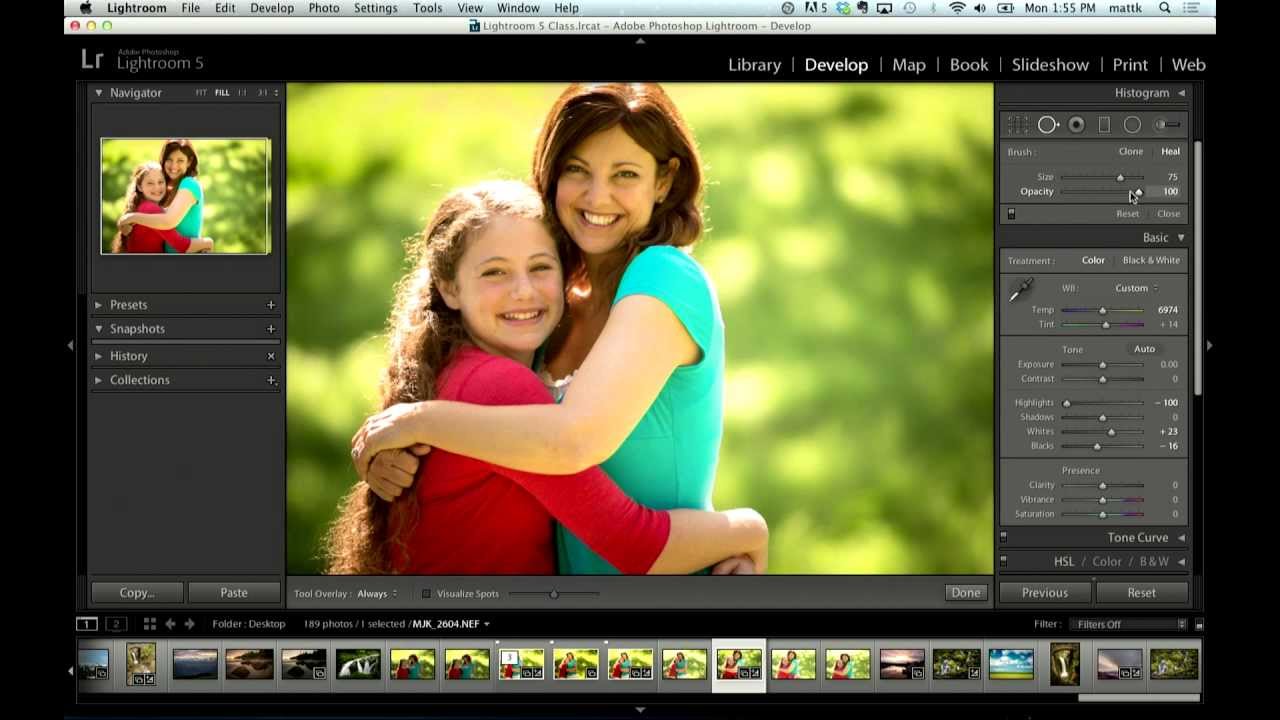
A New Era of Portrait Retouching is Here I’ve been watching the portrait retouching software landscape evolve, and I have to say—I’m genuinely excited about what Skylum has just released with Luminar Neo’s spring update. Version 1.27 represents a meaningful shift toward making professional-quality portrait editing accessible to photographers at every skill level, and I want to break down why this matters for your retouching practice. The Portrait Toolkit That Changes Everything What impressed me most about this update is how Skylum has clearly listened to what portrait photographers and beauty editors actually need.

The Essential Guide to Color Correction in Portrait Retouching

The Essential Guide to Color Correction in Portrait Retouching

The Essential Guide to Color Correction in Portrait Retouching When I first started retouching portraits, I noticed that even the most beautifully lit photographs could fall flat without proper color correction. A client would look at their edited image and say, “Something feels off,” even though the skin looked smooth and the composition was perfect. That something was usually color. Color correction is the foundation of professional portrait retouching. It’s what transforms a decent photo into one that feels alive, balanced, and genuinely flattering.