How to Cut Out Multiple Subjects Fast for Fashion Composites (Gap Ad Breakdown, Part 1)

How to Cut Out Multiple Subjects Fast for Fashion Composites (Gap Ad Breakdown, Part 1)

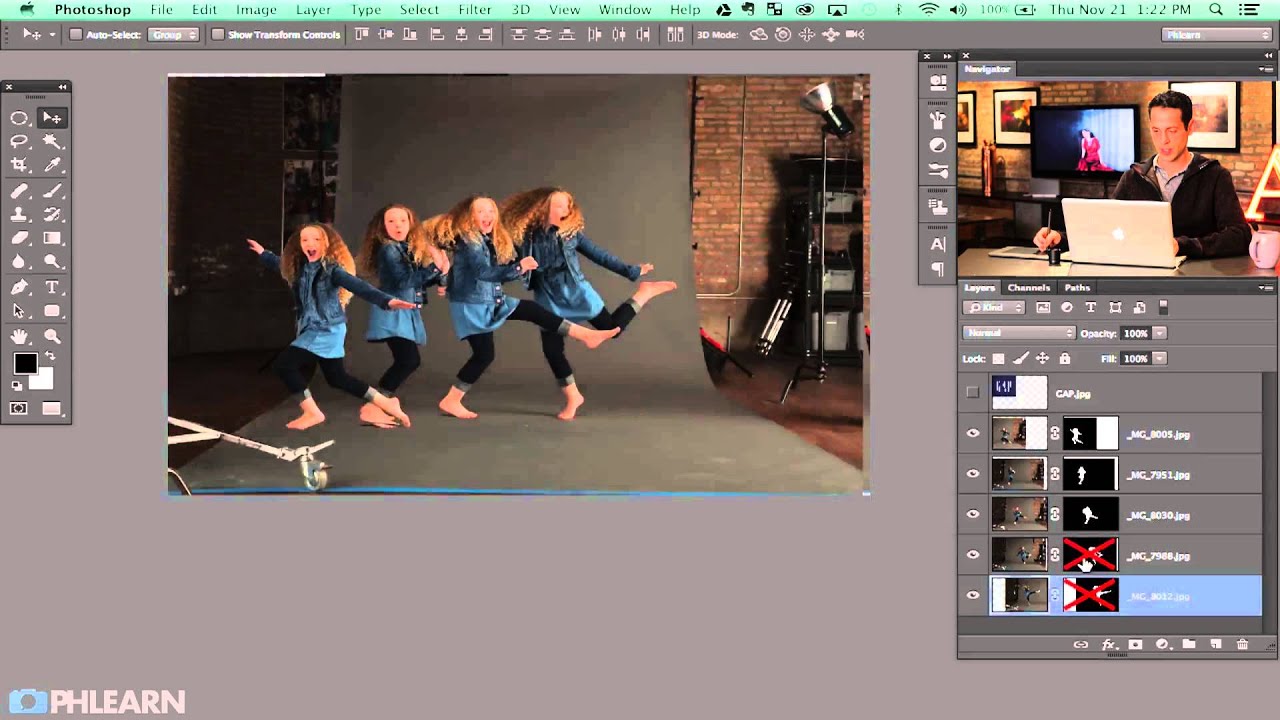
Composite work used to be the thing I’d quietly dread on a brief. Not because the retouching itself was hard, but because my early approach was so disorganized. I’d start painting, masking, and color-matching before I’d even decided where each element was going to live in the final image. The result was hours of rework and a file full of layers named “copy of copy of final FINAL.” It wasn’t pretty.
How to Add Depth and Dimension to a Cracked Skin Effect in Photoshop

How to Add Depth and Dimension to a Cracked Skin Effect in Photoshop

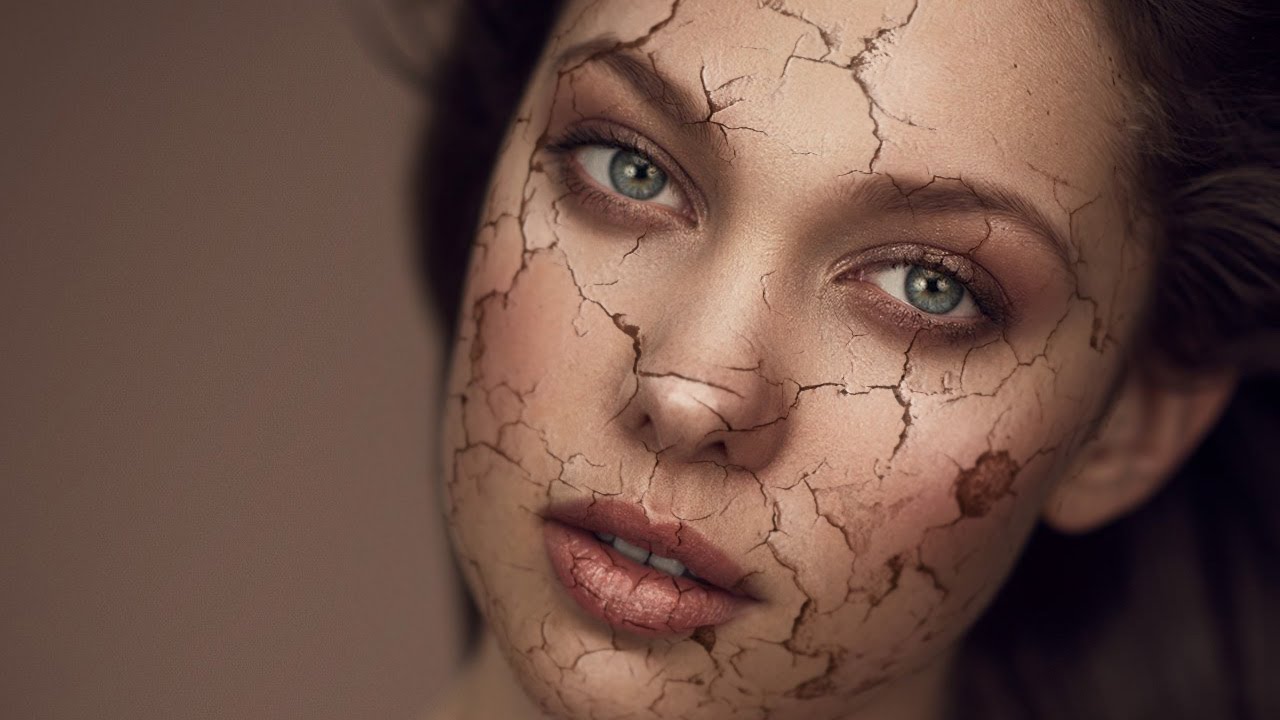
Special effects work isn’t something I thought I’d ever be doing when I first picked up a camera to shoot wedding receptions in the rain. But beauty retouching has a way of pulling you into corners of Photoshop you never expected to visit, and the cracked skin composite is one of those techniques that shows up more often than you’d think, whether it’s an editorial beauty shoot, a Halloween campaign, or a concept piece for a brand that wants something dramatic.

Beyond the Basic Vignette: How to Finish an Editorial Headshot with Color and Texture in Photoshop

Beyond the Basic Vignette: How to Finish an Editorial Headshot with Color and Texture in Photoshop

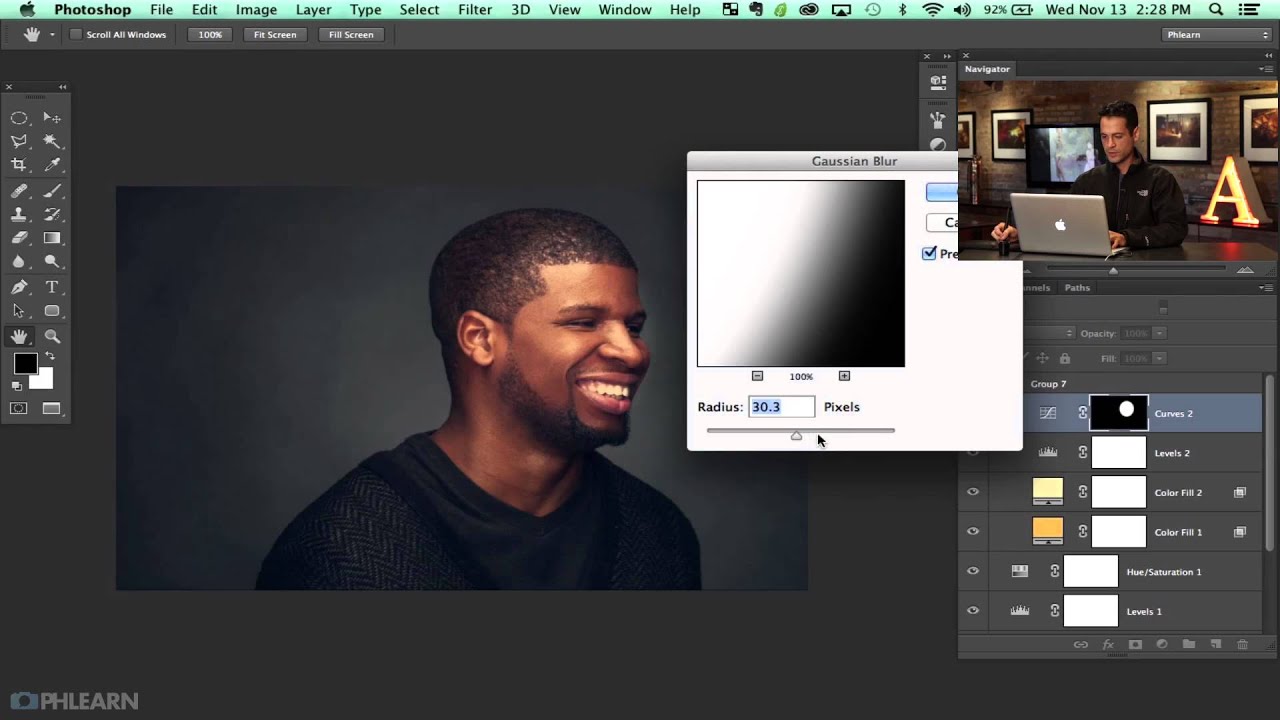
There’s a specific kind of disappointment that comes from finishing a retouch, stepping back, and thinking: this looks like Photoshop. Not “polished.” Not “professional.” Just obviously, undeniably, digitally manipulated. I’ve been there more times than I care to admit, especially in my early days when I thought a perfectly symmetrical gradient vignette was the finishing touch every portrait needed. It wasn’t. It looked like a preset slapped on at the last second, because that’s essentially what it was.

From Rough Cut to Polished Ad: Compositing and Retouching a Multi-Subject Fashion Shot

From Rough Cut to Polished Ad: Compositing and Retouching a Multi-Subject Fashion Shot

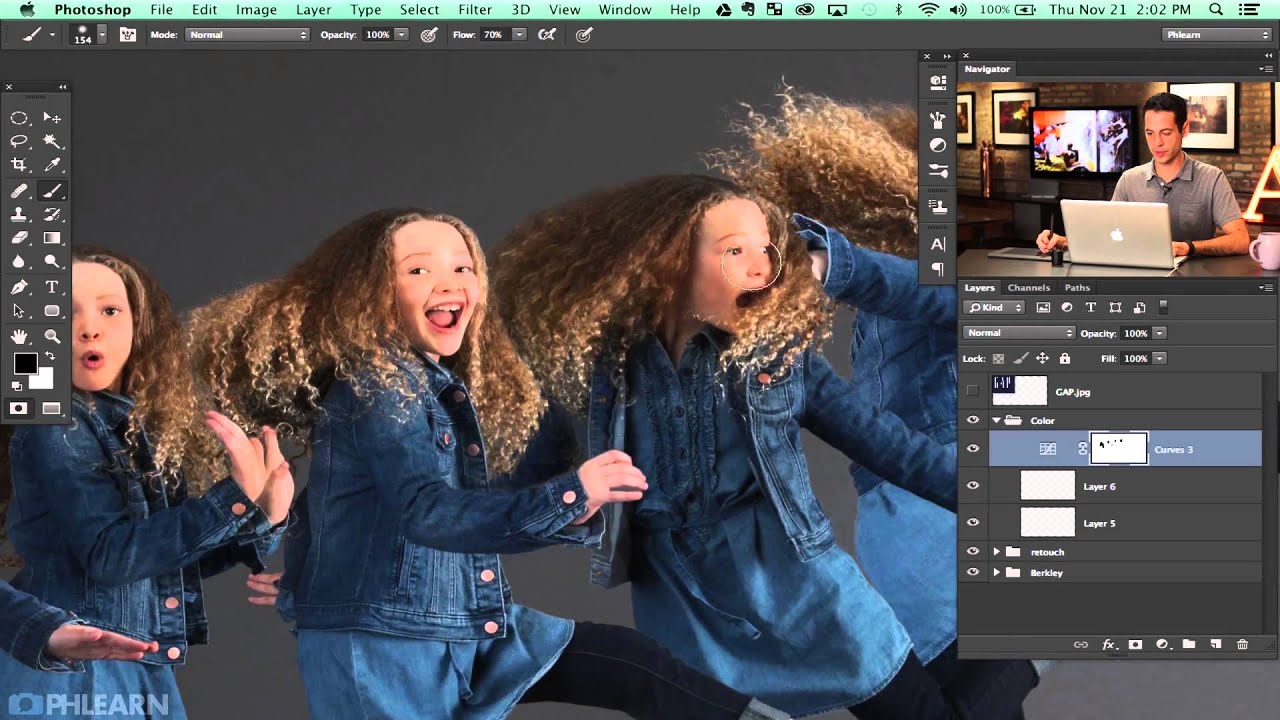
There’s a particular kind of image that separates hobbyist editing from professional work: the composite where multiple subjects share the same frame and it actually looks believable. Not “wow, great Photoshop” believable. Just… real. Getting there requires you to think about how people physically occupy space together, how light wraps around them, and how small overlooked details like a hand or a shadow can quietly destroy the illusion. This is the problem I kept running into early in my retouching career, and it’s exactly what Aaron Nace tackles in this second part of his Gap-inspired fashion shoot series.