How Sean Tucker's Lightroom Portrait Workflow Finally Got My Skin Tones Right

How Sean Tucker's Lightroom Portrait Workflow Finally Got My Skin Tones Right

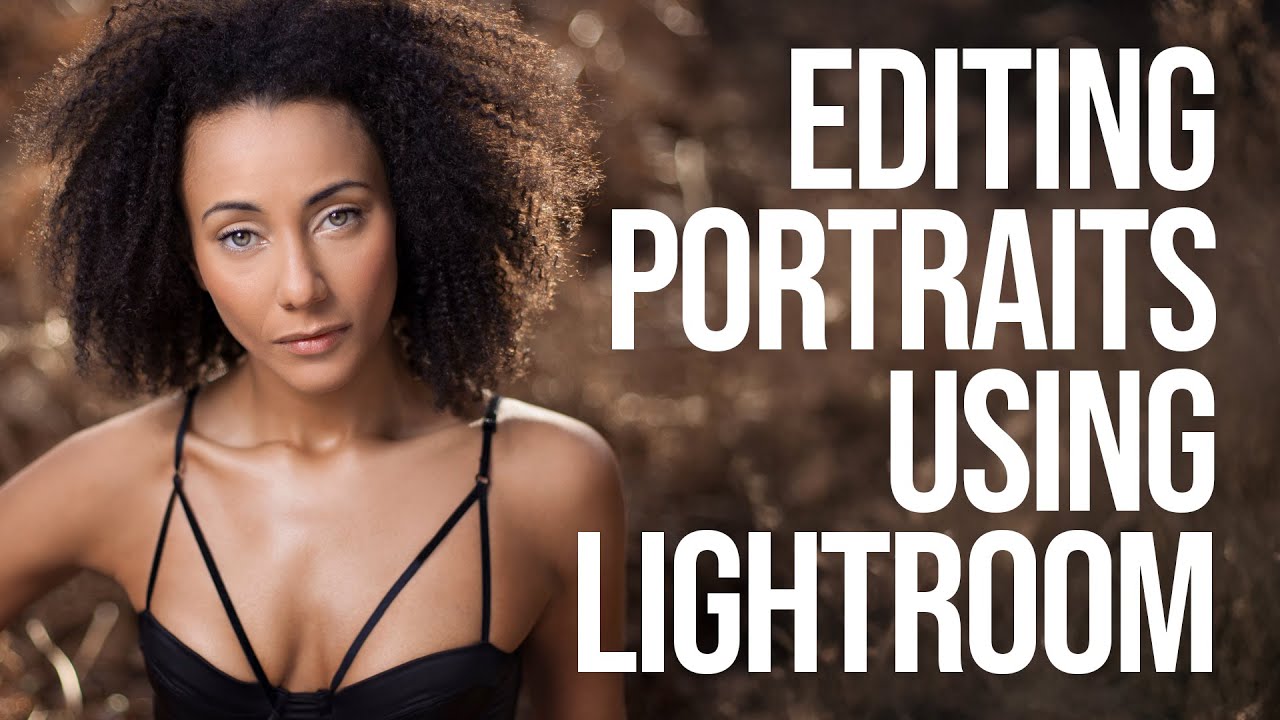
I’ll be honest with you: for years, I was a Photoshop-or-nothing person. Coming from wedding photography into beauty retouching, I built my entire workflow around layers, frequency separation, and a library of actions I’ve named after films. Lightroom felt like the place where images stopped, not where they got made. Then I sat down with Watch the full tutorial on YouTube this Sean Tucker tutorial on editing environmental portraits completely inside Lightroom, and I had one of those quiet, humbling moments where a working professional shows you that your assumptions were costing you time.

The Art of Color Correction in Portrait Retouching: A Step-by-Step Guide

The Art of Color Correction in Portrait Retouching: A Step-by-Step Guide

The Art of Color Correction in Portrait Retouching: A Step-by-Step Guide I’ve spent years perfecting the subtle art of color correction, and I can tell you that it’s one of the most transformative skills we can develop as portrait retouchers. It’s the difference between a photo that looks okay and one that looks absolutely radiant. Whether you’re editing headshots, bridal portraits, or beauty photography, understanding how to correct and enhance color will elevate your work immediately.

The Essential Guide to Color Correction in Portrait Retouching

The Essential Guide to Color Correction in Portrait Retouching

The Essential Guide to Color Correction in Portrait Retouching When I first started retouching portraits, I noticed that even the most beautifully lit photographs could fall flat without proper color correction. A client would look at their edited image and say, “Something feels off,” even though the skin looked smooth and the composition was perfect. That something was usually color. Color correction is the foundation of professional portrait retouching. It’s what transforms a decent photo into one that feels alive, balanced, and genuinely flattering.

The Complete Guide to Color Correction in Portrait Retouching

The Complete Guide to Color Correction in Portrait Retouching

The Complete Guide to Color Correction in Portrait Retouching Color correction is where portraiture truly comes alive. I’ve learned that even the most beautifully lit portrait can fall flat if the colors aren’t working in harmony. Whether you’re editing a single headshot or batch processing from a wedding, understanding color correction fundamentally changes how your portraits feel and how your clients respond to them. Let me walk you through the techniques I use daily to transform color in my retouching workflow.

The Art of Natural Beauty Editing: Enhancing Without Overworking

The Art of Natural Beauty Editing: Enhancing Without Overworking

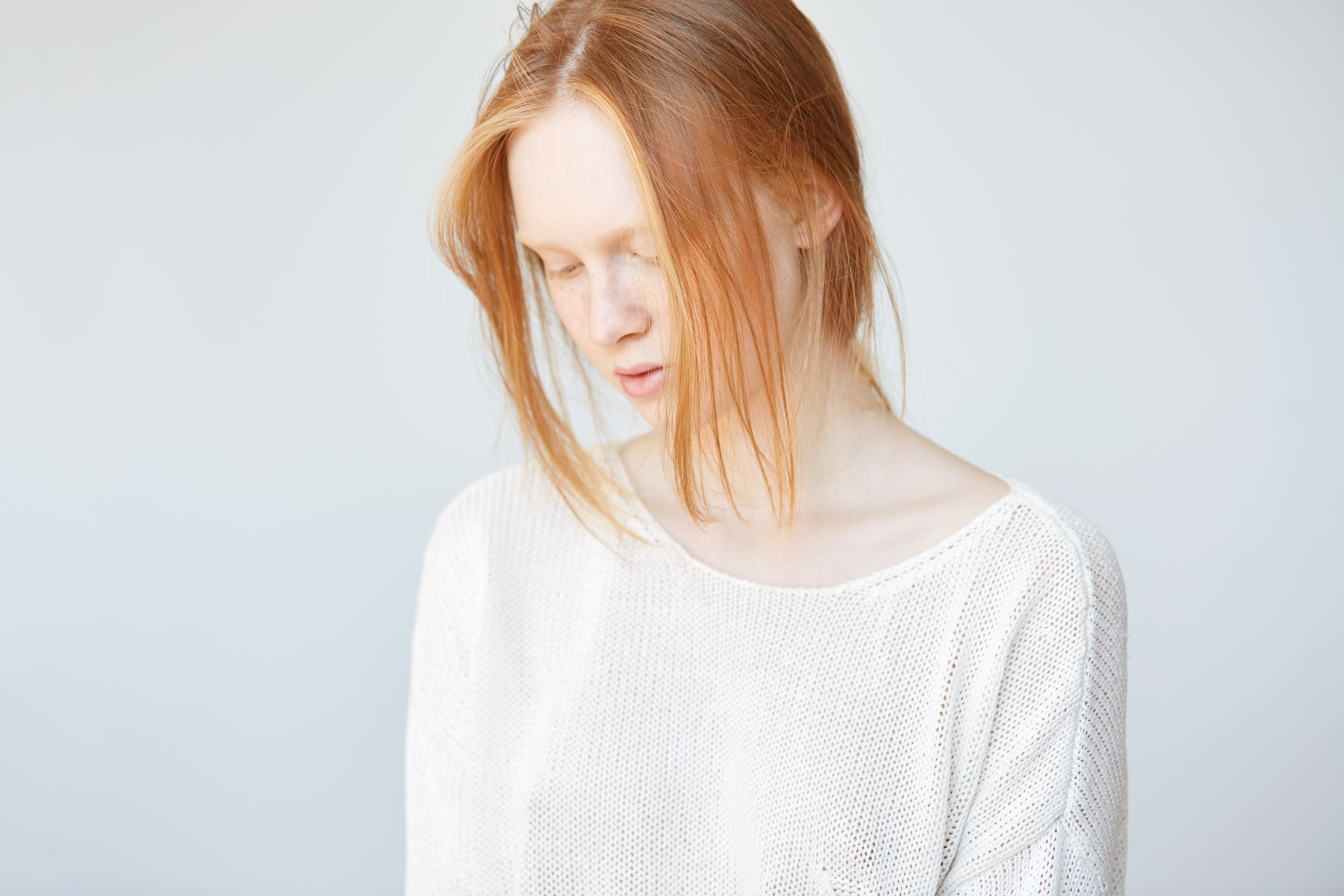
The Art of Natural Beauty Editing: Enhancing Without Overworking When I started my retouching journey, I made the same mistake most beginners do—I over-processed everything. Skin became plastic, pores disappeared entirely, and faces looked airbrushed in the worst way possible. It wasn’t until I shifted my mindset that I understood: beauty editing isn’t about creating perfection. It’s about revealing the best version of someone while keeping them recognizable. I want to share what I’ve learned about editing portraits in a way that feels natural, respectful, and genuinely beautiful.

How to Use Lightroom Mobile's New AI Blemishes Tool for Professional Portrait Retouching

How to Use Lightroom Mobile's New AI Blemishes Tool for Professional Portrait Retouching

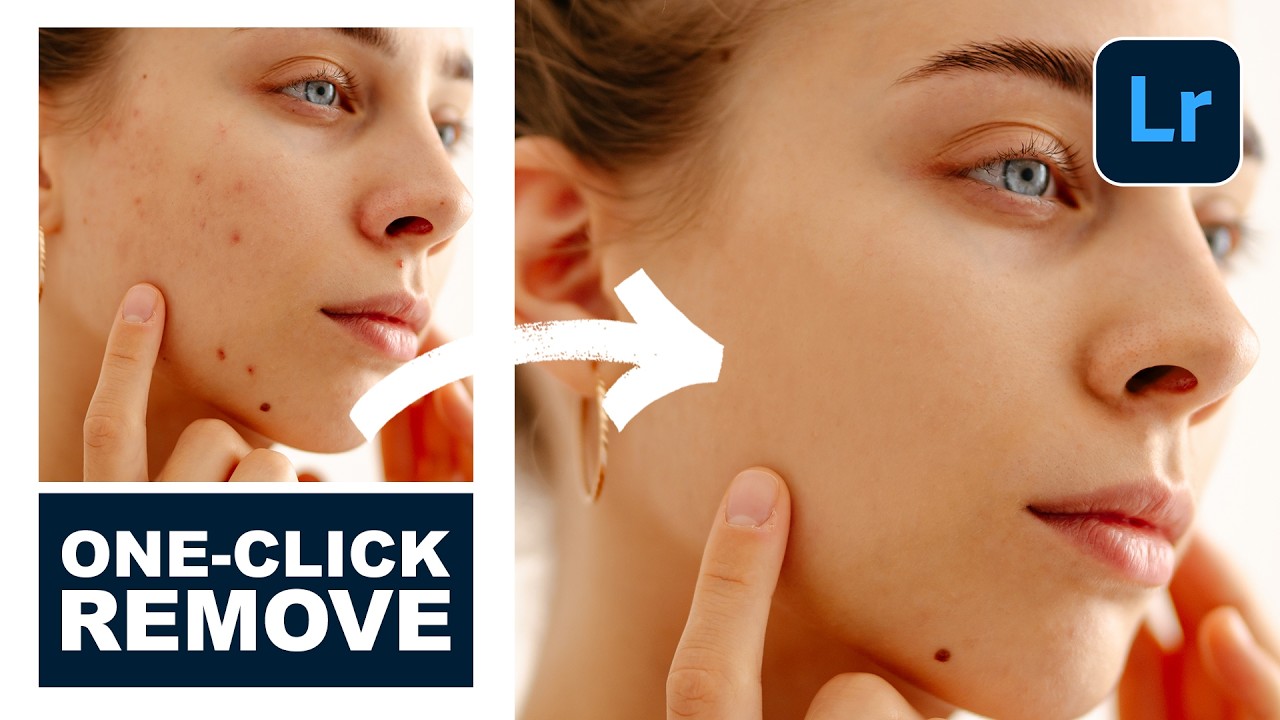
There’s a specific kind of dread that comes with opening a portrait from a last-minute shoot and realizing the skin needs serious work before the client’s deadline in two hours. I’ve been there more times than I’d like to admit, and for years my answer was to open Photoshop, set up my layers, and start healing stamp by healing stamp. It works. It’s also slow, and on mobile it’s basically impossible.