5 Lightroom & Camera Raw Masking Tricks That Will Change How You Work

5 Lightroom & Camera Raw Masking Tricks That Will Change How You Work

There’s a specific kind of frustration that comes from knowing a tool exists, using it every single day, and still feeling like you’re fighting it. For the longest time, that was me with Lightroom’s masking panel. I came to beauty retouching after years of wedding photography, and I built my masking habits fast and messy, learning just enough to get through a deadline. It wasn’t until I started slowing down and actually studying how other working photographers use these tools that things clicked into place.

Stop Fighting Your Masks: How the Subtract Tool Turns Messy Selections Into Clean Edits

Stop Fighting Your Masks: How the Subtract Tool Turns Messy Selections Into Clean Edits

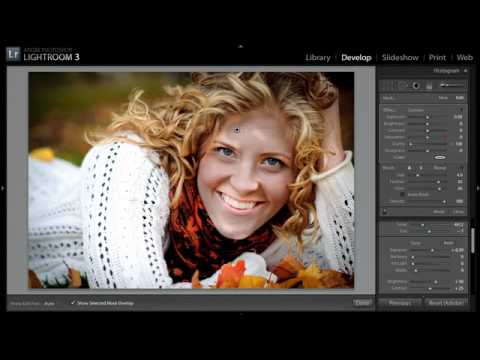
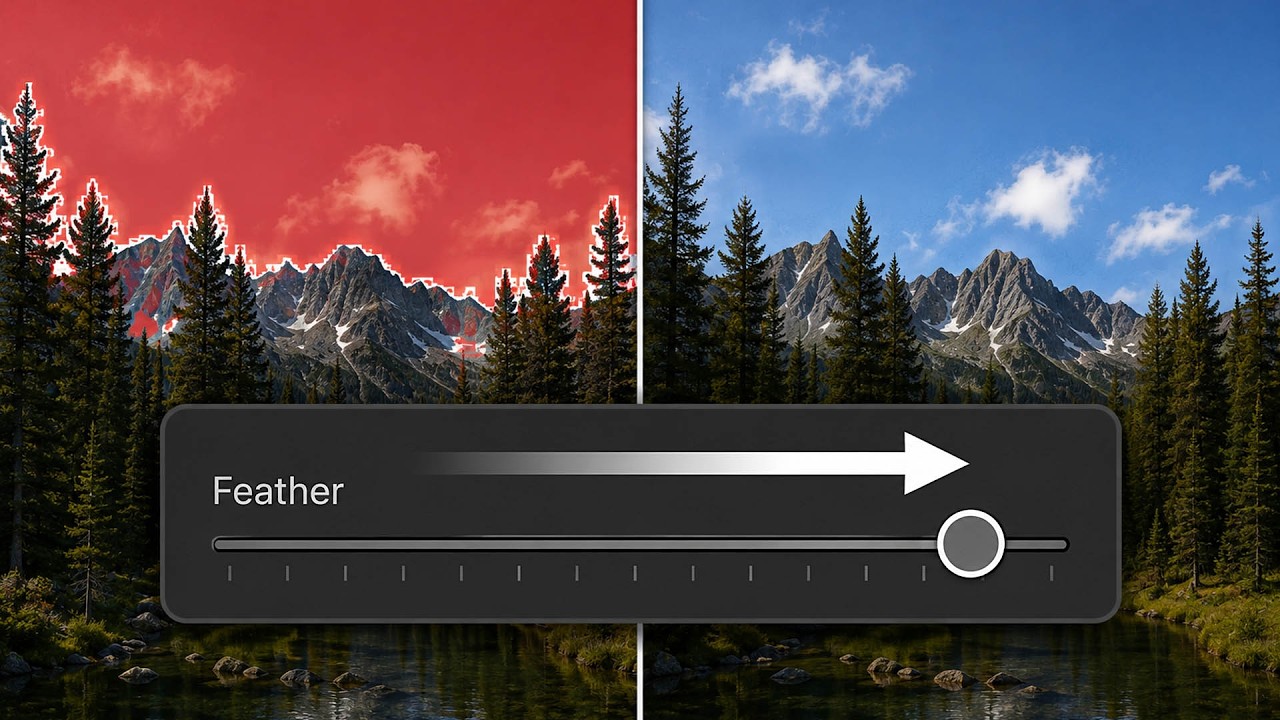
There’s a particular kind of frustration that comes from making a solid selection, bumping the exposure, and then noticing that weird glowing halo creeping around the edges of your subject. I ran into this constantly when I first started doing beauty work, and for a long time my solution was either to accept the flaw or spend twenty minutes in Photoshop doing painstaking manual cleanup. Neither option felt right. When I came across this Matt Kloskowski tutorial on the power of the Subtract tool in Lightroom and Photoshop masking, I realized I had been overcomplicating something that has a much more elegant fix built right into the tools I already use every day.

How Lightroom's New Masking Tools Can Transform the Way You Make Local Adjustments

How Lightroom's New Masking Tools Can Transform the Way You Make Local Adjustments

There’s a moment in almost every retouching session where I think: if I could just isolate that one thing without painting around it for ten minutes, this would be perfect. For portrait work, that’s usually a sky blowing out behind a subject, or a background that needs to be cooled down while the skin stays warm. For years, Lightroom’s local adjustment tools were a workaround at best, and I’d end up hopping over to Photoshop just to grab a clean mask.

How to Mask Any Color-Based Element in Lightroom Without Touching a Selection Tool

How to Mask Any Color-Based Element in Lightroom Without Touching a Selection Tool

There’s a particular kind of editing frustration I know well: you’re looking at an image and you need to isolate something specific, something Lightroom’s AI has no preset button for. Not the sky. Not the subject. Something in between, like a textured roof, a mountain range, a fabric pattern in the background. For years, my reflex was to sigh, open Photoshop, and start drawing paths. That workflow costs time, and time is the thing I never have enough of between client deliveries and workshop prep.

The One Lightroom Masking Mode Most People Never Switch On

The One Lightroom Masking Mode Most People Never Switch On

There’s a specific frustration I run into constantly when editing beauty and product work: the background needs its own treatment, completely separate from the subject. Sometimes it’s a seamless sweep that needs to pop. Sometimes it’s a reflective floor that should feel glossier, or a wall that’s pulling attention away from the face I’ve spent an hour perfecting. The subject selection tools in Lightroom are genuinely impressive now, but they’re built around the assumption that the subject is the thing you want to adjust.

Lightroom's Intersect Mask Tool Explained: The Selection Trick That Actually Works

Lightroom's Intersect Mask Tool Explained: The Selection Trick That Actually Works

There’s a feature sitting inside Lightroom’s masking panel that I ignored for way too long because I assumed I understood it. Intersect. It sounds logical enough, right? Two things overlapping. But every time I tried to use it, the result didn’t behave the way I expected, and I’d fall back on subtracting with a brush like I always had. It wasn’t until I watched Watch the full tutorial on YouTube by Matt Kloskowski that the logic finally clicked for me in a way I could actually apply to client work.

Lightroom's New Masking Panel Is Better Than You Think — Here's How to Actually Use It

Lightroom's New Masking Panel Is Better Than You Think — Here's How to Actually Use It

There’s a moment in almost every edit where I think, “I know what this image needs, I just can’t get there fast enough.” For a long time, Lightroom’s local adjustment tools were the bottleneck. The old radial and gradient filters got the job done, but organizing multiple masks on a complex image felt like untangling earbuds in the dark. When Adobe overhauled the masking panel, I’ll be honest, I skimmed the release notes, thought “neat,” and kept using Photoshop for anything serious.

Dodge and Burn in Lightroom: The Portrait Technique I Wish I'd Known Earlier

Dodge and Burn in Lightroom: The Portrait Technique I Wish I'd Known Earlier

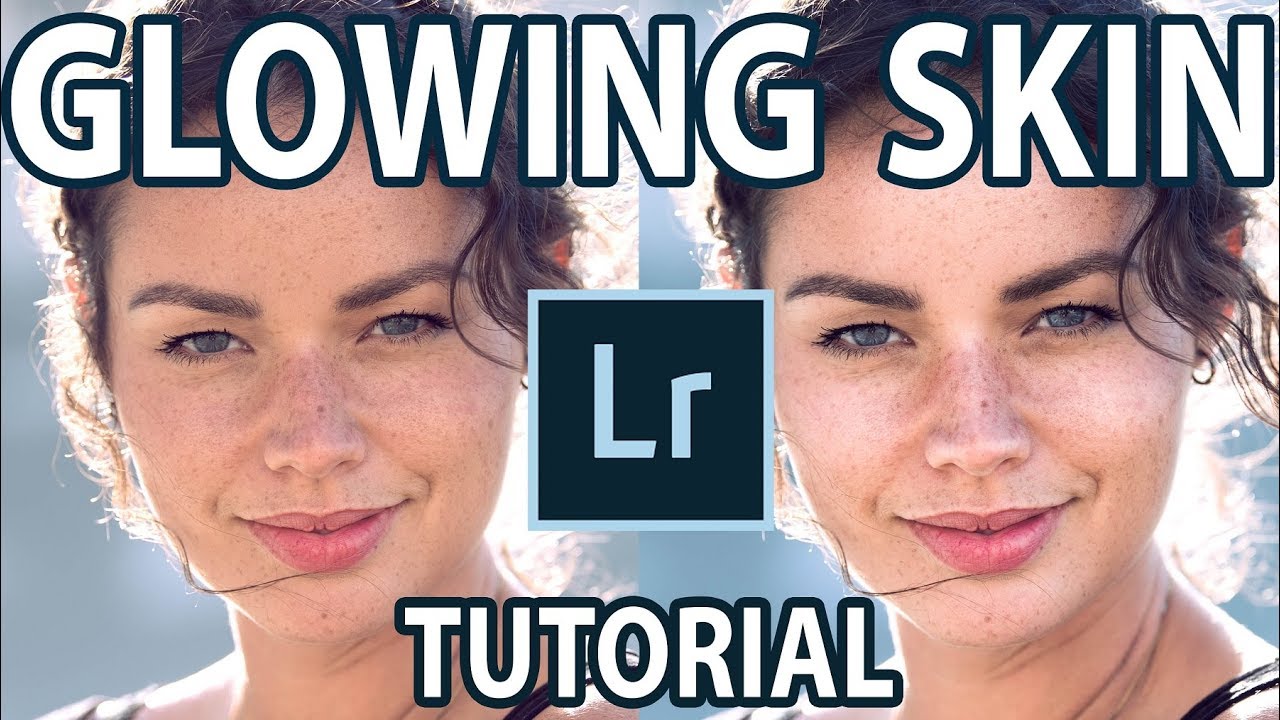
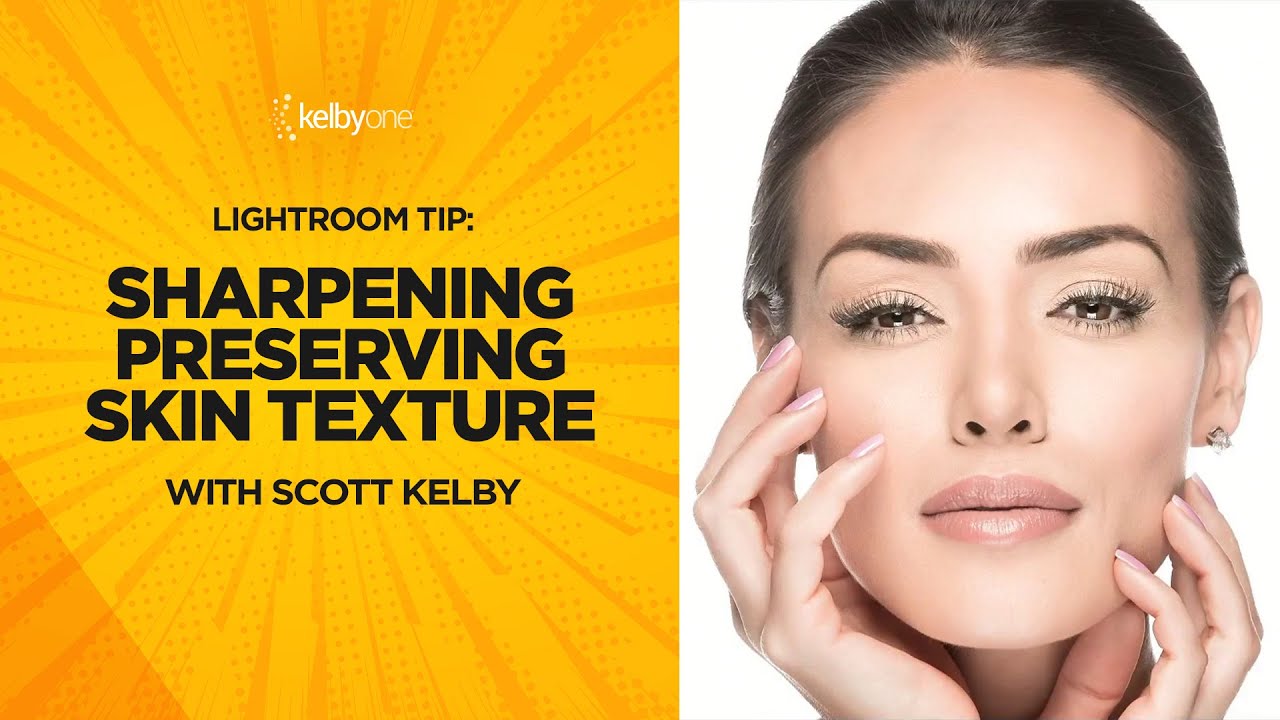
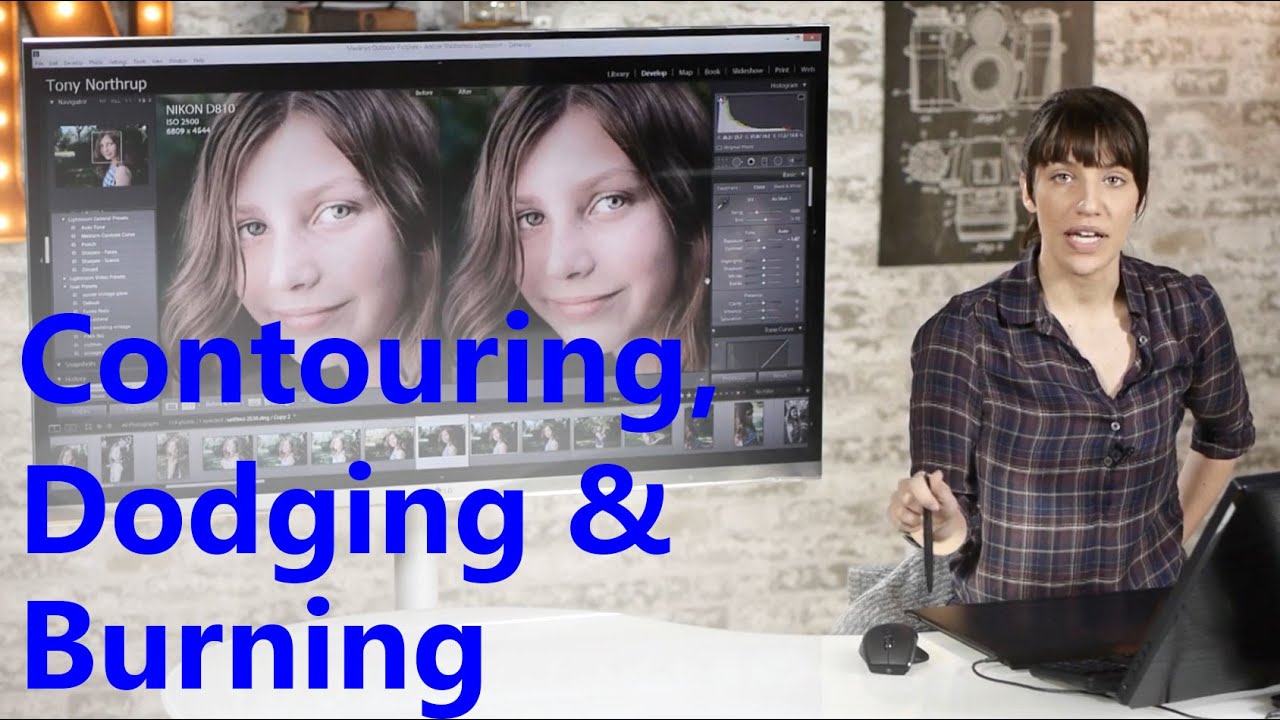
There’s a specific kind of portrait that used to make me nervous to retouch – the ones where the subject’s skin is blotchy, the lighting is a little flat, and the whole image feels like it needs something you can’t quite name. For a long time, I’d throw frequency separation at it, or get heavy-handed with the HSL panel, and the result would look corrected rather than beautiful. What was missing, more often than not, was intentional light shaping directly on the face.

How to Use a Frame-Within-a-Frame to Transform an Ordinary Cityscape Into a Cinematic Shot

How to Use a Frame-Within-a-Frame to Transform an Ordinary Cityscape Into a Cinematic Shot

There’s a moment every photographer dreads: you show up to one of the most photographed landmarks on earth, tripod in hand, and realize that every angle you find has already been shot ten thousand times. I ran into this exact wall early in my career, long before I moved into beauty retouching full-time. I’d stand in front of a famous location and freeze, convinced that anything I captured would look like a tourist snapshot dressed up with a filter.

Lightroom's April 2026 Masking Updates Are Quietly a Big Deal for Beauty Retouchers

Lightroom's April 2026 Masking Updates Are Quietly a Big Deal for Beauty Retouchers

If you do any volume of beauty or portrait work, you already know that waiting on Lightroom is part of the job. Waiting for exports, waiting for AI masking, waiting for denoise to grind through a raw file while your cursor just sits there, taunting you. I’ve lost whole stretches of productive time staring at a progress bar when I could have been culling the next batch or answering emails. So when Adobe drops an update that actually addresses a real workflow bottleneck, I pay attention.

Lightroom's New Duplicate Finder Is the Catalog Cleanup Tool I've Been Waiting Years For

Lightroom's New Duplicate Finder Is the Catalog Cleanup Tool I've Been Waiting Years For

There’s a particular kind of frustration that comes from spending twenty minutes manually refining a mask around flyaway hair or the gap between a subject’s arm and waist, knowing that the automated selection tool almost got it right but not quite. For years, “almost” was the operating word with Lightroom’s Select Subject. It was good enough for a quick rough cut, but for beauty work, where the difference between a clean edge and a halo can make or break a composite, I always ended up doing significant manual cleanup.

How Sean Tucker's Lightroom Portrait Workflow Finally Got My Skin Tones Right

How Sean Tucker's Lightroom Portrait Workflow Finally Got My Skin Tones Right

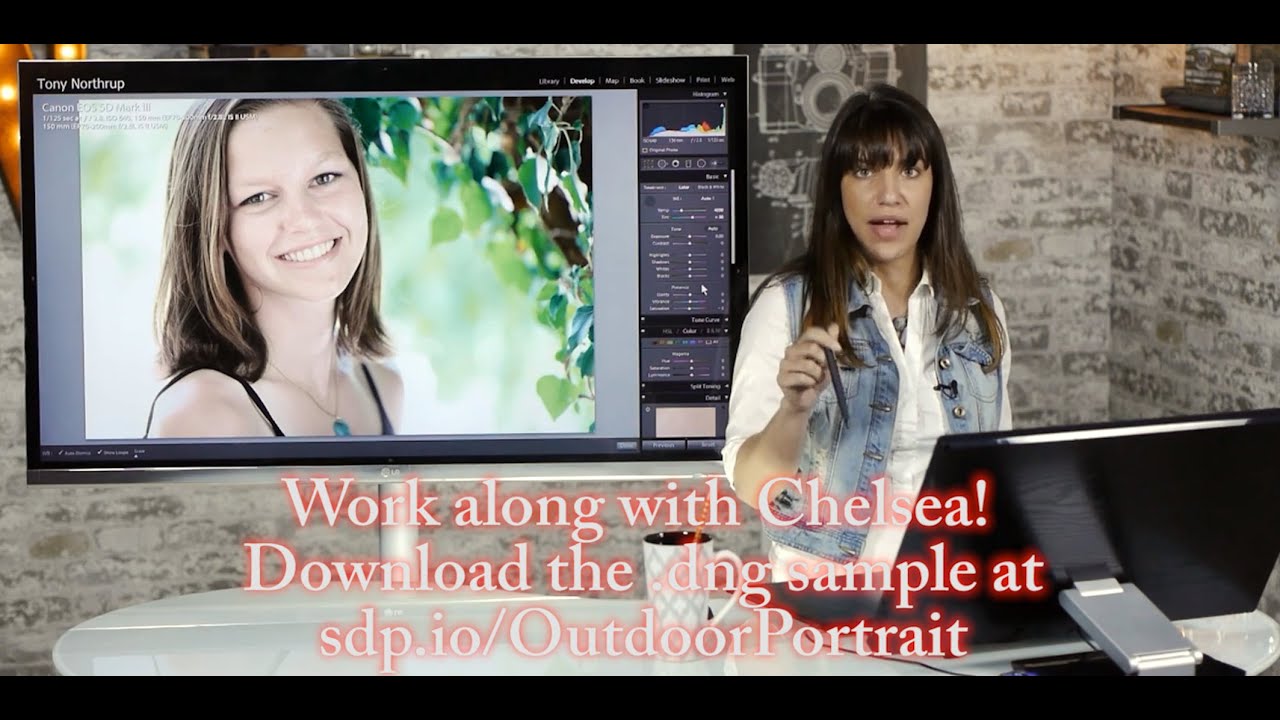
I’ll be honest with you: for years, I was a Photoshop-or-nothing person. Coming from wedding photography into beauty retouching, I built my entire workflow around layers, frequency separation, and a library of actions I’ve named after films. Lightroom felt like the place where images stopped, not where they got made. Then I sat down with Watch the full tutorial on YouTube this Sean Tucker tutorial on editing environmental portraits completely inside Lightroom, and I had one of those quiet, humbling moments where a working professional shows you that your assumptions were costing you time.