Before You Touch a Single Slider: What Professional Photo Editors Actually Look For

Before You Touch a Single Slider: What Professional Photo Editors Actually Look For

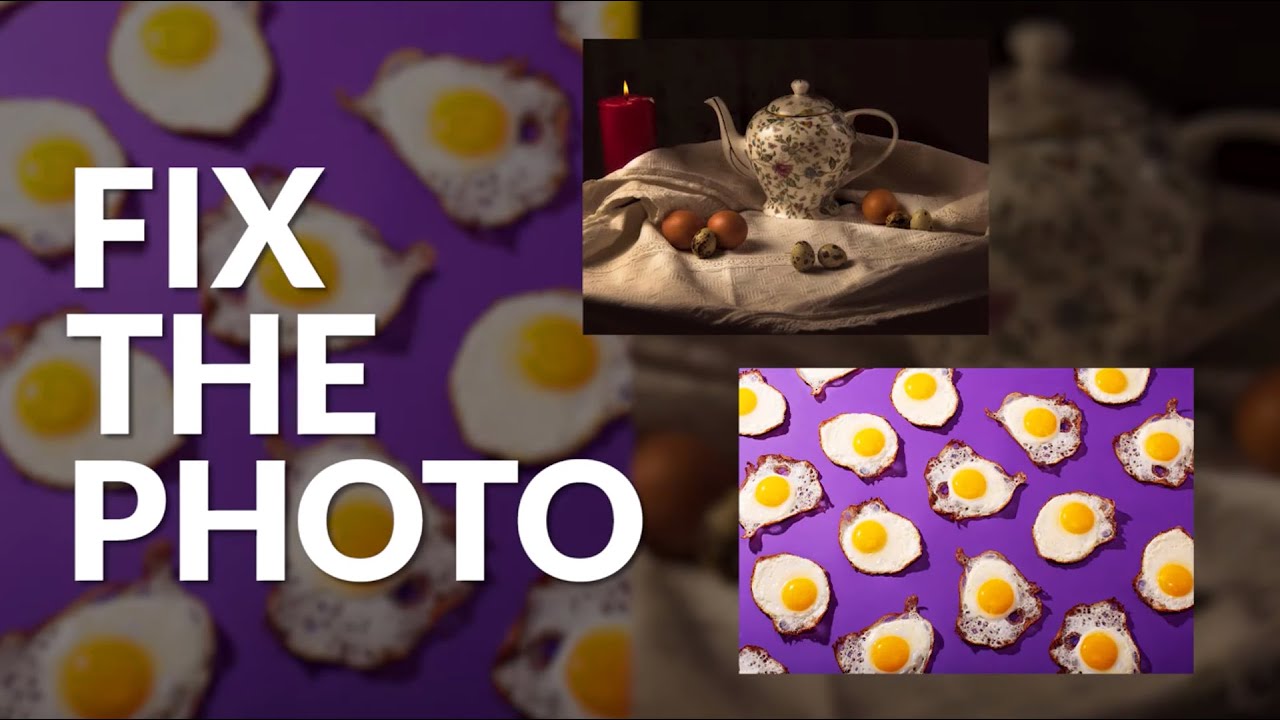
There’s a skill that took me years to develop, and it has nothing to do with Photoshop. It’s knowing what to look at before you open a single panel. Early in my retouching career, I would dive straight into skin work, dodging and burning and smoothing, only to deliver a finished file and have a client point out that the framing was off, or that a distracting element was pulling the eye away from the subject.

Photoshop 2026's Best New Features for Retouchers (And Why Harmonize Changes Everything)

Photoshop 2026's Best New Features for Retouchers (And Why Harmonize Changes Everything)

Every fall, Adobe Max rolls around and I do the same thing: I open three browser tabs, scan the announcement pages, and try to figure out which new features will actually matter to my day-to-day work versus which ones are just good conference demos. This year, I saved myself some time by watching Matt Kloskowski’s breakdown of what’s new in Photoshop 2026, and I’m glad I did. Watch the full tutorial on YouTube before or after reading this, because Matt’s pacing and visual examples are worth your time on their own.

What 5 Fiverr Retouches Taught Me About Pricing, Quality, and What Clients Actually Notice

What 5 Fiverr Retouches Taught Me About Pricing, Quality, and What Clients Actually Notice

There’s a question I get from newer retouchers constantly: how do you know what your work is worth? I used to fumble through that answer. Now I point people toward data. Real comparisons, same photo, different hands, different price points. That’s exactly what makes Watch the full tutorial on YouTube this experiment from photographer Jessica Kobeissi so useful. She hired five strangers on Fiverr at $5, $20, $50, $100, and $300, sent them all the same portrait, and then tried to guess which price matched which result.