The Art of Portrait Cleanup: Essential Techniques for Flawless Skin

The Art of Portrait Cleanup: Essential Techniques for Flawless Skin

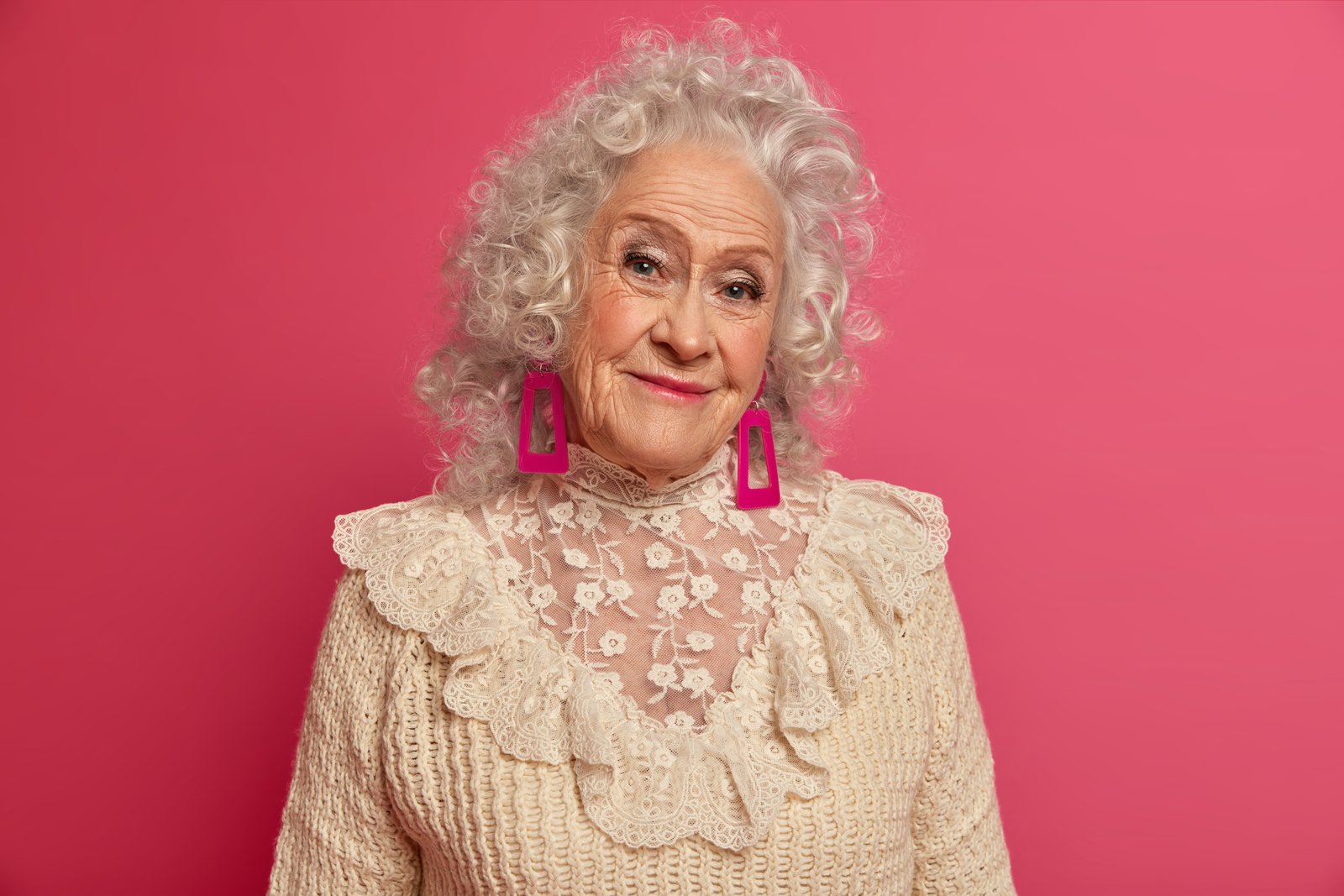
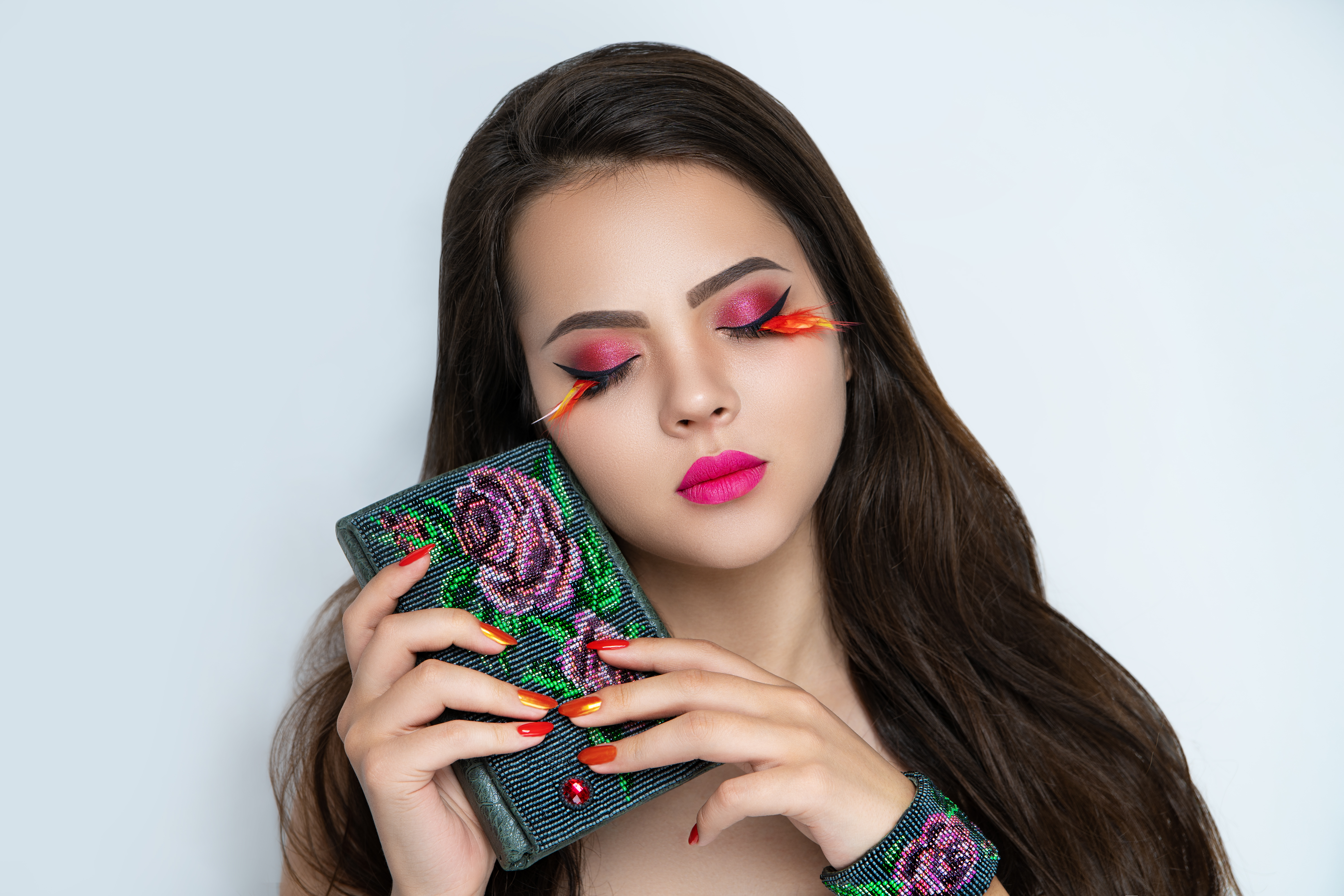
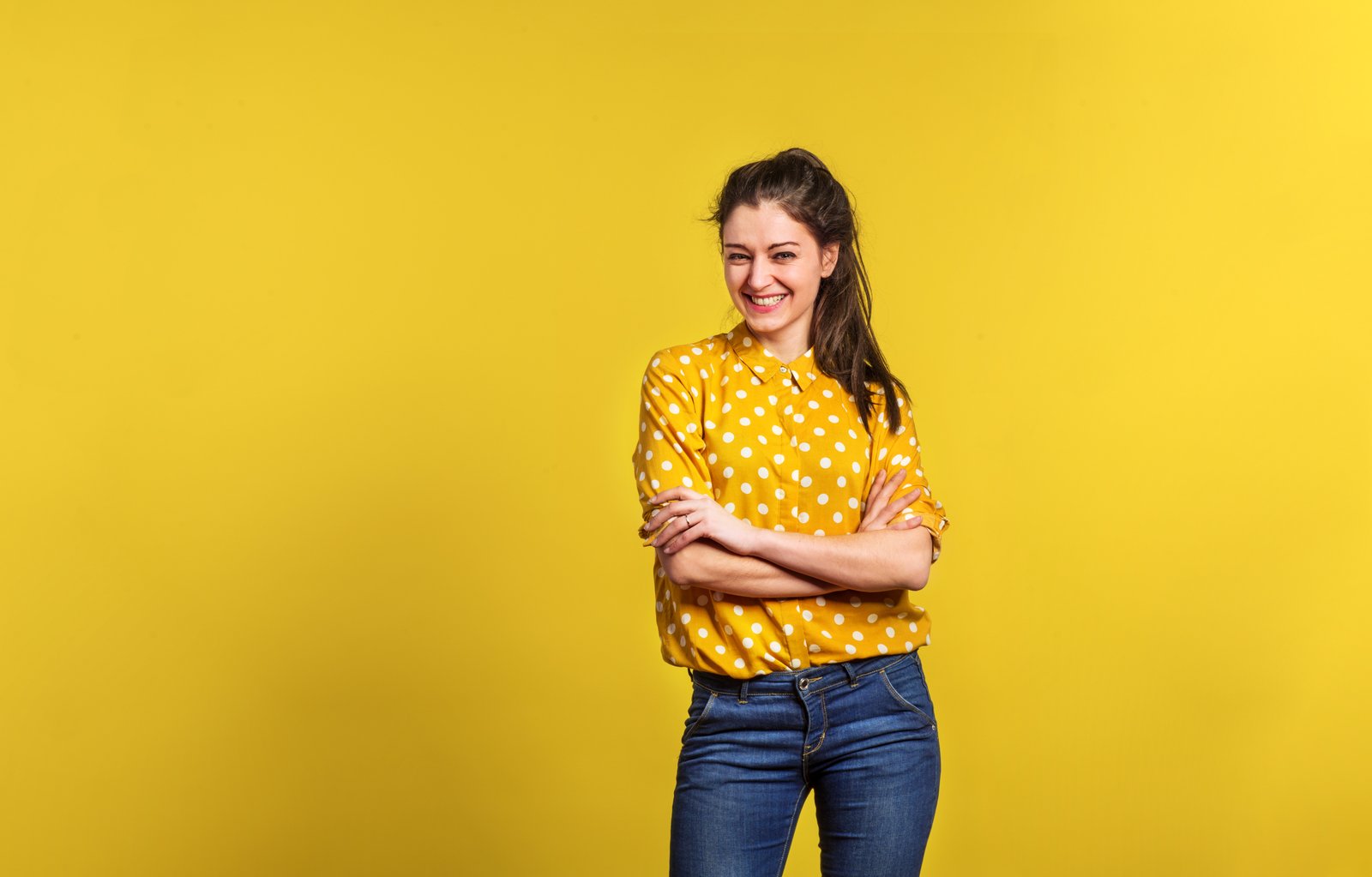
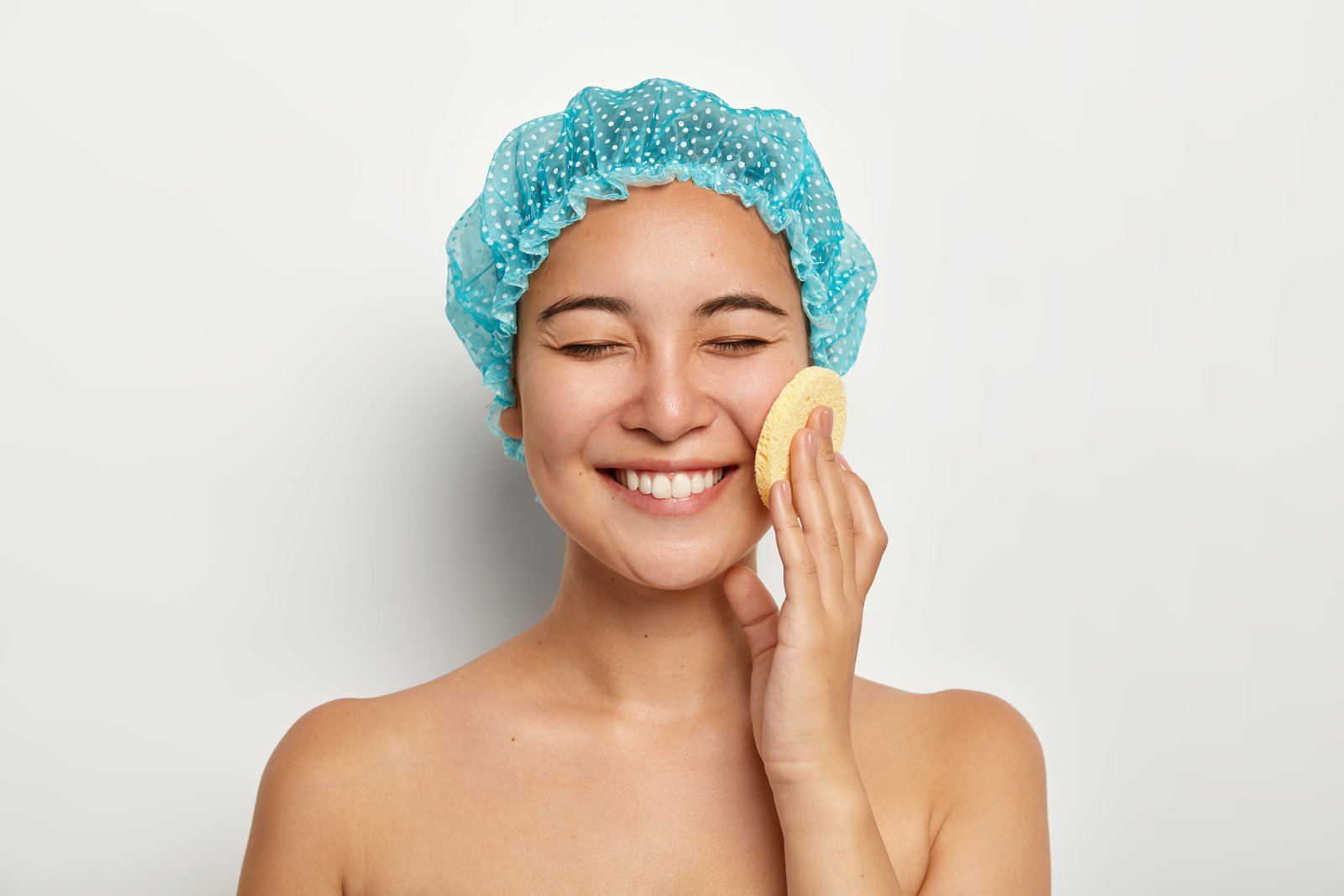
The Art of Portrait Cleanup: Essential Techniques for Flawless Skin I’ve spent years refining portrait cleanup workflows, and I’ve learned that the best edits are invisible ones. When we talk about portrait cleanup, we’re not aiming for plastic perfection—we’re enhancing what’s already there, removing temporary distractions, and letting your subject’s true character shine through. Let me walk you through the techniques I use daily to transform good portraits into stunning ones.

Master Dodge and Burn: The Secret Weapon for Sculpting Beautiful Portraits

Master Dodge and Burn: The Secret Weapon for Sculpting Beautiful Portraits

Master Dodge and Burn: The Secret Weapon for Sculpting Beautiful Portraits When I first started retouching portraits, I thought dodge and burn was advanced magic reserved for professionals. But here’s what I discovered: it’s actually one of the most intuitive and transformative techniques we can master. Whether you’re enhancing cheekbones, defining jawlines, or adding subtle dimension to flat skin, dodge and burn is your invisible sculpting tool. Let me walk you through why this technique matters and exactly how to use it for stunning results.

The Westcott S18 Mini Flash: A Game-Changer for Portable Portrait Retouching

The Westcott S18 Mini Flash: A Game-Changer for Portable Portrait Retouching

The Westcott S18 Mini Flash: A Game-Changer for Portable Portrait Retouching When I first started exploring portable lighting solutions for portrait work, I kept running into the same frustration: every flash felt like a compromise. Either it was powerful enough but bulky, or it was compact but underpowered. Then I discovered the Westcott S18 Mini Flash, and honestly, it changed how I approach location shooting. In this excellent tutorial, Joel Grimes introduces us to a flash that finally bridges that gap.

Why Your Clothing Color Edits Look Off (And How to Fix It)

Why Your Clothing Color Edits Look Off (And How to Fix It)

Why Your Clothing Color Edits Look Off (And How to Fix It) I’ve watched countless retouchers struggle with what seems like a straightforward task: changing a client’s clothing color in post-production. You grab your hue slider, shift the color, and suddenly something feels wrong. The issue? That beautiful dress color you’re targeting often shares similar tones with your subject’s skin, and that’s where things get messy. This is one of those techniques that looks simple on the surface but reveals its complexity once you start working.

Why Film Photography Deserves a Place in Your Beauty Editing Workflow

Why Film Photography Deserves a Place in Your Beauty Editing Workflow

The Resurgence of Film in Modern Beauty Photography I’ve been watching an interesting shift in the portrait and beauty photography community lately. While digital editing dominates our industry, more photographers and retouchers are turning back to film—not as nostalgia, but as a serious creative tool. This month’s renewed focus on analog photography reminds us that sometimes our best inspiration comes from looking backward. What Film Teaches Us About Color and Tone When you work exclusively in digital retouching, it’s easy to forget how film stocks approached color rendering.

What Portrait Artists Really Think About AI: A Wake-Up Call for Our Industry

What Portrait Artists Really Think About AI: A Wake-Up Call for Our Industry

What Portrait Artists Really Think About AI: A Wake-Up Call for Our Industry When I first started exploring AI tools for my retouching work, I’ll admit I was nervous. Would these algorithms replace the careful eye I’ve spent years developing? Would clients still value the nuanced touch that separates good editing from great editing? Recent conversations with hundreds of photographers across our industry have reassured me—and revealed something fascinating about where we all actually stand on artificial intelligence.

The Art of Subtle Beauty Editing: Enhancing Without Overdoing It

The Art of Subtle Beauty Editing: Enhancing Without Overdoing It

The Art of Subtle Beauty Editing: Enhancing Without Overdoing It I’ve spent years watching clients’ faces light up when they see their portraits—not because they look like someone else, but because they look like the best version of themselves. That’s the sweet spot we’re after in beauty editing, and I’m excited to walk you through how we get there. Understanding the Philosophy Behind Subtle Editing When I first started retouching, I thought more was always better.

The Art of Subtle Beauty Editing: Enhancing Without Over-Processing

The Art of Subtle Beauty Editing: Enhancing Without Over-Processing

The Art of Subtle Beauty Editing: Enhancing Without Over-Processing I’ve spent the last decade perfecting the delicate balance between enhancement and authenticity. When I started portrait retouching, I made the same mistake many editors do: I over-processed everything. Skin looked plastic, pores disappeared entirely, and the final images looked nothing like the actual person. That’s when I realized that true beauty editing isn’t about erasing flaws—it’s about revealing the best version of someone’s natural self.

The Art of Portrait Cleanup: Transform Raw Photos Into Polished Masterpieces

The Art of Portrait Cleanup: Transform Raw Photos Into Polished Masterpieces

The Art of Portrait Cleanup: Transform Raw Photos Into Polished Masterpieces When a client sends me a portrait they love, I can usually spot exactly why—it’s often despite the stray hairs, uneven lighting, or temporary blemishes that caught them that day. My job is to honor what makes the photo special while gently removing the distractions. That’s portrait cleanup in a nutshell, and I’m excited to walk you through my approach.

The Art of Portrait Cleanup: A Step-by-Step Guide to Polished Skin

The Art of Portrait Cleanup: A Step-by-Step Guide to Polished Skin

The Art of Portrait Cleanup: A Step-by-Step Guide to Polished Skin When someone shares a portrait with me for editing, I often see the same concern: “Can you clean this up without making it look fake?” This question tells me everything I need to know about modern retouching—we want enhancement, not transformation. Portrait cleanup isn’t about erasing someone’s character; it’s about removing temporary imperfections while preserving their authentic beauty. I’ve spent years perfecting this balance, and I’m excited to share my approach with you.

The Art of Natural Beauty Editing: When Less is More

The Art of Natural Beauty Editing: When Less is More

The Art of Natural Beauty Editing: When Less is More I’ve spent the last decade refining my approach to beauty editing, and I’ve learned something that might surprise you: the best retouching work is often invisible. When clients ask me about my editing, they rarely believe I’ve done much at all—which is exactly the goal. The difference between amateur and professional beauty editing isn’t about creating flawless, plastic-looking skin. It’s about understanding which imperfections to address, which to soften, and which to leave entirely alone.

The Art of Natural Beauty Editing: Enhancing Without Overworking

The Art of Natural Beauty Editing: Enhancing Without Overworking

The Art of Natural Beauty Editing: Enhancing Without Overworking When I started my retouching journey, I made the same mistake most beginners do—I over-processed everything. Skin became plastic, pores disappeared entirely, and faces looked airbrushed in the worst way possible. It wasn’t until I shifted my mindset that I understood: beauty editing isn’t about creating perfection. It’s about revealing the best version of someone while keeping them recognizable. I want to share what I’ve learned about editing portraits in a way that feels natural, respectful, and genuinely beautiful.