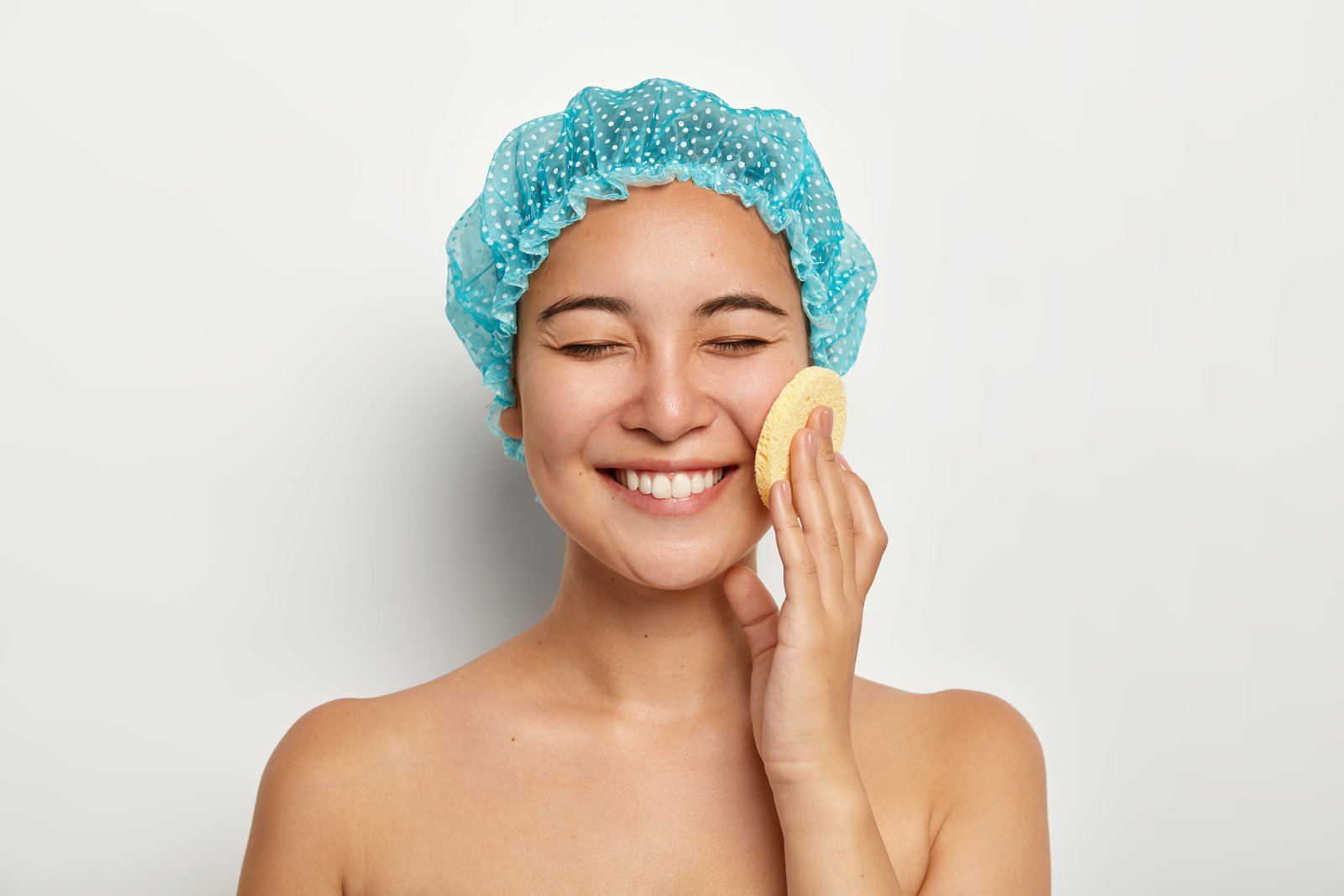
Why Your Portrait Cleanup Is Making Skin Look Worse (And How to Fix It)

Why Your Portrait Cleanup Is Making Skin Look Worse (And How to Fix It)

My first real retouching disaster lives on a hard drive I keep in my desk drawer. I don’t look at it often, but I know it’s there. A bridal client had called my edited portraits “plastic-looking,” and when I pulled them back up after that phone call, I saw exactly what she meant. I had blurred the life right out of her face. Pores, texture, the fine lines around her eyes when she smiled, all of it gone, replaced by something that looked more like a wax figure than a woman.

The Five-Minute Portrait Cleanup That Makes Everything Else Work Better

The Five-Minute Portrait Cleanup That Makes Everything Else Work Better

What Photographers Skip That Retouchers Never Do A few years back, I got a file from a photographer I’d just started working with. Beautiful natural light, great expression, solid composition. I opened it in Photoshop and immediately spotted the problem: flyaway hairs crossing the subject’s eyes, a visible bra strap, a small but distracting catchlight from a phone screen in the background, and a coffee stain on the backdrop that the photographer had clearly stopped seeing somewhere around hour four of the shoot.

Portrait Cleanup Before You Retouch: Why Your Starting File Is Half the Battle

Portrait Cleanup Before You Retouch: Why Your Starting File Is Half the Battle

A few years into doing this work, I had a client send back a fully retouched beauty shot with a single line of feedback: “Can you fix the collar?” I zoomed out and there it was, a small wrinkle in the model’s shirt that I had somehow completely tuned out for the entire two hours I’d spent on her skin. I had gone straight into pore work and left a distracting wardrobe problem sitting right in the frame.

The Art of Portrait Cleanup: A Step-by-Step Guide to Polished Skin

The Art of Portrait Cleanup: A Step-by-Step Guide to Polished Skin

The Art of Portrait Cleanup: A Step-by-Step Guide to Polished Skin When someone shares a portrait with me for editing, I often see the same concern: “Can you clean this up without making it look fake?” This question tells me everything I need to know about modern retouching—we want enhancement, not transformation. Portrait cleanup isn’t about erasing someone’s character; it’s about removing temporary imperfections while preserving their authentic beauty. I’ve spent years perfecting this balance, and I’m excited to share my approach with you.

Portrait Cleanup Essentials: My Step-by-Step Guide to Flawless Skin

Portrait Cleanup Essentials: My Step-by-Step Guide to Flawless Skin

Portrait Cleanup Essentials: My Step-by-Step Guide to Flawless Skin When I first started retouching portraits, I thought cleanup meant removing every imperfection until the image looked airbrushed and plastic. I learned quickly that the magic lies in subtle enhancement—keeping skin looking real while making it radiant. Today, I’m sharing the approach that’s transformed how I approach portrait cleanup. What Portrait Cleanup Really Means Let me be clear about something: portrait cleanup isn’t about erasing someone’s humanity.