How Lightroom's New Masking Tools Can Transform the Way You Make Local Adjustments

How Lightroom's New Masking Tools Can Transform the Way You Make Local Adjustments

There’s a moment in almost every retouching session where I think: if I could just isolate that one thing without painting around it for ten minutes, this would be perfect. For portrait work, that’s usually a sky blowing out behind a subject, or a background that needs to be cooled down while the skin stays warm. For years, Lightroom’s local adjustment tools were a workaround at best, and I’d end up hopping over to Photoshop just to grab a clean mask.

How to Mask Any Color-Based Element in Lightroom Without Touching a Selection Tool

How to Mask Any Color-Based Element in Lightroom Without Touching a Selection Tool

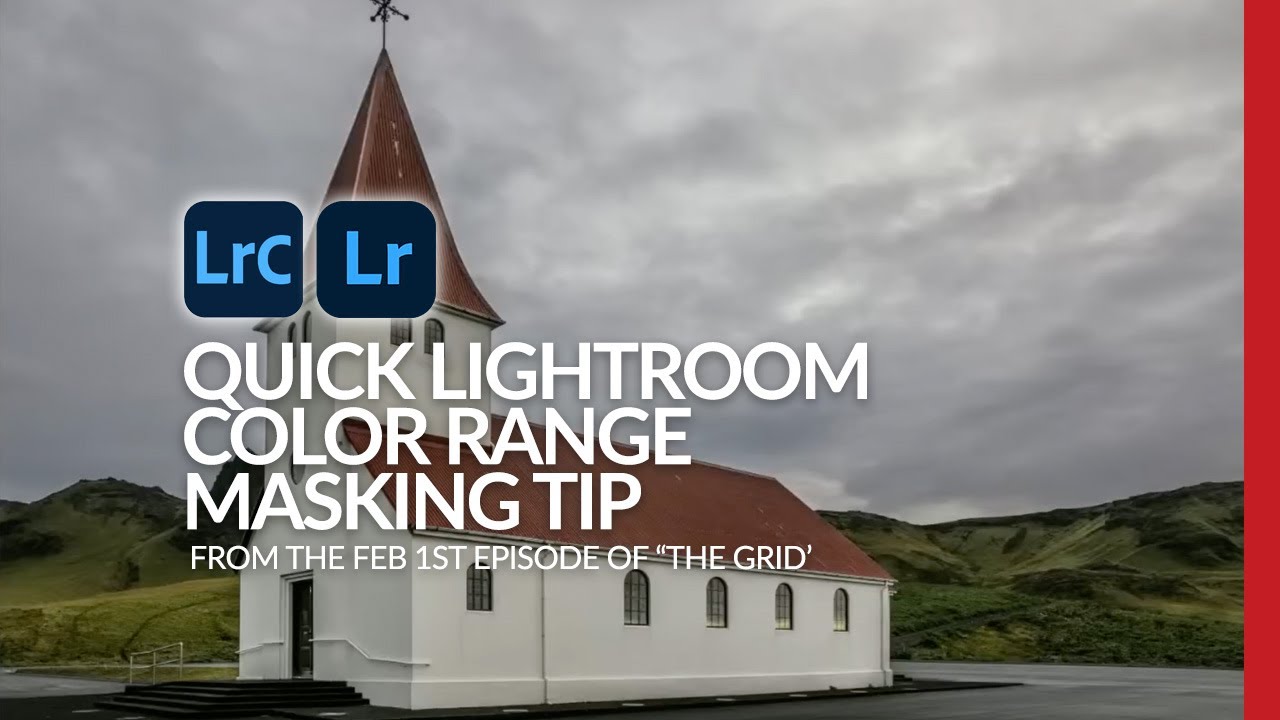
There’s a particular kind of editing frustration I know well: you’re looking at an image and you need to isolate something specific, something Lightroom’s AI has no preset button for. Not the sky. Not the subject. Something in between, like a textured roof, a mountain range, a fabric pattern in the background. For years, my reflex was to sigh, open Photoshop, and start drawing paths. That workflow costs time, and time is the thing I never have enough of between client deliveries and workshop prep.

Lightroom's New Masking Panel Is Better Than You Think — Here's How to Actually Use It

Lightroom's New Masking Panel Is Better Than You Think — Here's How to Actually Use It

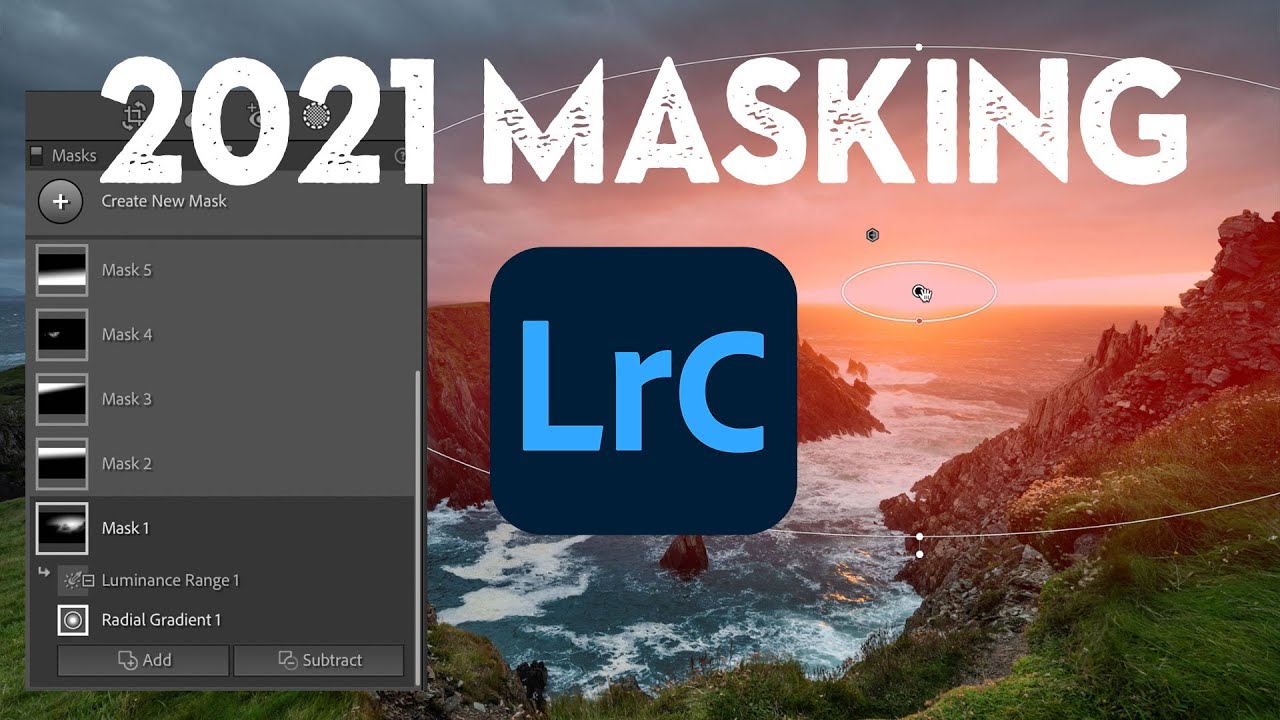
There’s a moment in almost every edit where I think, “I know what this image needs, I just can’t get there fast enough.” For a long time, Lightroom’s local adjustment tools were the bottleneck. The old radial and gradient filters got the job done, but organizing multiple masks on a complex image felt like untangling earbuds in the dark. When Adobe overhauled the masking panel, I’ll be honest, I skimmed the release notes, thought “neat,” and kept using Photoshop for anything serious.

Medium Format Cameras for Portrait Work: How Your Camera Choice Impacts Your Retouching Workflow

Medium Format Cameras for Portrait Work: How Your Camera Choice Impacts Your Retouching Workflow

Medium Format Cameras for Portrait Work: How Your Camera Choice Impacts Your Retouching Workflow When we talk about portrait photography, we often focus on lighting, posing, and styling. But here’s something many retouchers don’t discuss enough: your camera system fundamentally shapes how you’ll edit your images later. I recently spent time working with two legendary medium format film cameras, and it fundamentally changed how I think about the relationship between capture and post-production.

Can Budget Laptops Handle Professional Beauty Retouching? We Put One to the Test

Can Budget Laptops Handle Professional Beauty Retouching? We Put One to the Test

Can Budget Laptops Handle Professional Beauty Retouching? We Put One to the Test When we heard that serious portrait retouchers dismiss budget laptops outright, we had to investigate. After all, not every beauty editor has access to top-tier equipment. So we decided to conduct our own experiment: could we complete a large-scale retouching project on an affordable MacBook? Setting Up Our Test We took on an ambitious project—processing approximately 2,600 RAW portrait files that needed culling, cropping, skin retouching, and final adjustments.

What Tamron's Multi-Mount Strategy Means for Portrait Photographers and Retouchers

What Tamron's Multi-Mount Strategy Means for Portrait Photographers and Retouchers

What Tamron’s Multi-Mount Strategy Means for Portrait Photographers and Retouchers I recently learned about a major shift in how Tamron is approaching lens development and release schedules, and I think it’s worth our attention in the portrait and beauty editing community. As someone deeply invested in how equipment choices impact our final retouching work, I found their strategic direction particularly compelling. Moving Beyond the Sony-First Model For years, we’ve watched the lens market operate with a clear hierarchy: manufacturers would typically launch new glass on Sony’s mirrorless platform first, then gradually roll out versions for Canon, Nikon, and other mounts.