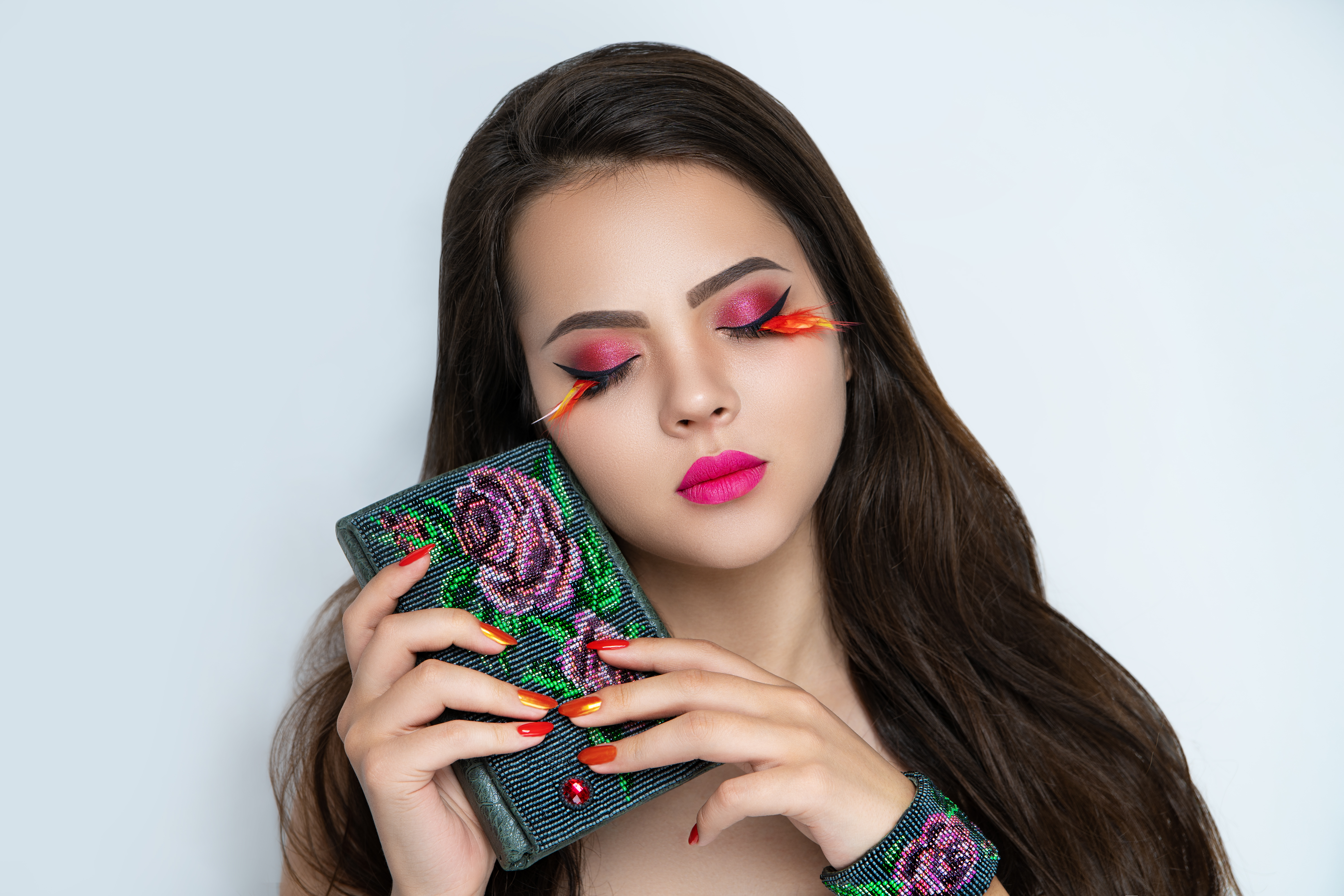
Why Your Makeup Retouching Looks Painted On (And How to Fix It in Photoshop)

Why Your Makeup Retouching Looks Painted On (And How to Fix It in Photoshop)

The first time a client told me my retouching looked “plastic,” I was mortified. I had spent three hours on that image. The skin was smooth, the lipstick was clean, the eyeshadow was perfectly blended. To me, it looked polished. To the client, it looked like a wax figure wearing her face. That comment sent me down a months-long rabbit hole that eventually changed how I approach every single makeup retouch I do, and it started with understanding one uncomfortable truth: most makeup editing fails not because of bad technique, but because we erase texture while trying to fix color.

The Reality Behind Protest Photography: What Your Retouching Clients Actually Experience

The Reality Behind Protest Photography: What Your Retouching Clients Actually Experience

When Documentation Becomes Art I spent time recently covering protests in Newark, and the experience completely shifted how I think about portrait retouching. What struck me most wasn’t the drama captured in photographs—it was everything happening between the dramatic moments. This realization has profound implications for how we approach beauty editing and skin retouching. The Gap Between What We See and What We Show When images from protests circulate online, people envision non-stop intensity.