Halloween Skin Textures in Photoshop: How to Turn a Phone Photo Into a Creature Effect

Halloween Skin Textures in Photoshop: How to Turn a Phone Photo Into a Creature Effect

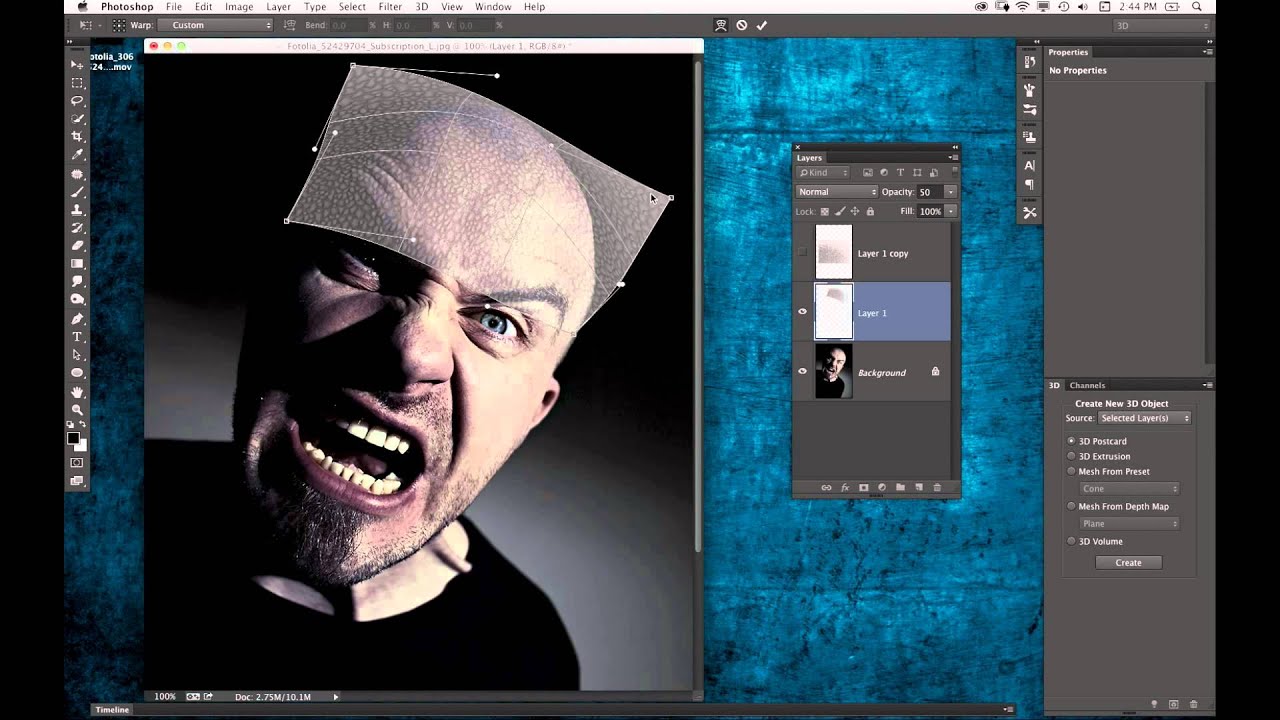
There’s a particular kind of creative paralysis that hits when a client asks for something outside your usual workflow. I’ve been retouching beauty portraits long enough that smooth skin, even tone, and light sculpting feel automatic. But “make him look like a creature” is a different assignment entirely. That’s why I keep a folder of tutorials that push me outside the clean, polished world of beauty work, and this Halloween-themed episode from KelbyOne landed in that folder immediately.

From Rough Cut to Polished Ad: Compositing and Retouching a Multi-Subject Fashion Shot

From Rough Cut to Polished Ad: Compositing and Retouching a Multi-Subject Fashion Shot

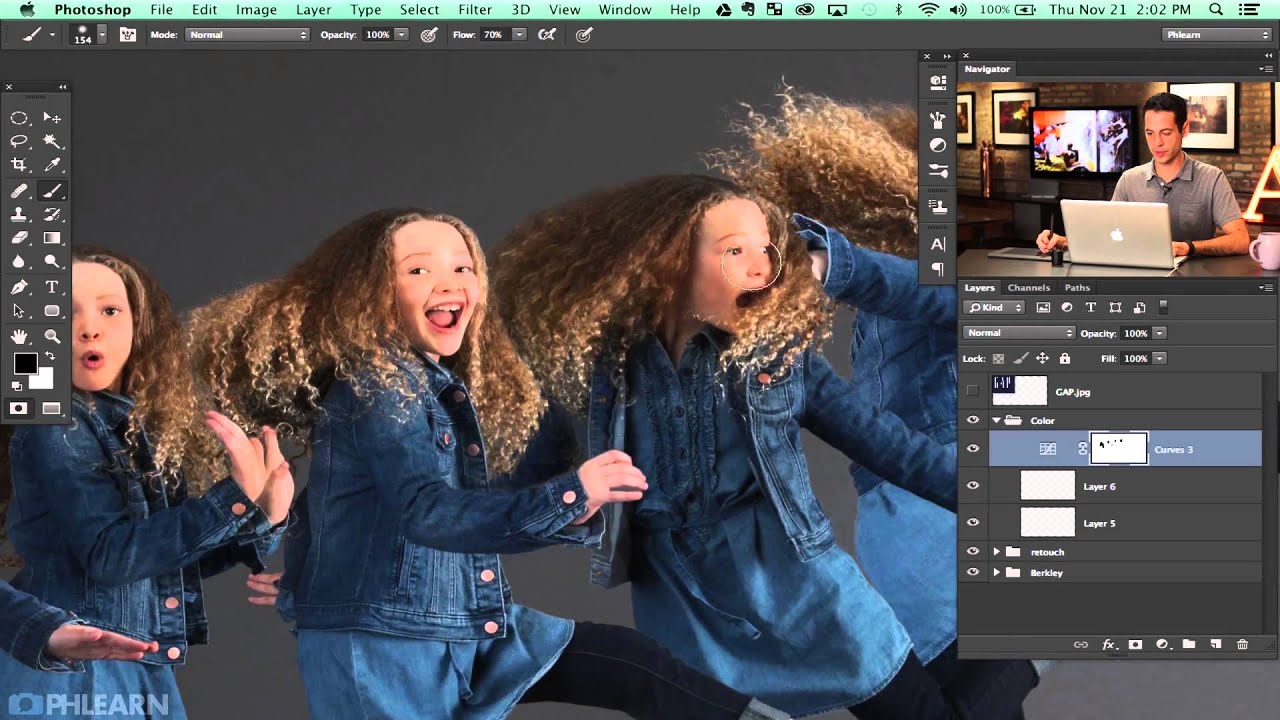
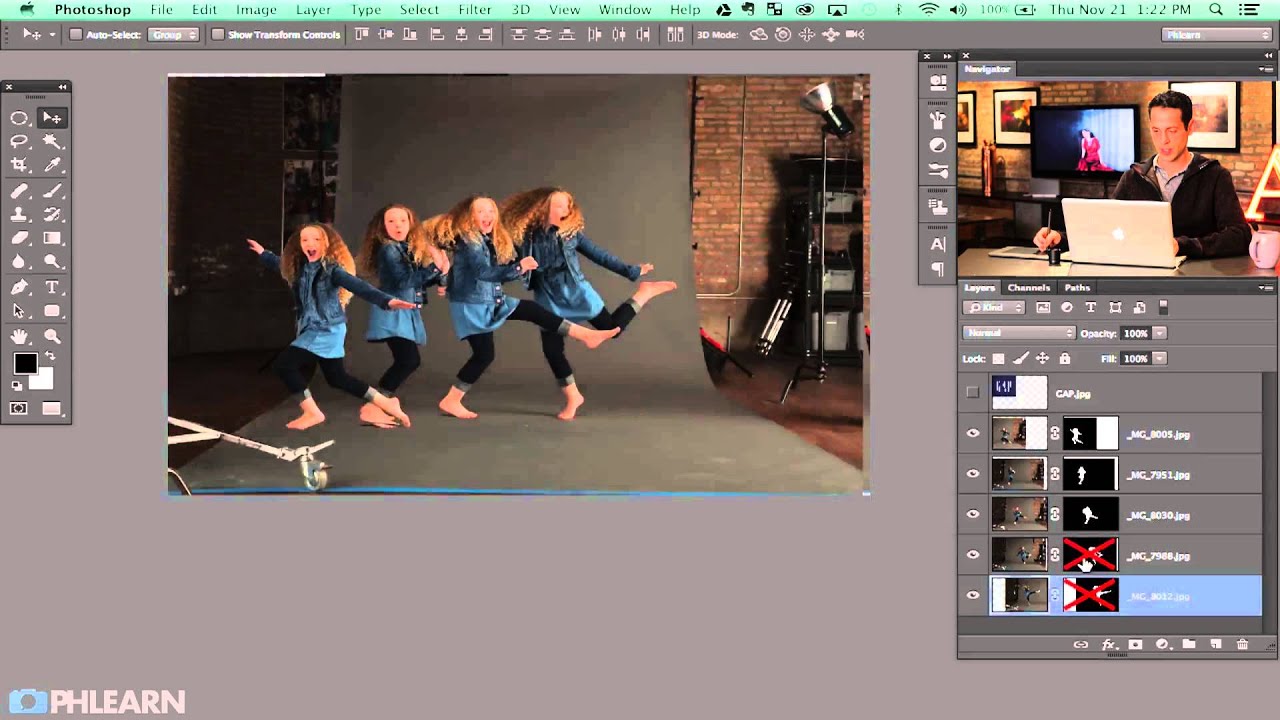
There’s a particular kind of image that separates hobbyist editing from professional work: the composite where multiple subjects share the same frame and it actually looks believable. Not “wow, great Photoshop” believable. Just… real. Getting there requires you to think about how people physically occupy space together, how light wraps around them, and how small overlooked details like a hand or a shadow can quietly destroy the illusion. This is the problem I kept running into early in my retouching career, and it’s exactly what Aaron Nace tackles in this second part of his Gap-inspired fashion shoot series.

How to Retouch a Levitation Photo in Photoshop: A Layer Masking Walkthrough

How to Retouch a Levitation Photo in Photoshop: A Layer Masking Walkthrough

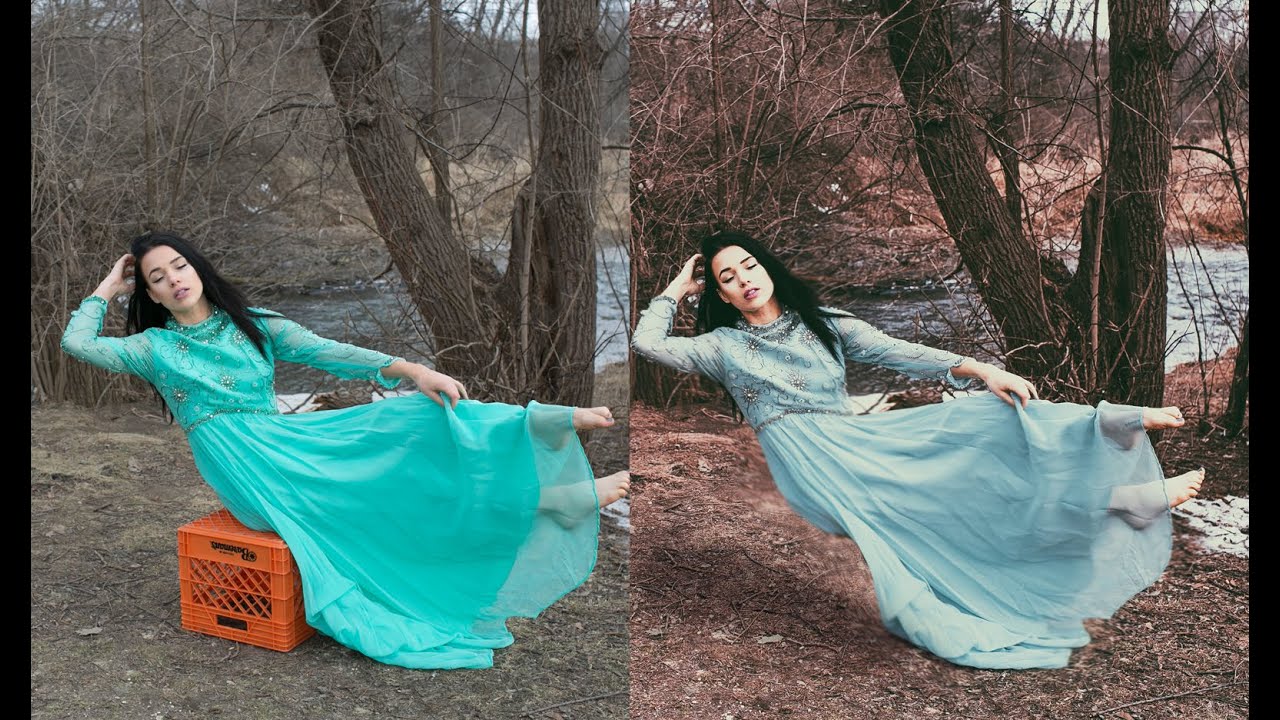
Every once in a while a technique lands in your lap that solves a problem you didn’t even know you’d been working around. For me, levitation compositing was one of those. I’d seen floating-subject shots all over editorial mood boards and assumed they required either a very brave model or very expensive rigging. Turns out, the magic happens almost entirely in post - and the approach is more methodical than mysterious.

How to Handle Unwanted Shadows When Compositing Portrait Photos

How to Handle Unwanted Shadows When Compositing Portrait Photos

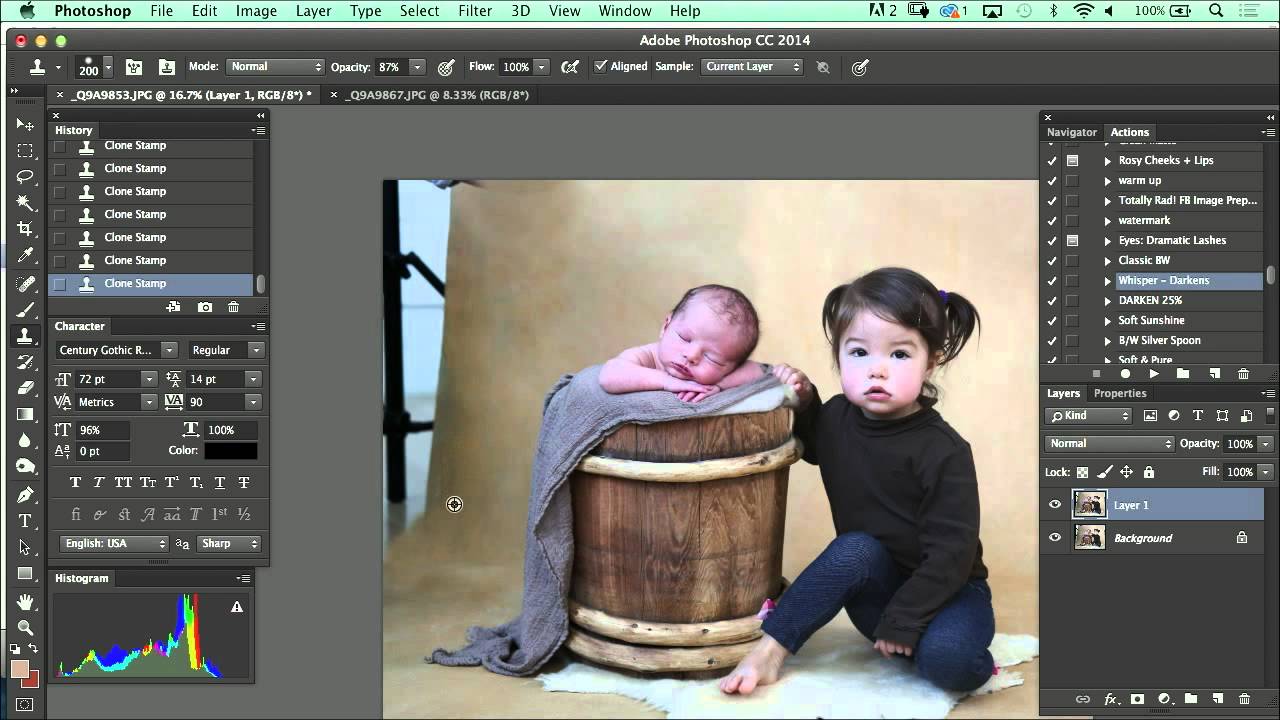
Shadow problems have a way of showing up exactly where you don’t want them. A subject’s arm falls across their torso, a leg casts a hard line across a background you spent twenty minutes setting up, and suddenly the composite you were proud of has a giveaway edge that screams “two separate images.” I used to patch these situations with heavy cloning and hope nobody noticed. They noticed. Watch the full tutorial on YouTube

Painting Fabric from Flame: A Photoshop Trick That Changed How I Think About Clothing Retouching

Painting Fabric from Flame: A Photoshop Trick That Changed How I Think About Clothing Retouching

There’s a specific kind of panic that sets in when a client sends you an image and says, “We love everything except… can you do something about the top?” Early in my retouching career, “do something” meant cloning, healing, and praying. The results were usually unconvincing at best. What I’ve since learned is that sometimes the most elegant solution isn’t to fix what’s there. It’s to replace it entirely with something that looks completely intentional.

Photoshop 2026's Best New Features for Retouchers (And Why Harmonize Changes Everything)

Photoshop 2026's Best New Features for Retouchers (And Why Harmonize Changes Everything)

Every fall, Adobe Max rolls around and I do the same thing: I open three browser tabs, scan the announcement pages, and try to figure out which new features will actually matter to my day-to-day work versus which ones are just good conference demos. This year, I saved myself some time by watching Matt Kloskowski’s breakdown of what’s new in Photoshop 2026, and I’m glad I did. Watch the full tutorial on YouTube before or after reading this, because Matt’s pacing and visual examples are worth your time on their own.