Apple's Advanced Masking Features Are Game-Changers for Portrait Artists

Apple's Advanced Masking Features Are Game-Changers for Portrait Artists

Apple Upgrades Creator Studio with Powerful New Masking Capabilities I’ve been watching Apple’s evolution in the creative software space closely, and I’m genuinely excited about what they’ve just unveiled. The company has rolled out significant enhancements to their Creator Studio collection, and portrait retouchers like us should definitely be paying attention. While many photographers focus on video editing applications, what really caught my eye is how these new masking tools can transform our beauty and portrait retouching workflows.

Photoshop's Bidirectional Gradient Masks Finally Make Skin Blending Feel Natural

Photoshop's Bidirectional Gradient Masks Finally Make Skin Blending Feel Natural

There’s a particular kind of frustration that comes from knowing exactly what you need to do to a photo and not having the right tool to do it cleanly. I’ve felt it dozens of times working on beauty campaigns where the light hits a subject’s face in a long, narrow band, and I want to enhance just that band without blowing out the edges or dragging a complicated luminosity mask into the mix.

The 15-Minute Eye Enhancement Workflow That Stopped My Clients Saying Make Them Pop

The 15-Minute Eye Enhancement Workflow That Stopped My Clients Saying Make Them Pop

A few years back, a client sent me a revision note that read: “Can you make the eyes more… alive?” I had spent forty minutes on that image. The skin was clean, the color grade was warm and editorial, and the composition was genuinely lovely. But she was right. The eyes looked like they belonged to someone who had just heard mildly disappointing news. Everything else in the frame was doing its job, and the eyes were not.

Why Hair Retouching Falls Apart at the Edges (And How to Fix It Layer by Layer)

Why Hair Retouching Falls Apart at the Edges (And How to Fix It Layer by Layer)

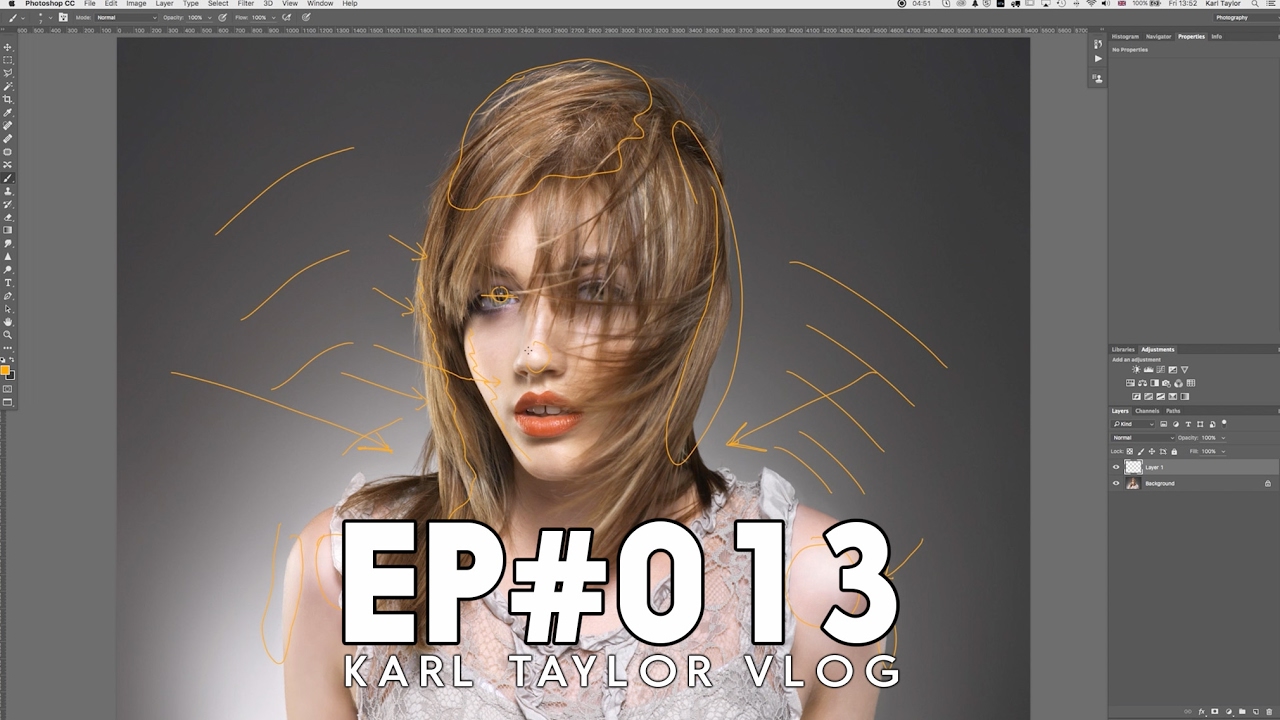
Why Hair Retouching Falls Apart at the Edges (And How to Fix It Layer by Layer) By Maya Chen The file came in on a Tuesday morning: a beauty campaign shot, studio-lit, clean background, gorgeous subject. The hair was this wild, expressive curtain of coils that the photographer had clearly worked hard to capture well. My job was to clean it up without flattening it. Three hours later I had something that looked like a wig glued to a mannequin.

Why Your Headshots Look Retouched (And How to Fix That Before the Client Notices)

Why Your Headshots Look Retouched (And How to Fix That Before the Client Notices)

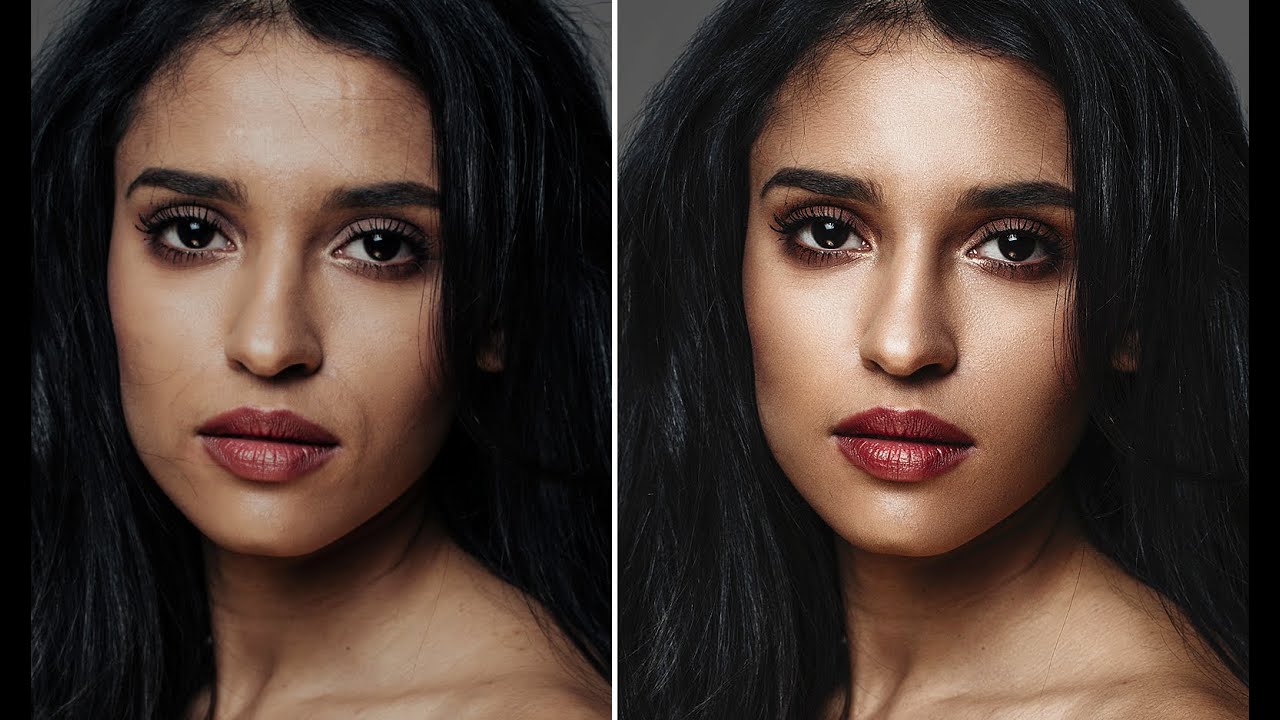
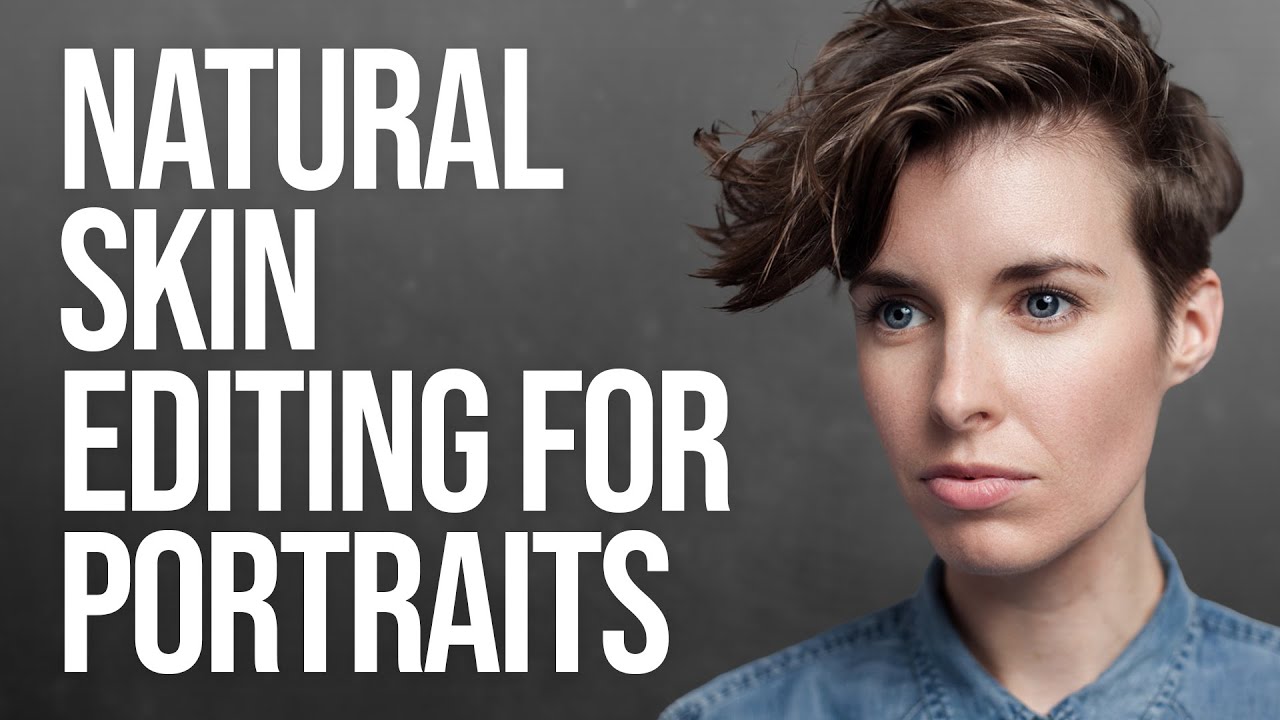
The first headshot I ever retouched that a client actually complained about wasn’t overexposed or poorly cropped. It was technically clean. Sharp eyes, even skin tone, good contrast. The client called me and said, very politely, “I just look kind of… plastic?” I had smoothed her skin so aggressively that the natural texture was gone, and what was left was something between a wax figure and a LinkedIn filter. I kept that file.

The 10-Minute Portrait Cleanup That Makes Every Other Edit Land Better

The 10-Minute Portrait Cleanup That Makes Every Other Edit Land Better

The first time a client told me my retouching looked “plastic,” I was mortified. I’d spent three hours on a single portrait, pushing and pulling at skin until it was perfectly smooth. What I thought looked polished, she called a “mannequin.” I hadn’t done anything wrong, technically. I’d just skipped the cleanup phase entirely and gone straight into the heavy work. Without a clean foundation, every technique I applied afterward amplified the problems rather than solving them.

Lightroom's April 2026 Masking Updates Are Quietly a Big Deal for Beauty Retouchers

Lightroom's April 2026 Masking Updates Are Quietly a Big Deal for Beauty Retouchers

If you do any volume of beauty or portrait work, you already know that waiting on Lightroom is part of the job. Waiting for exports, waiting for AI masking, waiting for denoise to grind through a raw file while your cursor just sits there, taunting you. I’ve lost whole stretches of productive time staring at a progress bar when I could have been culling the next batch or answering emails. So when Adobe drops an update that actually addresses a real workflow bottleneck, I pay attention.

The Hidden Frequency Separation Secret That Saves Flat-Looking Skin

The Hidden Frequency Separation Secret That Saves Flat-Looking Skin

The Hidden Frequency Separation Secret That Saves Flat-Looking Skin I’ve noticed something fascinating happening in portrait retouching conversations lately. Editors everywhere are discovering that their beautifully smoothed skin often loses something critical the moment a client zooms out. The detailed, dimensional quality vanishes, leaving behind a plastic-looking result that feels disconnected from reality. Here’s what I’ve found: there’s a specific step within the frequency separation workflow that most of us gloss over—and it’s actually the key to maintaining that natural, three-dimensional quality we’re all chasing.

Lightroom's New Duplicate Finder Is the Catalog Cleanup Tool I've Been Waiting Years For

Lightroom's New Duplicate Finder Is the Catalog Cleanup Tool I've Been Waiting Years For

There’s a particular kind of frustration that comes from spending twenty minutes manually refining a mask around flyaway hair or the gap between a subject’s arm and waist, knowing that the automated selection tool almost got it right but not quite. For years, “almost” was the operating word with Lightroom’s Select Subject. It was good enough for a quick rough cut, but for beauty work, where the difference between a clean edge and a halo can make or break a composite, I always ended up doing significant manual cleanup.

The First 10 Minutes: How I Clean Up a Portrait Before Any Real Retouching Begins

The First 10 Minutes: How I Clean Up a Portrait Before Any Real Retouching Begins

The file comes in. Maybe it’s from a photographer you trust, maybe it’s from a client who shot it themselves on a mirrorless they bought six months ago. Either way, before you even think about skin texture or luminosity masks, there’s a layer of chaos sitting on top of the image that will quietly sabotage every adjustment you make if you don’t deal with it first. Stray hairs crossing the face.

Why Portrait Editors Need Clear Language to Defend Their Craft

Why Portrait Editors Need Clear Language to Defend Their Craft

Building Trust Through Clear Communication I’ve been thinking lately about a question that comes up constantly in our community: Why do some edited portraits feel authentic while others feel overstyled? The answer, I believe, lies in something we rarely discuss—our ability to articulate why we make the choices we do. When I first started in beauty retouching, I could explain the mechanics: how to smooth skin, enhance eyes, adjust color grading.

Why Your Portraits Look Flat (And How Dodge and Burn Fixes It in Photoshop)

Why Your Portraits Look Flat (And How Dodge and Burn Fixes It in Photoshop)

Early in my retouching career, a client sent back a batch of portraits with a note that still stings a little: “These look like wax figures. Can you make them look like real people again?” I had smoothed the skin, evened the tones, removed every shadow I could find. I thought I was doing my job. What I was actually doing was stripping out all the information that makes a face look three-dimensional.