The Essential Guide to Color Correction in Portrait Retouching

The Essential Guide to Color Correction in Portrait Retouching

The Essential Guide to Color Correction in Portrait Retouching When I first started retouching portraits, I noticed that even the most beautifully lit photographs could fall flat without proper color correction. A client would look at their edited image and say, “Something feels off,” even though the skin looked smooth and the composition was perfect. That something was usually color. Color correction is the foundation of professional portrait retouching. It’s what transforms a decent photo into one that feels alive, balanced, and genuinely flattering.
The Complete Guide to Color Correction in Portrait Retouching

The Complete Guide to Color Correction in Portrait Retouching

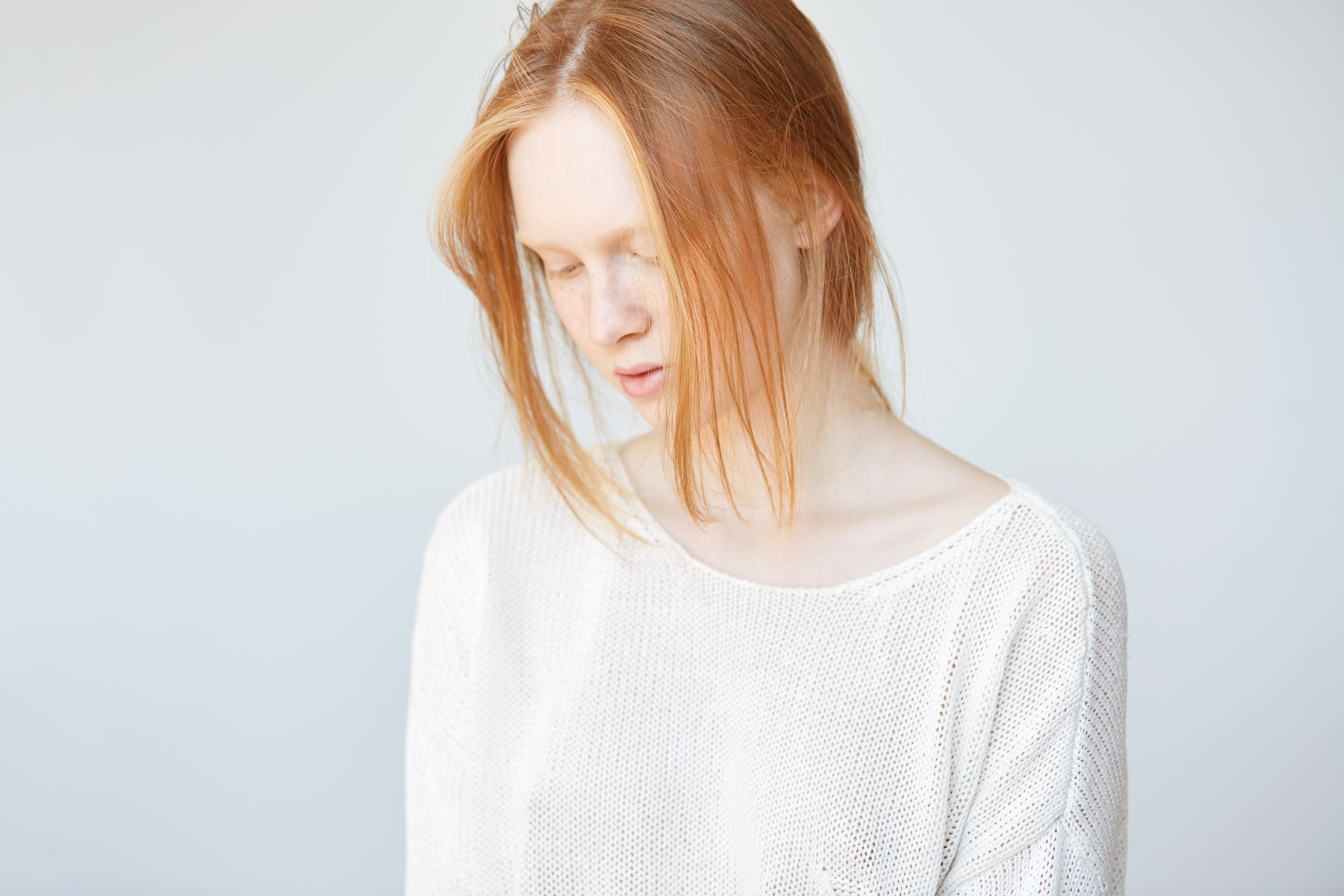
The Complete Guide to Color Correction in Portrait Retouching Color correction is where portraiture truly comes alive. I’ve learned that even the most beautifully lit portrait can fall flat if the colors aren’t working in harmony. Whether you’re editing a single headshot or batch processing from a wedding, understanding color correction fundamentally changes how your portraits feel and how your clients respond to them. Let me walk you through the techniques I use daily to transform color in my retouching workflow.

The Art of Natural Beauty Editing: Enhancing Without Overworking

The Art of Natural Beauty Editing: Enhancing Without Overworking

The Art of Natural Beauty Editing: Enhancing Without Overworking When I started my retouching journey, I made the same mistake most beginners do—I over-processed everything. Skin became plastic, pores disappeared entirely, and faces looked airbrushed in the worst way possible. It wasn’t until I shifted my mindset that I understood: beauty editing isn’t about creating perfection. It’s about revealing the best version of someone while keeping them recognizable. I want to share what I’ve learned about editing portraits in a way that feels natural, respectful, and genuinely beautiful.

How to Use Lightroom Mobile's New AI Blemishes Tool for Professional Portrait Retouching

How to Use Lightroom Mobile's New AI Blemishes Tool for Professional Portrait Retouching

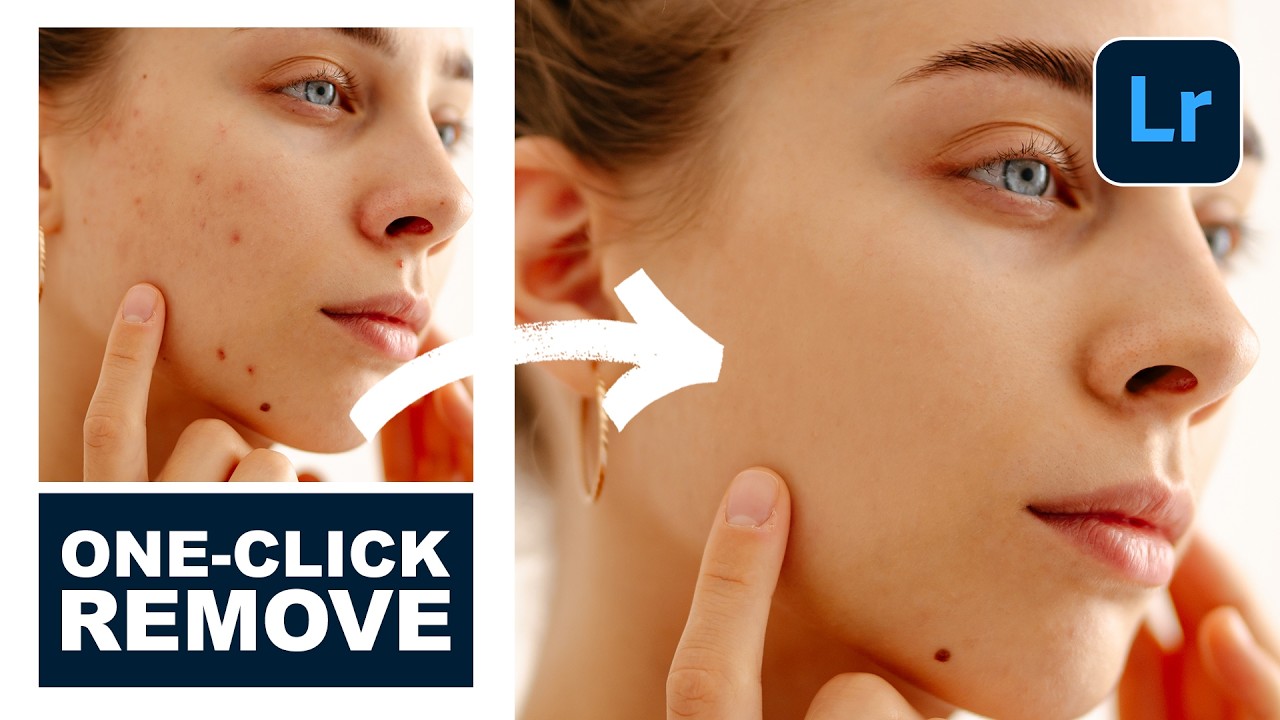
I’ve been following the rapid evolution of AI-powered editing tools, and I have to say—Lightroom Mobile’s new Blemishes tool is genuinely impressive. In this excellent tutorial, Aaron Nace (PHLEARN) shows us how to leverage this intelligent feature to achieve professional-quality skin retouching right from our phones. Let me break down exactly how this works and share some insights I’ve picked up from testing it myself. What Makes This Tool Different? Before we dive into the steps, I want to clarify why I’m excited about this feature.