How to Read a Beauty Lighting Setup From a Single Catchlight (And Recreate It)

How to Read a Beauty Lighting Setup From a Single Catchlight (And Recreate It)

There’s a specific kind of frustration that comes from receiving a beauty image to retouch when you have no idea how it was lit. You can see something is off in the skin tones, or the shadows feel muddy, but you can’t diagnose it because you weren’t in the room. Understanding lighting setups, even as a retoucher, changes how you read an image entirely. It tells you which shadows are intentional, which highlights belong there, and where the photographer was going emotionally with the shot.

The Reality Behind Protest Photography: What Your Retouching Clients Actually Experience

The Reality Behind Protest Photography: What Your Retouching Clients Actually Experience

When Documentation Becomes Art I spent time recently covering protests in Newark, and the experience completely shifted how I think about portrait retouching. What struck me most wasn’t the drama captured in photographs—it was everything happening between the dramatic moments. This realization has profound implications for how we approach beauty editing and skin retouching. The Gap Between What We See and What We Show When images from protests circulate online, people envision non-stop intensity.

Shooting for the Composite: What a Halloween Zombie Setup Taught Me About Commercial Lighting

Shooting for the Composite: What a Halloween Zombie Setup Taught Me About Commercial Lighting

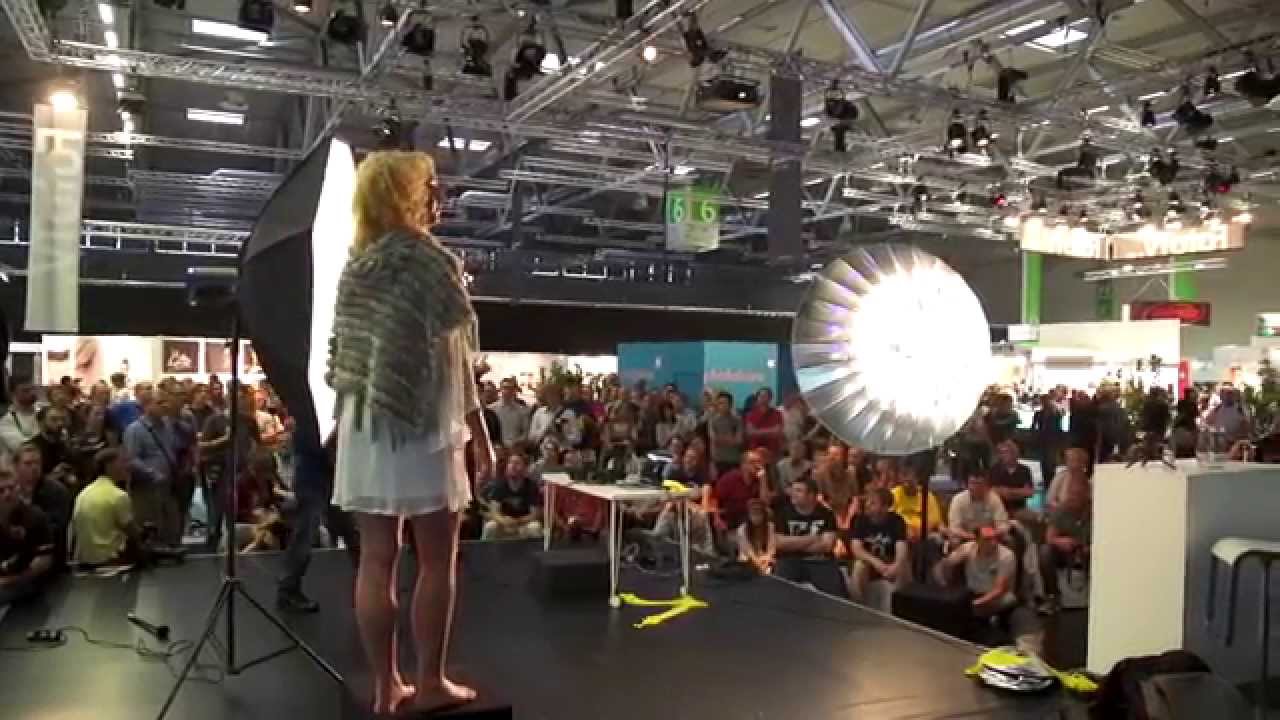
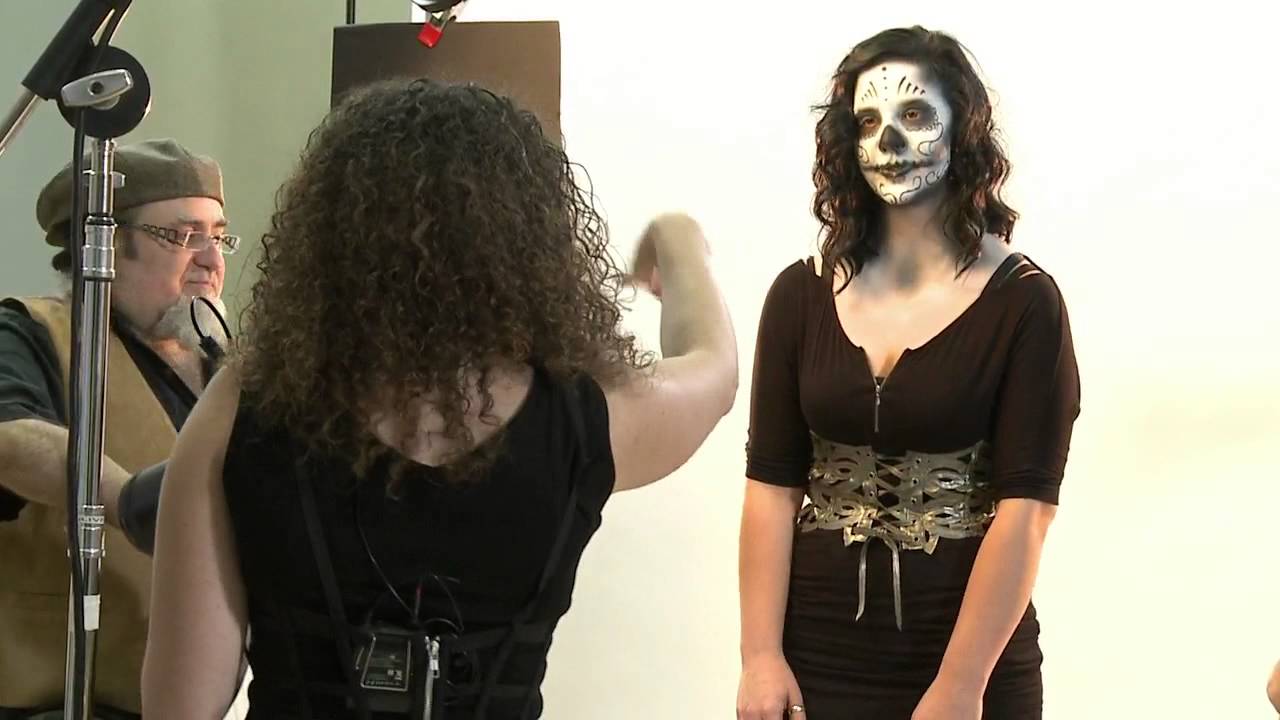
Every few years, a tutorial stops me mid-green-tea and makes me rethink something I thought I already understood. I was prepping for a beauty retouching workshop when I pulled up Watch the full tutorial on YouTube — a CreativeLive segment where photographer Lindsay Adler walks through a Halloween-themed portrait shoot. The subject has a full zombie makeup look, which honestly makes the lighting instruction easier to follow: you can see every shadow and highlight doing its job in real time.

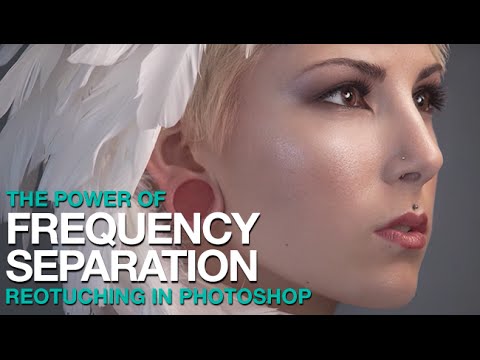
Frequency Separation in Photoshop: A Step-by-Step Breakdown of Aaron Nace's Game-Changing Technique

Frequency Separation in Photoshop: A Step-by-Step Breakdown of Aaron Nace's Game-Changing Technique

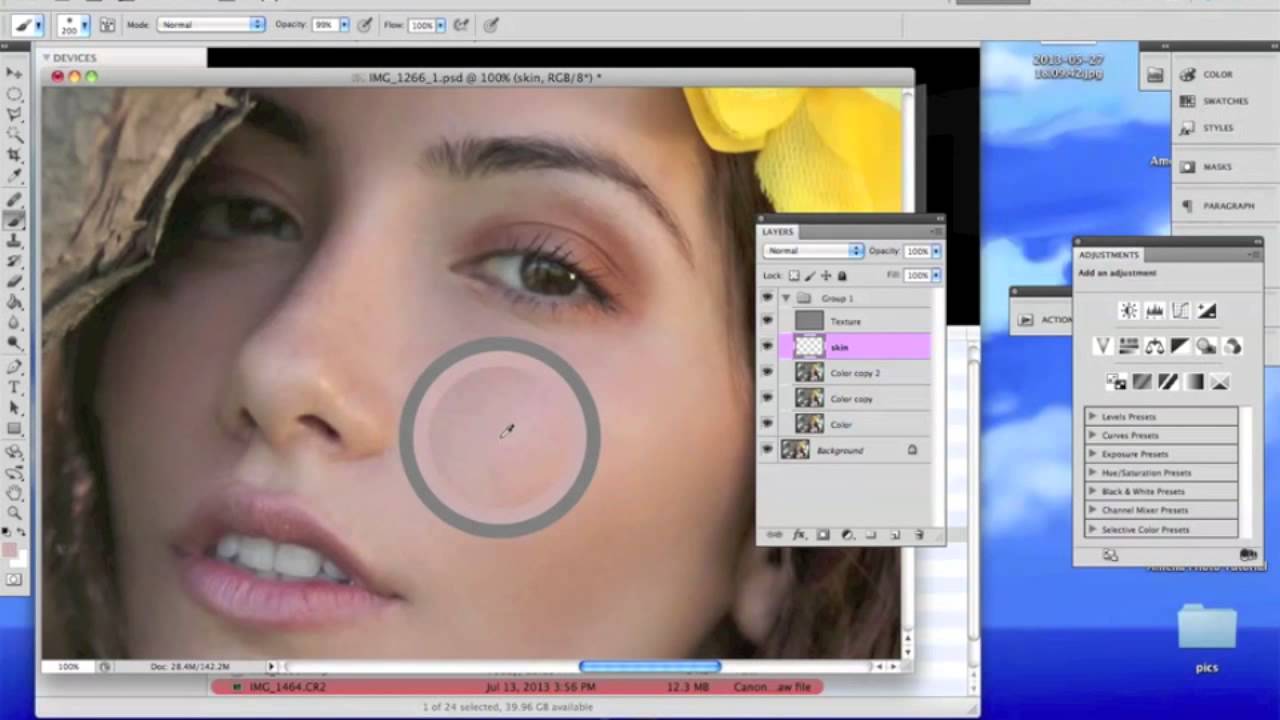
There is a specific kind of dread that comes with zooming into 100% on a retouched face and realizing the skin looks like a wax museum exhibit. I know that dread well. Early in my retouching career, I was so focused on erasing every shadow and blotch that I was also erasing everything that made the skin look like skin. A client put it plainly: “She looks plastic.” That note stung, but it pushed me to find a better way.

AI-Enhanced Beauty Editing: Celebrating Creative Innovation in Portrait Retouching

AI-Enhanced Beauty Editing: Celebrating Creative Innovation in Portrait Retouching

AI-Enhanced Beauty Editing: Celebrating Creative Innovation in Portrait Retouching I’ve been watching the portrait retouching landscape shift dramatically over the past year, and I’m genuinely excited about where AI-assisted beauty editing is heading. We’re at a fascinating crossroads where traditional retouching techniques meet intelligent automation, creating possibilities that were simply unimaginable just a few years ago. The Current State of AI in Portrait Work When we talk about AI-enhanced portraits today, we’re discussing something far more nuanced than simple filter applications.

Skip the Subscription: Affordable AI Retouching Tools Now Available in Photoshop

Skip the Subscription: Affordable AI Retouching Tools Now Available in Photoshop

Skip the Subscription: Affordable AI Retouching Tools Now Available in Photoshop One of the biggest frustrations I hear from portrait photographers and beauty editors is the cost of keeping up with software subscriptions. Between Photoshop, Lightroom, and specialized retouching plugins, expenses add up quickly. So when I discovered there’s a way to harness cutting-edge AI retouching power in Photoshop without committing to yet another monthly fee, I had to share this game-changer with you.

How Serge Ramelli's Frame Within a Frame Technique Quietly Transforms a Flat Travel Portrait

How Serge Ramelli's Frame Within a Frame Technique Quietly Transforms a Flat Travel Portrait

There’s a specific kind of photo that stops me mid-scroll. Not the technically perfect ones, not the overlit, every-detail-present shots. The ones that stop me are the ones that feel like a secret. Something contained. A world inside a world. That quality has a name: frame within a frame. And for years I understood it as a compositional idea, something you think about before you press the shutter. What I hadn’t fully appreciated was how much of that feeling gets built, or destroyed, in post-processing.

Why Your Headshot Edits Look Overdone (And the Exact Workflow That Fixed Mine)

Why Your Headshot Edits Look Overdone (And the Exact Workflow That Fixed Mine)

A client once told me my retouching looked “like a wax museum.” She wasn’t wrong. I still have that file saved in a folder called “Humbling Moments,” and I open it maybe once a year to remind myself what over-processing actually looks like when you’re too close to the screen to see it. Headshots are the trickiest category in portrait retouching, not because the techniques are complicated, but because the margin for error is almost zero.

The Art of Natural Hair Retouching: A Step-by-Step Guide

The Art of Natural Hair Retouching: A Step-by-Step Guide

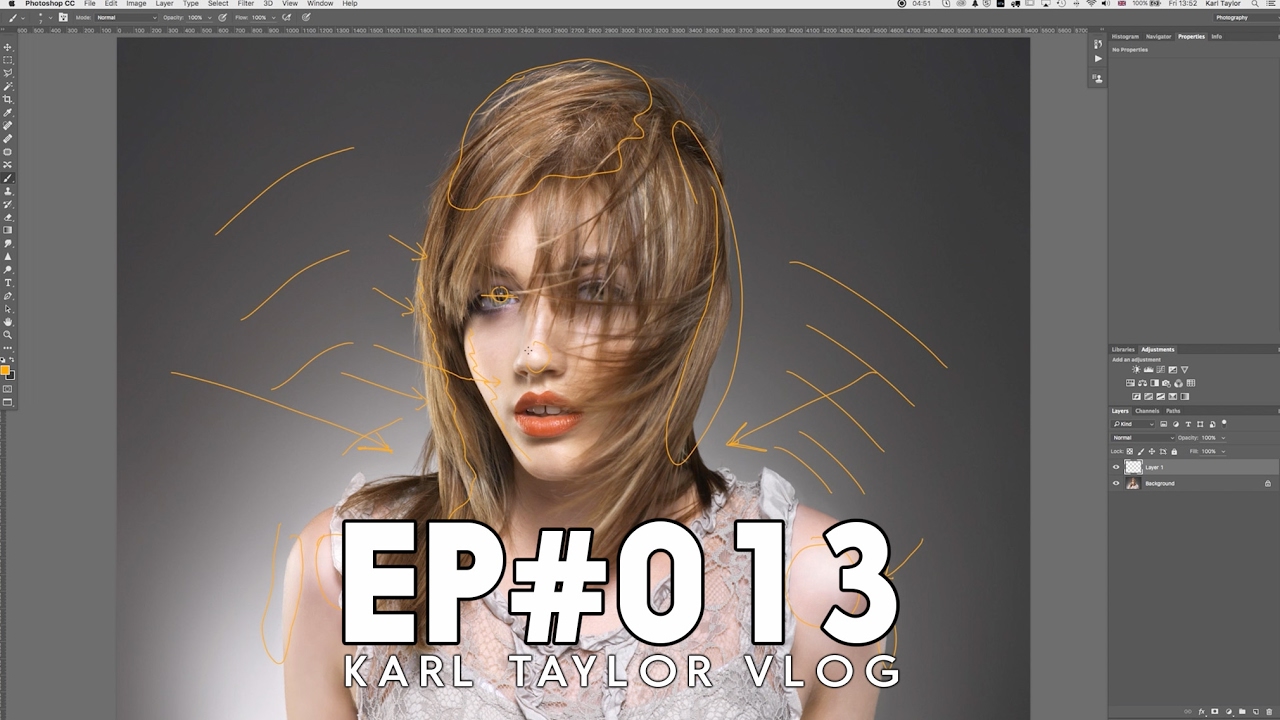
The Art of Natural Hair Retouching: A Step-by-Step Guide Hair retouching intimidates a lot of editors when they’re starting out. I get it—hair is complex, with thousands of individual strands that can catch light unpredictably. But I want to assure you that with the right approach, hair retouching becomes one of the most satisfying parts of portrait editing. Over the years, I’ve developed a workflow that keeps things looking natural while fixing the real problems that plague hair in photography.

The Art of Subtle Beauty Editing: When Less Is More

The Art of Subtle Beauty Editing: When Less Is More

The Art of Subtle Beauty Editing: When Less Is More When I first started portrait retouching, I made the mistake that many editors do: I edited aggressively. I smoothed every pore, brightened every eye, and sculpted every cheekbone until my clients looked like porcelain dolls. The feedback was always the same: “That doesn’t look like me.” That’s when I learned the most important rule of beauty editing: enhancement should be invisible.

The Art of Professional Headshot Editing: A Step-by-Step Guide to Polished Results

The Art of Professional Headshot Editing: A Step-by-Step Guide to Polished Results

The Art of Professional Headshot Editing: A Step-by-Step Guide to Polished Results I’ve edited thousands of headshots over my career, and I’ve learned that the best ones share a common thread: they look like the person, just the best version of themselves. That’s our goal when we approach headshot retouching—enhancement without transformation. Start With Organization and a Clear Vision Before I open Photoshop or Lightroom, I always take a moment to assess the image.

Medium Format Cameras for Portrait Work: How Your Camera Choice Impacts Your Retouching Workflow

Medium Format Cameras for Portrait Work: How Your Camera Choice Impacts Your Retouching Workflow

Medium Format Cameras for Portrait Work: How Your Camera Choice Impacts Your Retouching Workflow When we talk about portrait photography, we often focus on lighting, posing, and styling. But here’s something many retouchers don’t discuss enough: your camera system fundamentally shapes how you’ll edit your images later. I recently spent time working with two legendary medium format film cameras, and it fundamentally changed how I think about the relationship between capture and post-production.