The Art of Natural Skin Retouching: A Step-by-Step Guide

The Art of Natural Skin Retouching: A Step-by-Step Guide

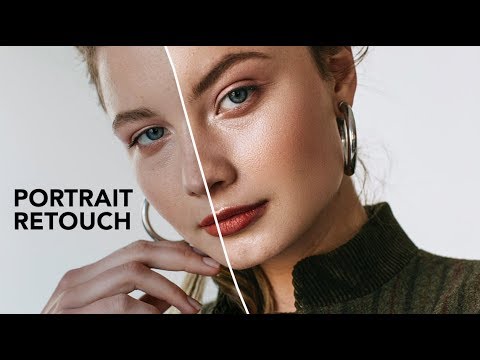
The Art of Natural Skin Retouching: A Step-by-Step Guide When I first started retouching portraits, I made the same mistake many beginners do: I smoothed skin until it looked plastic. The turning point came when a mentor told me, “Your job isn’t to erase the person—it’s to reveal their best self.” That philosophy changed everything about how I approach skin retouching. Today, I want to share the techniques that transformed my work and can transform yours too.

The Art of Natural Skin Retouching: A Step-by-Step Guide to Flawless Portraits

The Art of Natural Skin Retouching: A Step-by-Step Guide to Flawless Portraits

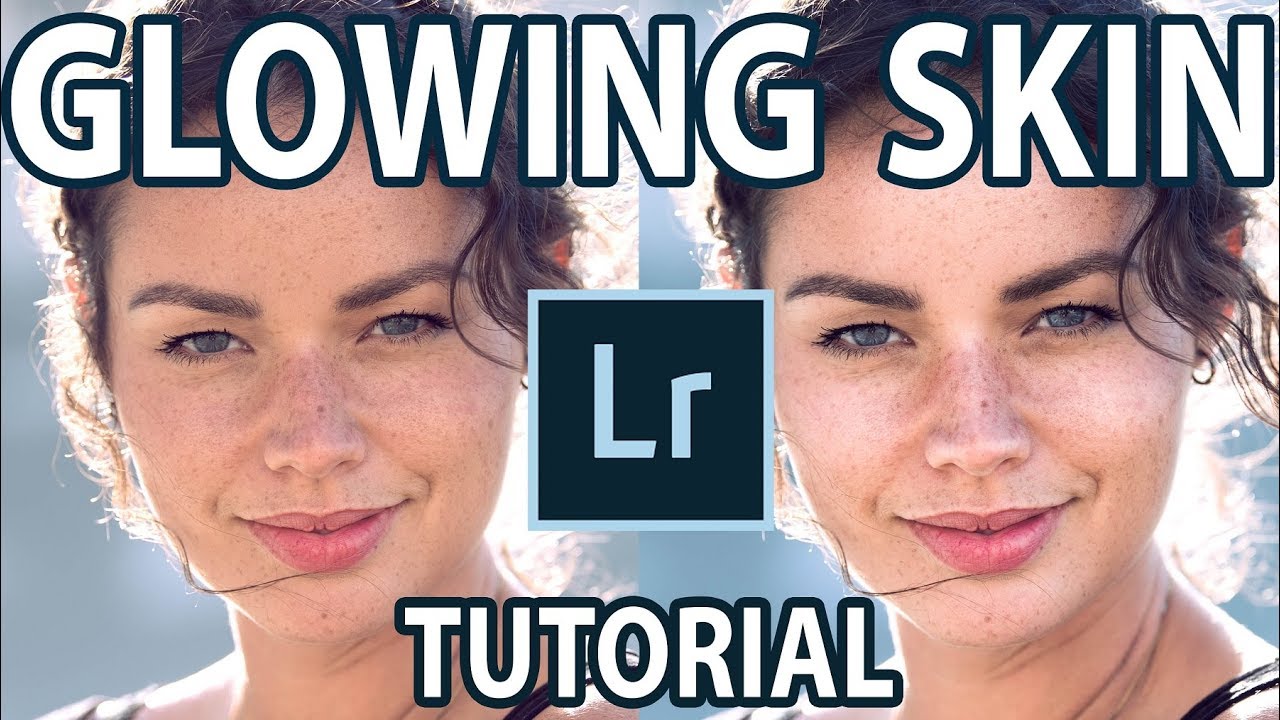
The Art of Natural Skin Retouching: A Step-by-Step Guide to Flawless Portraits I’ve spent years perfecting skin retouching, and I want to share what I’ve learned with you. The difference between amateur and professional results often comes down to one thing: knowing when to retouch and when to stop. Let me walk you through the process I use for every portrait that lands on my desk. Why Texture Matters More Than You Think Before we dive into tools and settings, I need to emphasize something crucial: the goal of skin retouching isn’t to create plastic-looking perfection.

The Art of Natural Beauty Editing: When Less is More

The Art of Natural Beauty Editing: When Less is More

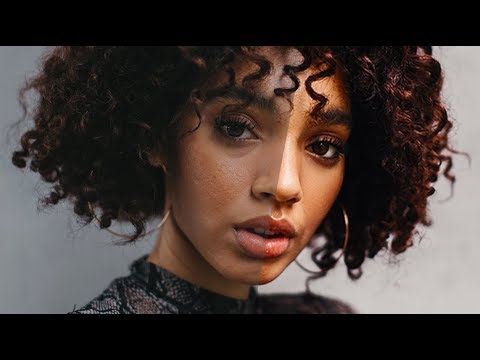
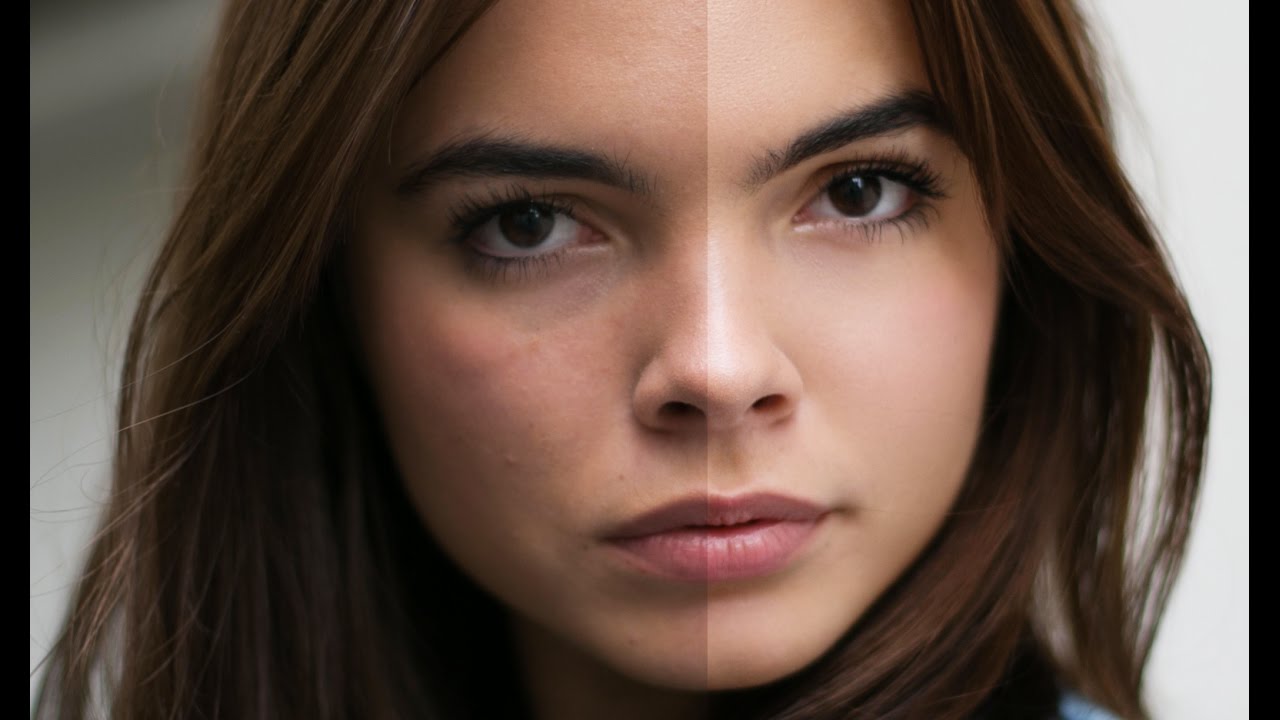
The Art of Natural Beauty Editing: When Less is More I’ve spent the last decade refining my approach to beauty editing, and I’ve learned something that might surprise you: the best retouching work is often invisible. When clients ask me about my editing, they rarely believe I’ve done much at all—which is exactly the goal. The difference between amateur and professional beauty editing isn’t about creating flawless, plastic-looking skin. It’s about understanding which imperfections to address, which to soften, and which to leave entirely alone.

The Art of Natural Beauty Editing: Enhancing Without Overdoing

The Art of Natural Beauty Editing: Enhancing Without Overdoing

The Art of Natural Beauty Editing: Enhancing Without Overdoing When I first started retouching portraits, I made the same mistake many beginners do: I over-edited. My subjects looked airbrushed and plastic—beautiful, sure, but not them anymore. Over the years, I’ve learned that the most powerful beauty edits are the ones people don’t notice. Today, I want to share what I’ve discovered about enhancing portraits while preserving that authentic, natural quality.

Portrait Cleanup Essentials: Transform Your Photos with Precision

Portrait Cleanup Essentials: Transform Your Photos with Precision

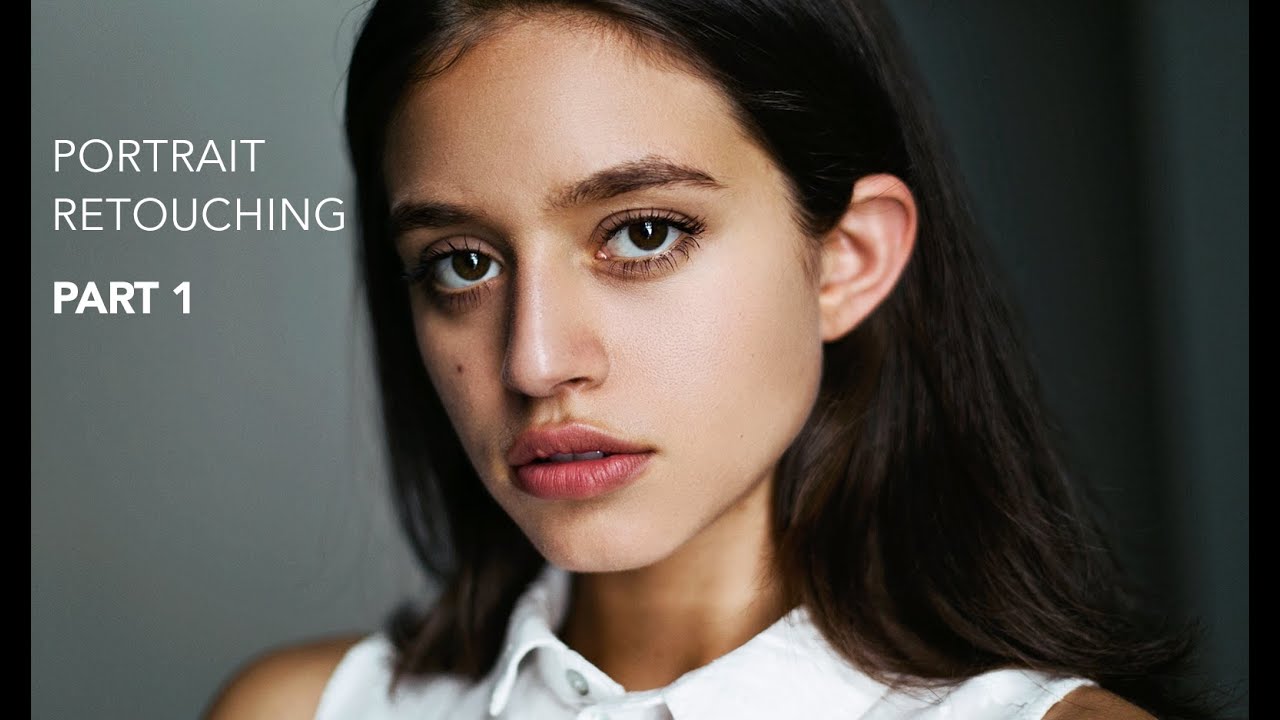
Portrait Cleanup Essentials: Transform Your Photos with Precision When I first started retouching portraits, I realized that cleanup is where the magic happens. It’s not about creating something artificial—it’s about removing the everyday distractions that keep a beautiful moment from truly shining. Whether you’re working with a professional headshot or a candid family photo, portrait cleanup is a skill that transforms good images into ones you’re genuinely proud to share.

Makeup Retouching Essentials: How to Enhance Beauty Without Losing Authenticity

Makeup Retouching Essentials: How to Enhance Beauty Without Losing Authenticity

Makeup Retouching Essentials: How to Enhance Beauty Without Losing Authenticity When I first started retouching portraits, I made the same mistake many editors do: I over-edited the makeup. The skin looked plastic, the lips looked painted-on, and the final result screamed “retouched.” Over the years, I’ve learned that the best makeup retouching is the kind people don’t immediately notice. Today, I’m sharing the techniques that have transformed how I approach this delicate work.

How to Use Lightroom Mobile's New AI Blemishes Tool for Professional Portrait Retouching

How to Use Lightroom Mobile's New AI Blemishes Tool for Professional Portrait Retouching

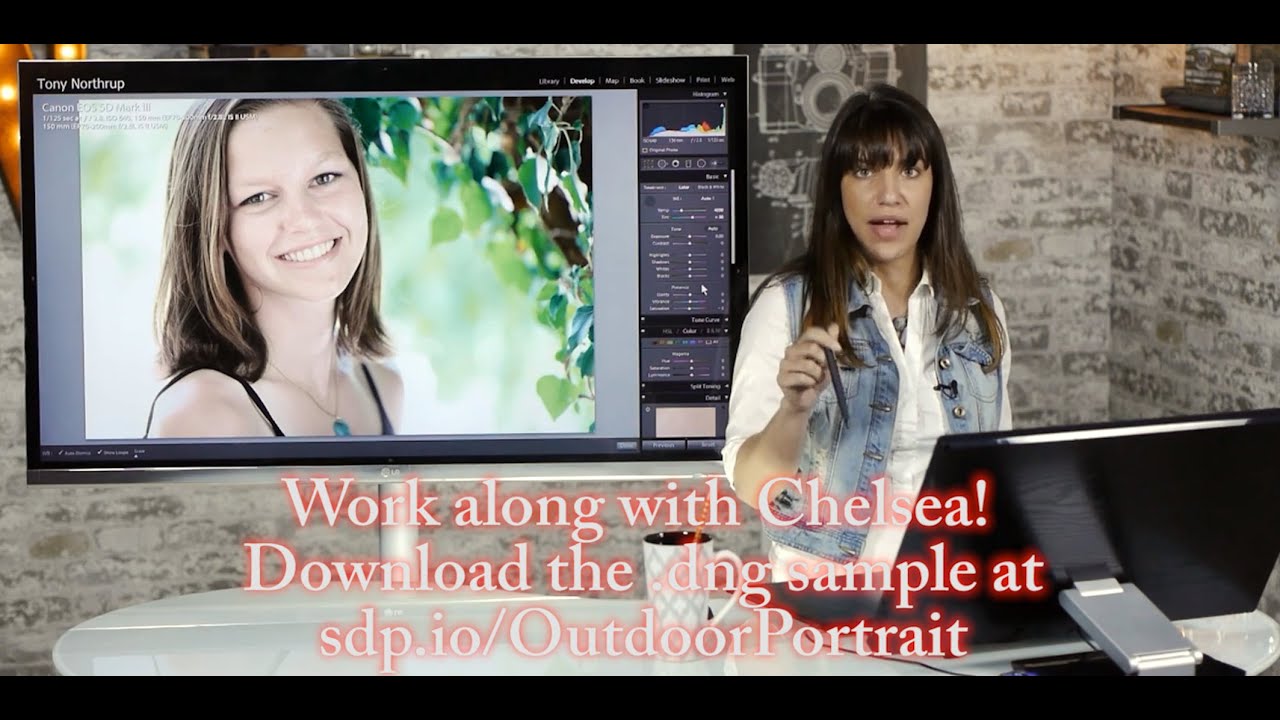
I’ve been following the rapid evolution of AI-powered editing tools, and I have to say—Lightroom Mobile’s new Blemishes tool is genuinely impressive. In this excellent tutorial, Aaron Nace (PHLEARN) shows us how to leverage this intelligent feature to achieve professional-quality skin retouching right from our phones. Let me break down exactly how this works and share some insights I’ve picked up from testing it myself. What Makes This Tool Different? Before we dive into the steps, I want to clarify why I’m excited about this feature.

How to Remove Blemishes in Photoshop: A Complete Guide to Flawless Skin Retouching

How to Remove Blemishes in Photoshop: A Complete Guide to Flawless Skin Retouching

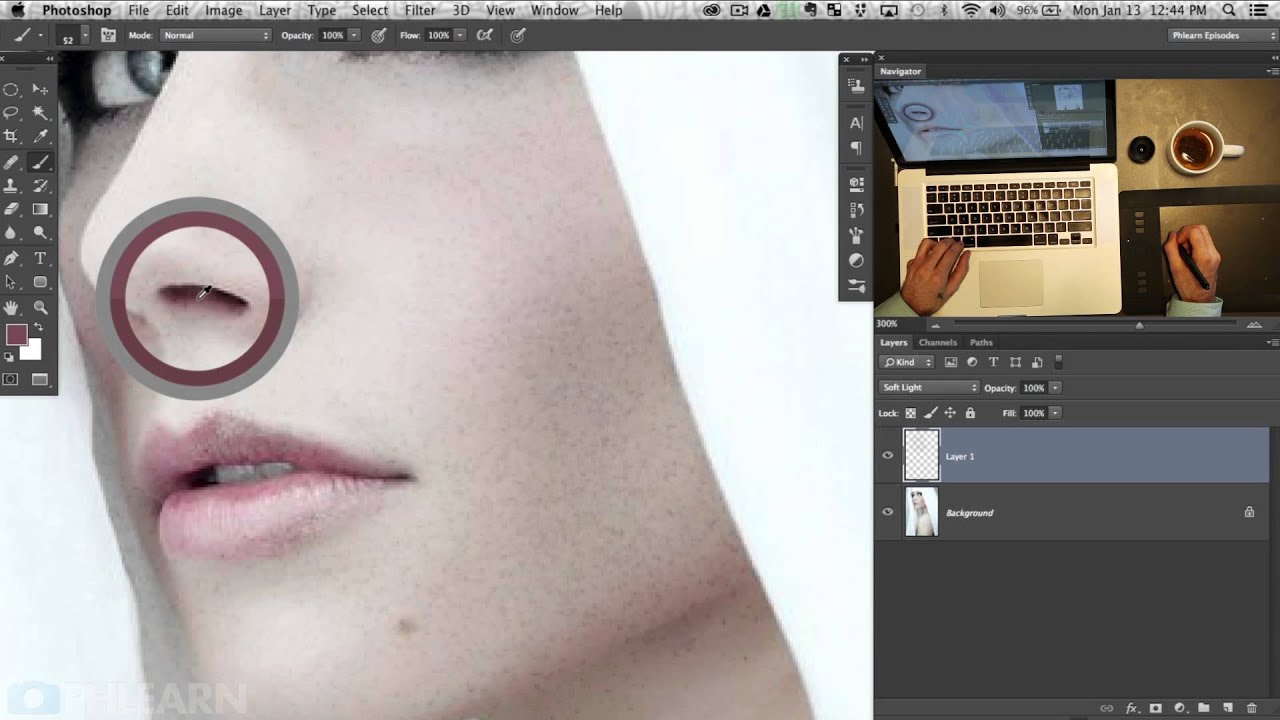
How to Remove Blemishes in Photoshop: A Complete Guide to Flawless Skin Retouching When I started my journey in portrait retouching, I quickly realized that learning how to remove blemishes in Photoshop is one of the most valuable skills you can master. Whether you’re editing headshots, beauty photography, or personal portraits, blemish removal is fundamental to creating polished, professional-looking images. Here’s the thing: removing blemishes isn’t about making skin look artificial or plastic.

Frequency Separation: The Game-Changing Technique for Flawless Portrait Skin

Frequency Separation: The Game-Changing Technique for Flawless Portrait Skin

Frequency Separation: The Game-Changing Technique for Flawless Portrait Skin When I first learned about frequency separation, it transformed how I approach portrait retouching. Instead of struggling to smooth skin without losing texture, or fix color issues without creating a plastic appearance, I suddenly had a technique that lets me work on these problems independently. If you’ve felt frustrated trying to retouch skin naturally, I’m excited to walk you through this method.

Frequency Separation: The Game-Changing Technique for Flawless Portrait Retouching

Frequency Separation: The Game-Changing Technique for Flawless Portrait Retouching

Frequency Separation: The Game-Changing Technique for Flawless Portrait Retouching When I first discovered frequency separation, I felt like I’d unlocked a secret level in portrait retouching. This technique transformed how I approach skin editing, giving me surgical precision over texture and color independently. If you’re ready to elevate your portrait work beyond basic blemish removal, I’m excited to walk you through this powerful method. What Is Frequency Separation? Frequency separation splits your image into two layers: one containing color and tone information (low frequency), and another capturing texture and detail (high frequency).

Frequency Separation Mastery: The Game-Changing Technique for Flawless Skin

Frequency Separation Mastery: The Game-Changing Technique for Flawless Skin

Frequency Separation Mastery: The Game-Changing Technique for Flawless Skin When I first discovered frequency separation, it completely transformed how I approach portrait retouching. This technique lets us separate texture from color and tone, giving us unprecedented control over skin refinement. Instead of fighting between smooth skin and natural detail, we get both. Let me walk you through exactly how to master this game-changing method. What Is Frequency Separation (And Why It Matters) Frequency separation splits an image into two layers: high-frequency (texture and fine details) and low-frequency (color, tone, and larger shapes).