How Sean Tucker's Lightroom Portrait Workflow Finally Got My Skin Tones Right

How Sean Tucker's Lightroom Portrait Workflow Finally Got My Skin Tones Right

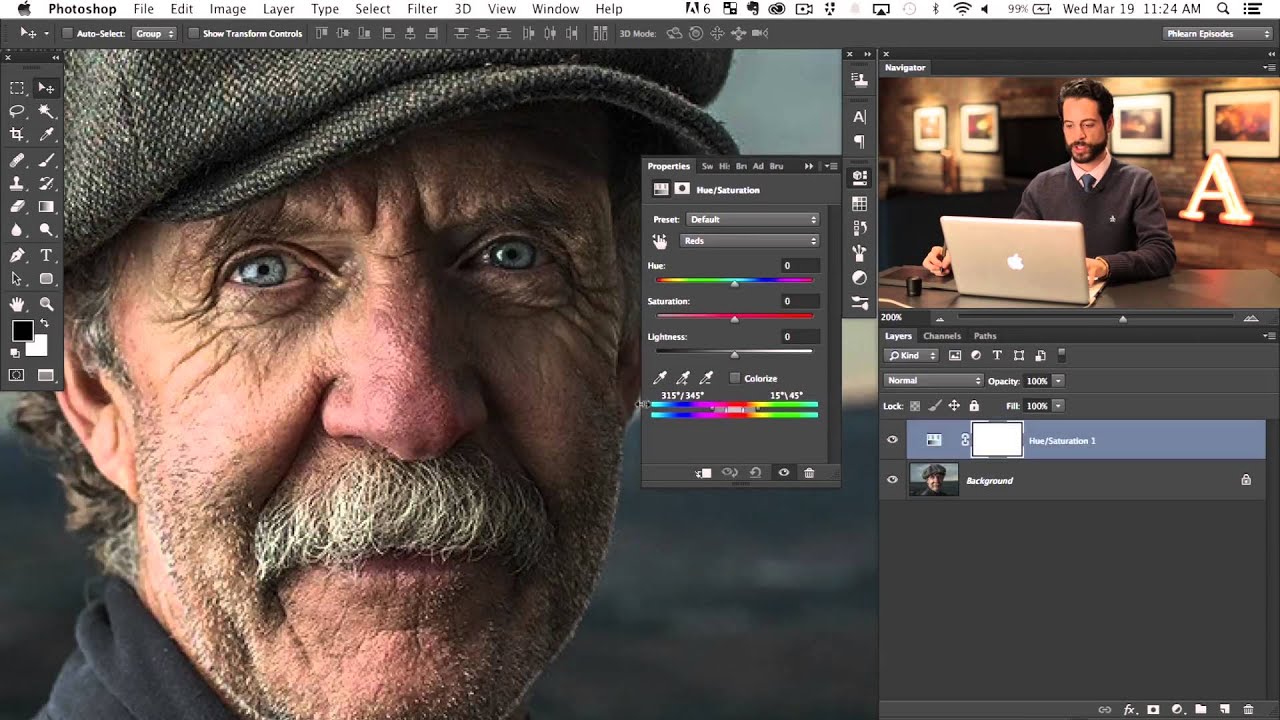
Last month I delivered a batch of beauty campaign edits and the creative director flagged something I hadn’t noticed myself: the model’s skin had a faint magenta cast in the shadows that made her look slightly unwell in certain crops. Not dramatic, not “plastic-looking,” just subtly off. The kind of thing a client catches and you can’t unsee afterward. I went back through my workflow looking for where it crept in, and that hunt is what landed me on this Sean Tucker tutorial the same evening.

Shooting Through: How Serge Ramelli's Paris Frame-Within-a-Frame Technique Changed How I Scout Locations

Shooting Through: How Serge Ramelli's Paris Frame-Within-a-Frame Technique Changed How I Scout Locations

Last month I was shooting a beauty campaign in downtown Portland, and the client wanted “something architectural but not cold.” I kept setting up against clean brick walls and getting exactly that: clean, cold, technically correct, completely lifeless. I knew the problem. I was thinking in single planes. The shot needed depth, a sense of place that didn’t swallow the subject. I’d been sitting on this Serge Ramelli tutorial for weeks and finally watched it the night before our second shoot day.

What a Mandalorian Scene Taught Me About Cinematic Lighting (And Why It Matters for Beauty Work)

What a Mandalorian Scene Taught Me About Cinematic Lighting (And Why It Matters for Beauty Work)

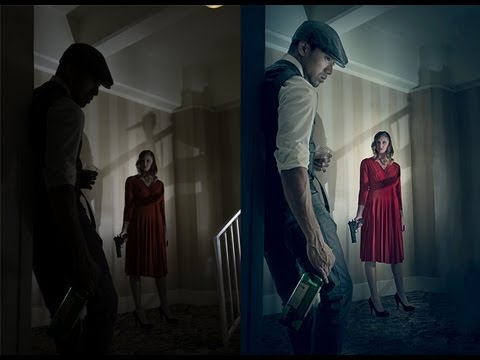
I’ve been thinking a lot lately about light. Not just the kind I sculpt in Photoshop after a shoot, but the kind that gets built from scratch, before a single pixel exists. A beauty client came to me last spring asking for campaign imagery that felt “cinematic but grounded,” and I realized I didn’t have a strong enough mental model for how cinematic light actually gets constructed. I knew how to retouch it.

What a Mandalorian Scene Taught Me About Cinematic Light (And Why It Matters for Beauty Work)

What a Mandalorian Scene Taught Me About Cinematic Light (And Why It Matters for Beauty Work)

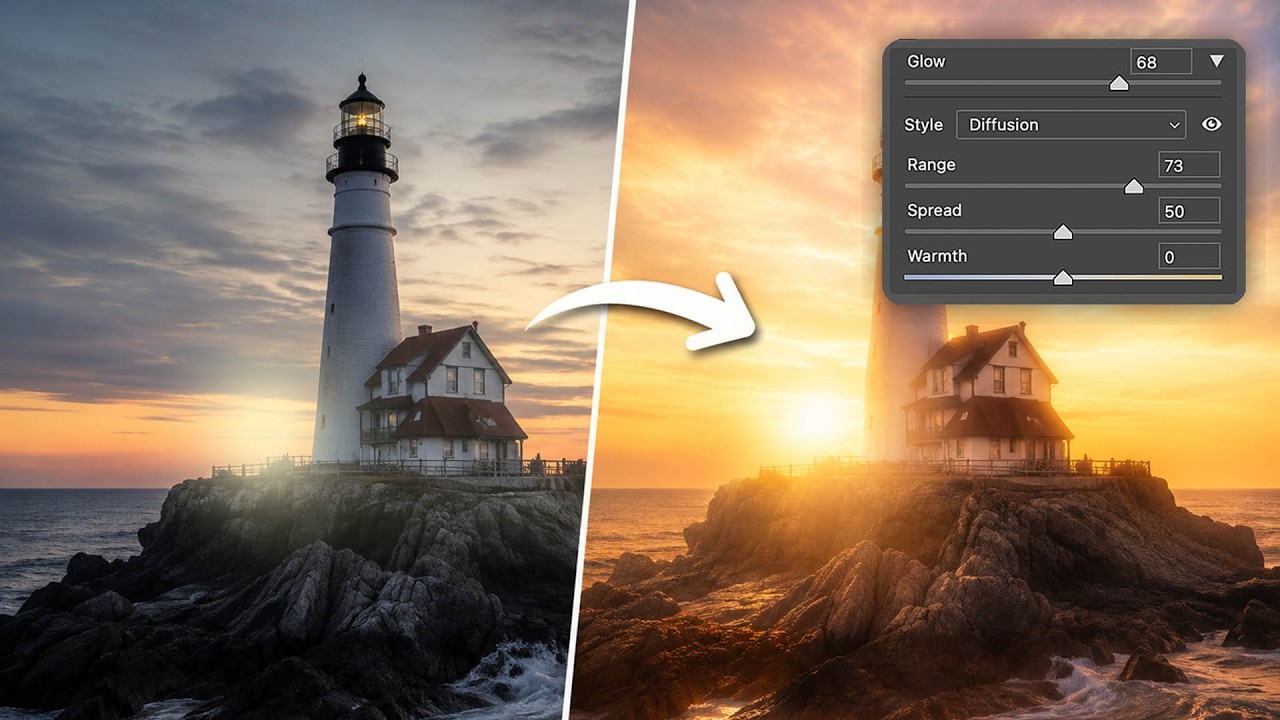
I never thought I’d spend a Tuesday afternoon building a desert landscape populated by the Mandalorian. But here we are. It started with a practical problem. A beauty client came to me last month wanting campaign imagery with a very specific golden-hour mood, something warm and directional, almost cinematic. We didn’t have the budget for a reshooot, and the original RAW files had flat, overcast light that was fighting me at every step.

What Adobe Actually Changed in Photoshop This April (And What It Means for Your Retouching Workflow)

What Adobe Actually Changed in Photoshop This April (And What It Means for Your Retouching Workflow)

Last month I had a beauty campaign on my desk, three skin tones across six hero shots, and a creative director who kept asking for “just a little more refinement around the hair.” If you’ve ever tried to cleanly separate fine hair from a gradient background, you already know where this is going. I burned almost two hours on masks that should have taken thirty minutes, and I kept thinking: there has to be a better way to do this now.

How Serge Ramelli's Frame Within a Frame Technique Quietly Transforms a Flat Travel Portrait

How Serge Ramelli's Frame Within a Frame Technique Quietly Transforms a Flat Travel Portrait

Last month I was editing a set of outdoor portraits shot near a wrought-iron archway in downtown Portland, and something felt off. The subject was sharp, the light was decent, but the images kept reading as snapshots rather than photographs. I kept adding contrast, pulling shadows, nudging the white balance. Nothing worked. Eventually I realized the problem wasn’t in the tones at all. It was the framing. The archway was there, but I hadn’t actually used it.

Why I Stopped Duplicating Layers for Every Retouch (And What I Do Instead)

Why I Stopped Duplicating Layers for Every Retouch (And What I Do Instead)

Last month I was deep in a skin retouching pass for a haircare campaign, three hours in, when my client asked me to pull back the smoothing on the forehead “just a little.” Simple request. Except I’d been duplicating layers the way I always had, flattening as I went, and suddenly “just a little” meant either starting over or doing some very creative explaining. I’ve been retouching beauty work long enough to know better, and yet there I was, completely cornered by my own workflow.

How to Add Depth and Dimension to Flat-Looking Portrait Photos in Photoshop

How to Add Depth and Dimension to Flat-Looking Portrait Photos in Photoshop

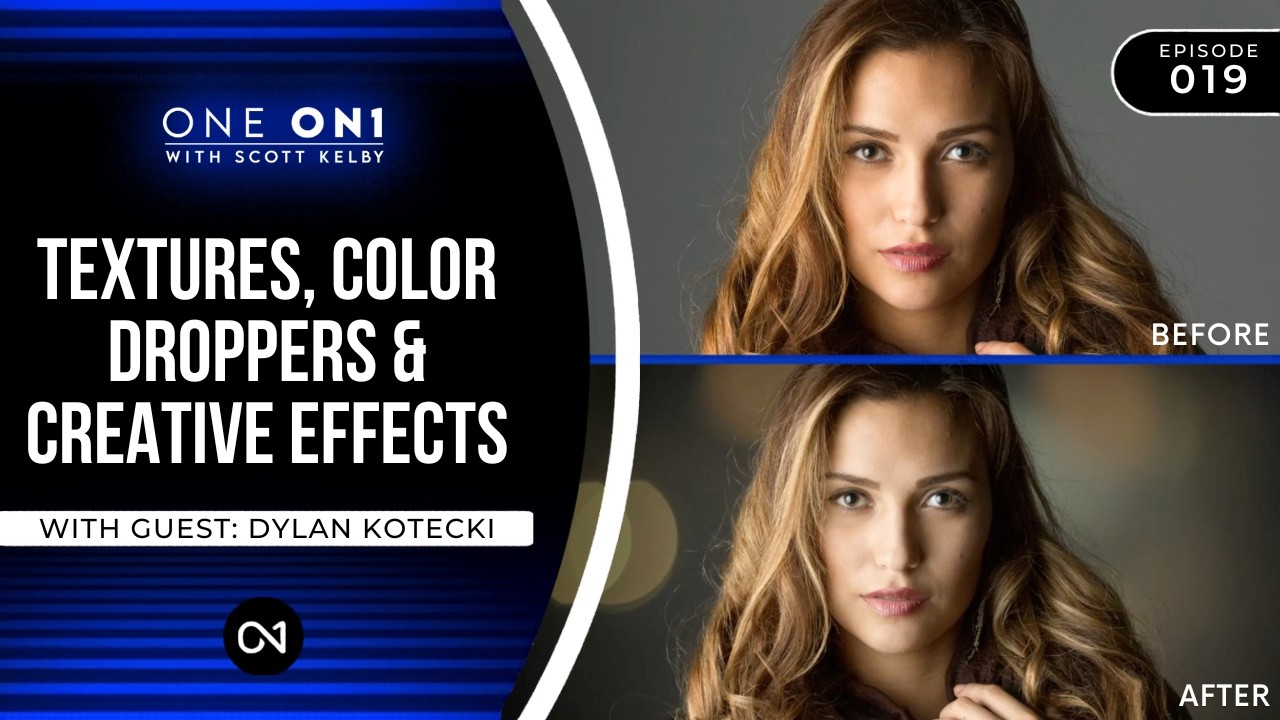
A few weeks ago I was finishing up a batch of beauty edits for a skincare client and kept running into the same problem. The shots were technically clean, skin looked smooth, color was dialed in, but something was missing. Every image felt a little… flat. Like a drawing of a face rather than a face. I’d been so focused on removing imperfections that I’d accidentally ironed out the natural shadows and highlights that give skin its three-dimensional quality.

The Westcott S18 Mini Flash: A Game-Changer for Portable Portrait Retouching

The Westcott S18 Mini Flash: A Game-Changer for Portable Portrait Retouching

The Westcott S18 Mini Flash: A Game-Changer for Portable Portrait Retouching When I first started exploring portable lighting solutions for portrait work, I kept running into the same frustration: every flash felt like a compromise. Either it was powerful enough but bulky, or it was compact but underpowered. Then I discovered the Westcott S18 Mini Flash, and honestly, it changed how I approach location shooting. In this excellent tutorial, Joel Grimes introduces us to a flash that finally bridges that gap.

Your First Unreal Engine 5 Project: A Beginner's Complete Guide to 3D Scene Creation

Your First Unreal Engine 5 Project: A Beginner's Complete Guide to 3D Scene Creation

When I first approached Unreal Engine 5, I felt overwhelmed by the interface and endless possibilities. But in this excellent tutorial, Serge Ramelli shows us that creating professional 3D scenes isn’t as intimidating as it seems. His beginner-friendly breakdown walks you through everything from installation to final render in under an hour. Let me break down this comprehensive guide so you can follow along confidently. Getting Started: Installation and Setup The foundation of any UE5 project begins with proper installation.

Mastering Urban Portrait Retouching: A Complete Guide to the Bir Hakeim Bridge Technique

Mastering Urban Portrait Retouching: A Complete Guide to the Bir Hakeim Bridge Technique

Mastering Urban Portrait Retouching: A Complete Guide to the Bir Hakeim Bridge Technique I’ve always found that some of the most transformative retouching lessons come from real-world shooting scenarios—especially when we’re working with the challenging lighting and composition that urban environments throw at us. In this excellent tutorial, Serge Ramelli shows us how to take a portrait shot at the iconic Bir Hakeim Bridge in Paris and transform it into a polished, professional image using systematic retouching and beauty editing techniques.

How to Use Lightroom Mobile's New AI Blemishes Tool for Professional Portrait Retouching

How to Use Lightroom Mobile's New AI Blemishes Tool for Professional Portrait Retouching

I’ve been following the rapid evolution of AI-powered editing tools, and I have to say—Lightroom Mobile’s new Blemishes tool is genuinely impressive. In this excellent tutorial, Aaron Nace (PHLEARN) shows us how to leverage this intelligent feature to achieve professional-quality skin retouching right from our phones. Let me break down exactly how this works and share some insights I’ve picked up from testing it myself. What Makes This Tool Different? Before we dive into the steps, I want to clarify why I’m excited about this feature.