The Uncanny Valley of Perfect: How to Train Your Eye to Spot AI-Generated Images

The Uncanny Valley of Perfect: How to Train Your Eye to Spot AI-Generated Images

There’s a skill I didn’t expect to need when I made the move from wedding photography into beauty retouching: learning to tell the difference between a photograph and a fabrication. Back when I started, the question was whether a retouch looked natural or “plastic.” Now the question has expanded. Clients send me reference images pulled from social media, mood boards assembled from Pinterest, and inspiration packs cobbled together from who-knows-where, and at least a few of those images in every batch are AI-generated, sometimes without the client even knowing.

Nail Skin Tones on the First Try: Using iPhone Photographic Styles with Your Clients

Nail Skin Tones on the First Try: Using iPhone Photographic Styles with Your Clients

One of the most exhausting parts of client work isn’t the shoot itself. It’s the revision spiral. You deliver a gallery, the client says something feels “off” about the color, and suddenly you’re on round three trying to decode feedback like “can you make it warmer but not too orange?” I spent years treating this as a communication problem. Turns out, a big chunk of it is actually a workflow problem, and your iPhone’s built-in editing tools might already have a fix.

Retouch It or Reshoot It? How Smart Photographers Decide (And Why Tethering Changes Everything)

Retouch It or Reshoot It? How Smart Photographers Decide (And Why Tethering Changes Everything)

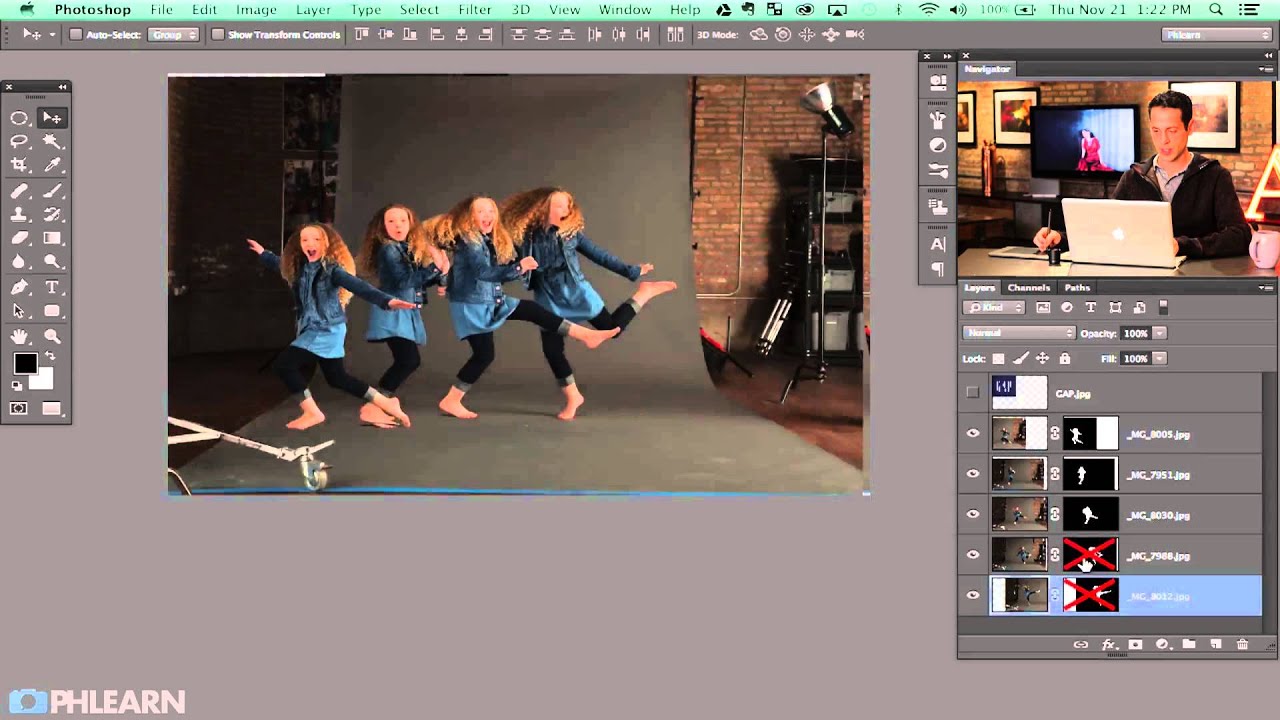
There’s a decision every retoucher and photographer eventually faces, usually at the worst possible moment: something went wrong on set, and now you’re staring at an image that needs either a serious fix in post or a full reshoot. Neither option feels great. One costs time at the computer. The other costs money, coordination, and maybe a little pride. In this Daniel Norton Photographer tutorial, Daniel walks through exactly that scenario, using a real example from a recent commercial shoot where headphones ended up on the model backwards.

How I Watch a Headshot Retouching Timelapse and Actually Learn From It

How I Watch a Headshot Retouching Timelapse and Actually Learn From It

There is a particular kind of client who emails you the morning after delivery to say the portraits look “a little overdone.” I got that email early in my retouching career, and it stung more than I want to admit. The problem was not that I was working too hard on the skin. The problem was that I had no real workflow. I was just pushing sliders around until something looked smooth, and smooth is not the same as natural.

What Woodland Photography Taught Me About Seeing Light Differently (Nigel Danson Breakdown)

What Woodland Photography Taught Me About Seeing Light Differently (Nigel Danson Breakdown)

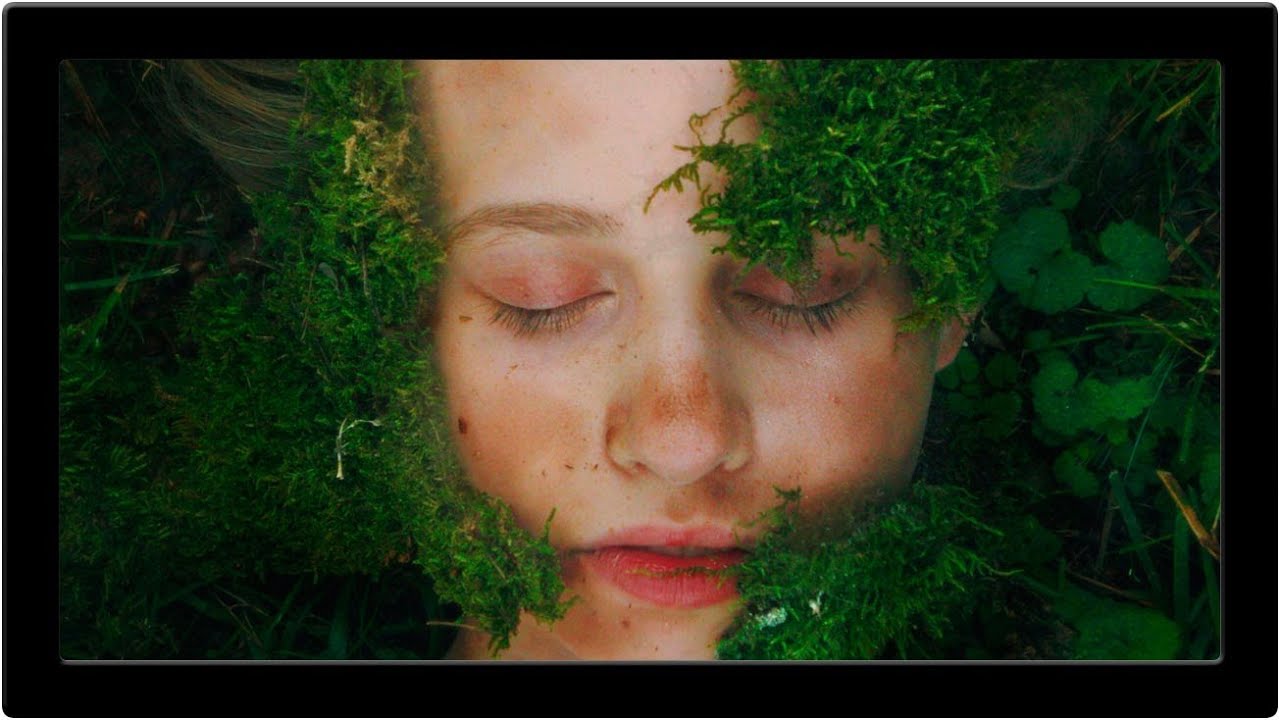
I came to landscape photography the same way I came to most things outside my retouching work: sideways, by accident, and slightly obsessed. After years of staring at skin texture and catchlights on a monitor, I started taking long walks with a camera just to remember what it felt like to photograph something that couldn’t ask for a revision. That’s how I stumbled onto Nigel Danson’s work, and specifically this tutorial on woodland photography that stopped me mid-scroll and made me watch it twice.

How to Read a Beauty Lighting Setup From a Single Catchlight (And Recreate It)

How to Read a Beauty Lighting Setup From a Single Catchlight (And Recreate It)

There’s a specific kind of frustration that comes from receiving a beauty image to retouch when you have no idea how it was lit. You can see something is off in the skin tones, or the shadows feel muddy, but you can’t diagnose it because you weren’t in the room. Understanding lighting setups, even as a retoucher, changes how you read an image entirely. It tells you which shadows are intentional, which highlights belong there, and where the photographer was going emotionally with the shot.

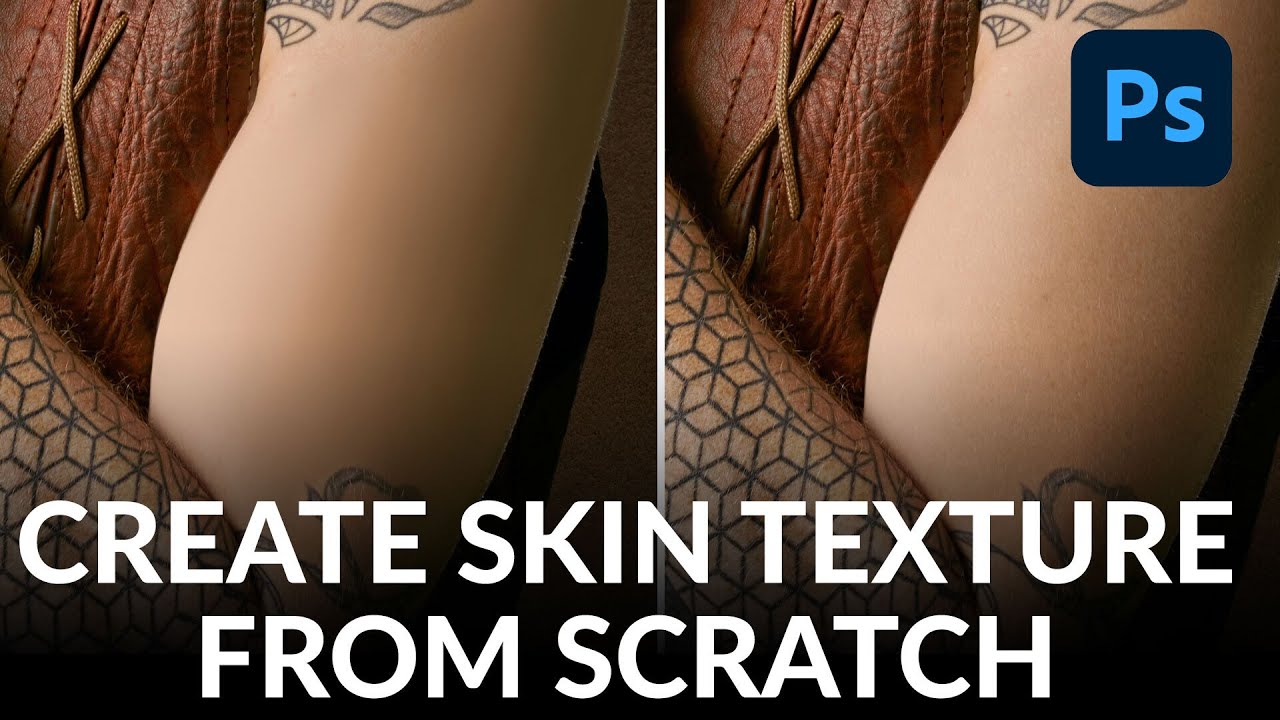
How I Use Frequency Separation to Retouch Fashion Portraits Without Killing the Skin Texture

How I Use Frequency Separation to Retouch Fashion Portraits Without Killing the Skin Texture

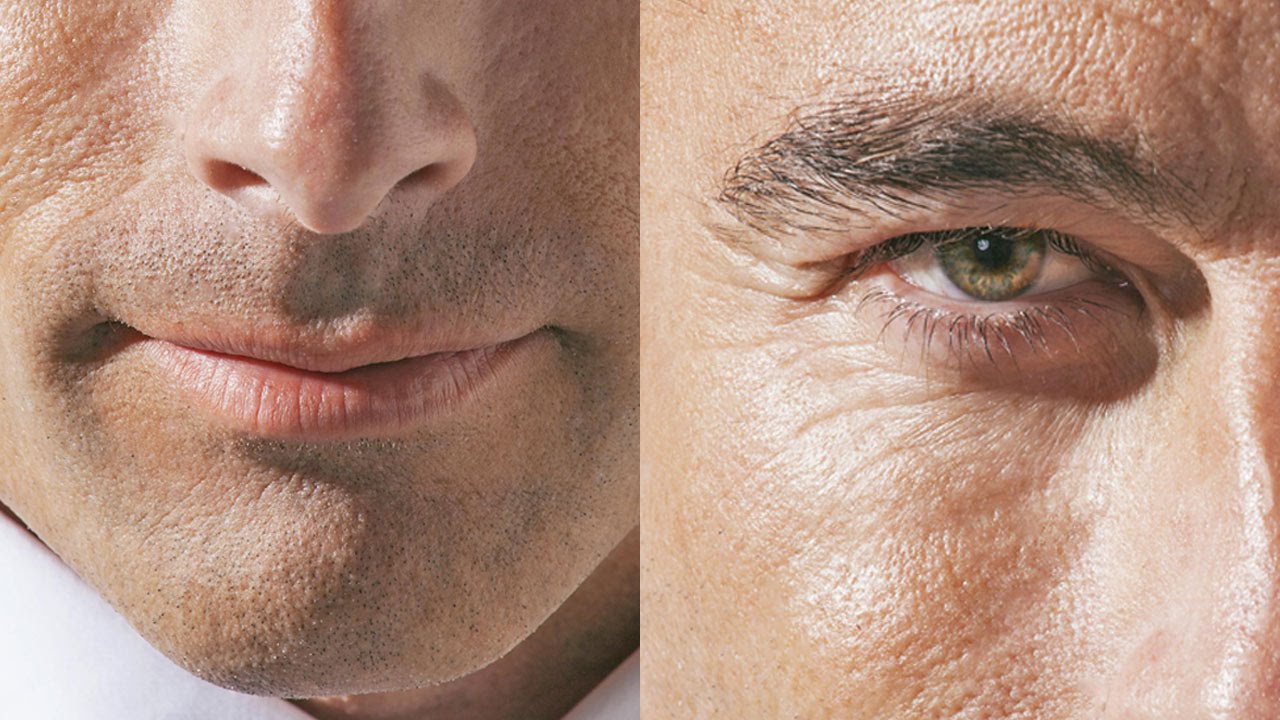
There is a particular kind of dread that comes from zooming into a portrait at 100% and seeing a patchwork of mismatched skin tones staring back at you. Early in my retouching work, I overcorrected for that by smoothing everything into oblivion, and I paid for it when a client told me the finished image looked “like a wax figure.” That note stung, and it sent me back to the drawing board to figure out how to clean up uneven color without erasing the proof that a real human was photographed.

Burnt Out on Photography? Here's Why It Happens and How to Actually Get Your Drive Back

Burnt Out on Photography? Here's Why It Happens and How to Actually Get Your Drive Back

There is a specific kind of exhaustion that creeps up on creative people slowly, then all at once. For me, it showed up after my third consecutive 60-hour wedding weekend. I remember sitting in front of my editing queue on a Monday morning, looking at 1,800 raw files, and feeling absolutely nothing. Not dread, not excitement. Just nothing. That hollow feeling was the first real signal that something needed to change, and it eventually pushed me away from weddings entirely and toward the retouching work I do now.

Clean Skin, Real People: How Sean Tucker's 3-Step Method Changed How I Retouch Portraits

Clean Skin, Real People: How Sean Tucker's 3-Step Method Changed How I Retouch Portraits

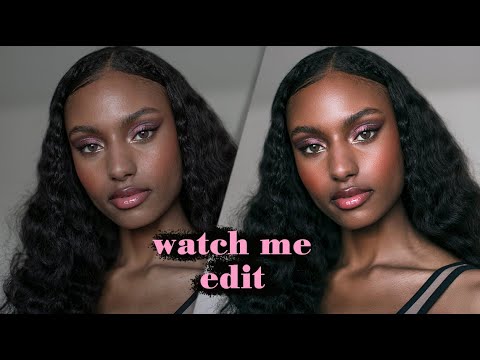
There’s a specific kind of dread that comes with opening a portrait file and knowing the skin needs work. Early in my retouching career, I leaned hard on every technique I could find, and the results looked exactly like what they were: over-processed, waxy, and unconvincing. A client once described my edits as “plastic-looking,” and honestly, she wasn’t wrong. That moment sent me down a long road of figuring out how to clean up skin without erasing the person underneath.

What a $30,000 Camera Taught Me About Color Calibration (And Committing to Your Choices)

What a $30,000 Camera Taught Me About Color Calibration (And Committing to Your Choices)

There’s a particular kind of portrait that makes me slow down before I even touch a slider: one with a colored gel light behind the subject. The background glow bleeds into the skin tones, the shadows pick up unexpected hues, and every calibration decision you make either elevates the whole mood or turns it into a muddy mess. I’ve lost more than a few hours to gel-lit portraits that felt just slightly off no matter what I tried in the basic panel.

AI-Powered Portrait Retouching: Using Liquify, Neural Filters, and the Happiness Slider You Didn't Know Existed

AI-Powered Portrait Retouching: Using Liquify, Neural Filters, and the Happiness Slider You Didn't Know Existed

There’s a specific kind of client portrait that every retoucher knows: the one where the subject looks technically fine but somehow unhappy, closed-off, a little flat. You’ve balanced the skin, the light is clean, and yet something about the expression makes the whole image feel heavy. For years, my only options were to either live with it or spend forty minutes carefully painting in a subtler version of whatever the subject’s face was doing.

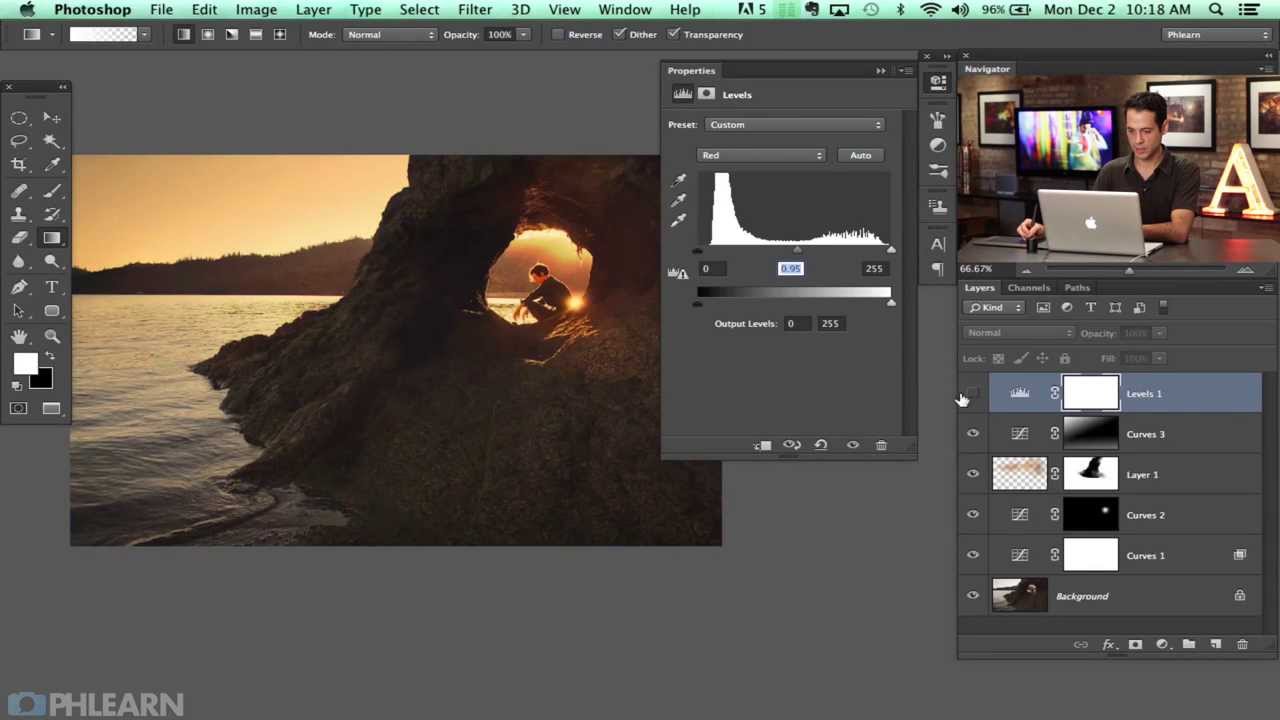
What Landscape Photographers Know About Light That Every Beauty Retoucher Should Steal

What Landscape Photographers Know About Light That Every Beauty Retoucher Should Steal

There’s a reason I keep a folder on my desktop called “Not Beauty.” It’s full of tutorials from photographers who have nothing to do with my usual world of skin smoothing and color grading, and it’s one of the most useful folders I have. When I burned out on wedding photography years ago and moved into beauty retouching, I thought I was leaving landscape and nature work behind entirely. What I didn’t expect was how much the discipline of outdoor photographers would reshape the way I think about light, patience, and the decision-making that happens before you ever open Lightroom.